


Music Speed Changer (Classic)
Chơi trên PC với BlueStacks - Nền tảng chơi game Android, được hơn 500 triệu game thủ tin tưởng.

Trang đã được sửa đổi vào: Oct 21, 2022
Run Music Speed Changer (Classic) on PC or Mac
Get freedom from your phone’s obvious limitations. Use Music Speed Changer (Classic), made by Single Minded Productions, LLC, a Music & Audio app on your PC or Mac with BlueStacks, and level up your experience.
About the App
Music Speed Changer (Classic) is your go-to tool if you love messing around with music tracks or practicing new songs on an instrument. Whether you’re slowing things down to catch every note, tweaking the pitch just for fun, or speeding everything up, this app puts you in the driver’s seat when it comes to audio control. Created by Single Minded Productions, LLC, it offers a classic experience that’s all about flexibility and ease.
App Features
-
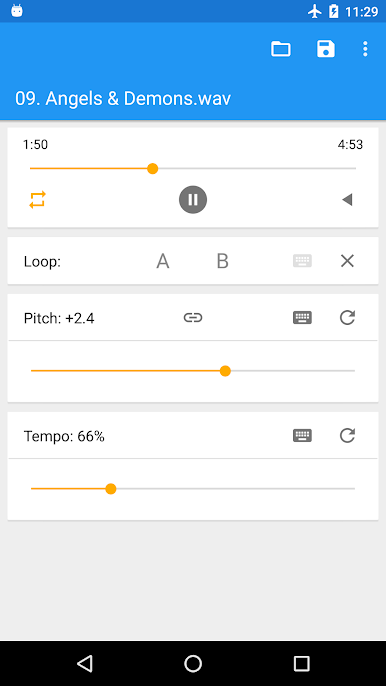
Adjust Tempo & Pitch Separately
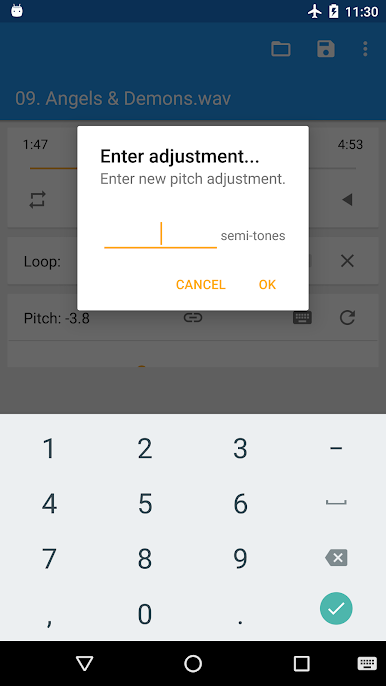
Want to make a song faster or slower without making the singer sound like a chipmunk—or a robot? Music Speed Changer (Classic) lets you change tempo and pitch individually, so everything sounds the way you like. -
Classic Sound Processors
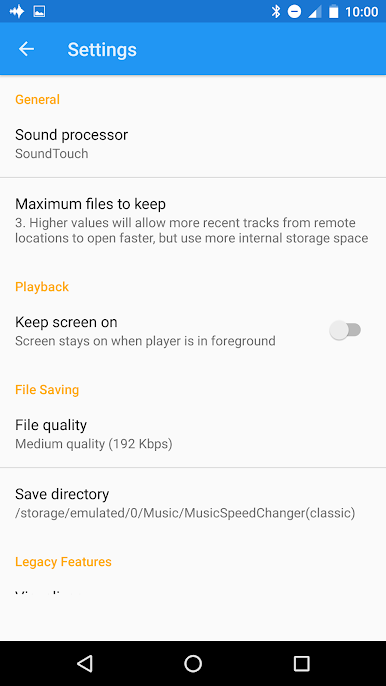
You’ve got two sound engines to pick from: Superpowered or SoundTouch. Both keep things crisp, whether you’re stretching time or shifting pitch. -
Loop Sections for Practice
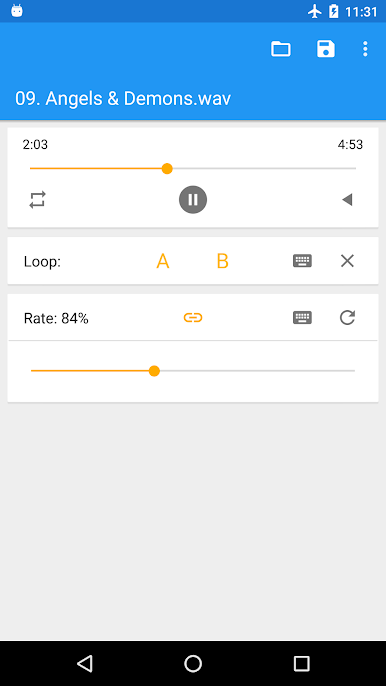
Stuck on one tricky part of a tune? Set loop points (A to B) and practice that segment as many times as you need—no rewinding required. -
Reverse Playback
Curious about what your favorite track sounds like played backwards? Hit reverse and discover a totally new vibe. -
Export Your Edits
Once you’ve nailed the adjustments, save your version as an M4A file. It’s easy to share or pop into another music player. -
Great for Musicians and Listeners Alike
If you’re working out a guitar riff, making a nightcore remix, or just want your audiobook to go a little faster, this app’s got you covered. -
Easy Access to Your Files
Open audio from your device or from the cloud—whatever fits your workflow. -
Simple, Classic Interface
No need to hunt for features. The clean design keeps everything straightforward, so you can get straight to editing without a learning curve. -
Works Smoothly on BlueStacks
Music Speed Changer (Classic) runs great on BlueStacks, letting you work across devices and enjoy a classic feel on a bigger screen. -
Totally Free
No paywalls, no hidden restrictions—just all the features you need for flexible music editing.
Ready to experience Music Speed Changer (Classic) on a bigger screen, in all its glory? Download BlueStacks now.
Chơi Music Speed Changer (Classic) trên PC. Rất dễ để bắt đầu
-
Tải và cài đặt BlueStacks trên máy của bạn
-
Hoàn tất đăng nhập vào Google để đến PlayStore, hoặc thực hiện sau
-
Tìm Music Speed Changer (Classic) trên thanh tìm kiếm ở góc phải màn hình
-
Nhấn vào để cài đặt Music Speed Changer (Classic) trong danh sách kết quả tìm kiếm
-
Hoàn tất đăng nhập Google (nếu bạn chưa làm bước 2) để cài đặt Music Speed Changer (Classic)
-
Nhấn vào icon Music Speed Changer (Classic) tại màn hình chính để bắt đầu chơi

