


FlickFolio - Flickr Fotos
Spiele auf dem PC mit BlueStacks - der Android-Gaming-Plattform, der über 500 Millionen Spieler vertrauen.

Seite geändert am: Dec 4, 2025
Play FlickFolio - Flickr Photos on PC
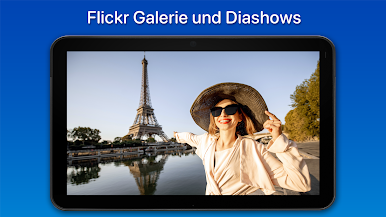
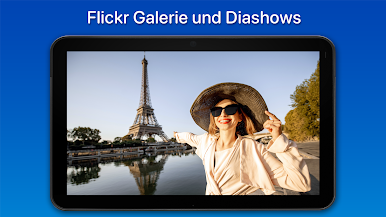
FlickFolio is a photo gallery and slideshow app for Flickr.
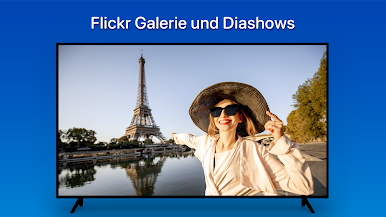
🖼 Slideshow
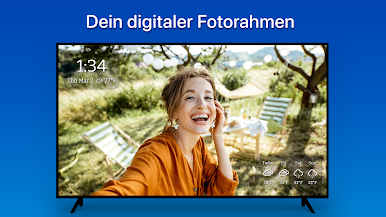
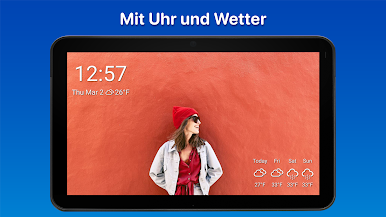
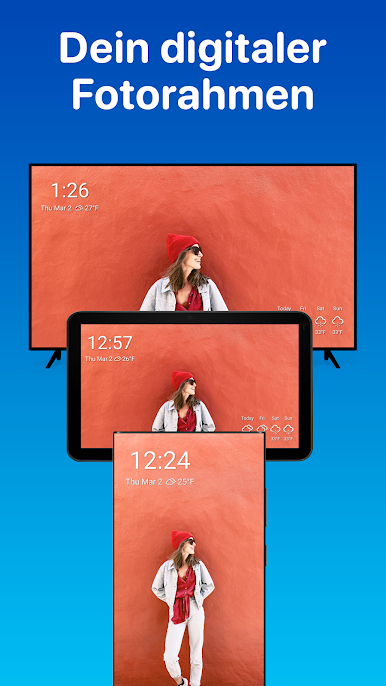
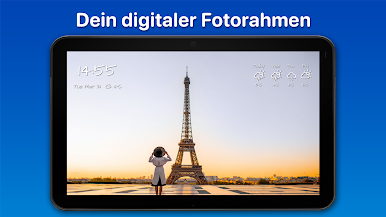
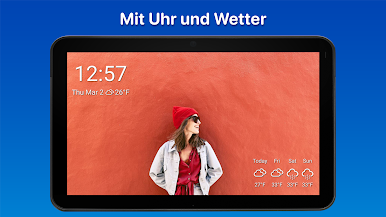
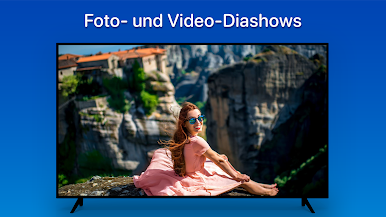
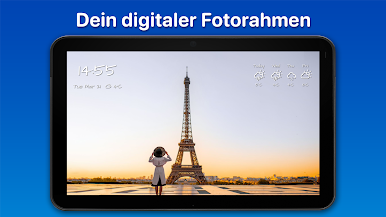
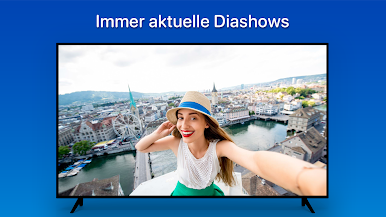
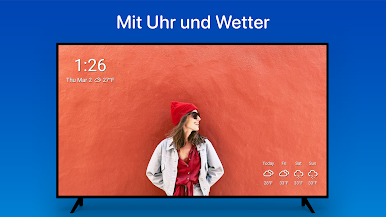
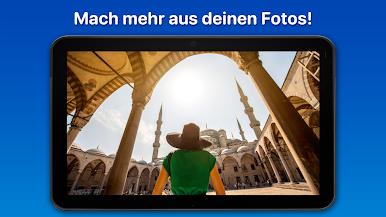
Use your device as a digital picture frame. Slideshows loop and can play videos too! Choose from a dozen animations. Play your slideshow on a single album or show all of your pictures. Turn on auto refresh so your slideshow stays current with latest slides.
✉️ Sharing
Sharing is easy. Share photos with Gmail, Facebook, Twitter, Instagram, Google Photos app, etc. Easily share multiples and post pictures online.
📺 Television
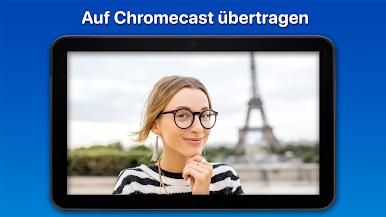
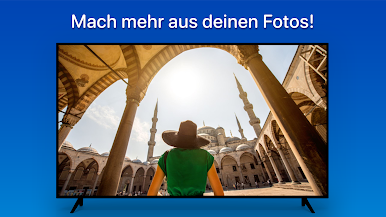
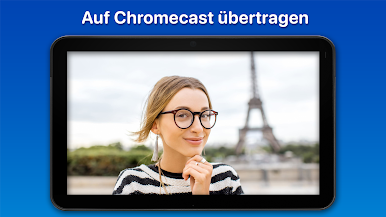
Quickly Chrome cast photos to a TV or better, run the app directly on Android TVs, like the nVidia Shield, Sony Bravia, or Sharp AQUOS.
Use multiple accounts? Login to multiple accounts and easily switch between them.
Flickr Features
· See recent activity on your photos
· Explore interestingness, groups, and favorites
· Your photo stream and albums
· Add photos to multiple groups at one time
· Sort album thumbnails by date taken, date uploaded, views, favorites, comments, etc
· See photos already favorited when scrolling thumbnails
· See users that have favorited a photo
· View contact’s recent photos and photostreams
· Add and move photos between albums
· Easily favorite a photo in lightbox
· View and add comments
· Filter photos by tags
· Set title, tags, and privacy settings on uploads
· Search Flickr, your own photos, or your contact's photos
More Features
· Animated photo and video slideshows
· Auto refresh slideshow slides
· Display slides for 3 seconds to 24 hours
· High quality image for any display
· Play videos and animated GIFs
· Use Chrome cast to project photos onto your TV
· Move app data to sdcard
· Set as device screensaver
· Support for multiple logins
· Crop to fill screen so pictures always fill the screen
· Force maximum brightness when viewing photos
· Read only mode turns off destructive actions like delete
I stand by and support my apps. If you have a problem, email me at help@snapwoodapps.com. If you’d like a refund, just email. Thanks for reading and enjoy this powerful Flickr App for Android!









Spiele FlickFolio - Flickr Fotos auf dem PC. Der Einstieg ist einfach.
-
Lade BlueStacks herunter und installiere es auf deinem PC
-
Schließe die Google-Anmeldung ab, um auf den Play Store zuzugreifen, oder mache es später
-
Suche in der Suchleiste oben rechts nach FlickFolio - Flickr Fotos
-
Klicke hier, um FlickFolio - Flickr Fotos aus den Suchergebnissen zu installieren
-
Schließe die Google-Anmeldung ab (wenn du Schritt 2 übersprungen hast), um FlickFolio - Flickr Fotos zu installieren.
-
Klicke auf dem Startbildschirm auf das FlickFolio - Flickr Fotos Symbol, um mit dem Spielen zu beginnen

