


RemoteToGo RDP/VNC For Android
العب على الكمبيوتر الشخصي مع BlueStacks - نظام أندرويد للألعاب ، موثوق به من قبل أكثر من 500 مليون لاعب.

Run RemoteToGo RDP/VNC For Android on PC or Mac
Why limit yourself to your small screen on the phone? Run RemoteToGo RDP/VNC For Android, an app by softmedia, best experienced on your PC or Mac with BlueStacks, the world’s #1 Android emulator.
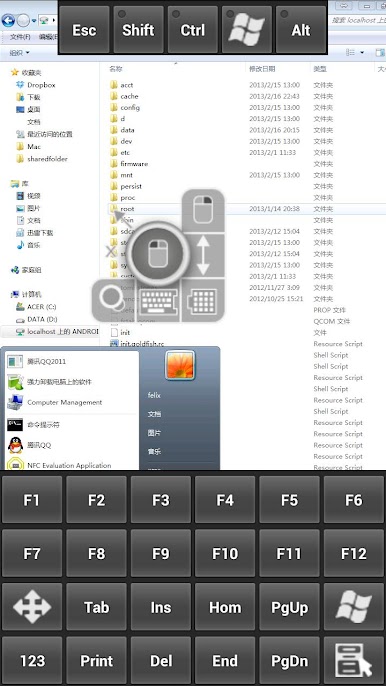
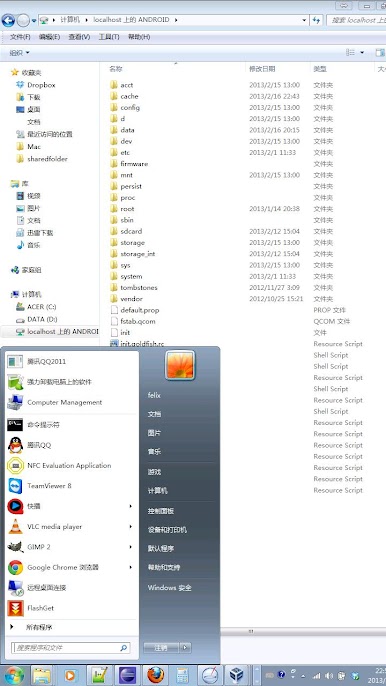
RemoteToGo is a straight-up remote desktop app for Android that lets someone jump into a Windows machine with RDP, or reach Linux and Mac using VNC. On a phone it is touch friendly, with zooming and an on-screen keyboard that does the job, but running it on a PC through BlueStacks feels way more natural. The mouse lands on small icons without fuss, typing is faster, and moving windows around actually feels like using a normal desktop. Audio from the remote computer plays on the device, the clipboard goes both ways so copy on the computer and paste on the phone works, and it can share the phone’s SD card so the remote PC sees it for quick file shuffles.
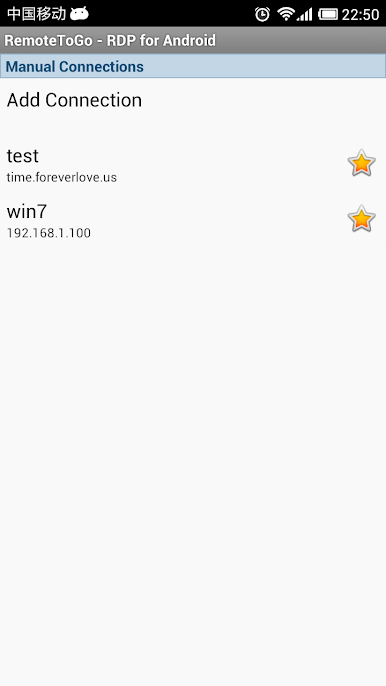
Setup is simple enough, add a bookmark for each machine with the usual hostname and credentials. One thing to know, a big update may wipe old bookmarks, which is annoying, so keep notes of those settings just in case. It is built on a reliable open-source engine, performance over Wi-Fi is solid for admin tasks, file access, and quick fixes. It is not a streaming app for 3D games, but for remote work it feels steady. If it throws an app-not-responding message or crashes the first time, force stop and clear cache in Android’s app settings has fixed it. No fluff, just a handy tool, and on BlueStacks it basically turns into a regular remote desktop on a desktop.
Big screen. Bigger performance. Use BlueStacks on your PC or Mac to run your favorite apps.
العب RemoteToGo RDP/VNC For Android على جهاز الكمبيوتر. من السهل البدء.
-
قم بتنزيل BlueStacks وتثبيته على جهاز الكمبيوتر الخاص بك
-
أكمل تسجيل الدخول إلى Google للوصول إلى متجر Play ، أو قم بذلك لاحقًا
-
ابحث عن RemoteToGo RDP/VNC For Android في شريط البحث أعلى الزاوية اليمنى
-
انقر لتثبيت RemoteToGo RDP/VNC For Android من نتائج البحث
-
أكمل تسجيل الدخول إلى Google (إذا تخطيت الخطوة 2) لتثبيت RemoteToGo RDP/VNC For Android
-
انقر على أيقونة RemoteToGo RDP/VNC For Android على الشاشة الرئيسية لبدء اللعب

