


Solitaire Dungeon Escape
Graj na PC z BlueStacks – Platforma gamingowa Android, która uzyskała zaufanie ponad 500 milionów graczy!

Strona zmodyfikowana w dniu: Nov 4, 2025
Play Solitaire Dungeon Escape on PC
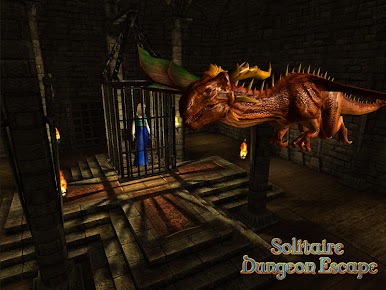
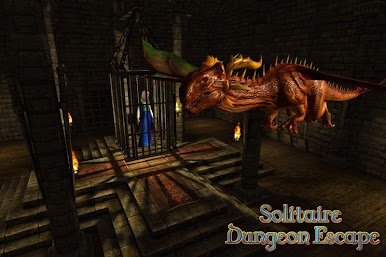
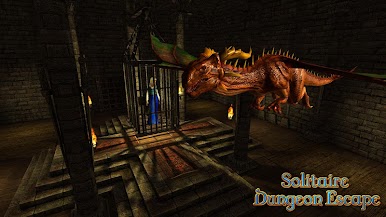
Your princess is locked up in the last room of an intricate dungeon, guarded by a dragon.
The keys to open the doors, are split in 16 parts.
The only way to get these parts is solving a card game with magic cards.
Let the adventure begin!
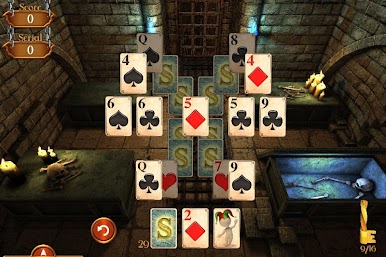
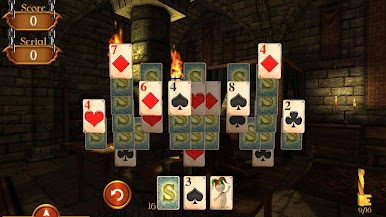
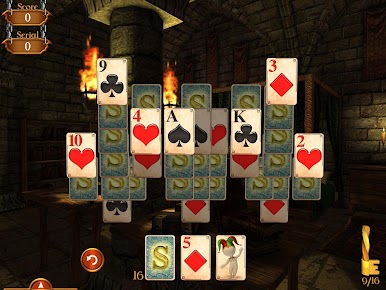
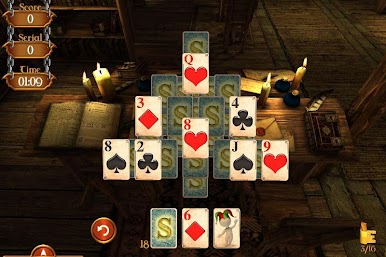
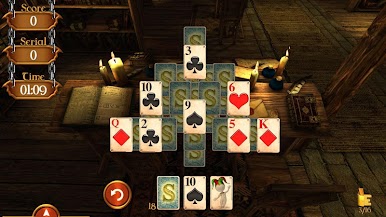
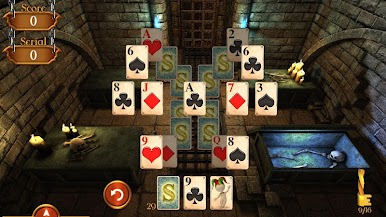
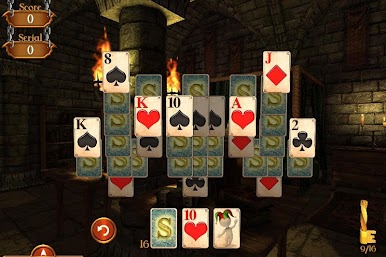
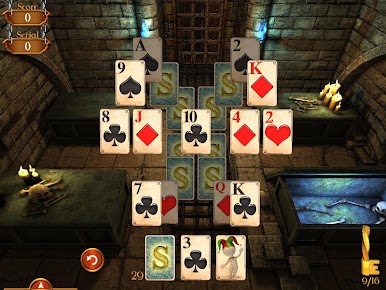
The card game consists in clearing the board by taking a card that is one above or below than the card on the deck. From level 6 you would have available a wild card, that you would be able to use any time replacing the card that you need. It's very useful for building long sequences.
Each card taken off from the board has a value of 100 points, and if it follows a sequence then its value would have 50 bonus points. This means that the longer the sequence is then more points you get.
Among the 160 levels available to play, you would find several missions such as:
- Obtain X points.
- Have a sequence of X number of cards.
- Solve 2 rounds of the game.
- Get a golden card by having a sequence of 5 cards.
- Solve the game in X amount of time.
- Find the card key to open the lock
It’s a game that doesn’t need wifi!
No in-app purchases!

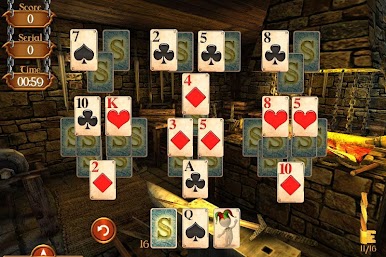
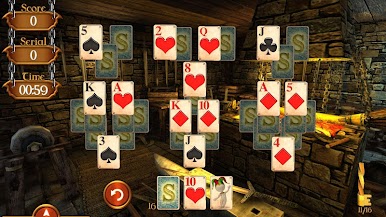
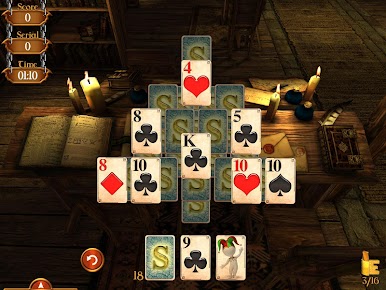
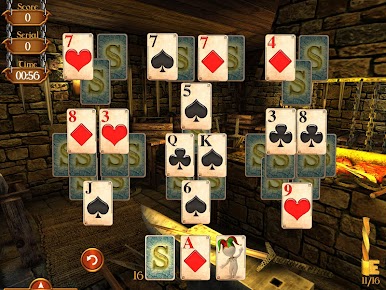
Zagraj w Solitaire Dungeon Escape na PC. To takie proste.
-
Pobierz i zainstaluj BlueStacks na PC
-
Zakończ pomyślnie ustawienie Google, aby otrzymać dostęp do sklepu Play, albo zrób to później.
-
Wyszukaj Solitaire Dungeon Escape w pasku wyszukiwania w prawym górnym rogu.
-
Kliknij, aby zainstalować Solitaire Dungeon Escape z wyników wyszukiwania
-
Ukończ pomyślnie rejestrację Google (jeśli krok 2 został pominięty) aby zainstalować Solitaire Dungeon Escape
-
Klinij w ikonę Solitaire Dungeon Escape na ekranie startowym, aby zacząć grę

