


Sortly: Inventory Simplified
Jogue no PC com BlueStacks - A Plataforma de Jogos Android, confiada por mais de 500 milhões de jogadores.

Página modificada em: Dec 11, 2025
Play Sortly: Inventory Simplified on PC
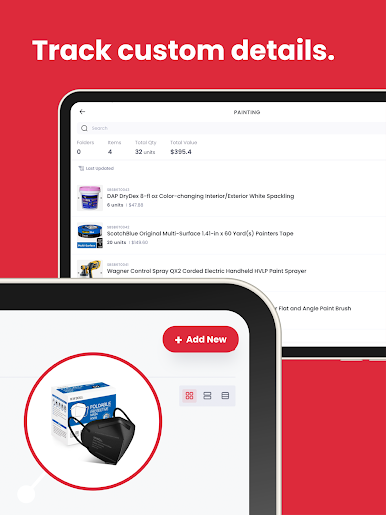
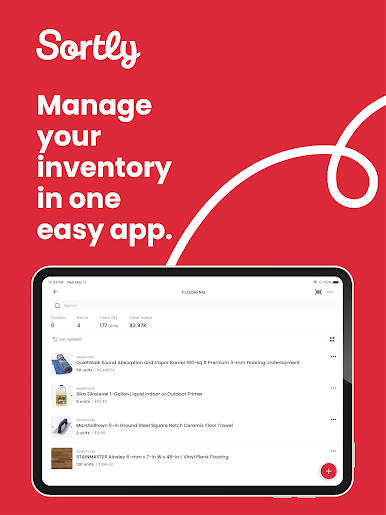
With Sortly, you can track, organize, and manage your inventory—from any device, in any location. It’s so simple and intuitive that you can start tracking inventory in minutes.
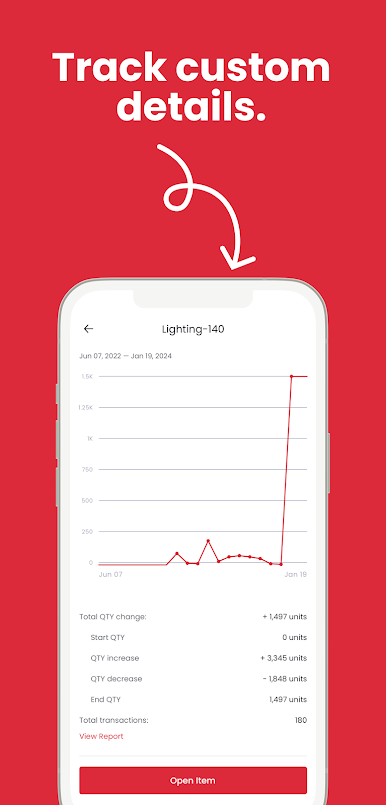
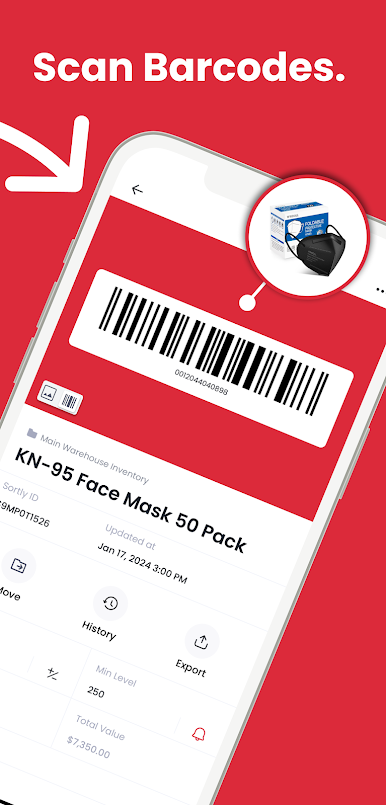
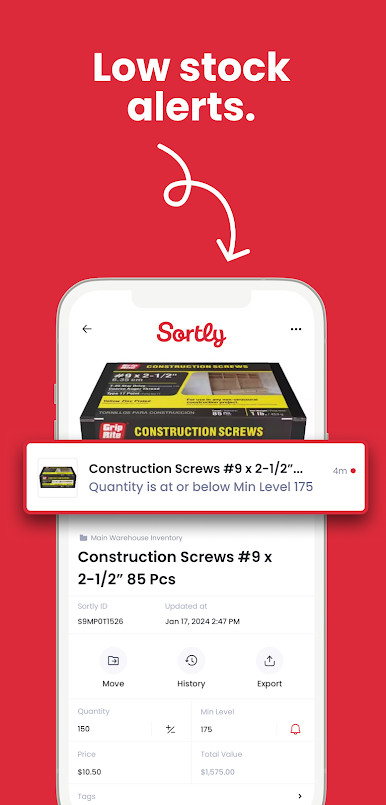
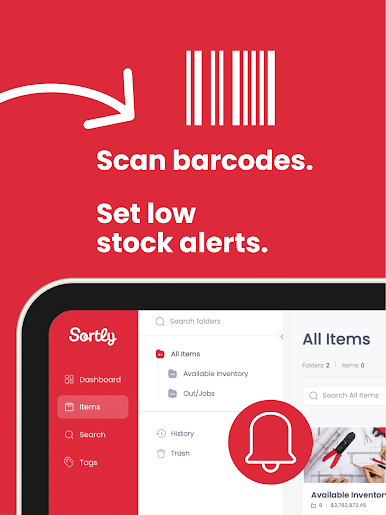
Sortly comes equipped with smart features like barcoding & QR coding, low stock alerts, customizable folders, data-rich reporting, customizable access, and more. Manage inventory from your smartphone in real-time—whether you’re on the job, in the warehouse, or on the go. Track inventory, supplies, parts, tools, equipment, and anything else that matters to your business.
Whether you’re just getting started with inventory management or you’re an expert looking for a better solution, Sortly can transform how you manage inventory—so you can focus on building your business. Join the over 20,000 businesses that trust us as their inventory management solution and download Sortly today.
KEY FEATURES OUR CUSTOMERS LOVE:
- Any device, any location
- Mobile barcode & QR code scanning
- Barcode & QR code label generation
- Custom folders
- Custom fields & tags
- Low stock alerts
- Date-based alerts
- Item photos
- Pick lists
- Inventory reporting
- Customizable user access
- Offline access
- Automatic syncing across all devices, all users
- Easy inventory import
- Excellent customer support
Jogue Sortly: Inventory Simplified no PC. É fácil começar.
-
Baixe e instale o BlueStacks no seu PC
-
Conclua o login do Google para acessar a Play Store ou faça isso mais tarde
-
Procure por Sortly: Inventory Simplified na barra de pesquisa no canto superior direito
-
Clique para instalar Sortly: Inventory Simplified a partir dos resultados da pesquisa
-
Conclua o login do Google (caso você pulou a etapa 2) para instalar o Sortly: Inventory Simplified
-
Clique no ícone do Sortly: Inventory Simplified na tela inicial para começar a jogar

