

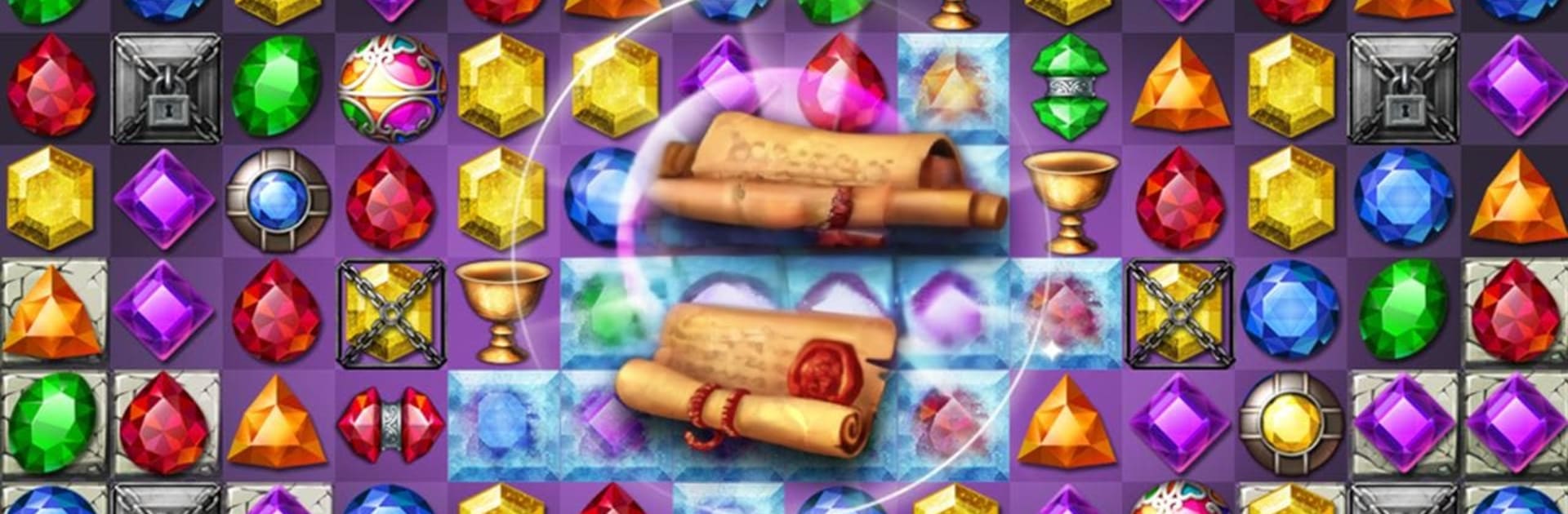
Jewels Temple Fantasy
Spiele auf dem PC mit BlueStacks - der Android-Gaming-Plattform, der über 500 Millionen Spieler vertrauen.

Seite geändert am: Oct 26, 2025
Play Jewels Temple Fantasy on PC or Mac
Bring your A-game to Jewels Temple Fantasy, the Puzzle game sensation from springpocket. Give your gameplay the much-needed boost with precise game controls, high FPS graphics, and top-tier features on your PC or Mac with BlueStacks.
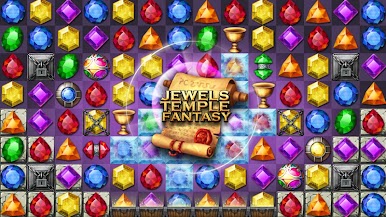
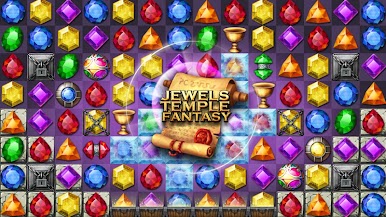
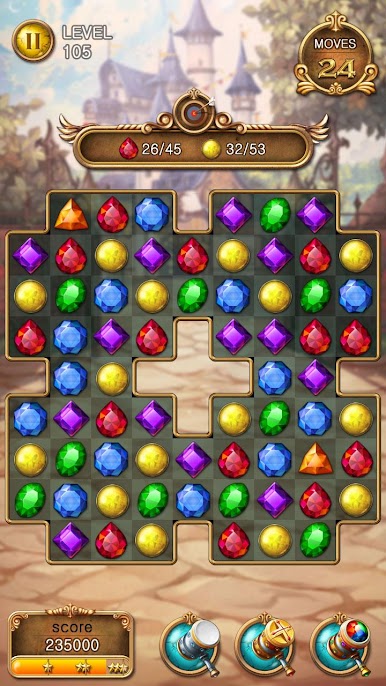
Jewels Temple Fantasy is a relaxed match-3 that leans into a time-traveling temple theme, with shiny gems, ruins, and little story bits that pop up as stages roll by. Matches feel quick and clean, and the game keeps mixing up goals so it is not just clearing tiles. One stage wants relics collected, another wants keys dropped, then a boss pops up that gets chipped down with smart matches and a couple of well-timed boosters. It looks bright without being messy, so it is easy to read the board and spot those four and five matches that set off big clears. On PC with BlueStacks, mouse swapping feels very precise and the larger screen helps a lot when blockers stack up.
There are loads of stages and it keeps adding new twists as progress is made. Treasure-hunt objectives are a nice change of pace, and the secret item-collect mode shows up when someone wants something a bit different. There is a costume system for Jerome that lets players dress the little hero, it is just a fun extra to unlock while chipping through puzzles. The game supports offline play for flights or spotty internet, and there are rankings for global and country if someone likes chasing scores. Co-op and PVP via friends are there too, nothing pushy. It is free to play, with optional purchases for boosters or extra tries if a tough stage will not budge, and it is localized in a bunch of languages so most folks can jump in without hassle.
Slay your opponents with your epic moves. Play it your way on BlueStacks and dominate the battlefield.

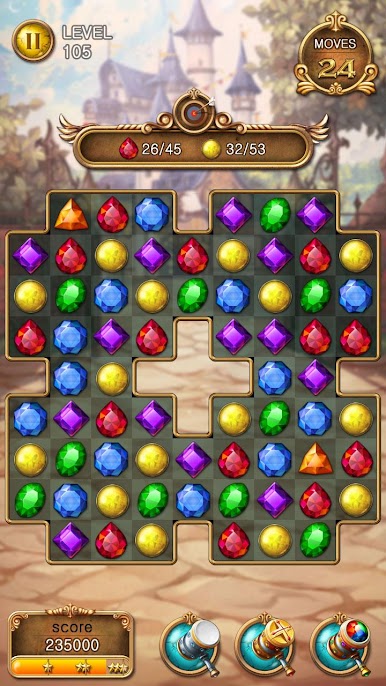


















Spiele Jewels Temple Fantasy auf dem PC. Der Einstieg ist einfach.
-
Lade BlueStacks herunter und installiere es auf deinem PC
-
Schließe die Google-Anmeldung ab, um auf den Play Store zuzugreifen, oder mache es später
-
Suche in der Suchleiste oben rechts nach Jewels Temple Fantasy
-
Klicke hier, um Jewels Temple Fantasy aus den Suchergebnissen zu installieren
-
Schließe die Google-Anmeldung ab (wenn du Schritt 2 übersprungen hast), um Jewels Temple Fantasy zu installieren.
-
Klicke auf dem Startbildschirm auf das Jewels Temple Fantasy Symbol, um mit dem Spielen zu beginnen

