


TTSReader Pro - Text To Speech
在電腦上使用BlueStacks –受到5億以上的遊戲玩家所信任的Android遊戲平台。

Run TTSReader Pro - Text To Speech on PC or Mac
Let BlueStacks turn your PC, Mac, or laptop into the perfect home for TTSReader Pro – Text To Speech, a fun Productivity app from WellSource – Empowering You.
About the App
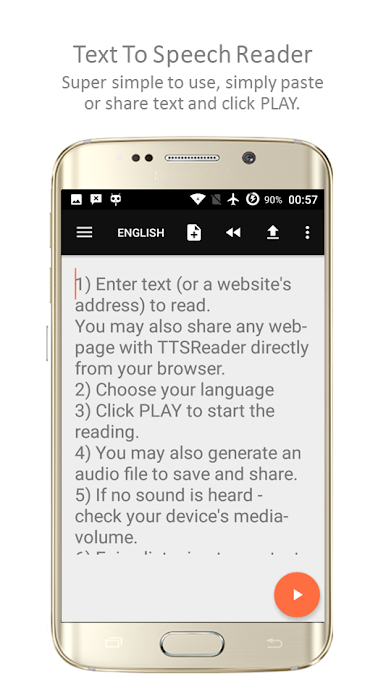
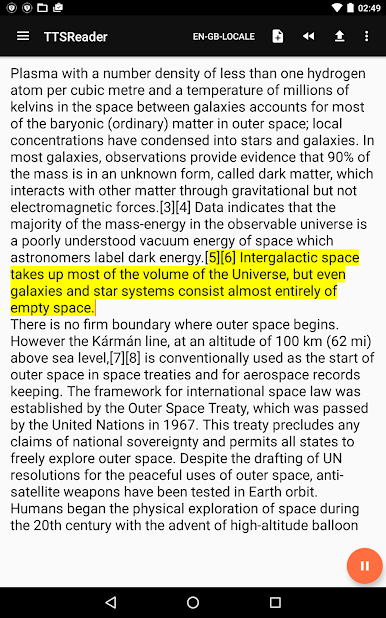
Ever wanted your phone to just read out loud what’s on your screen—like your favorite article, a PDF, or even a funny message you’ve typed up? TTSReader Pro – Text To Speech by WellSource – Empowering You lets you do just that, turning pretty much any readable text into spoken words. Whether you’re multitasking, giving your eyes a break, or just want to prank your friends with a wacky voice message, this app has you covered in a surprisingly fun way.
App Features
-
Reads Almost Anything
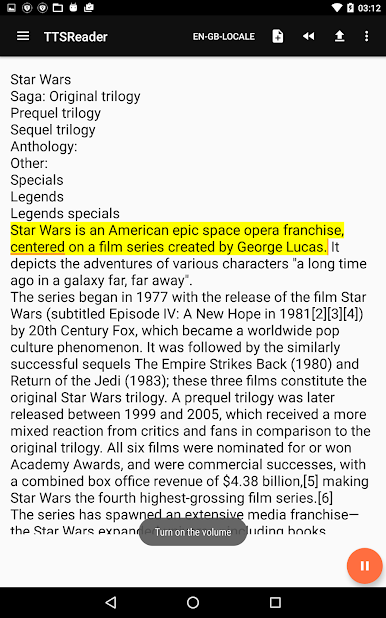
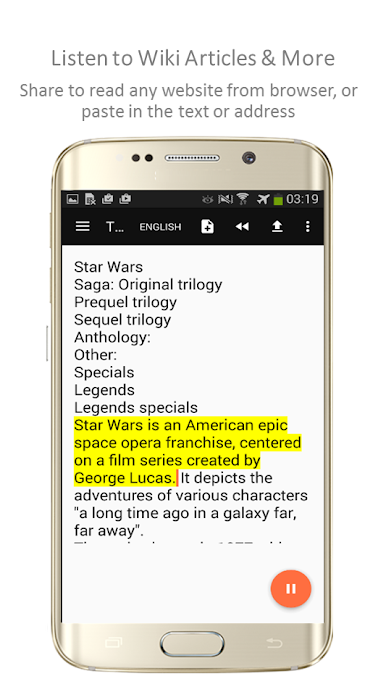
Whether it’s a block of text you’ve typed, a whole website, or a PDF, TTSReader Pro – Text To Speech can read it out loud for you. Just paste, share, or open your file, and you’re good to go. -
Send Voice Messages in Style
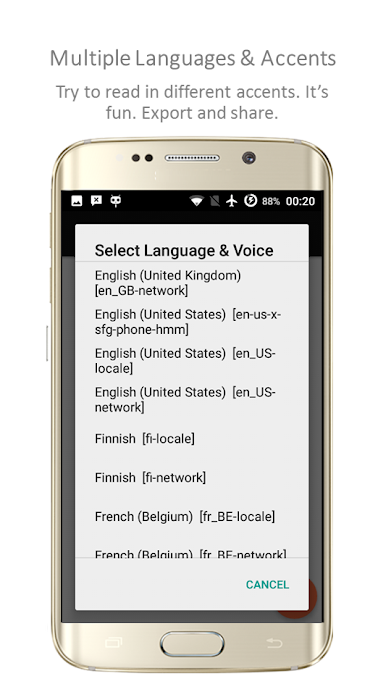
Want to send your friends a ridiculous accent or a different language voice? Type something out, pick an accent (Spanish, English, you name it), and send the audio clip straight through social apps. -
Works While You Do Other Stuff
Listen to articles, novels, or notes while jogging, driving, or folding laundry. The app keeps reading in the background—even when you turn off the screen to save battery. -
Save and Share Audio
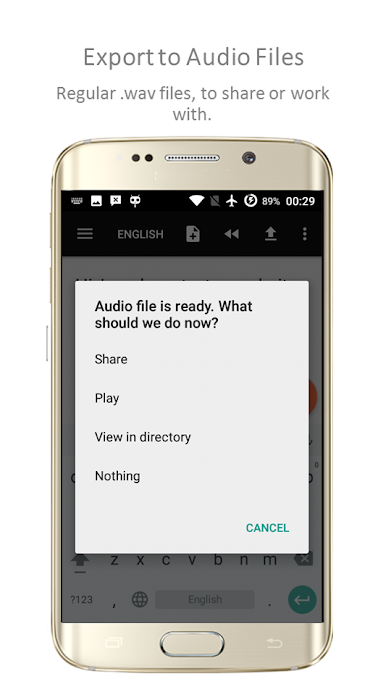
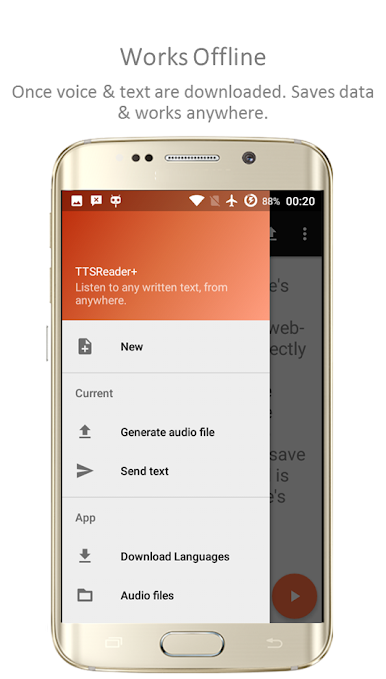
Export your spoken text as an mp3 (up to 800 words), perfect for making audio notes, presentations, or even bedtime stories for the kids. You can easily share these audio files however you like. -
Never Lose Your Place
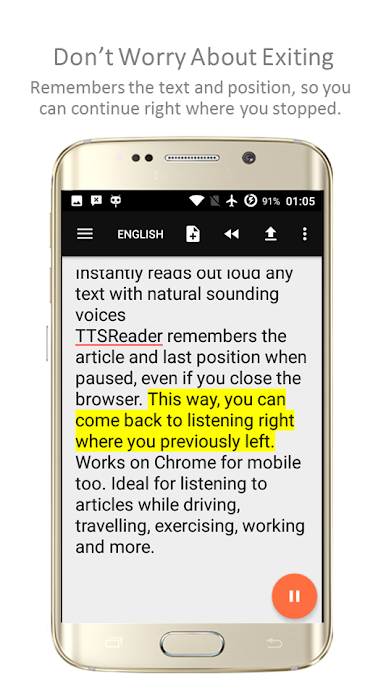
Step away mid-article? The app remembers exactly where you stopped listening, so you can jump back in anytime—no hunting for your spot. -
Offline Playback
Once you’ve got your preferred language downloaded, TTSReader Pro – Text To Speech works offline. Listen anywhere, no signal required, and save your mobile data. -
Customizable Reading Experience
Tweak the speech rate, change font types, or zoom in for easier reading. Dark mode’s also there for those late-night sessions. -
Super Accessible
Great for anyone with reading difficulties, or kids who love stories. Plus, it’s a handy tool for making narration tracks for videos or presentations. -
Easy Text Extraction
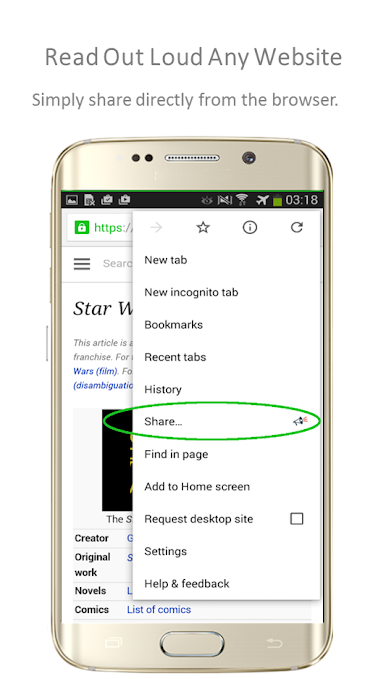
Instantly turn any PDF into plain text or even a spoken audio file. You can also share websites from your browser for instant playback. -
Automatic Scrolling
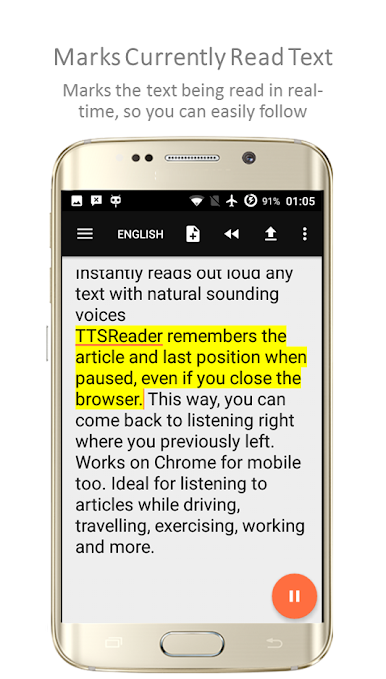
As the app reads, it keeps the current part of the text visible on your screen, so you can read along or just check where you are.
Using TTSReader Pro – Text To Speech on your device—or even on a setup powered by BlueStacks—adds serious flexibility to how and where you consume written content.
Big screen. Bigger performance. Use BlueStacks on your PC or Mac to run your favorite apps.

在電腦上遊玩TTSReader Pro - Text To Speech . 輕易上手.
-
在您的電腦上下載並安裝BlueStacks
-
完成Google登入後即可訪問Play商店,或等你需要訪問Play商店十再登入
-
在右上角的搜索欄中尋找 TTSReader Pro - Text To Speech
-
點擊以從搜索結果中安裝 TTSReader Pro - Text To Speech
-
完成Google登入(如果您跳過了步驟2),以安裝 TTSReader Pro - Text To Speech
-
在首頁畫面中點擊 TTSReader Pro - Text To Speech 圖標來啟動遊戲

