


Startup Space
Gioca su PC con BlueStacks: la piattaforma di gioco Android, considerata affidabile da oltre 500 milioni di giocatori.

Pagina modificata il: Jun 6, 2024
Play Startup Space on PC
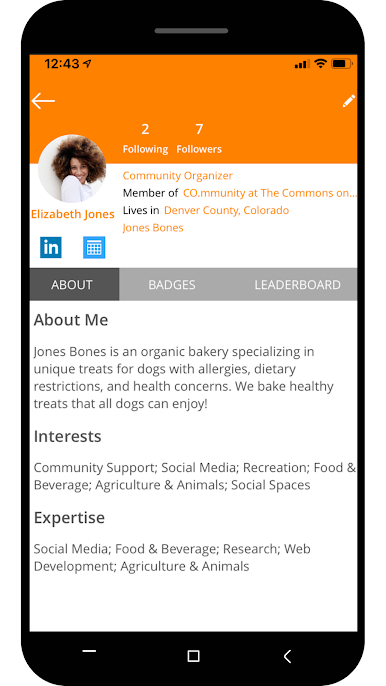
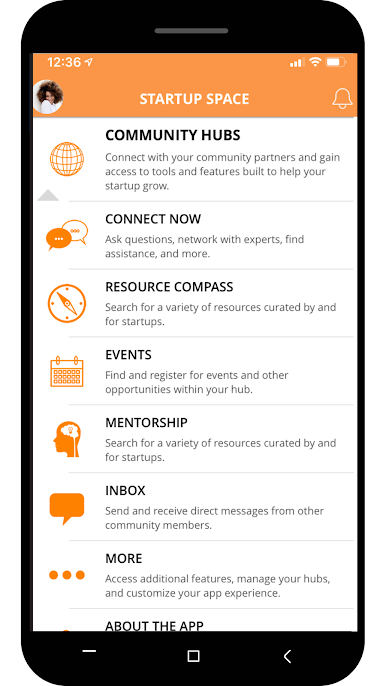
Our hubs are spearheaded by nonprofits, government agencies, incubators, and other economic and workforce development groups deeply invested in the success of small business owners.
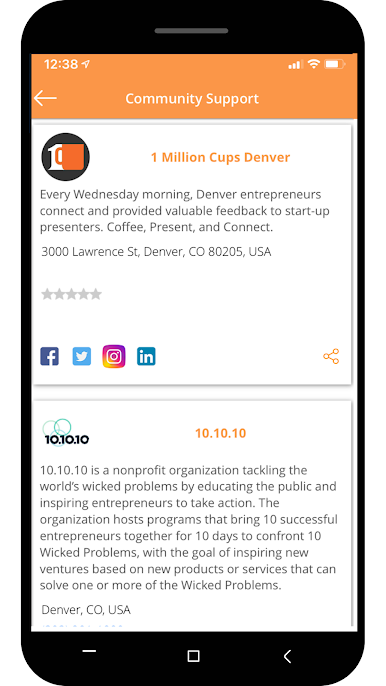
ACCESS CUSTOMIZED SUPPORT
Connect with your local hub to utilize business advisory services, funding opportunities, mentorship programs, affordable workspaces, and more— all tailored to the needs of your community.
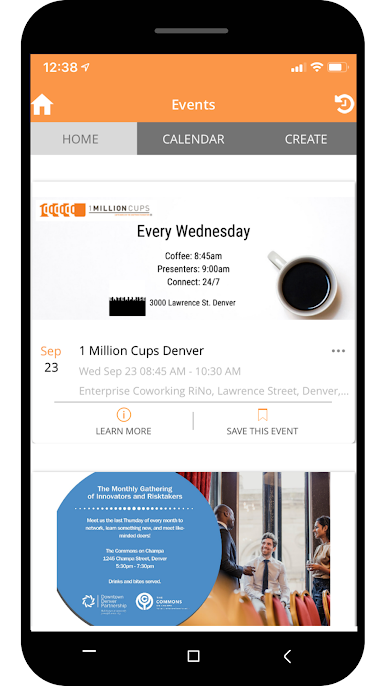
ATTEND EDUCATIONAL EVENTS
Startup Space partners host regular workshops, seminars, and conferences featuring industry professionals imparting practical advice on topics critical to launching and scaling a business.
TAP SPECIALIZED KNOWLEDGE
Each hub leverages partnerships to compile a solid library of articles, how-to guides, and growth tools covering the full business lifecycle.
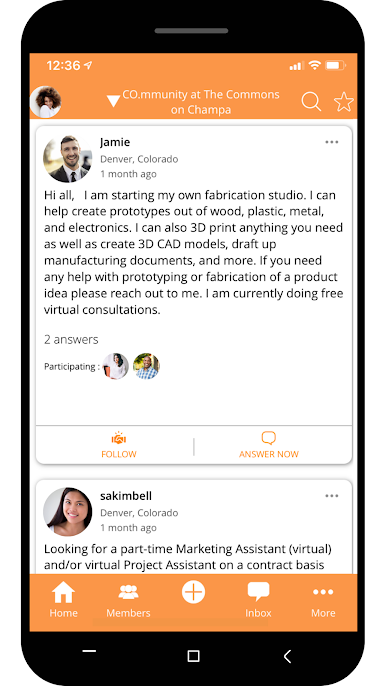
Startup Space consolidates all the major resources entrepreneurs and small business owners need to overcome local barriers through a unified area network built by and for your community.
Join for free and unlock the full potential of your local small business ecosystem.
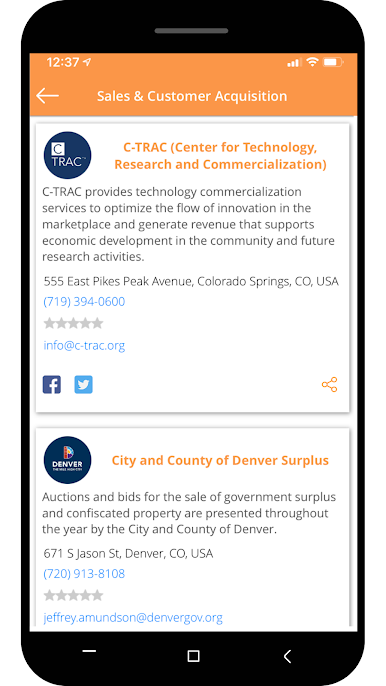
Gioca Startup Space su PC. È facile iniziare.
-
Scarica e installa BlueStacks sul tuo PC
-
Completa l'accesso a Google per accedere al Play Store o eseguilo in un secondo momento
-
Cerca Startup Space nella barra di ricerca nell'angolo in alto a destra
-
Fai clic per installare Startup Space dai risultati della ricerca
-
Completa l'accesso a Google (se hai saltato il passaggio 2) per installare Startup Space
-
Fai clic sull'icona Startup Space nella schermata principale per iniziare a giocare

