

Romantic Love Messages
العب على الكمبيوتر الشخصي مع BlueStacks - نظام أندرويد للألعاب ، موثوق به من قبل أكثر من 500 مليون لاعب.

Run The Best Romantic Love Messages on PC or Mac
Multitask effortlessly on your PC or Mac as you try out The Best Romantic Love Messages, a Entertainment app by Sweet Love Studio on BlueStacks.
About the App
The Best Romantic Love Messages from Sweet Love Studio is your pocket-sized muse for sweet texts, heartfelt notes, and flirty one-liners. It’s an Entertainment app designed for those moments when you want to say something meaningful but don’t know where to start. Open it, browse a category, and you’ll have the right words in seconds—no internet required.
Prefer typing on a keyboard? You can run it on your PC using BlueStacks and craft longer messages comfortably.
App Features
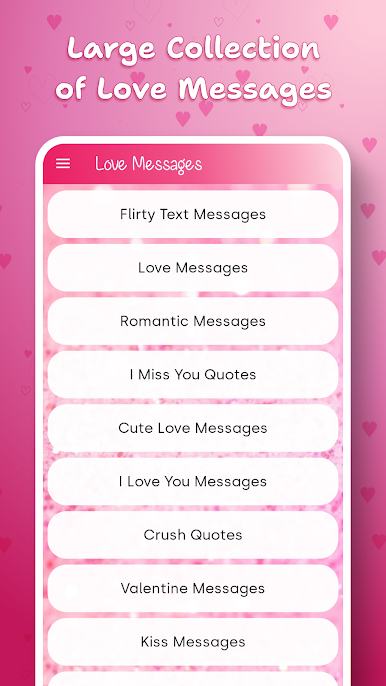
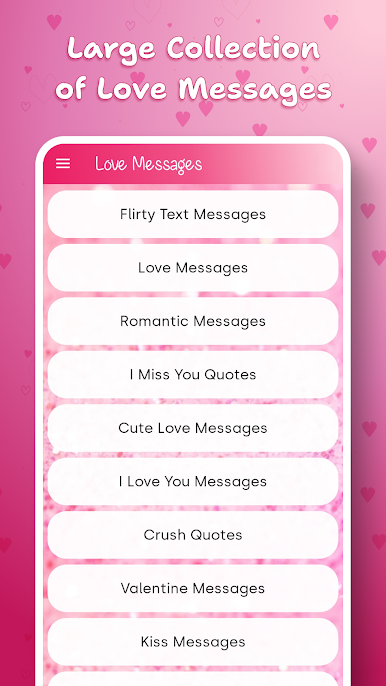
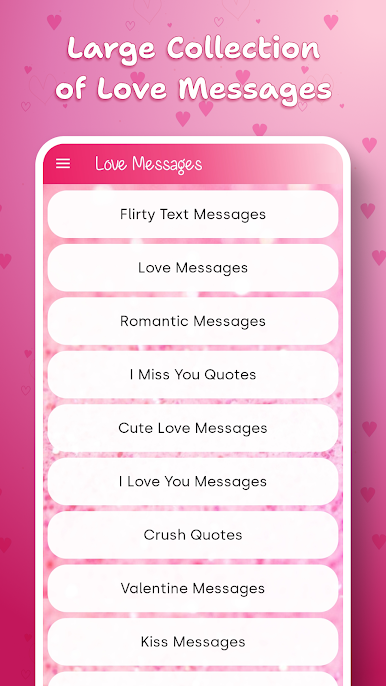
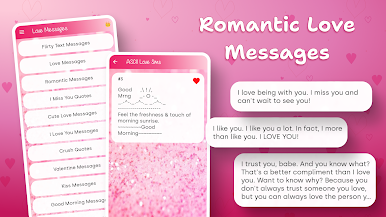
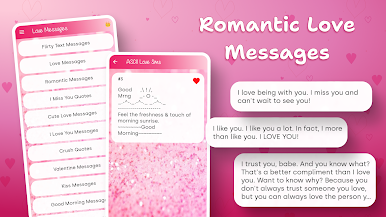
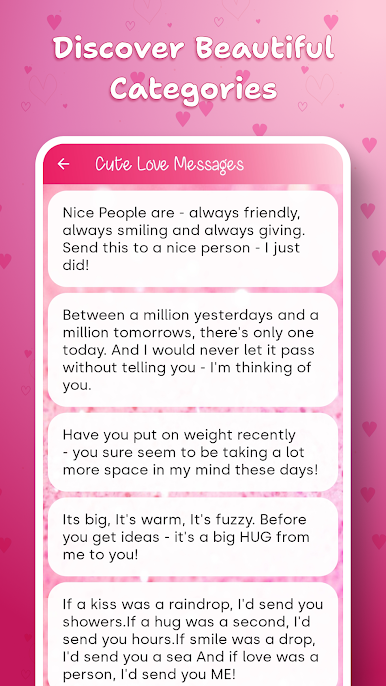
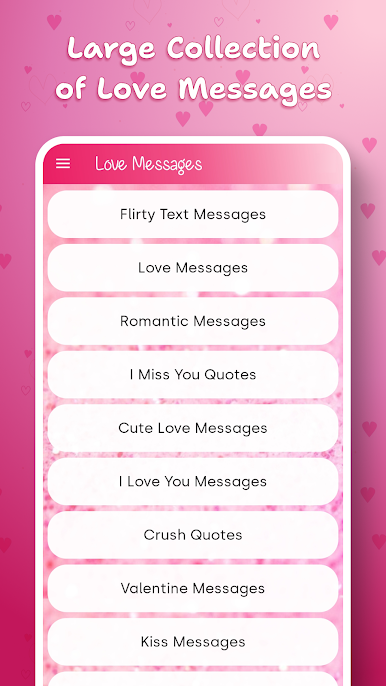
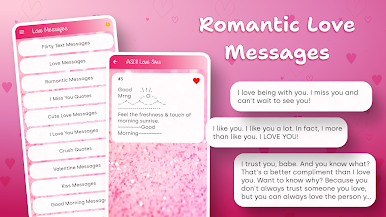
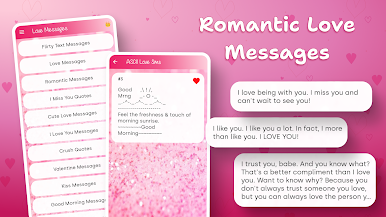
- Huge message library: From classic love messages and romantic notes to cute lines, kiss texts, and “I love you” sayings—there’s something for every relationship and every mood.
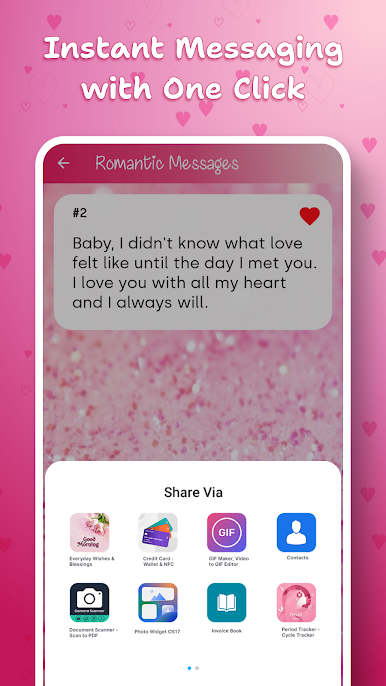
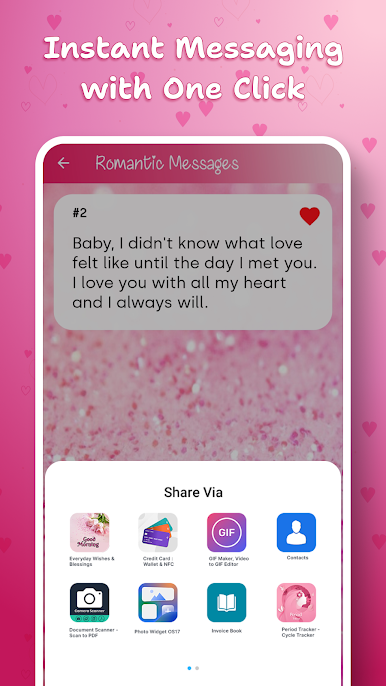
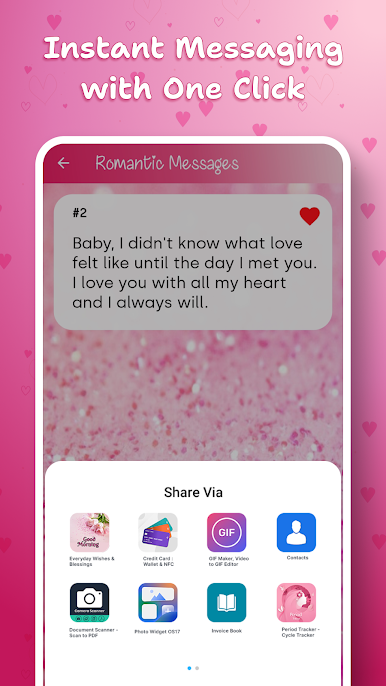
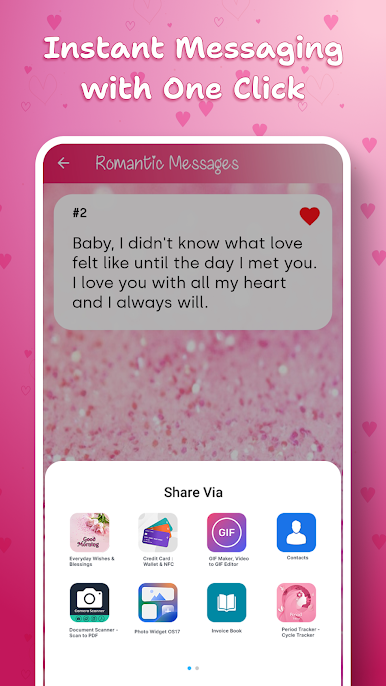
- Quick share: Found the perfect line? Send it with a tap through your favorite messaging apps or copy it to personalize.
- Works completely offline: The full collection is available anytime, anywhere. No signal, no problem.
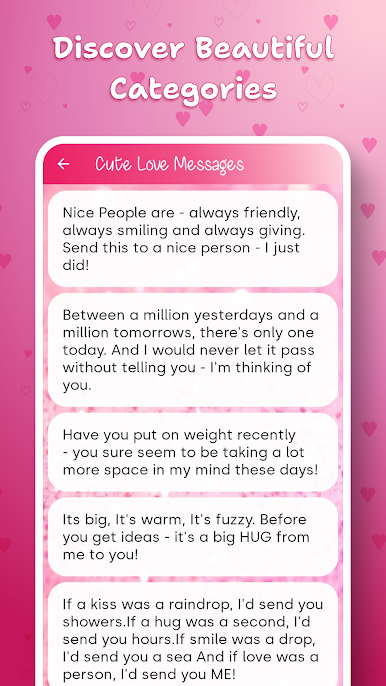
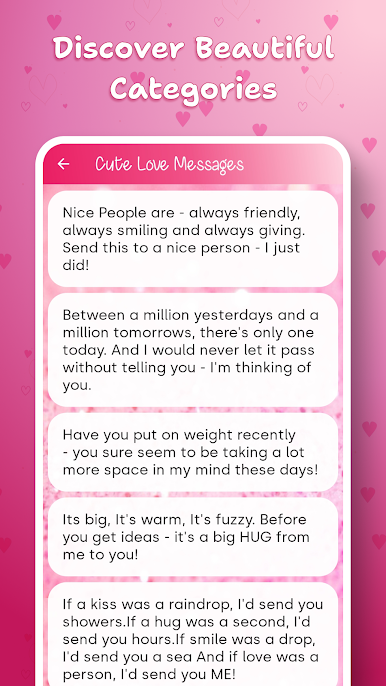
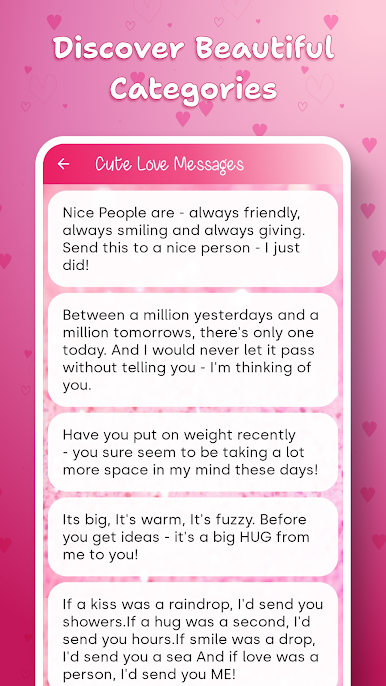
- Easy categories: Jump straight to what you need—Romantic Messages, Cute Love Messages, Crush Quotes, Flirty Text Messages, Cheesy Pickup Lines, and The Best Compliments.
- Morning and night ready: Good Morning and Good Night messages to bookend the day with a little love.
- Holiday and special moments: Valentine messages for big gestures, plus Christmas and New Year options when the season calls for something warm and tender.
- For the highs and lows: Not just for butterflies—Sad Broken Heart Quotes are here for healing words when things feel heavy.
- Motivation in words: Love Quotes and Love Sayings that inspire, comfort, and spark deeper connection without sounding stiff or canned.
Eager to take your app experience to the next level? Start right away by downloading BlueStacks on your PC or Mac.
















العب Romantic Love Messages على جهاز الكمبيوتر. من السهل البدء.
-
قم بتنزيل BlueStacks وتثبيته على جهاز الكمبيوتر الخاص بك
-
أكمل تسجيل الدخول إلى Google للوصول إلى متجر Play ، أو قم بذلك لاحقًا
-
ابحث عن Romantic Love Messages في شريط البحث أعلى الزاوية اليمنى
-
انقر لتثبيت Romantic Love Messages من نتائج البحث
-
أكمل تسجيل الدخول إلى Google (إذا تخطيت الخطوة 2) لتثبيت Romantic Love Messages
-
انقر على أيقونة Romantic Love Messages على الشاشة الرئيسية لبدء اللعب

