


Sudoku Master - Sudoku Offline
Mainkan di PC dengan BlueStacks – platform Game-Game Android, dipercaya oleh lebih dari 500 juta gamer.

Play Sudoku - Classic Sudoku Game on PC or Mac
Join millions to experience Sudoku – Classic Sudoku Game, an exciting Puzzle game from Digitalchemy, LLC. With BlueStacks App Player, you are always a step ahead of your opponent, ready to outplay them with faster gameplay and better control with the mouse and keyboard on your PC or Mac.
About the Game
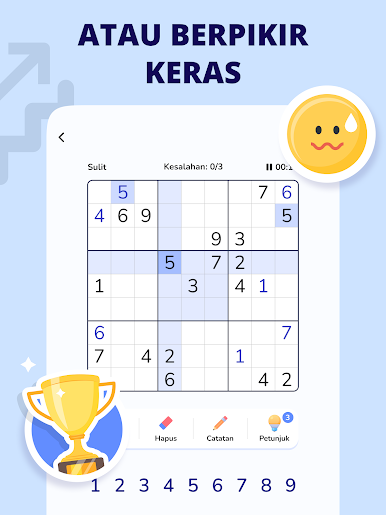
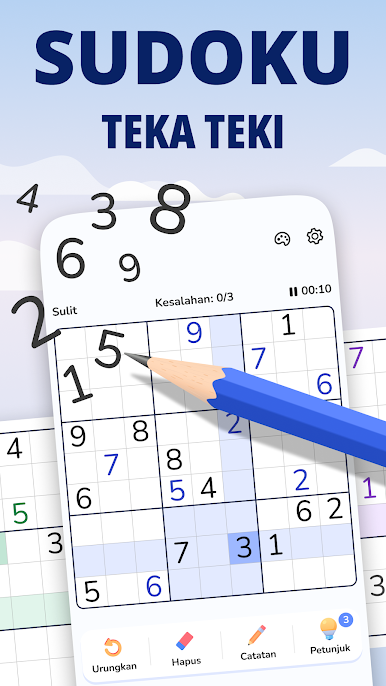
Sudoku – Classic Sudoku Game from Digitalchemy, LLC is that classic brain teaser you know and love, wrapped up with a fresh, smooth touch. Whether you’re totally new to Sudoku or you’ve been solving these puzzles for ages, this Puzzle genre favorite offers a satisfying challenge at every level. Got a few minutes to spare or just want to stretch your brain for a bit? Fire it up and see how far your logic can take you.
Game Features
-
Vast Puzzle Collection
With over 10,000 puzzles waiting for you, boredom’s not really an option. There’s always another grid to tackle, from simple warm-ups to tough brain benders. -
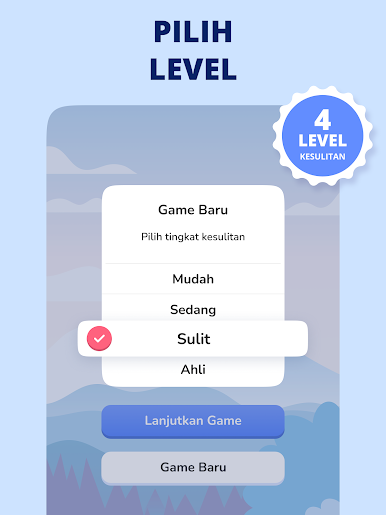
Adjustable Difficulty
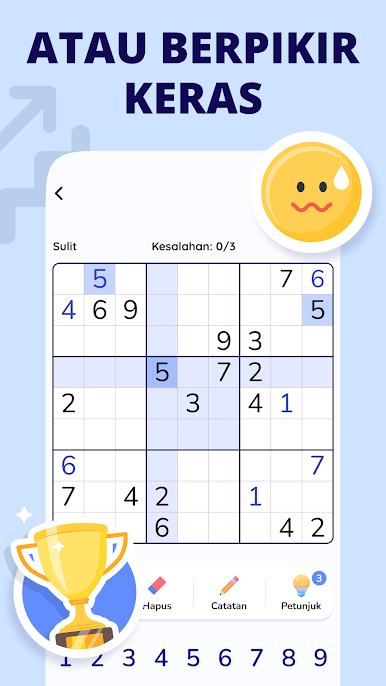
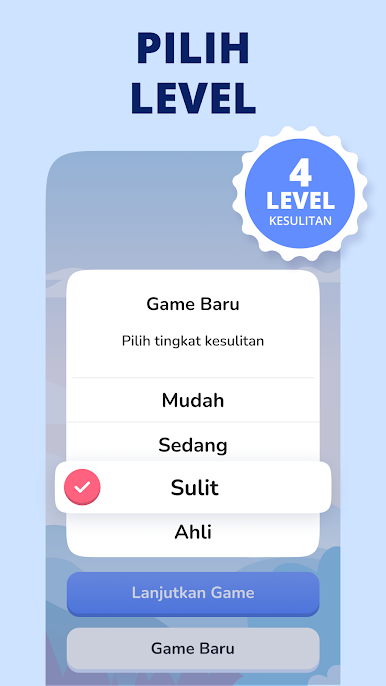
Feeling confident or just starting out? Pick your level—easy through expert—so you can relax or really put your puzzle skills to the test. -
Useful Problem-Solving Tools
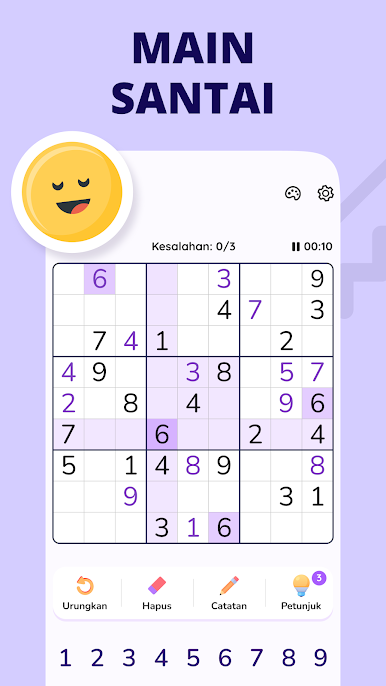
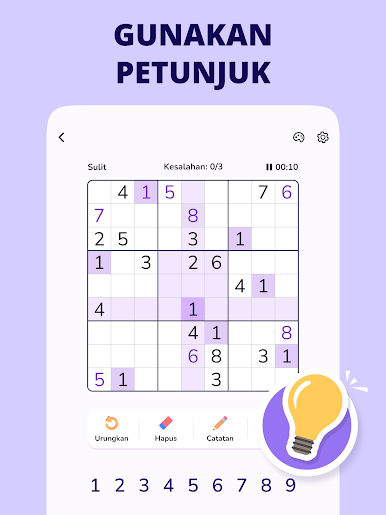
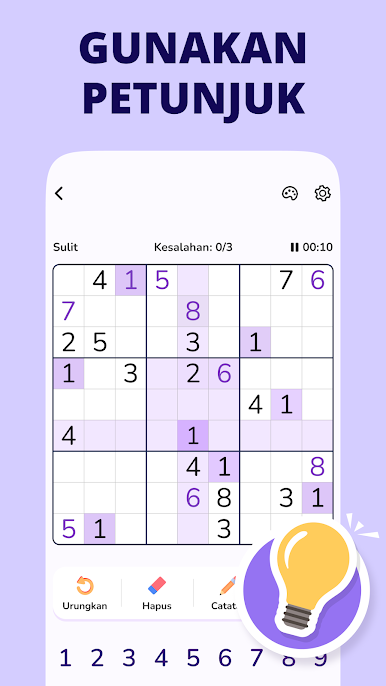
Need a hint? Not a problem. There’s unlimited undos, handy hints, and even auto-check and duplicate highlighting to keep your game frustration-free. -
Progress Tracking
Stats junkie? It’s easy to track how you’re improving. Watch your victories pile up, see your progress, and set new records for yourself. -
Customizable Themes
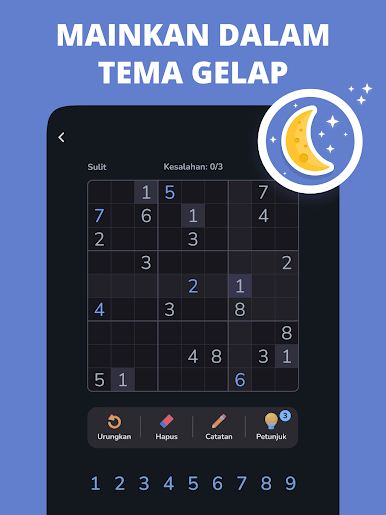
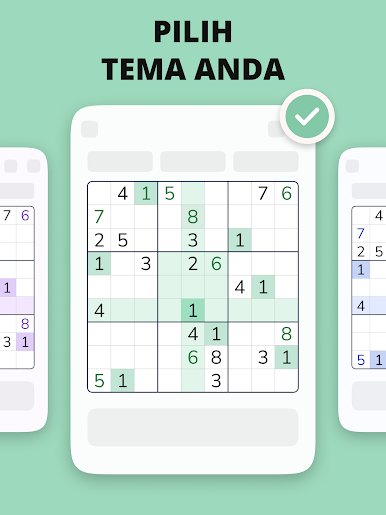
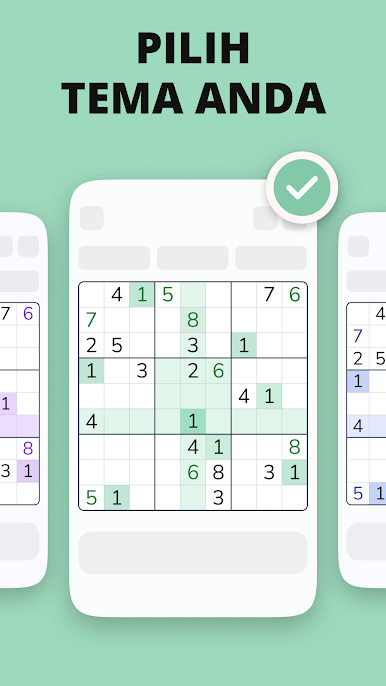
Mix up the vibe with different color themes so your game always matches your mood—or the time of day. -
Pick Up Where You Left Off
Got interrupted? No sweat. The auto-save feature makes sure you never lose your place. -
Tutorials for Beginners
If you’re just starting out, there are friendly tutorials and clear tips built right in, so no one feels left behind. -
Offline Mode
No WiFi? No problem. You can keep your brain active with Sudoku – Classic Sudoku Game even when you’re not connected. -
Easy on Any Device
The interface is straightforward and scales smoothly whether you’re on a phone, tablet, or playing using BlueStacks on a bigger screen.
No matter where you are or how much time you’ve got, this classic Sudoku game keeps things interesting and your mind sharp.
Get ready for a buttery smooth, high-performance gaming action only on BlueStacks.

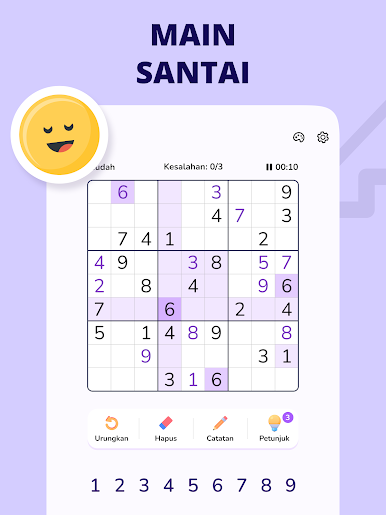
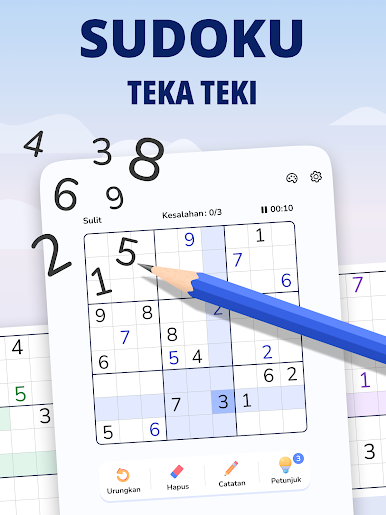

Mainkan Sudoku Master - Sudoku Offline di PC Mudah saja memulainya.
-
Unduh dan pasang BlueStacks di PC kamu
-
Selesaikan proses masuk Google untuk mengakses Playstore atau lakukan nanti
-
Cari Sudoku Master - Sudoku Offline di bilah pencarian di pojok kanan atas
-
Klik untuk menginstal Sudoku Master - Sudoku Offline dari hasil pencarian
-
Selesaikan proses masuk Google (jika kamu melewati langkah 2) untuk menginstal Sudoku Master - Sudoku Offline
-
Klik ikon Sudoku Master - Sudoku Offline di layar home untuk membuka gamenya

