


Magic Crush - Match 3 Puzzle
Juega en PC con BlueStacks: la plataforma de juegos Android, en la que confían más de 500 millones de jugadores.

Página modificada el: Oct 28, 2025
Play Magic Crush — Match 3 Puzzle on PC
🎉 Why You'll Love Magic Crush?
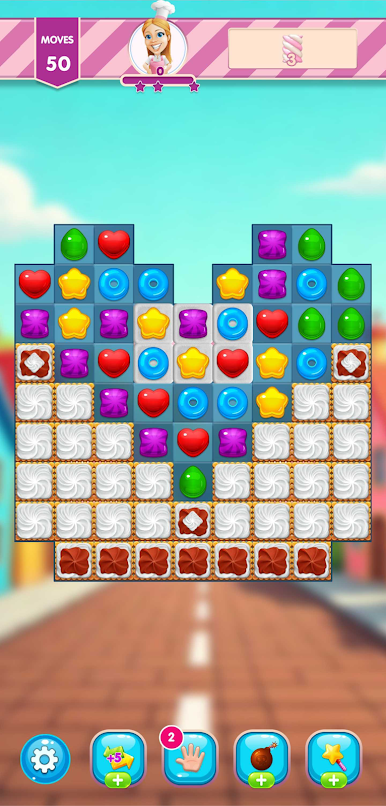
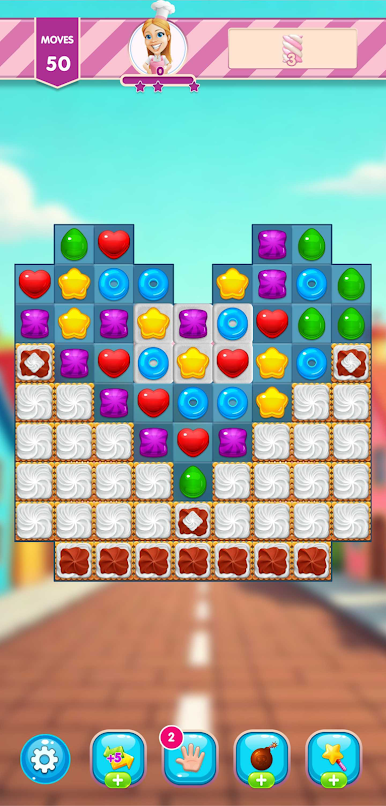
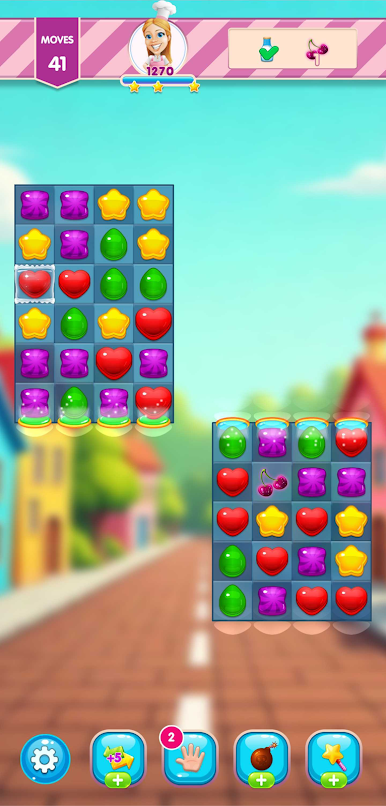
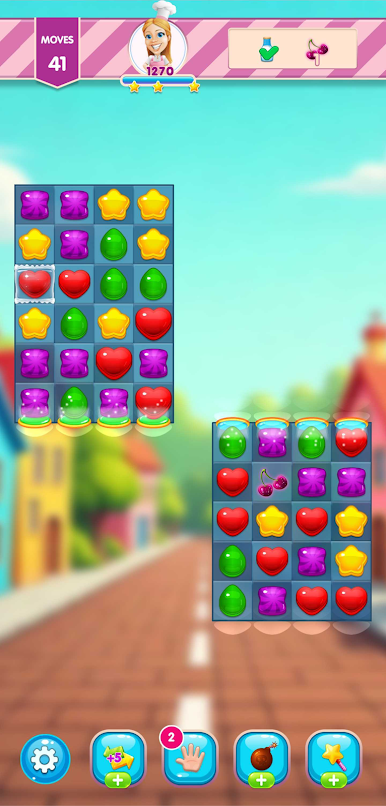
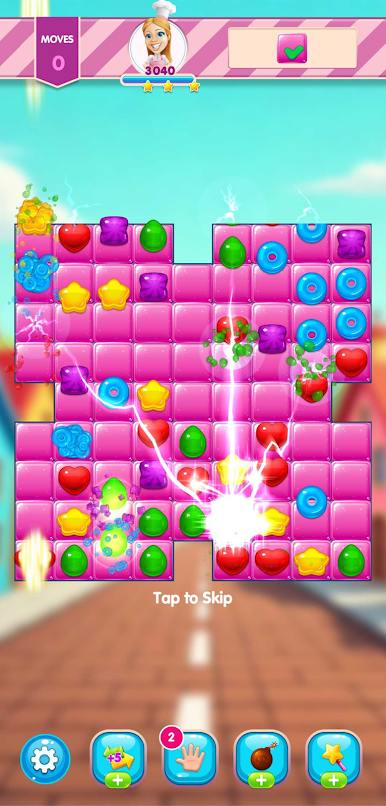
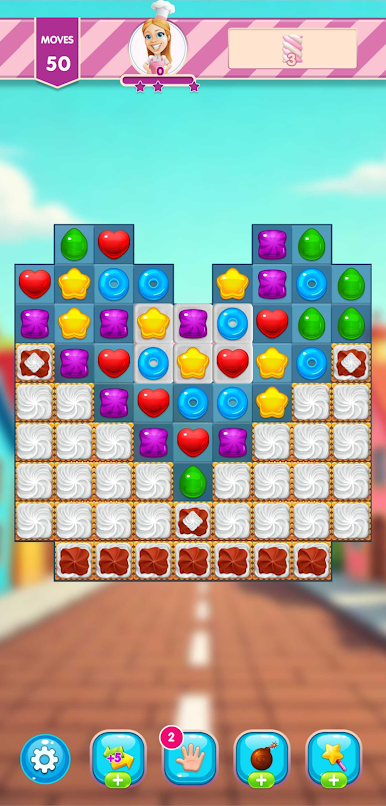
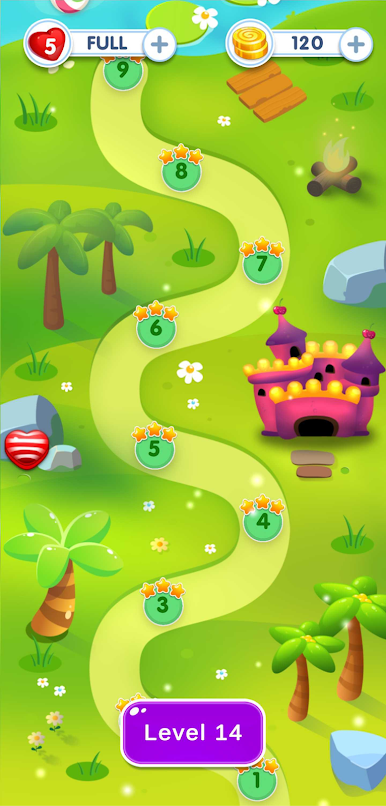
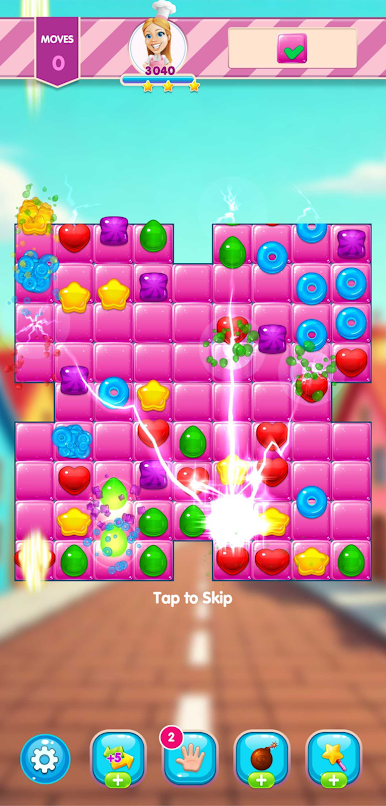
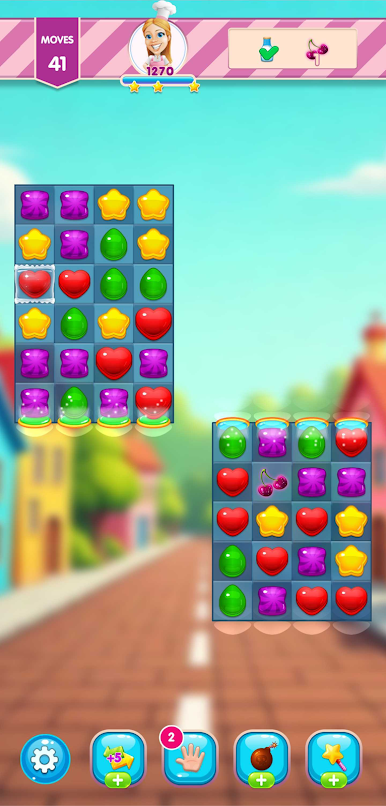
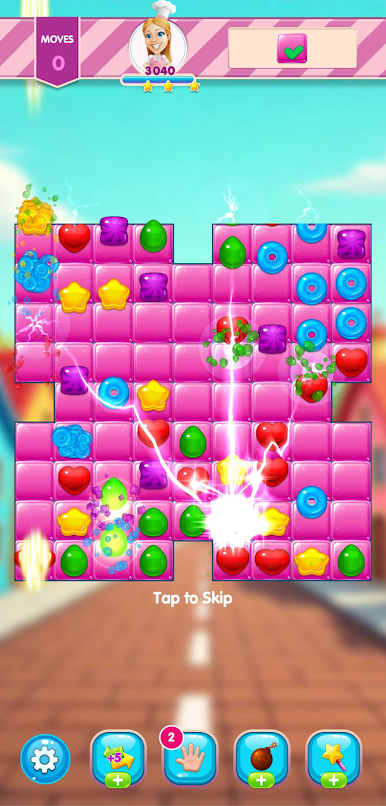
✅ Addictive Match-3 Gameplay – Swipe & match candies to blast through exciting puzzles!
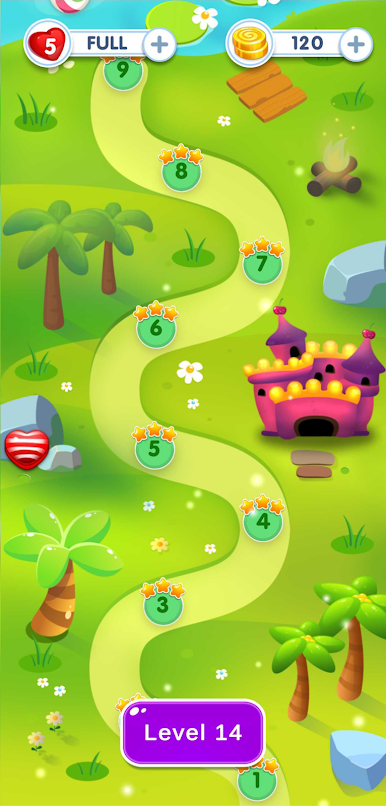
✅ 1000+ Tasty Levels – Experience a world of sweet challenges and exciting twists!
✅ Powerful Boosters & Combos – Crush obstacles with special power-ups
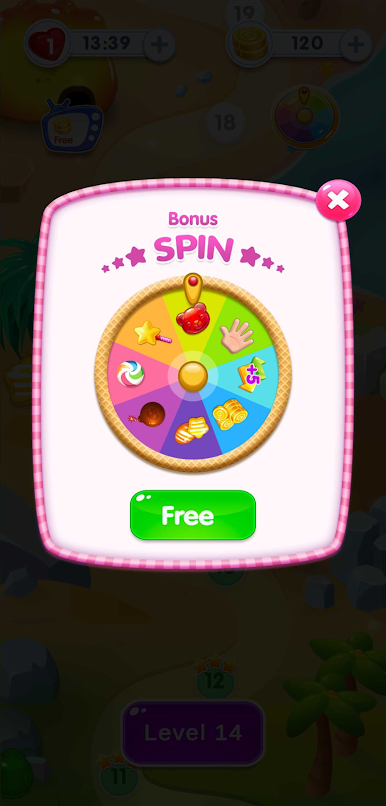
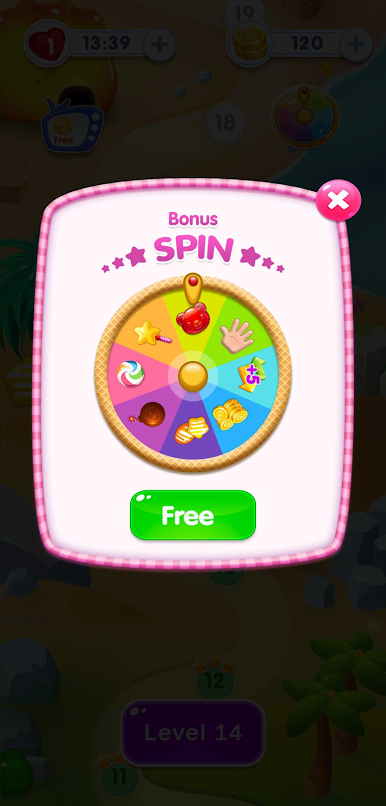
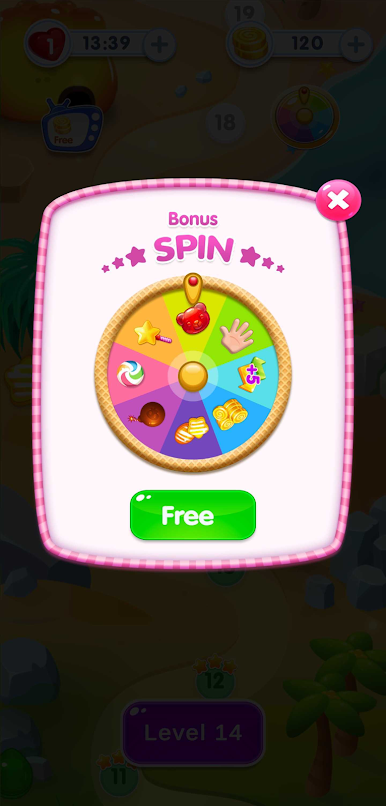
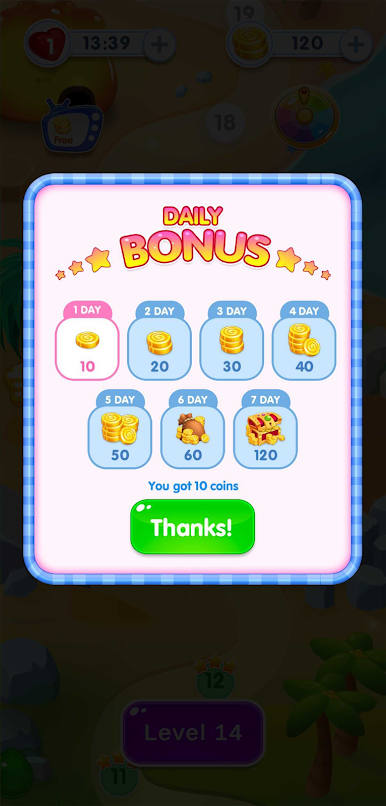
✅ Daily Rewards & Special Events – Win free boosters & extra lives every day!
✅ Exciting Game Modes – Timed challenges, limited moves, and unique level goals!
✅ Fun & Relaxing Experience – Enjoy colourful animations, smooth gameplay, and stress-free fun!
✅ Delicious Candy Graphics – Eye-popping visuals and mouth-watering treats to crush!
✅ New Levels Every Week – Fresh content updates to keep you hooked!
🍩 How to Play?
⭐ Match 3 or more candies to clear them.
🔥 Combine 4 or more candies for explosive power-ups!
🎯 Complete challenging levels with limited moves to unlock new surprises!
Join the sweetest puzzle adventure ever and crush your way to the top in Magic Crush! 🍬🔥
👉 Download Now & Start Your Magic Crush! 🍭
Juega Magic Crush - Match 3 Puzzle en la PC. Es fácil comenzar.
-
Descargue e instale BlueStacks en su PC
-
Complete el inicio de sesión de Google para acceder a Play Store, o hágalo más tarde
-
Busque Magic Crush - Match 3 Puzzle en la barra de búsqueda en la esquina superior derecha
-
Haga clic para instalar Magic Crush - Match 3 Puzzle desde los resultados de búsqueda
-
Complete el inicio de sesión de Google (si omitió el paso 2) para instalar Magic Crush - Match 3 Puzzle
-
Haz clic en el ícono Magic Crush - Match 3 Puzzle en la pantalla de inicio para comenzar a jugar

