


Pemindai Kode Untuk Bisnis
Juega en PC con BlueStacks: la plataforma de juegos Android, en la que confían más de 500 millones de jugadores.

Página modificada el: Nov 14, 2025
Play Code Scanner For Business on PC
Main features:
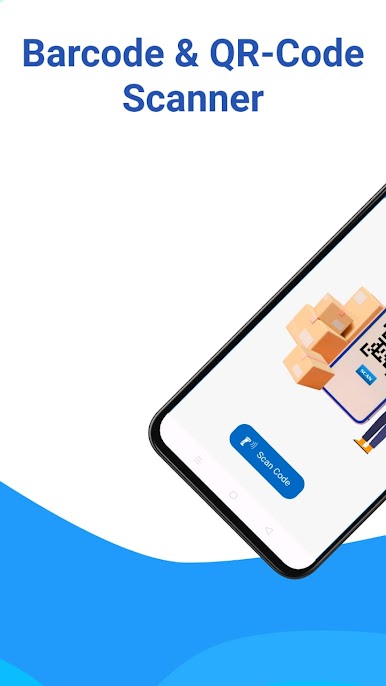
- Barcode and QR Code Scanner
Advantages:
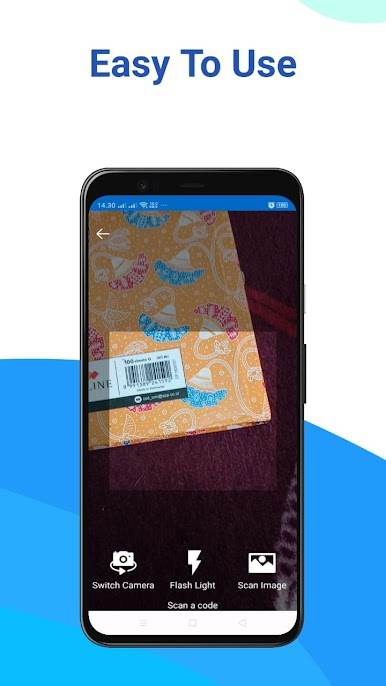
- Continuous scan (starts scanner automatically after successful scanning)
- Scan from gallery
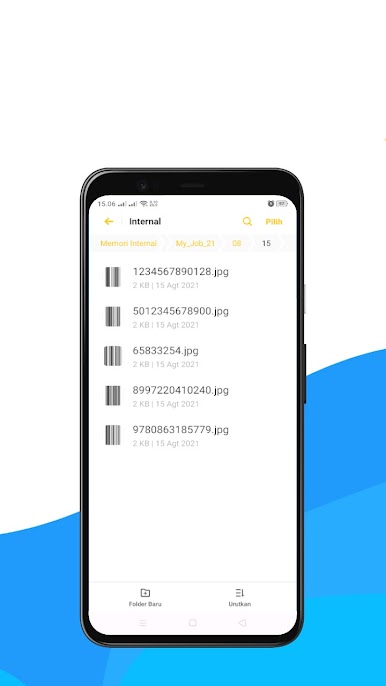
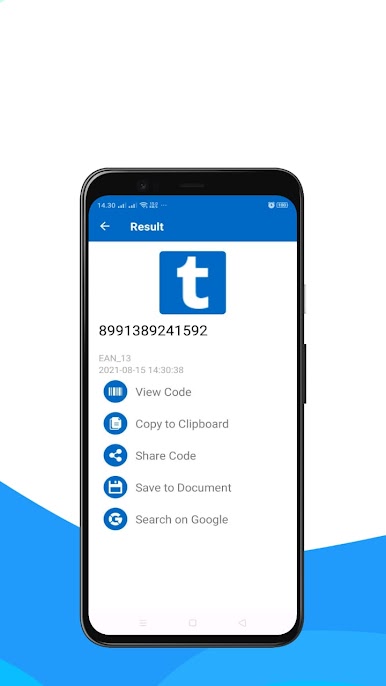
- Save code
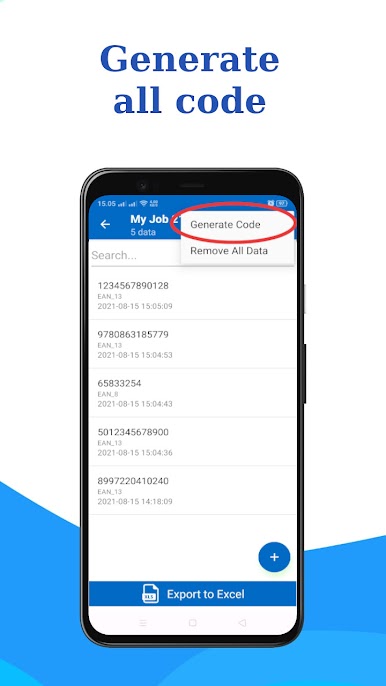
- Export excel and share
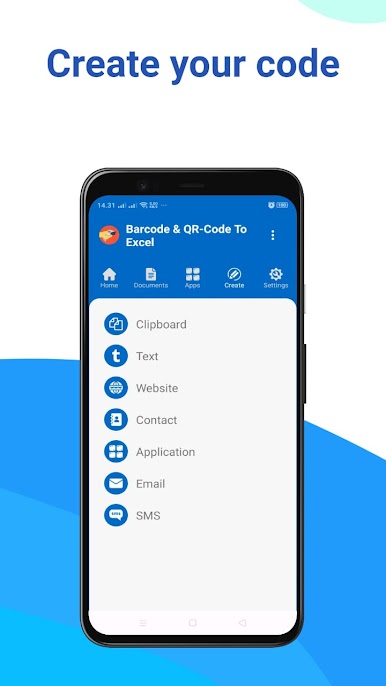
- Generate text code, website url, location, etc.
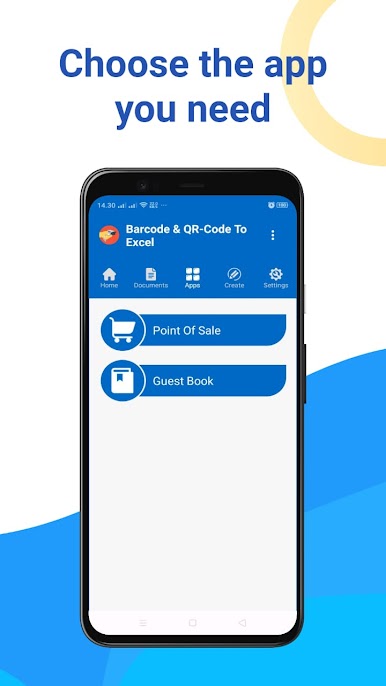
- Cashier / sales / point of sale (pos) application
- Guest book application
Ai Scanner is the best QR and barcode scanner application today. Ai scanner can scan QR and bar codes precisely and accurately.
This barcode and QR code scanner has advantages that other scanner applications do not have, namely in addition to performing fast scanning, Ai Scanner can also save codes to documents. It is very suitable to help your business activities to inventory incoming and outgoing goods. There is no limit to how many documents and how many codes can be scanned. You can get all this for free.
Ai Scanner - This barcode and QR Code scanner can automatically restart scanning. So you don't need to tire yourself out pressing again and again. In addition, work becomes faster with this code scanner application. It is also equipped with sound to mark whether the barcode has been successfully scanned or failed to be scanned.
The code data that has been scanned and stored in a document can be exported to an excel file. You can share it with any file sharing platform.
In addition to scanning, the Ai Scanner - Barcode and QR Code scanner application can also generate bar codes or QR codes. Such as creating codes for web urls, locations, text, and so on.
What else is different?
Ai Scanner - Barcode and QR Code Scanner has special features, namely the point of sale (POS) application or shop application and guest book application. With this application, it is hoped that it can help your business and activities.
In this latest update, there is also a feature to scan documents to be PDF. Of course, we also provide this feature for free for you.
Other options: Barcode scanner, QR code scanner, Create barcode, create QR Code, Scan Image, Scan from Gallery, Barcode to Excel, PDF Scanner


Juega Pemindai Kode Untuk Bisnis en la PC. Es fácil comenzar.
-
Descargue e instale BlueStacks en su PC
-
Complete el inicio de sesión de Google para acceder a Play Store, o hágalo más tarde
-
Busque Pemindai Kode Untuk Bisnis en la barra de búsqueda en la esquina superior derecha
-
Haga clic para instalar Pemindai Kode Untuk Bisnis desde los resultados de búsqueda
-
Complete el inicio de sesión de Google (si omitió el paso 2) para instalar Pemindai Kode Untuk Bisnis
-
Haz clic en el ícono Pemindai Kode Untuk Bisnis en la pantalla de inicio para comenzar a jugar

