


Atomus
Gioca su PC con BlueStacks: la piattaforma di gioco Android, considerata affidabile da oltre 500 milioni di giocatori.

Pagina modificata il: Oct 26, 2025
Run Atomus on PC or Mac
Get freedom from your phone’s obvious limitations. Use Atomus, made by SungLab, a Entertainment app on your PC or Mac with BlueStacks, and level up your experience.
About the App
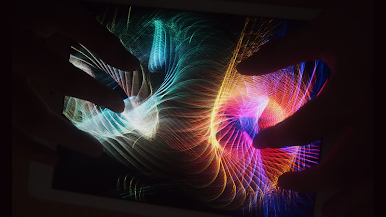
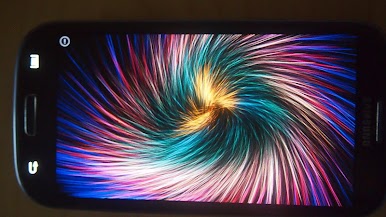
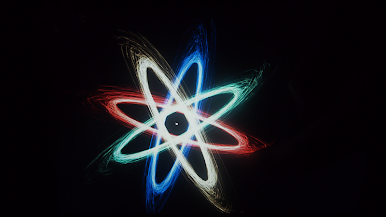
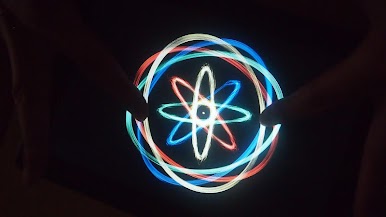
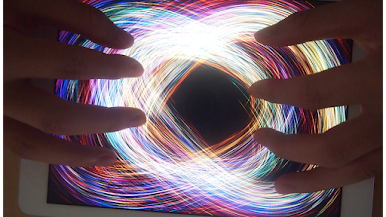
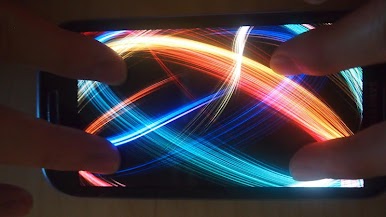
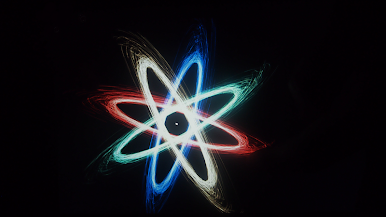
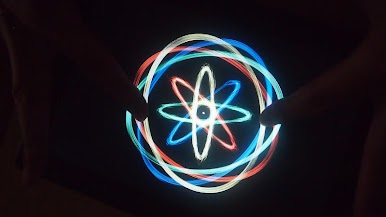
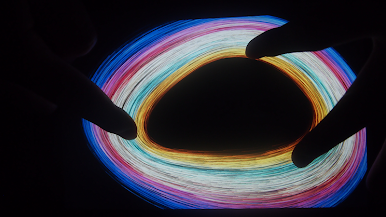
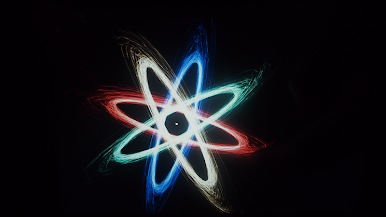
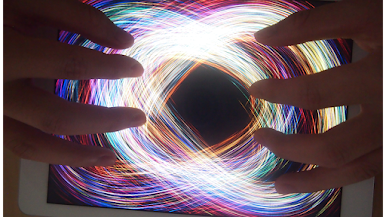
Ever wondered what it’d be like to control a dazzling universe right at your fingertips? Atomus by SungLab is all about letting your imagination run wild with swirling, vibrant visuals. Whether you’re in need of a creative break or just want to get mesmerized by stunning patterns, this Entertainment app transforms your screen into a dynamic art playground. Expect lively motion, trippy color effects, and endless moments of “whoa, how’d I do that?” fun.
App Features
-
Multi-Touch Magic
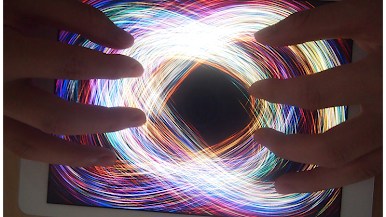
Play with up to ten fingers at once! You can create some seriously intricate designs just by moving your hands across the screen. -
Dynamic Visual Effects
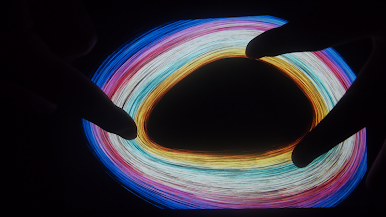
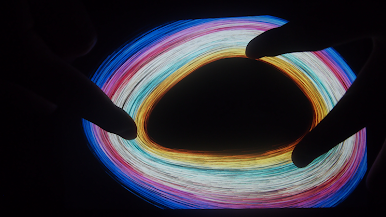
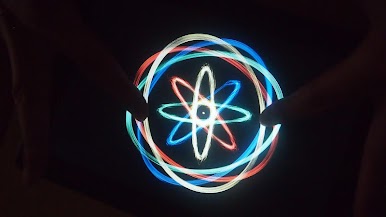
Experiment with bursts of color that mimic fireworks, swirling tornados, sparkling auroras, and even black holes. Every touch brings a new visual surprise. -
Customizable Particles
Tweak things your way—adjust the size, count, and length of the particles for endless unique patterns. Prefer huge, swooping streams or compact, intense bursts? It’s up to you. -
Color Modes Galore
Flip between Neon, Crystal, and Nature color schemes to set the mood. Whether you love bright nightlife vibes or something more chill, there’s an option. -
Built-in Music Controls
Choose from five different tunes and set the soundtrack for your art session—or mute it, if you’re zoned out or just want silence. -
Incredibly Smooth Performance
Atomus is all about buttery movement, running at a crisp 60 frames per second—which feels great even on bigger screens, like when you use it through BlueStacks. -
Live Wallpaper Option
Set your wildest creations as a live wallpaper—for those who want their device to feel as lively as their imagination.
With Atomus, you’re not just a spectator—you’re the artist, conductor, and dreamer.
Switch to BlueStacks and make the most of your apps on your PC or Mac.



Gioca Atomus su PC. È facile iniziare.
-
Scarica e installa BlueStacks sul tuo PC
-
Completa l'accesso a Google per accedere al Play Store o eseguilo in un secondo momento
-
Cerca Atomus nella barra di ricerca nell'angolo in alto a destra
-
Fai clic per installare Atomus dai risultati della ricerca
-
Completa l'accesso a Google (se hai saltato il passaggio 2) per installare Atomus
-
Fai clic sull'icona Atomus nella schermata principale per iniziare a giocare

