


in Tags: Generador de hashtags
Juega en PC con BlueStacks: la plataforma de juegos Android, en la que confían más de 500 millones de jugadores.

Página modificada el: Nov 17, 2025
Play in Tags - AI Hashtag generator on PC
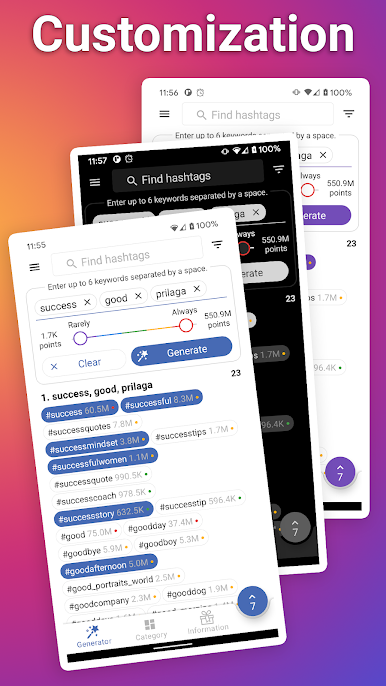
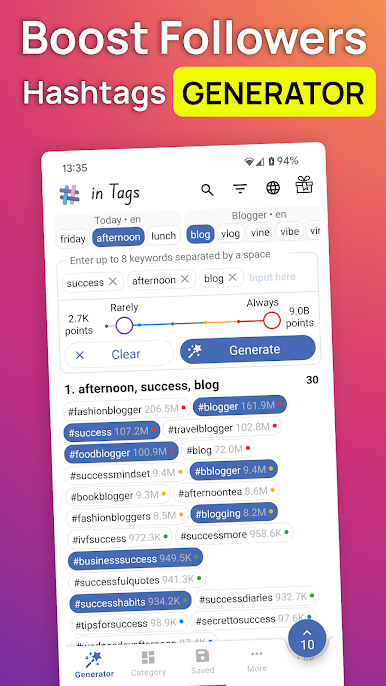
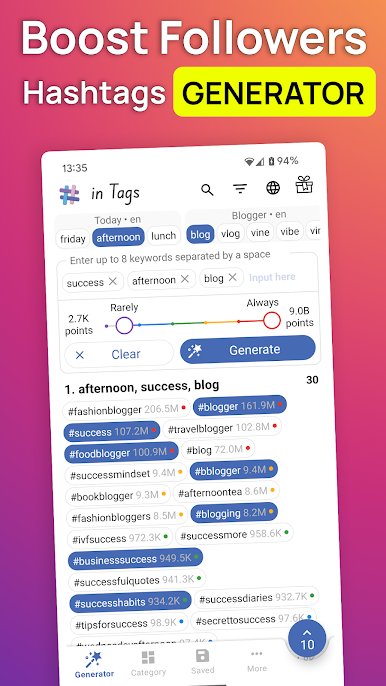
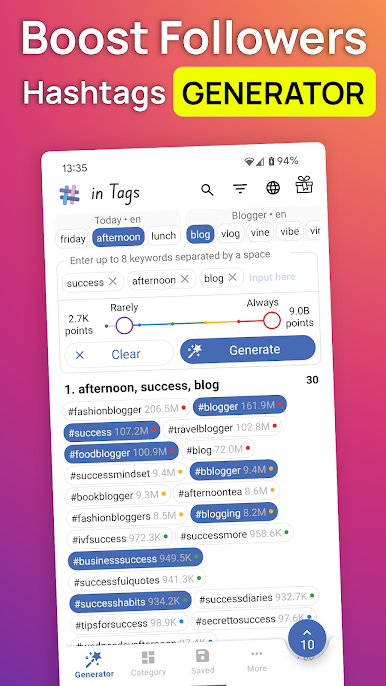
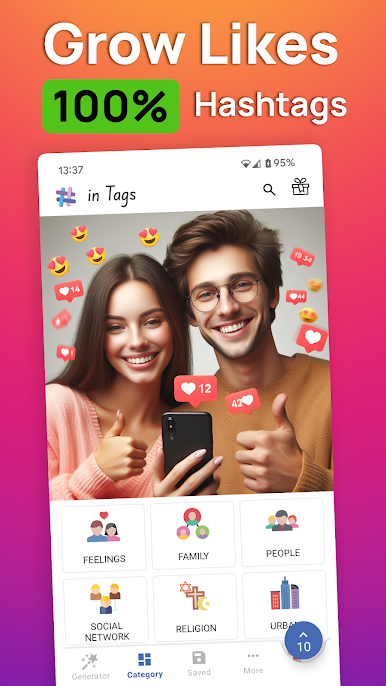
The app provides viral hashtags for promotion based on usage frequency in 5 different ranges from low to high. Many experts use the frequency range feature to find trending hashtags for Instagram and for TikTok in order to get more likes and followers for their brands.
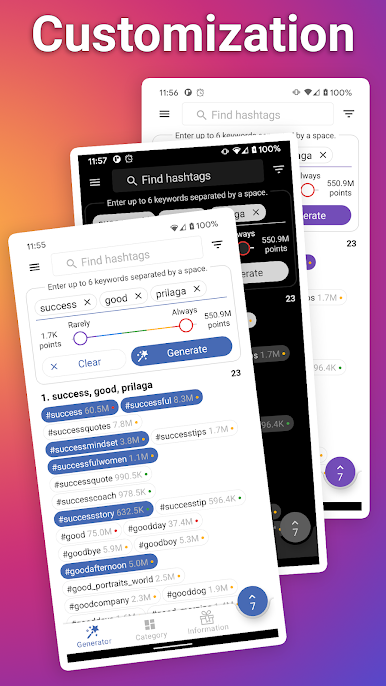
There are different types of generation: by keyword, by frequency range, by top tags. Very important to choose the right keywords to generate the cards with hashtags to get subscribers and real followers on your social media.
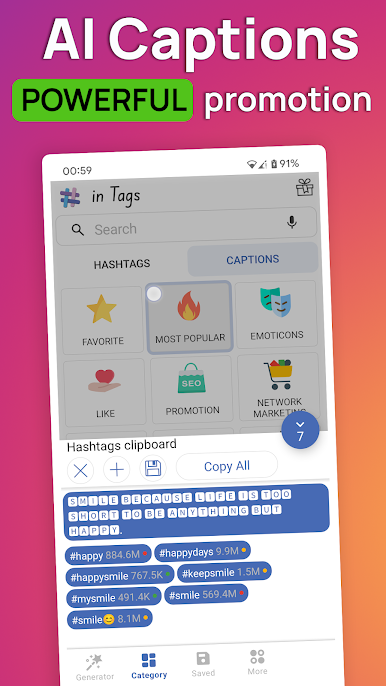
After the generation is complete, the app will show cards with popular hashtags and posting frequency next to the tag. This hashtag analytics will be helpful for ASO and SEO experts in deciding which of the tags to copy into the post. This strategy helps your content to be more visible on social media to increase your followers.
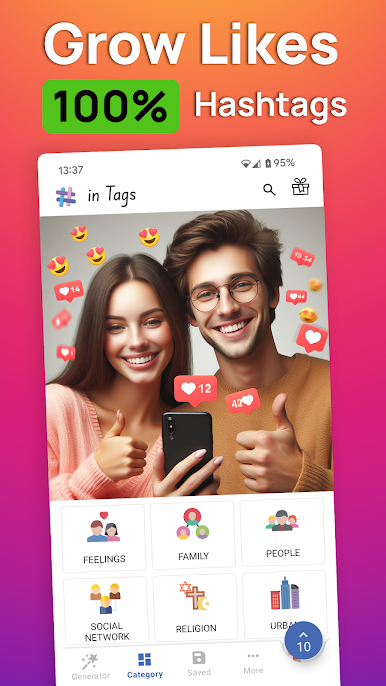
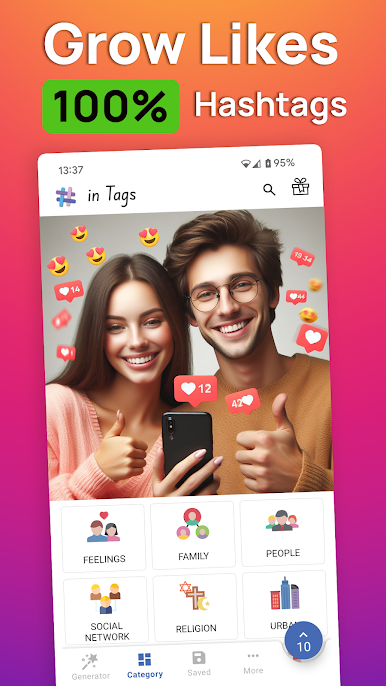
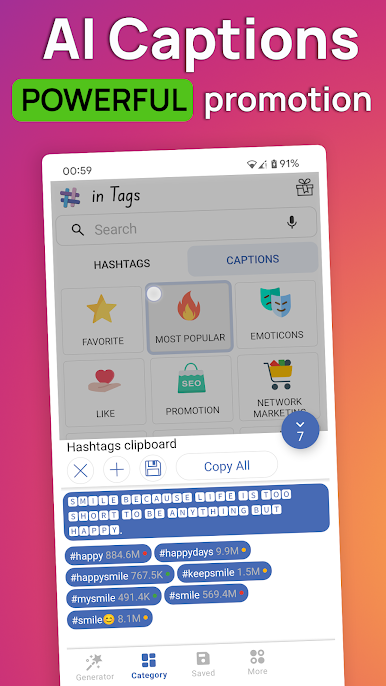
Each new card with hashtags can be saved in a special category and the cards can be sorted according to the date. Organizing cards into categories provides the functionality of a hashtag manager. Categories have predefined keywords in different languages that can be used in generator to follower boost.
Additional features:
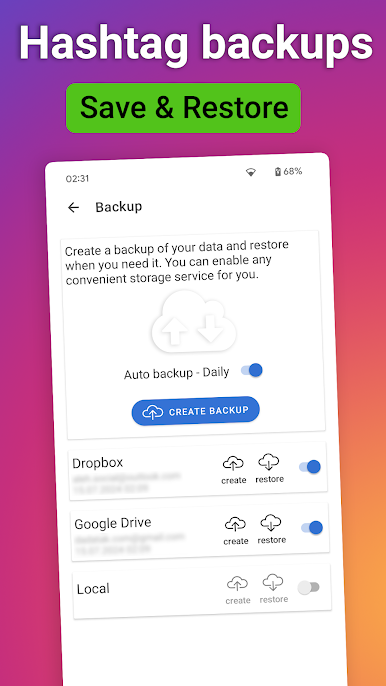
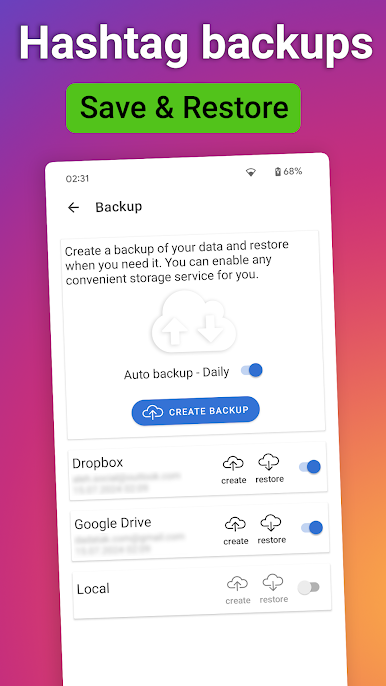
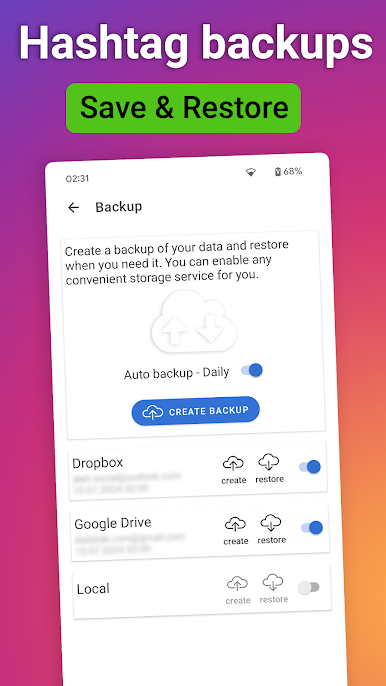
Back up your data to the cloud and restore it to any other device to reuse tags.
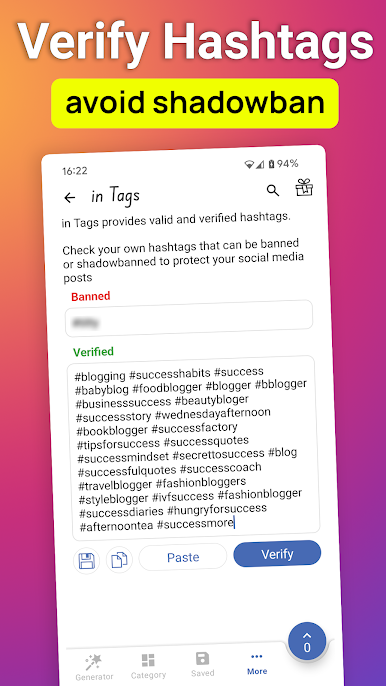
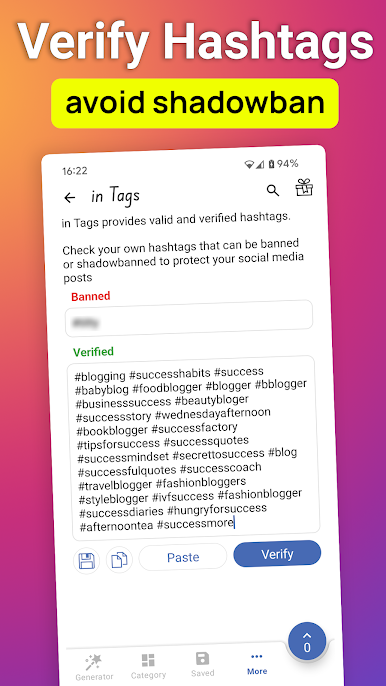
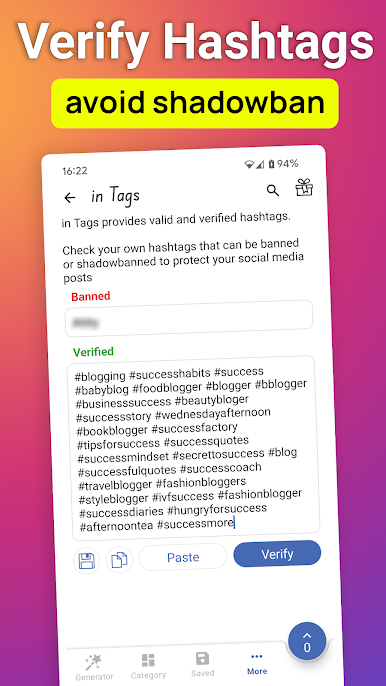
Verify your own hashtags that can be banned or shadowbanned to protect your social media posts.
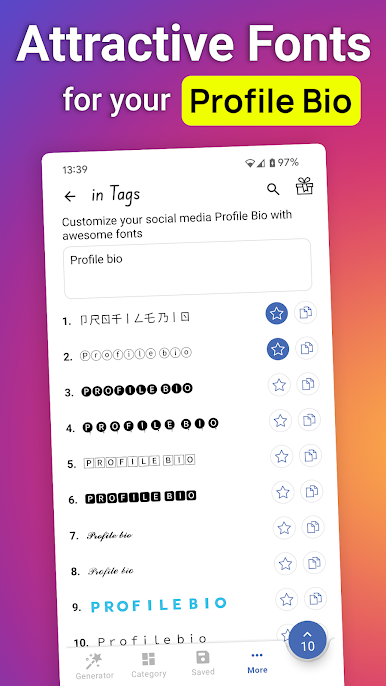
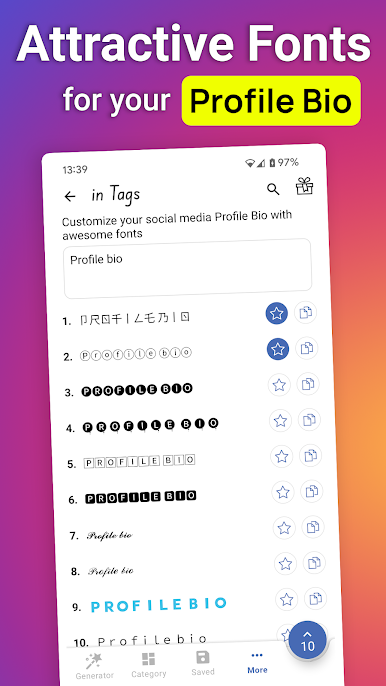
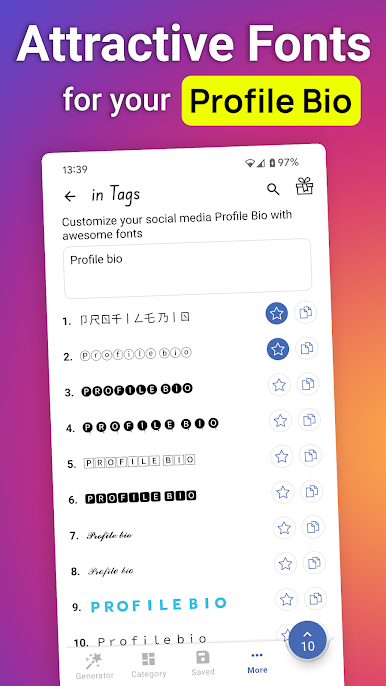
Customize your social media Profile Bio with Attractive fonts.
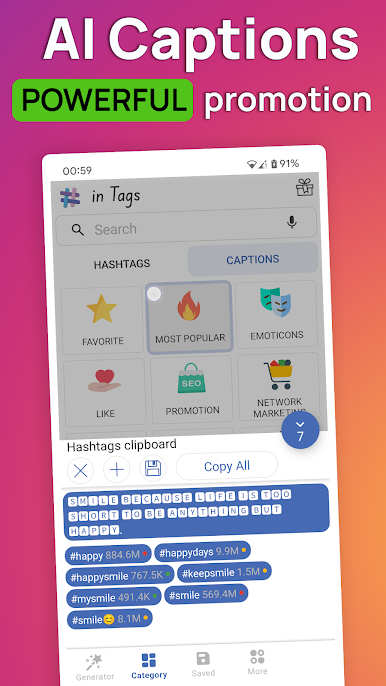
Ability to generate caption and text for posts.
Juega in Tags: Generador de hashtags en la PC. Es fácil comenzar.
-
Descargue e instale BlueStacks en su PC
-
Complete el inicio de sesión de Google para acceder a Play Store, o hágalo más tarde
-
Busque in Tags: Generador de hashtags en la barra de búsqueda en la esquina superior derecha
-
Haga clic para instalar in Tags: Generador de hashtags desde los resultados de búsqueda
-
Complete el inicio de sesión de Google (si omitió el paso 2) para instalar in Tags: Generador de hashtags
-
Haz clic en el ícono in Tags: Generador de hashtags en la pantalla de inicio para comenzar a jugar

