


Animal Kimchi
Jouez sur PC avec BlueStacks - la plate-forme de jeu Android, approuvée par + 500M de joueurs.

Page Modifiée le: Jul 28, 2024
Play Animal Kimchi on PC
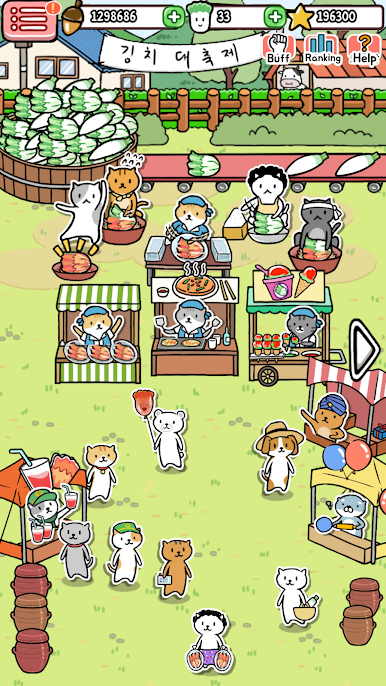
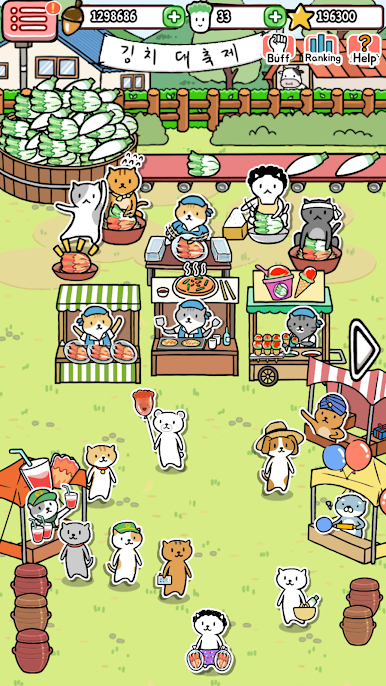
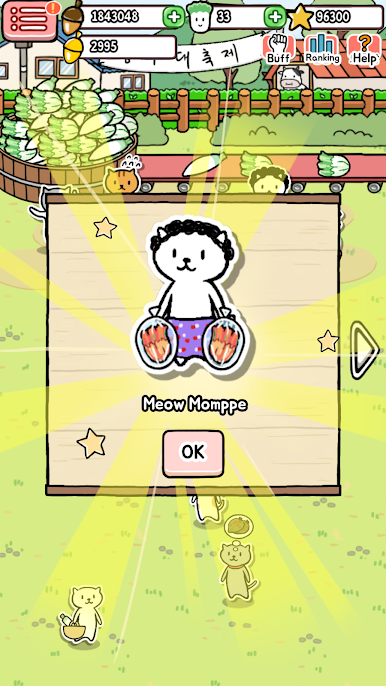
A Grand Kimchi Festival opens at Manager Cat’s town!
Make various Kimchis and sell.
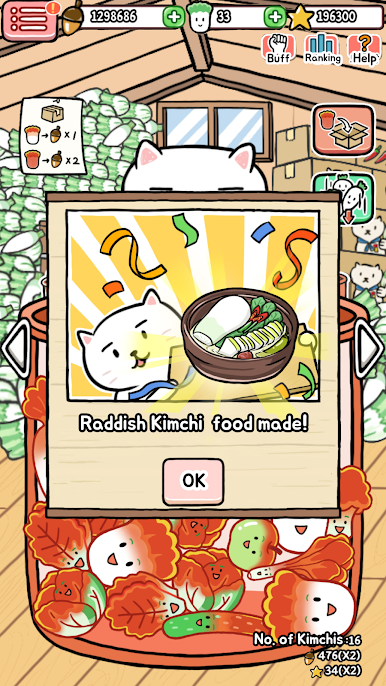
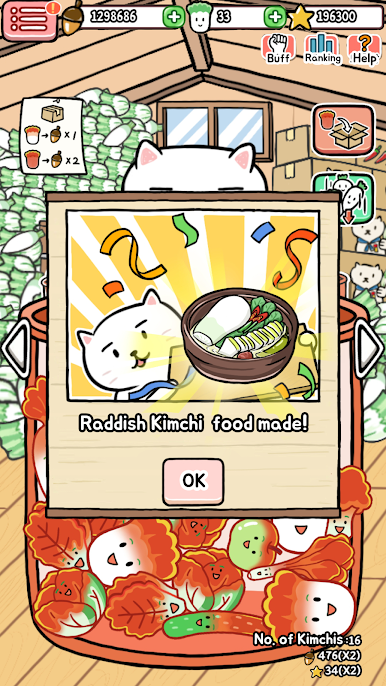
Stumble upon random recipes made with Kimchi and get acorns to decorate the farm and festival.
■ Features
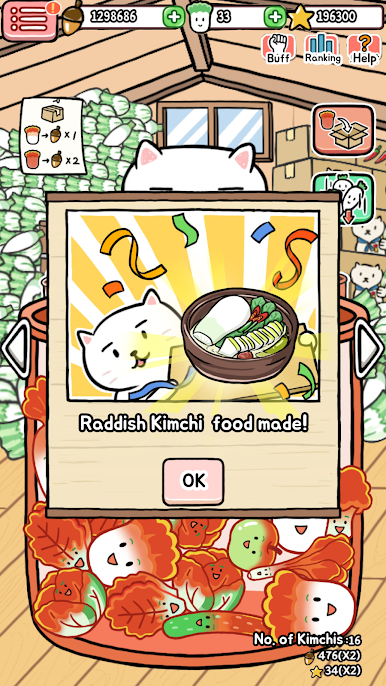
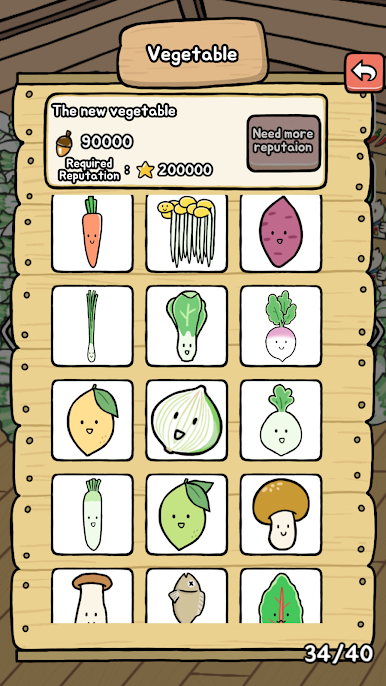
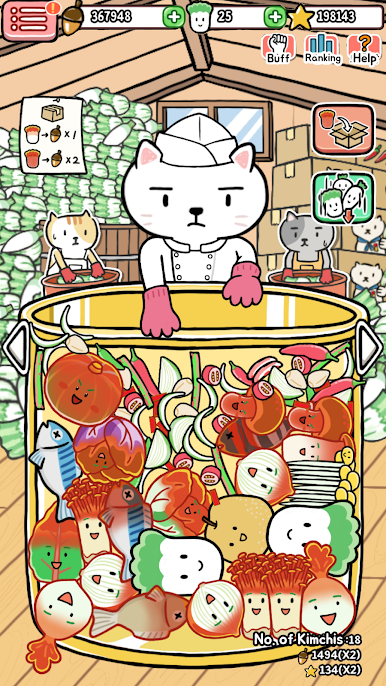
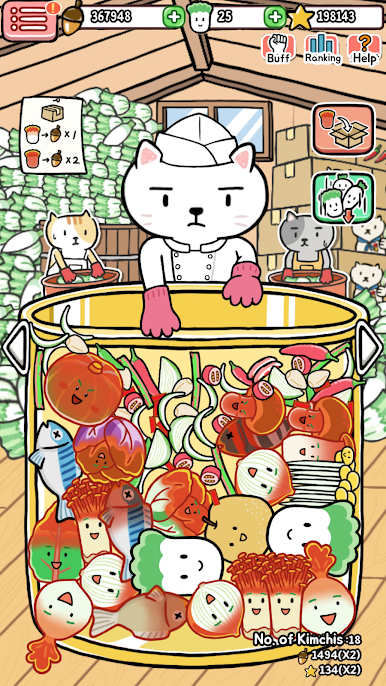
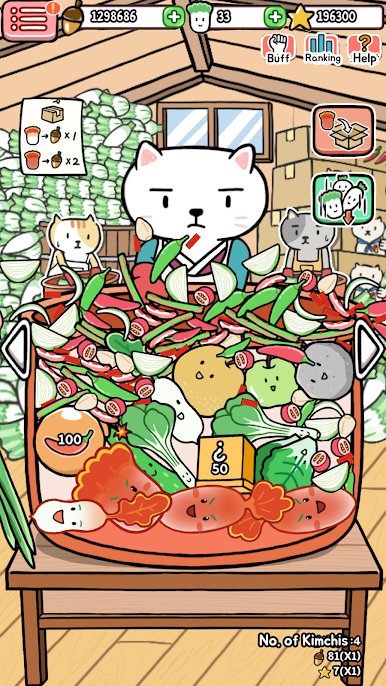
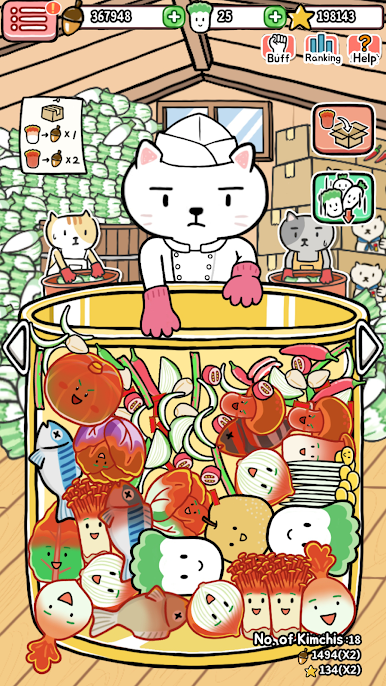
- Put vegetables and seasoning in the Kimchi container to make the best handmade Kimchi...!
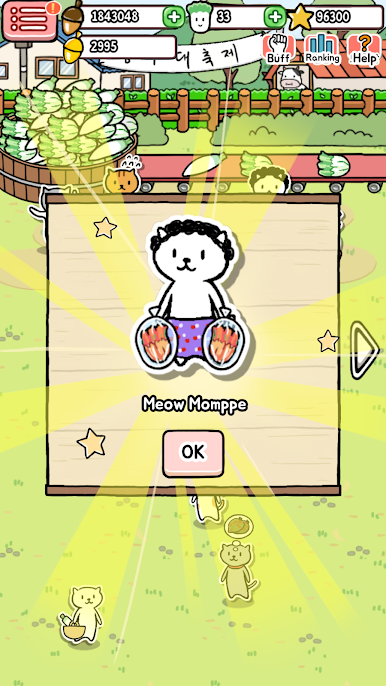
- Sell all kinds of Kimchi cuisines to animal guests and become a rich acorn owner.
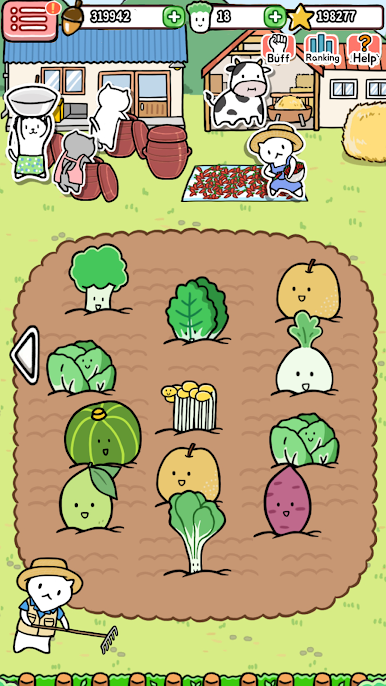
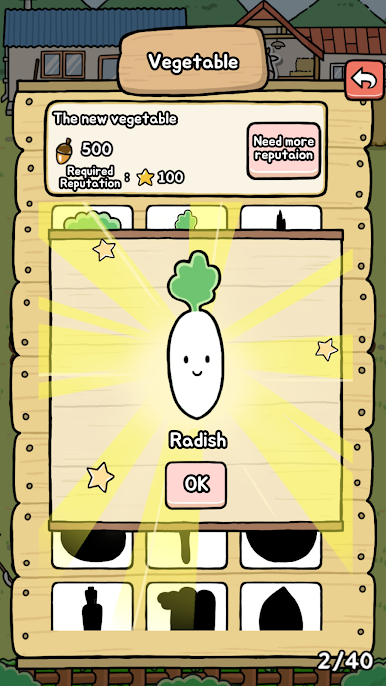
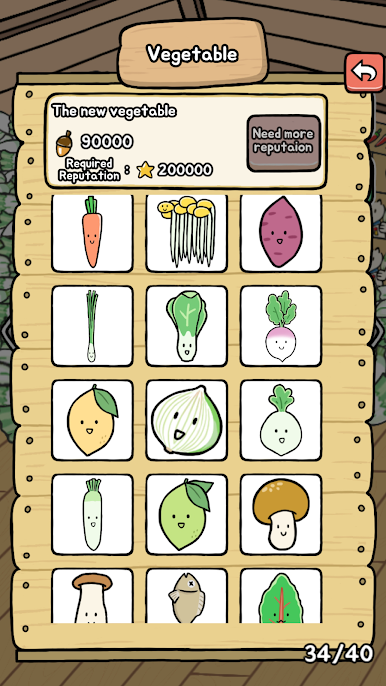
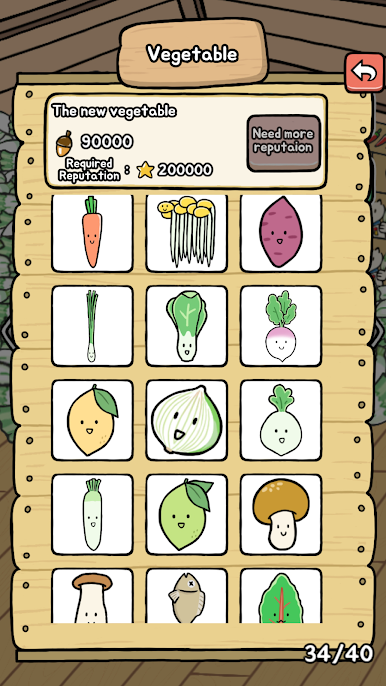
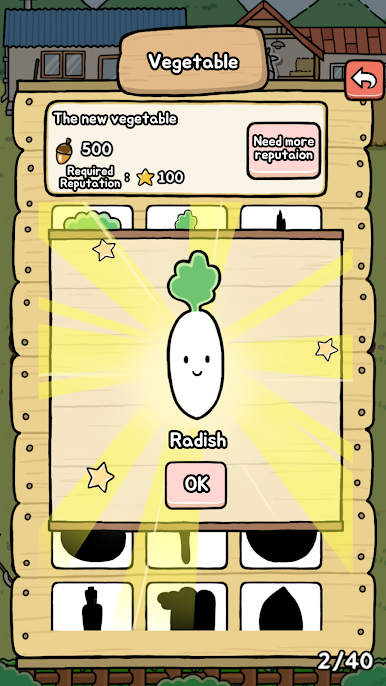
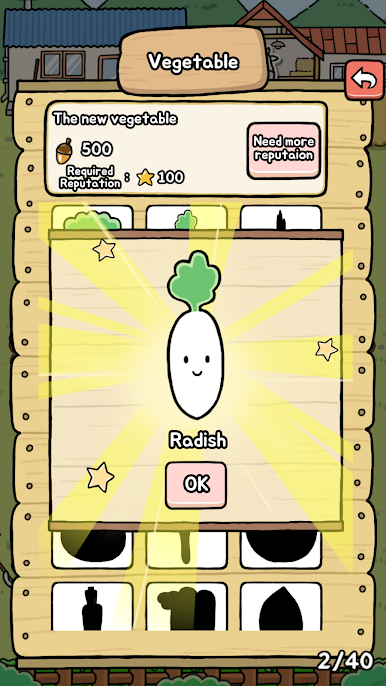
- Grow all kinds of Kimchi ingredients on the farm--not just vegetables!
- All game data is safely saved in the cloud-!
■ How to Play
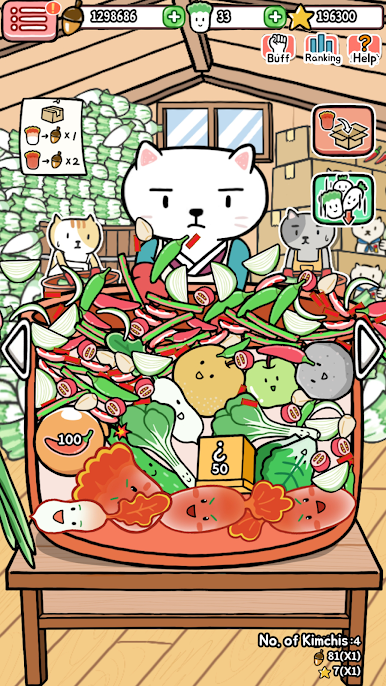
- Put vegetables and seasoning in the Kimchi container and mix well.
The Kimchi is packed for sale once they're done.
- Drag dropping rocks and throw them out of the Kimchi container.
- You will stumble into eye-popping Kimchi recipes while making Kimchi.
- Sell all dishes with innovative recipes at the Grand Kimchi Festival.
- Grow and harvest various Kimchi ingredients on the farm.
■ How to save data
All game progress data will be saved on your mobile phone.
Deleting the game will delete the data, so use Cloud Save to save data safely.
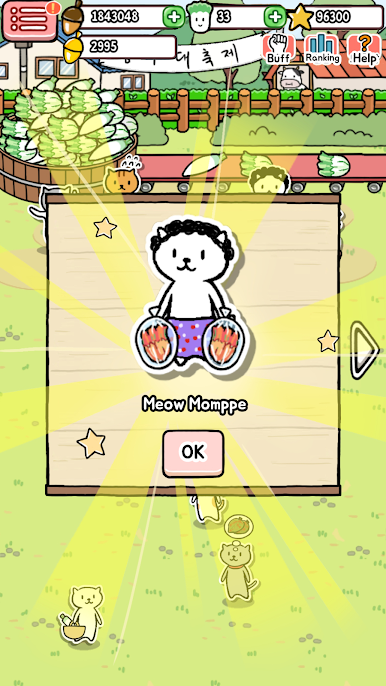
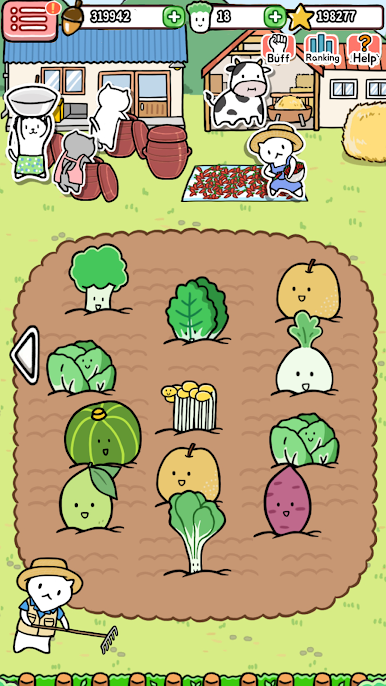
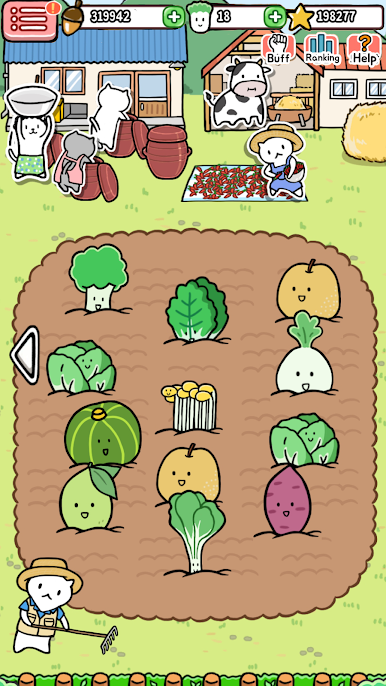
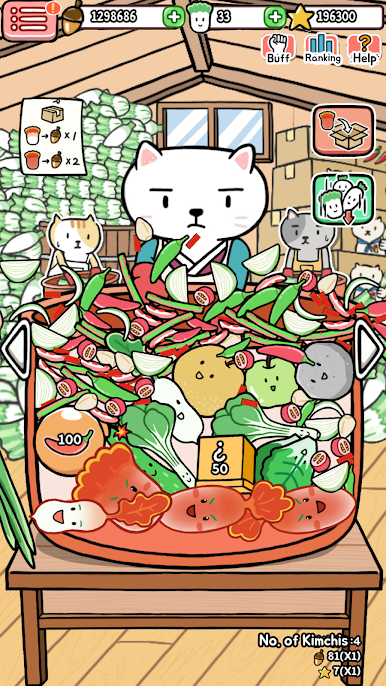
Jouez à Animal Kimchi sur PC. C'est facile de commencer.
-
Téléchargez et installez BlueStacks sur votre PC
-
Connectez-vous à Google pour accéder au Play Store ou faites-le plus tard
-
Recherchez Animal Kimchi dans la barre de recherche dans le coin supérieur droit
-
Cliquez pour installer Animal Kimchi à partir des résultats de la recherche
-
Connectez-vous à Google (si vous avez ignoré l'étape 2) pour installer Animal Kimchi
-
Cliquez sur l'icône Animal Kimchi sur l'écran d'accueil pour commencer à jouer

