


Fashion Sort: jogos de vestir
Jogue no PC com BlueStacks - A Plataforma de Jogos Android, confiada por mais de 500 milhões de jogadores.

Página modificada em: Nov 26, 2025
Play Fashion Merge Style Makeover on PC or Mac
From the innovators and creators at Surf Games Tap, Fashion Merge Style Makeover is another fun addition to the World of Casual games. Go beyond your mobile screen and play it bigger and better on your PC or Mac. An immersive experience awaits you.
About the Game
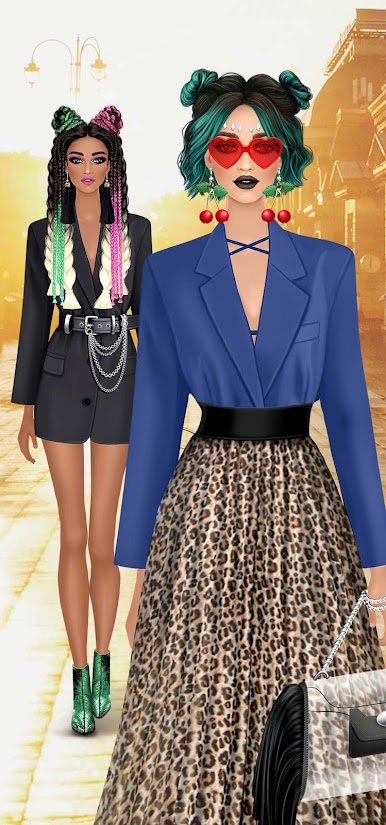
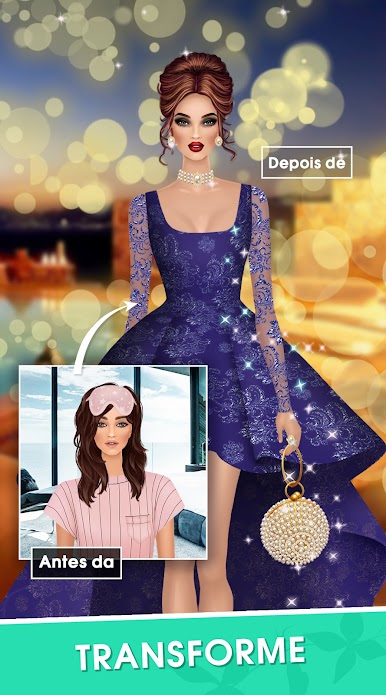
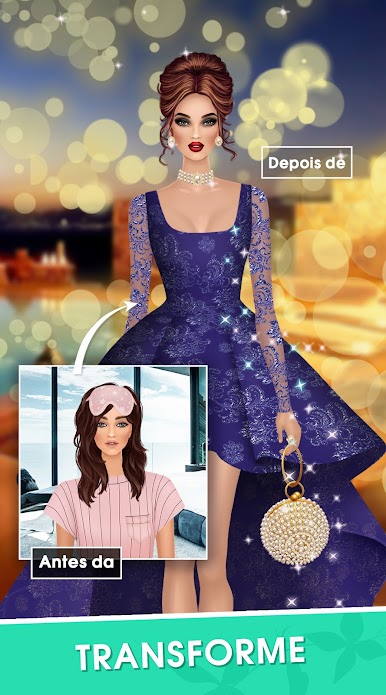
Fashion Merge Style Makeover puts you right at the heart of all things style, letting you call the shots on makeovers that truly matter. Here, you’re not just matching colors or patterns—you’re actually helping folks find the style that lets them shine. Whether you’re going glam or keeping it chic, expect plenty of fun, surprises, and a good dose of creativity as you pick the right pieces for each new look.
Game Features
-
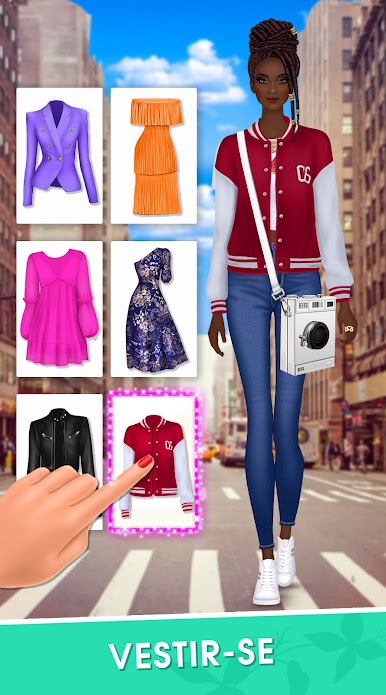
Wardrobe Wonderland
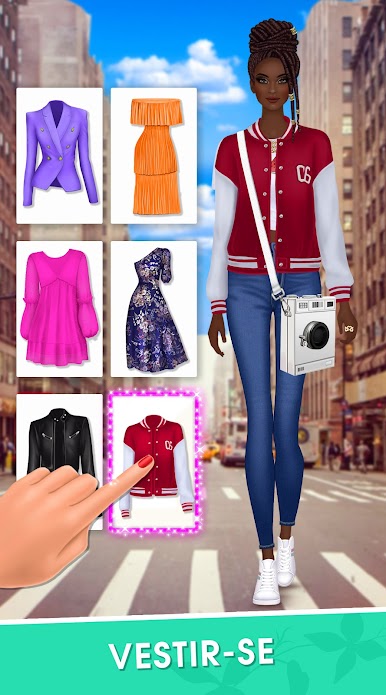
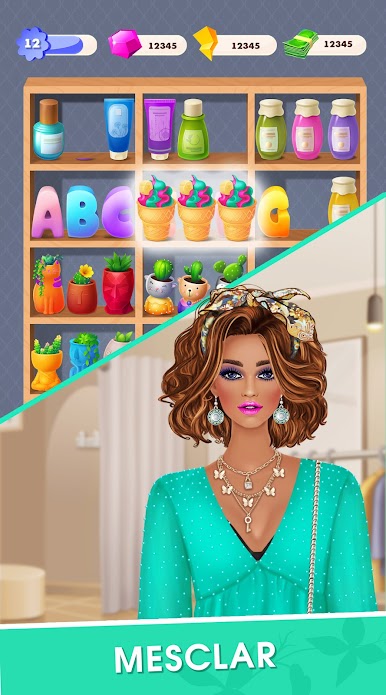
Dig through a wide range of trendy outfits. Mix, match, or go wild—the closet is full, and it’s all up to your sense of style. -
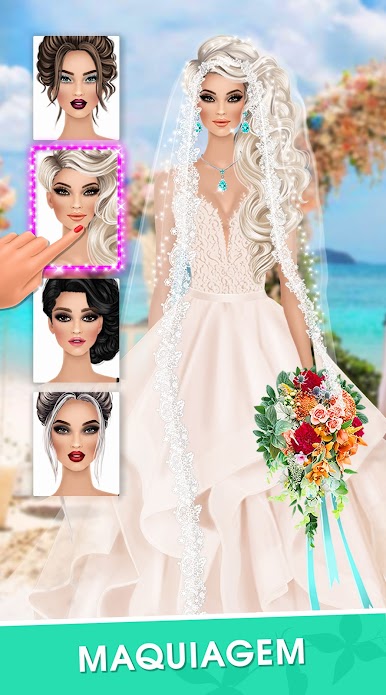
Hair & Makeup Magic
Pick hairstyles that pop and test out makeup combos, from subtle to bold. You get to decide what works best for each story. -
Fashion-Focused Puzzles
There’s more to this than just pretty clothes. Solve casual, puzzle-based challenges where your fashion know-how really comes in handy. -
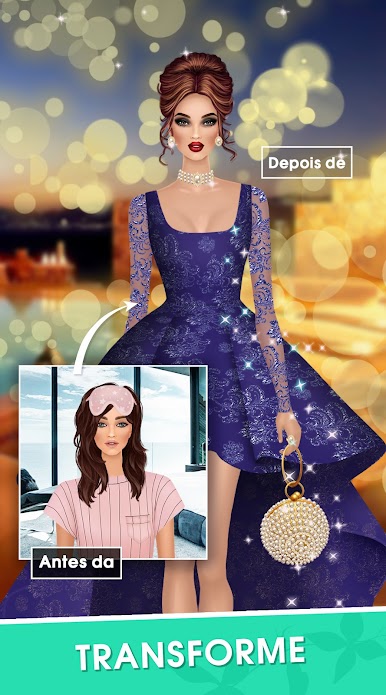
Lots of Character Stories
Every character has their own dream, and you’re along for every step of their fresh new look. It’s part makeover, part personal story. -
Play Anywhere, Even on BlueStacks
Whether you’re chilling with your phone or switching to your computer via BlueStacks, your style adventure never misses a beat.
Fashion Merge Style Makeover by Surf Games Tap fits right in if you’re into the casual genre but crave a little more flair and fun with your games.
Get ready for a buttery smooth, high-performance gaming action only on BlueStacks.



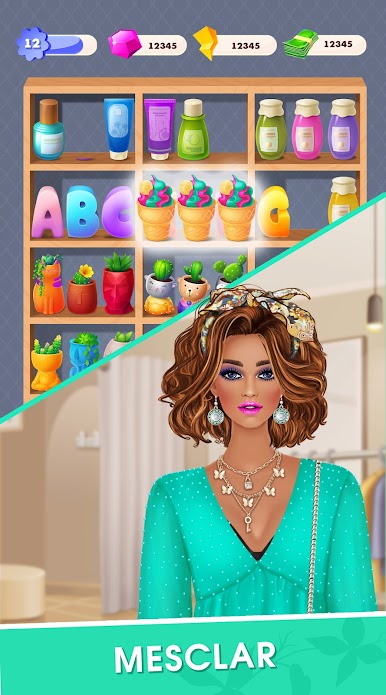
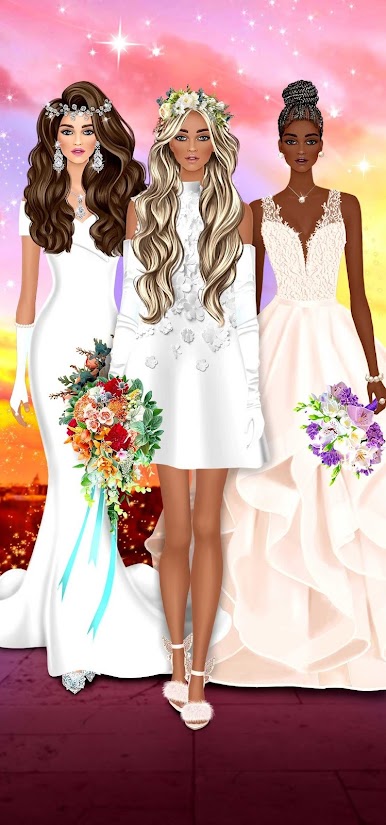
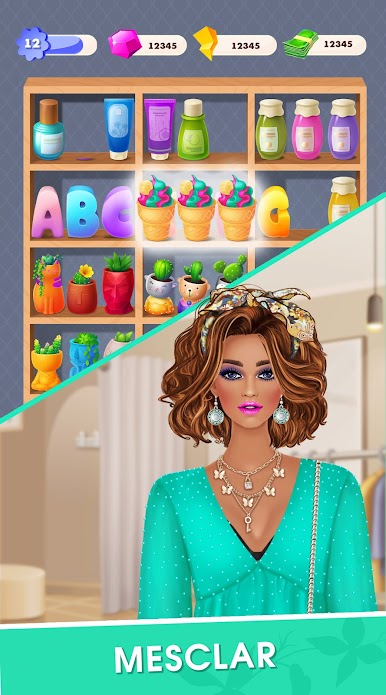

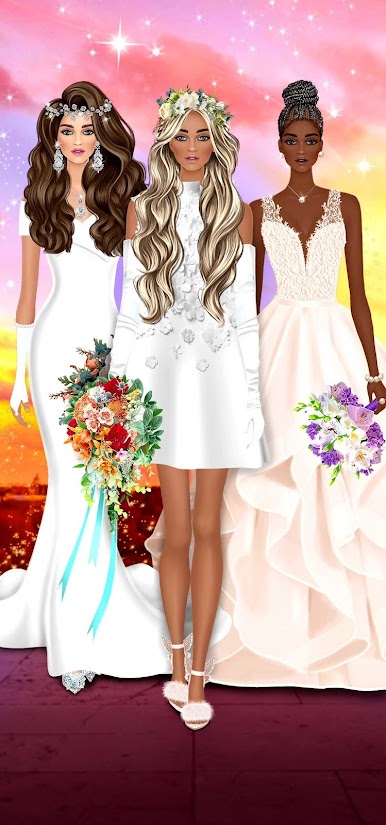
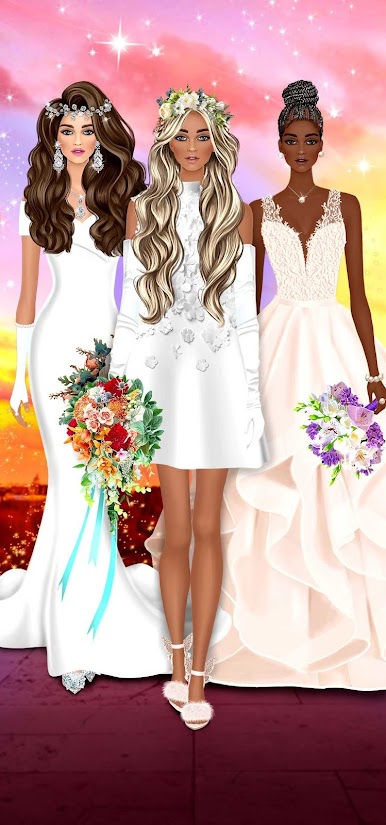
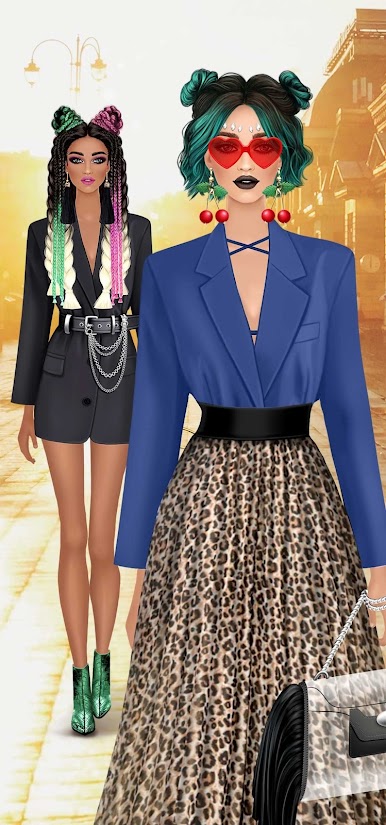

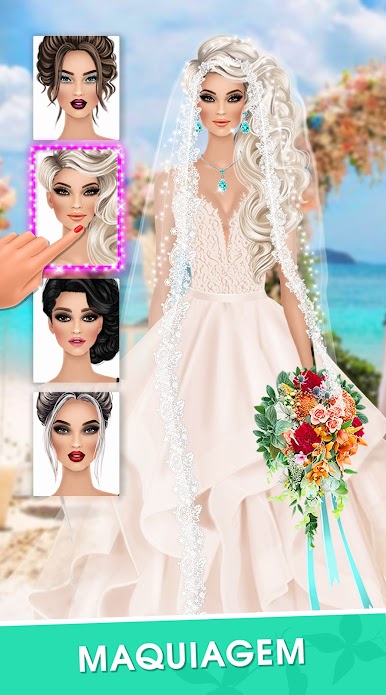
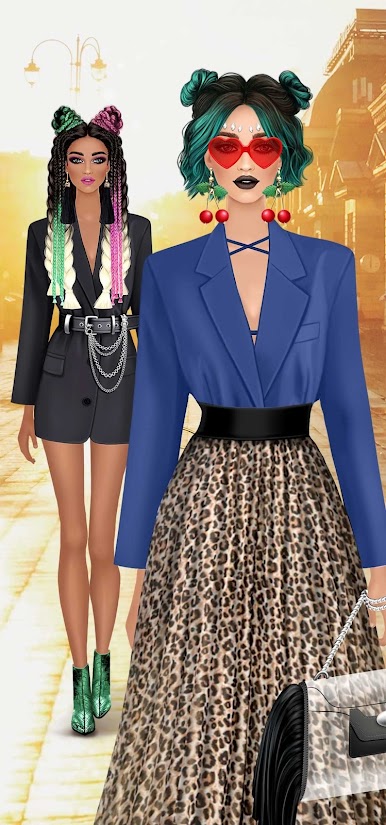

Jogue Fashion Sort: jogos de vestir no PC. É fácil começar.
-
Baixe e instale o BlueStacks no seu PC
-
Conclua o login do Google para acessar a Play Store ou faça isso mais tarde
-
Procure por Fashion Sort: jogos de vestir na barra de pesquisa no canto superior direito
-
Clique para instalar Fashion Sort: jogos de vestir a partir dos resultados da pesquisa
-
Conclua o login do Google (caso você pulou a etapa 2) para instalar o Fashion Sort: jogos de vestir
-
Clique no ícone do Fashion Sort: jogos de vestir na tela inicial para começar a jogar

