


Portuguese - English Translato
Mainkan di PC dengan BlueStacks – platform Game-Game Android, dipercaya oleh lebih dari 500 juta gamer.

Run Portuguese - English Translato on PC or Mac
What’s better than using Portuguese – English Translato by Suvorov-Development? Well, try it on a big screen, on your PC or Mac, with BlueStacks to see the difference.
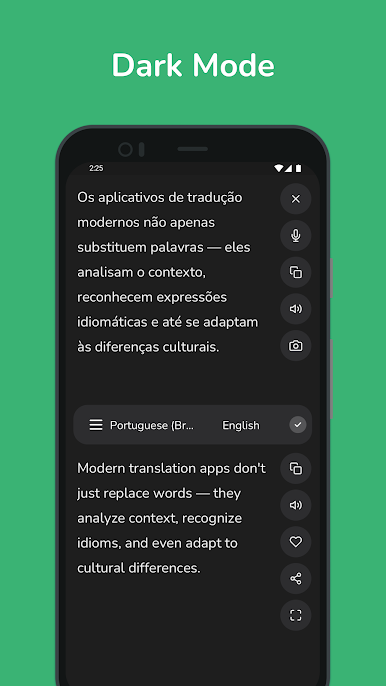
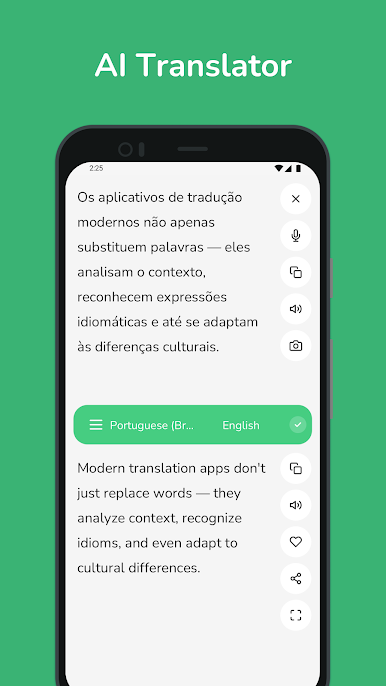
Portuguese – English Translato feels like a simple, handy tool that does exactly what the name says. On a PC through BlueStacks it is even nicer, since a full keyboard makes longer sentences easy to paste or type, and copying results into emails or chats is quick. It switches between Portuguese and English without fuss, gives instant results, and often shows a few different word choices so a person can pick the one that fits the context. There is a built-in phrasebook for basics, which is great when someone needs a quick line for travel or small talk.
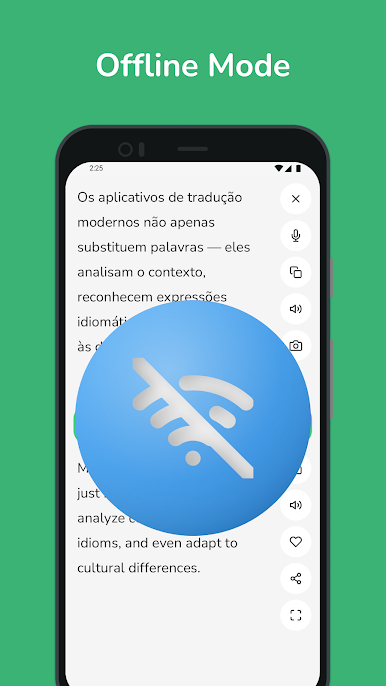
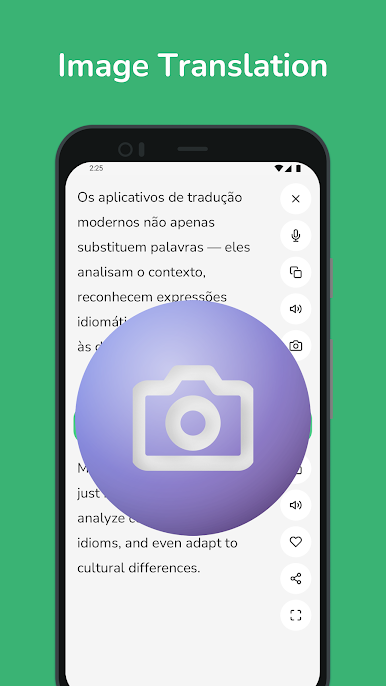
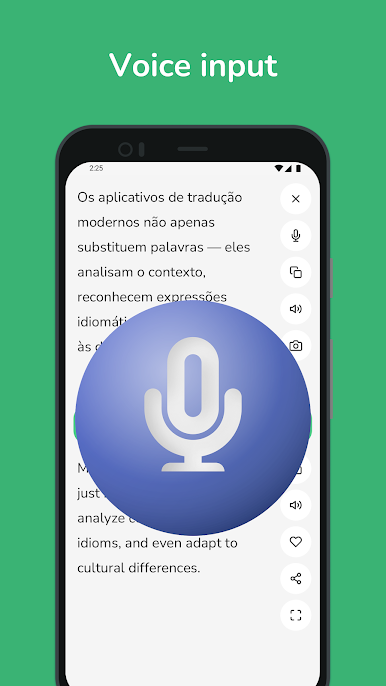
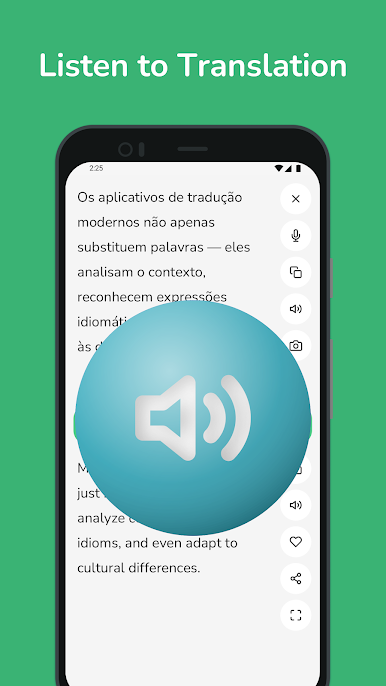
The camera and image text feature is surprisingly useful. Drop in a screenshot or point a webcam at a printed page and it pulls the text out, then translates it. Voice input works well for short questions or replies, so conversations feel less awkward. Offline packs are available too, so when the connection is patchy, translations still work. The layout is clean, history keeps track of past lookups, and favorites pin the important phrases in one place. It updates results as a person types, which saves a bit of time. The app seems to handle nuance better than a basic dictionary, and it does not bury settings behind menus. Nothing flashy here, just fast translating that plays nicely with other windows while running on BlueStacks.
Eager to take your app experience to the next level? Start right away by downloading BlueStacks on your PC or Mac.
Mainkan Portuguese - English Translato di PC Mudah saja memulainya.
-
Unduh dan pasang BlueStacks di PC kamu
-
Selesaikan proses masuk Google untuk mengakses Playstore atau lakukan nanti
-
Cari Portuguese - English Translato di bilah pencarian di pojok kanan atas
-
Klik untuk menginstal Portuguese - English Translato dari hasil pencarian
-
Selesaikan proses masuk Google (jika kamu melewati langkah 2) untuk menginstal Portuguese - English Translato
-
Klik ikon Portuguese - English Translato di layar home untuk membuka gamenya

