

Portuguese - French Translator
Spiele auf dem PC mit BlueStacks - der Android-Gaming-Plattform, der über 500 Millionen Spieler vertrauen.

Seite geändert am: Jun 14, 2025
Run Portuguese - French Translator on PC or Mac
What’s better than using Portuguese – French Translator by Suvorov-Development? Well, try it on a big screen, on your PC or Mac, with BlueStacks to see the difference.
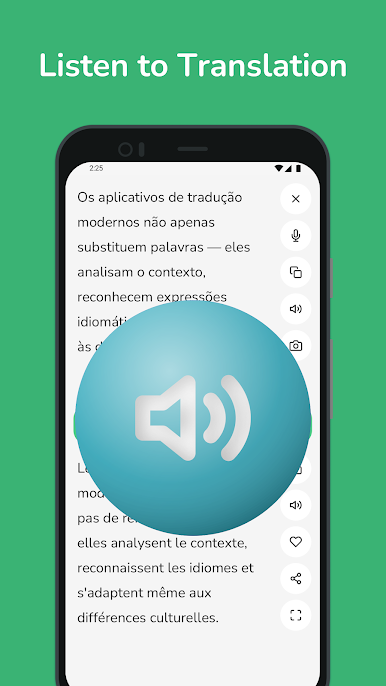
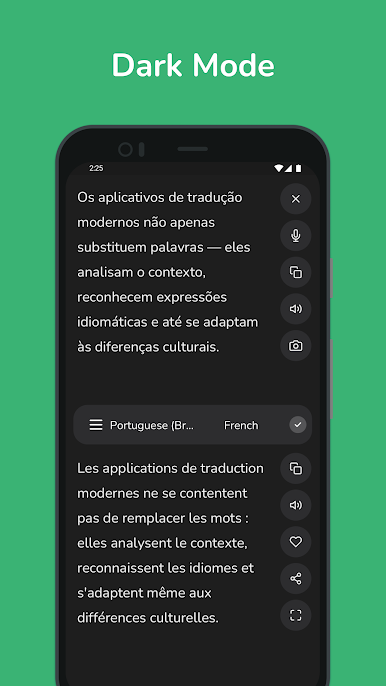
Portuguese – French Translator feels like a no fuss tool that does exactly what people need for these two languages. Type a word or a full sentence and the translation shows up fast, with options when a word has more than one meaning. It works both ways, so switching between Portuguese and French is simple. The layout is clean, nothing confusing, so it stays out of the way while someone studies, chats, or prepares a trip.
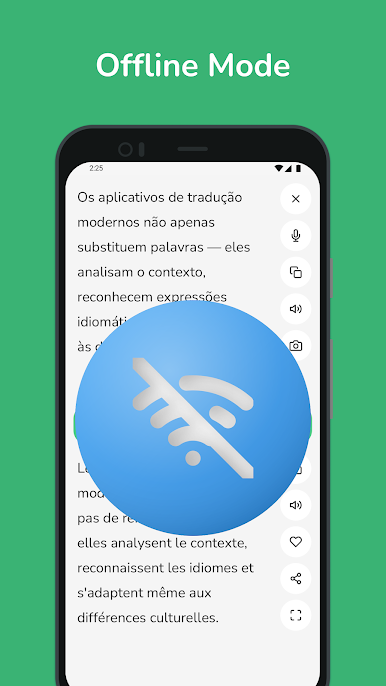
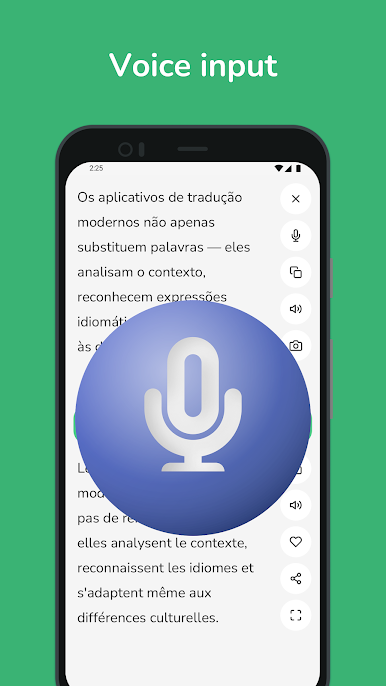
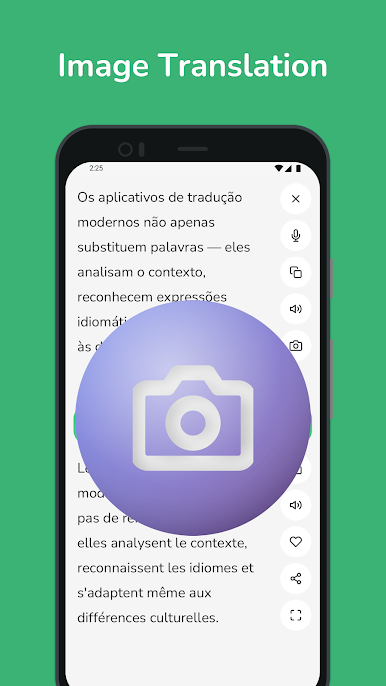
What stands out is how many ways it handles text. There is voice input for quick back and forth, photo text recognition for signs or printed pages, and a phrasebook that covers common travel and everyday lines. The instant as-you-type translation helps catch mistakes early, and the dictionary style variants make it easier to pick the right tone. History and favorites are handy for revisiting tricky bits, and offline packs mean it still works on a train or in a spotty café.
On a PC with BlueStacks, it feels even more practical. Big screen for long sentences, fast copy and paste between windows, easy keyboard shortcuts, and it is simple to drop an image from the desktop for quick OCR. Audio in and out depends on the mic and speakers, but it handles normal conversation fine. It is focused on Portuguese and French only, which is honestly a plus if that is the goal.
Big screen. Bigger performance. Use BlueStacks on your PC or Mac to run your favorite apps.

Spiele Portuguese - French Translator auf dem PC. Der Einstieg ist einfach.
-
Lade BlueStacks herunter und installiere es auf deinem PC
-
Schließe die Google-Anmeldung ab, um auf den Play Store zuzugreifen, oder mache es später
-
Suche in der Suchleiste oben rechts nach Portuguese - French Translator
-
Klicke hier, um Portuguese - French Translator aus den Suchergebnissen zu installieren
-
Schließe die Google-Anmeldung ab (wenn du Schritt 2 übersprungen hast), um Portuguese - French Translator zu installieren.
-
Klicke auf dem Startbildschirm auf das Portuguese - French Translator Symbol, um mit dem Spielen zu beginnen

