


SwipeRx
Play on PC with BlueStacks – the Android Gaming Platform, trusted by 500M+ gamers.

Page Modified on: Nov 26, 2025
Run SwipeRx - Connecting Pharmacy Professionals on PC or Mac
What’s better than using SwipeRx – Connecting Pharmacy Professionals by mClinica Inc.? Well, try it on a big screen, on your PC or Mac, with BlueStacks to see the difference.
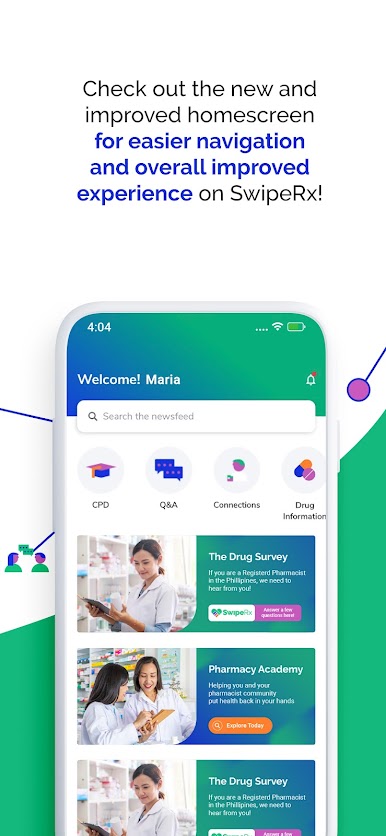
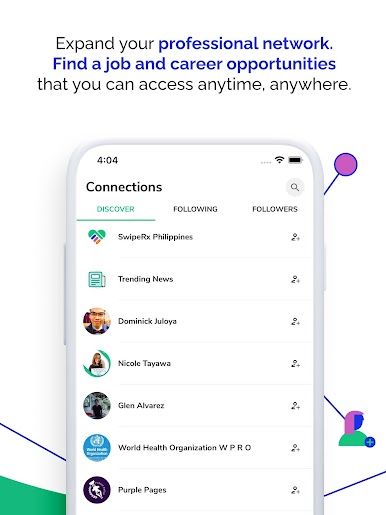
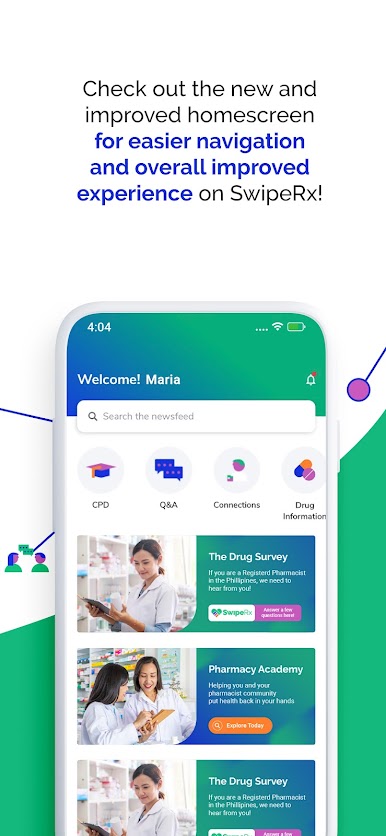
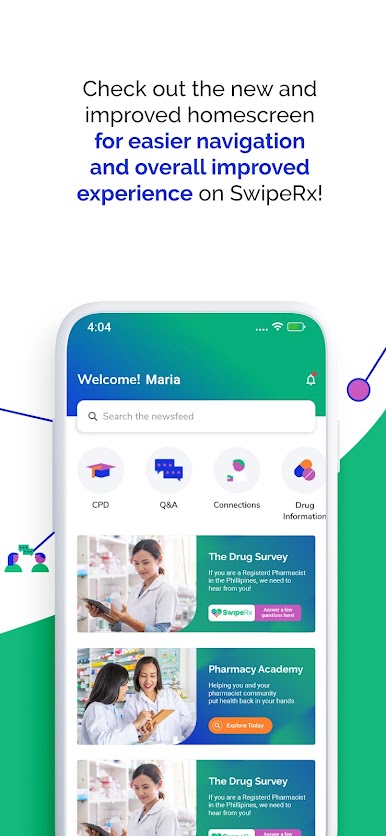
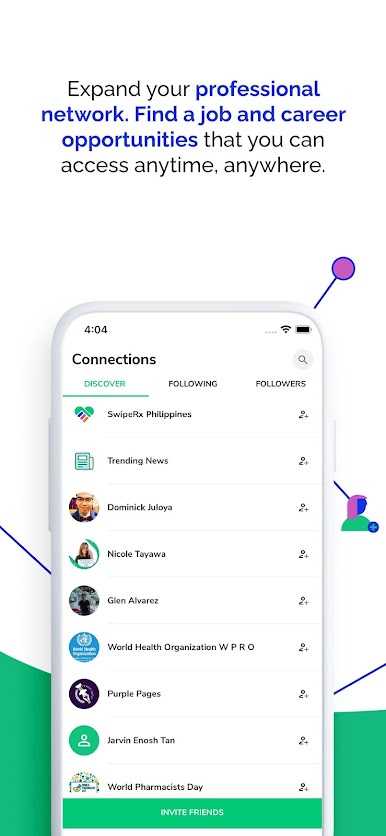
So with SwipeRx, it really feels more like a hangout spot for people who actually work in pharmacies than your average app. Instead of just scrolling through news, you get this mix of industry updates, drug info, and even job listings—all in one place. There’s a big emphasis on the community bit; people swap advice or answer questions about pharmacy practice, so it’s not just official announcements everywhere. That active back-and-forth between professionals makes the whole thing feel more reliable, especially compared to digging through random forums or old websites.
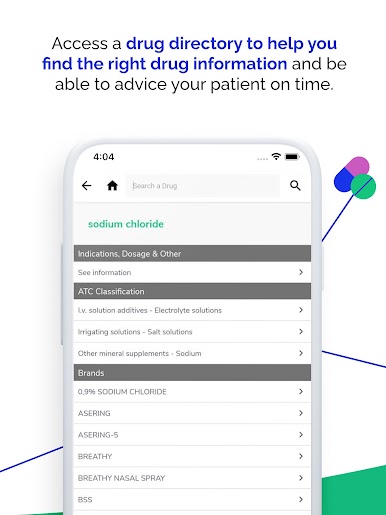
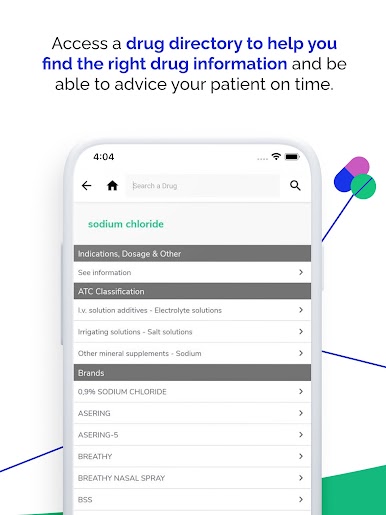
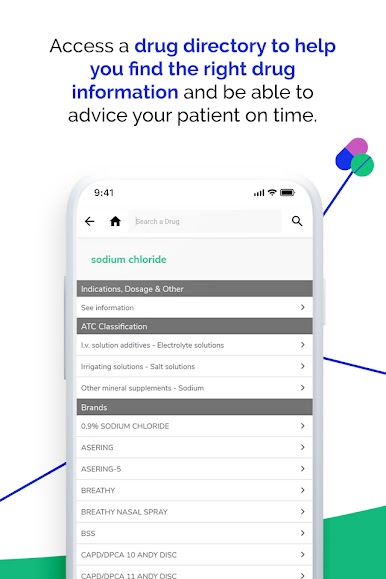
And what’s convenient is, all those continuing education modules pop up right in the app, so users can tick off their CPD credits whenever instead of finding some webinar after hours. The drug info search is handy, too—if someone’s checking interactions or brand options, it’s just easier to tap and compare on a bigger screen with BlueStacks than squint at a phone. Plus, the app’s got a simple design, so there’s not much time spent hunting through menus for what you need. For people who actually want to keep up with what’s going on in pharmacy and maybe connect with others in the industry, the whole setup just works nicely.
BlueStacks gives you the much-needed freedom to experience your favorite apps on a bigger screen. Get it now.









Play SwipeRx on PC. It’s easy to get started.
-
Download and install BlueStacks on your PC
-
Complete Google sign-in to access the Play Store, or do it later
-
Look for SwipeRx in the search bar at the top right corner
-
Click to install SwipeRx from the search results
-
Complete Google sign-in (if you skipped step 2) to install SwipeRx
-
Click the SwipeRx icon on the home screen to start playing

