


Sync - Secure cloud storage
Mainkan di PC dengan BlueStacks – platform Game-Game Android, dipercaya oleh lebih dari 500 juta gamer.

Run Sync - Secure cloud storage on PC or Mac
What’s better than using Sync – Secure cloud storage by Sync.com Inc.? Well, try it on a big screen, on your PC or Mac, with BlueStacks to see the difference.
About the App
Sync – Secure cloud storage is your digital vault for everything important. Need a safe spot for work docs, those endless vacation photos, or projects you share with your team? This app keeps your stuff protected and always within reach, no matter what device’s in your hand. Whether you’re at home, in the office, or jumping between devices via BlueStacks, Sync.com Inc. makes staying organized and secure feel effortless.
App Features
-
Generous Free Storage:
Start off with 5 GB of secure space—plenty of room for your most essential files, photos, and videos. -
Access Across Devices:
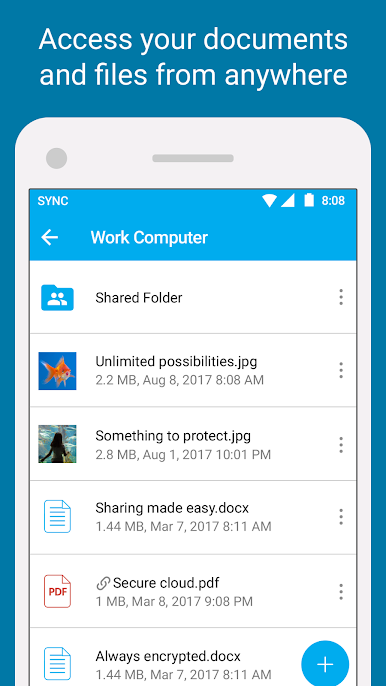
Switch from your phone to your tablet or use BlueStacks on your computer—your files always stay synced and up to date, wherever you’re signed in. -
Easy File Uploads:
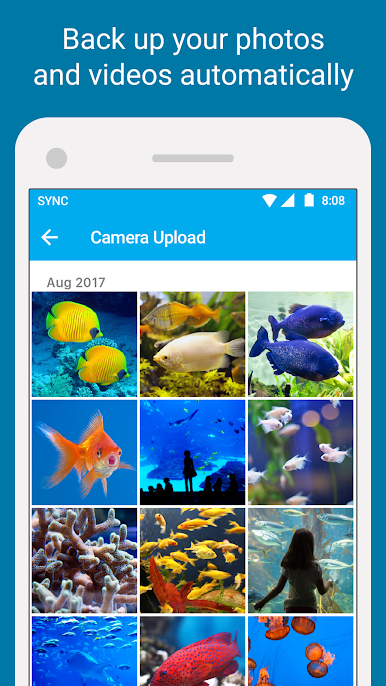
Got a burst of new pictures or a batch of video clips? Just upload them straight from your device, and they’ll be ready to access anywhere. -
Send Big Files, No Sweat:
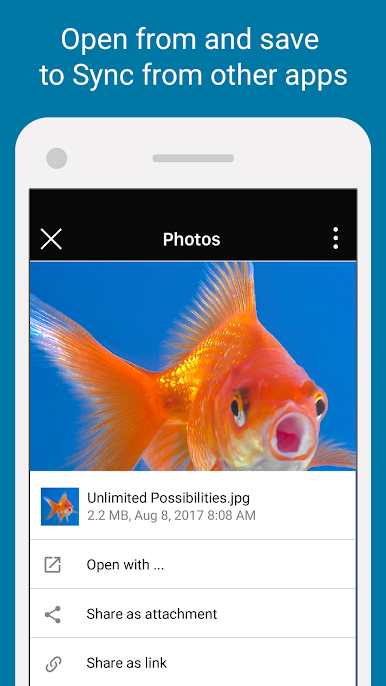
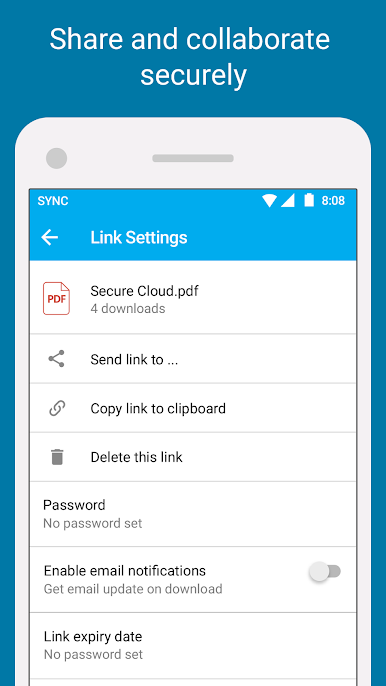
Share large documents or media easily by sending secure links, so you can skip the hassle of email attachments. -
Shared Folders for Teams:
Keeping group projects moving is simple with shared folders. Everyone’s on the same page with the latest files. -
Tough Privacy & Encryption:
Sync locks down your files with end-to-end encryption, so only you have access. Even Sync.com Inc. can’t peek—your content stays your own. -
Control Access:
Fine-tune who can view, edit, or share each file, whether you’re collaborating or just need extra peace of mind.
If you’re after that mix of convenience and strong privacy in one spot, Sync – Secure cloud storage has your back.
Big screen. Bigger performance. Use BlueStacks on your PC or Mac to run your favorite apps.
Mainkan Sync - Secure cloud storage di PC Mudah saja memulainya.
-
Unduh dan pasang BlueStacks di PC kamu
-
Selesaikan proses masuk Google untuk mengakses Playstore atau lakukan nanti
-
Cari Sync - Secure cloud storage di bilah pencarian di pojok kanan atas
-
Klik untuk menginstal Sync - Secure cloud storage dari hasil pencarian
-
Selesaikan proses masuk Google (jika kamu melewati langkah 2) untuk menginstal Sync - Secure cloud storage
-
Klik ikon Sync - Secure cloud storage di layar home untuk membuka gamenya

