


SudokuTournament.com
Jogue no PC com BlueStacks - A Plataforma de Jogos Android, confiada por mais de 500 milhões de jogadores.

Página modificada em: Feb 7, 2025
Play SudokuTournament.com on PC or Mac
Join millions to experience SudokuTournament.com, an exciting Puzzle game from Syntaxity. With BlueStacks App Player, you are always a step ahead of your opponent, ready to outplay them with faster gameplay and better control with the mouse and keyboard on your PC or Mac.
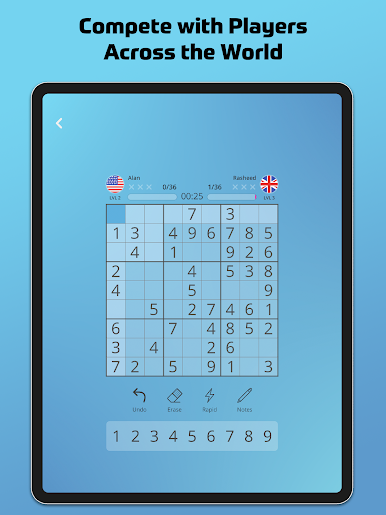
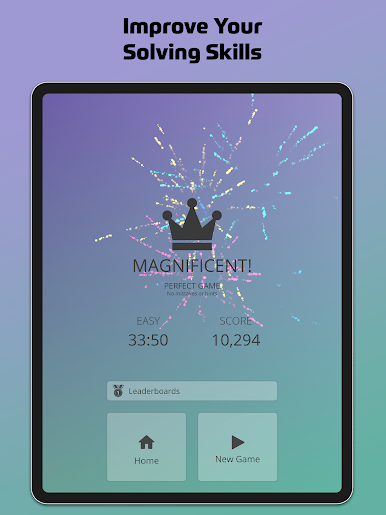
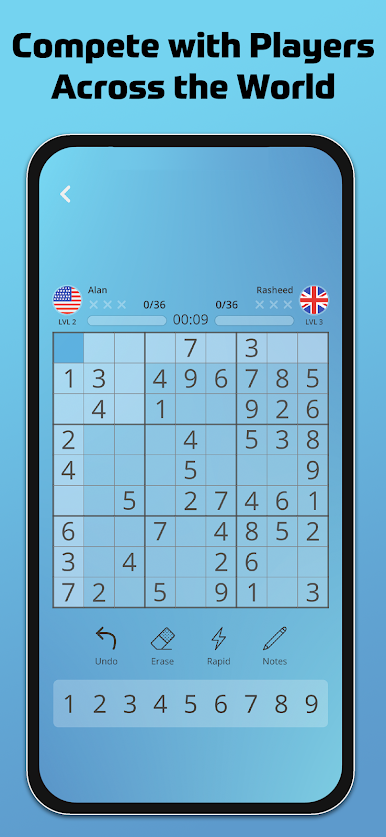
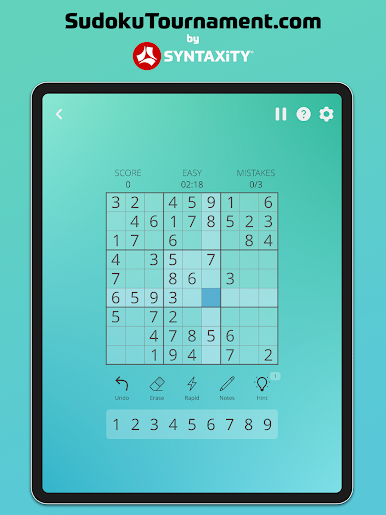
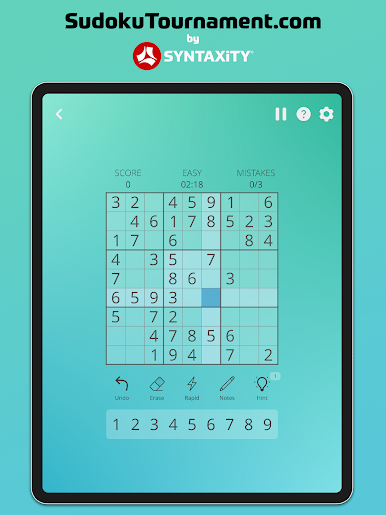
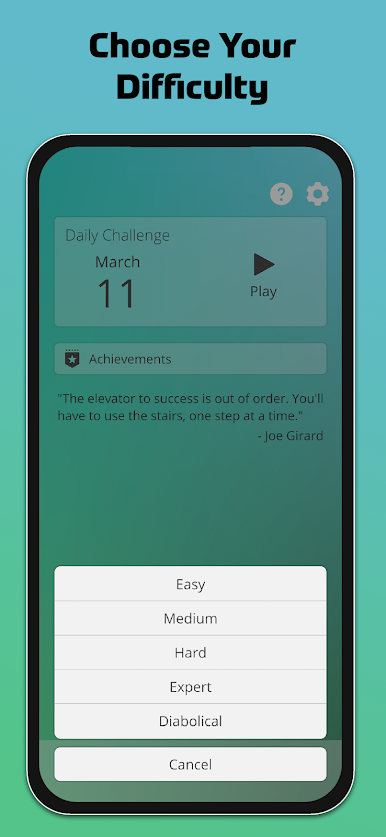
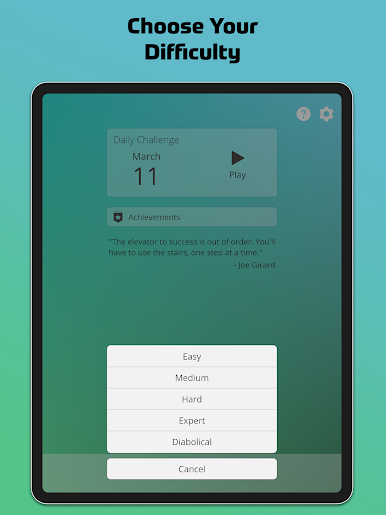
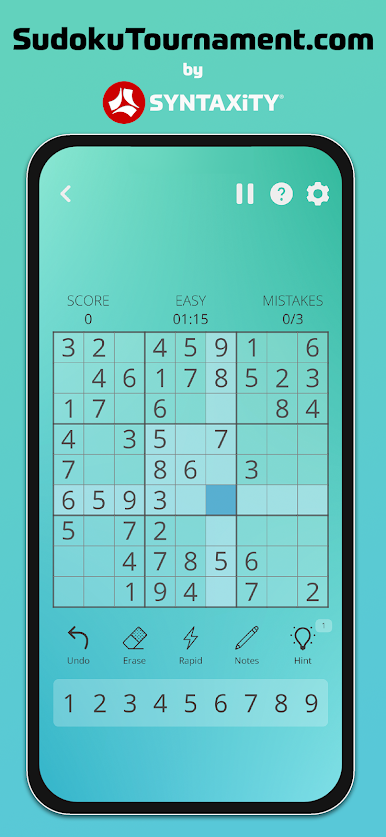
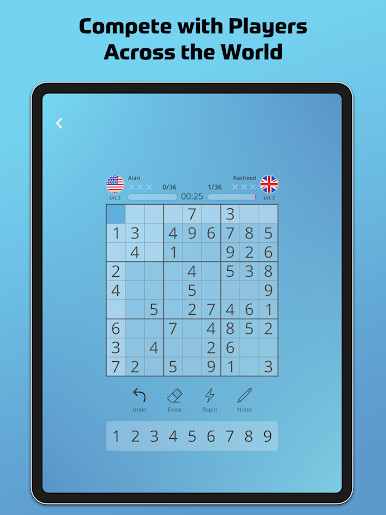
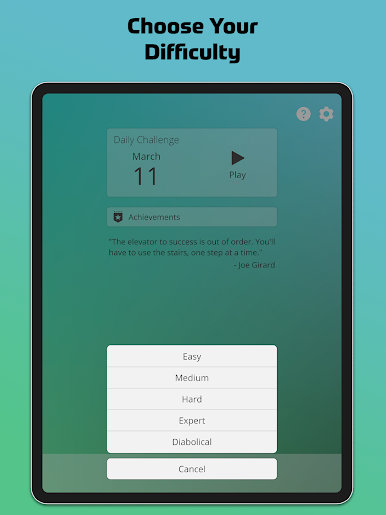
SudokuTournament.com feels like a clean, straight-to-the-point sudoku hub that lets players pick a lane and settle in. There are tons of classic grids, from easy warmups to those diabolical brain-benders that make someone pause and rethink a strategy. Solo play is calm and unhurried, great for a quick break or a longer sit-down, and the monthly tournaments add that gentle push to compete with others at a similar skill level. A neat touch is the shared puzzle code, so a group can play the exact same board and compare times without fuss.
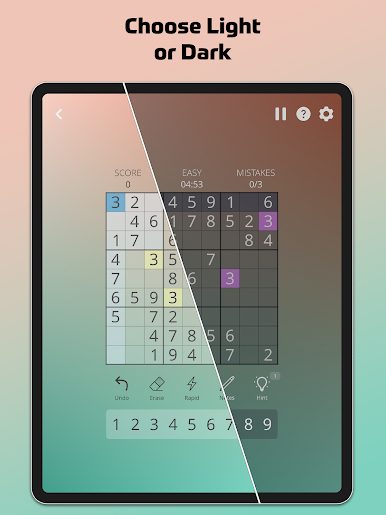
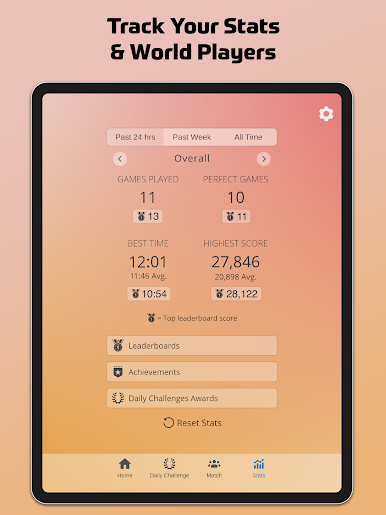
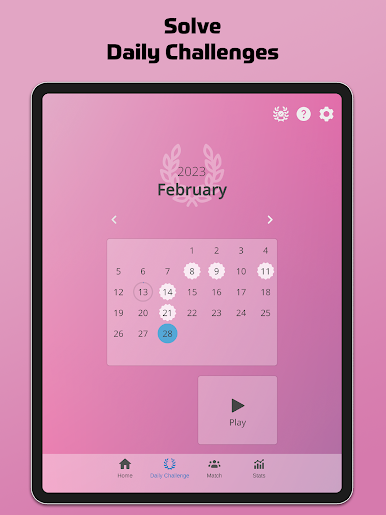
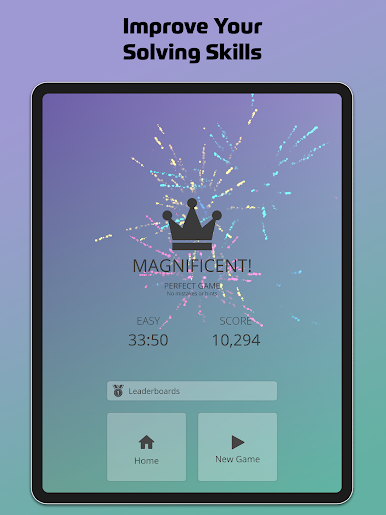
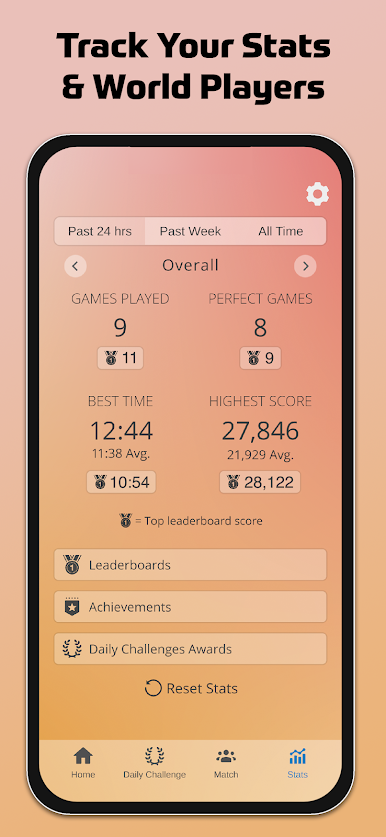
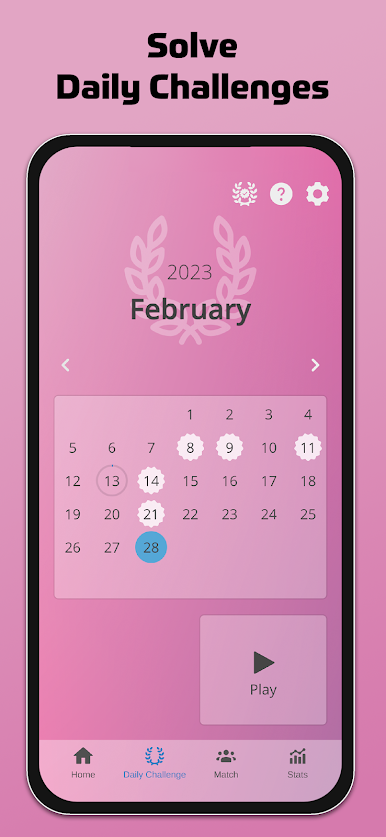
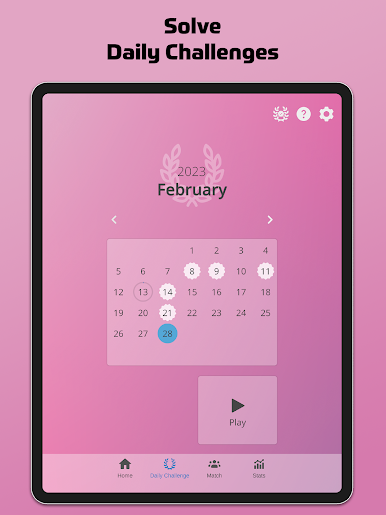
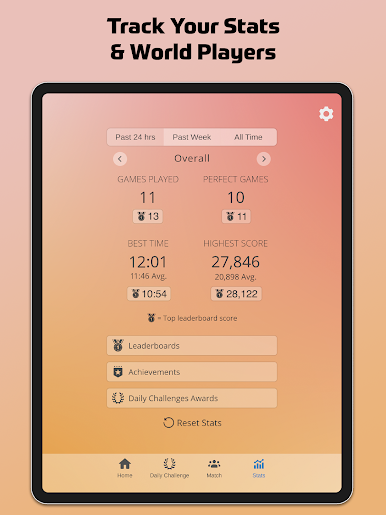
The helpers are thoughtful rather than hand-holdy. Matching numbers can highlight, mistakes can show right away, correct entries can lock, and notes get cleaned up when a number is solved. It even hides a digit’s button once the board is full of that number. Stats go surprisingly deep, with clear progress visuals, achievements, leaderboards, and daily challenges that build into monthly streak rewards. There is offline play for solo games, cloud save to keep progress on multiple devices, and no ads if a subscription is active. Tournament play needs internet, obviously.
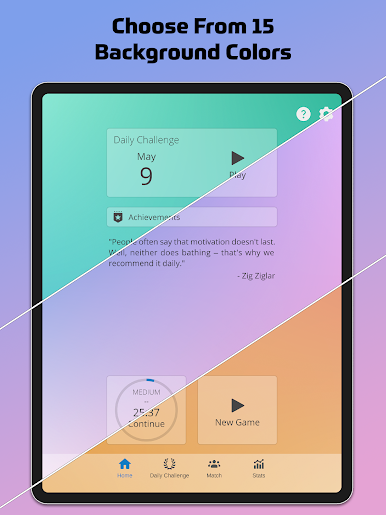
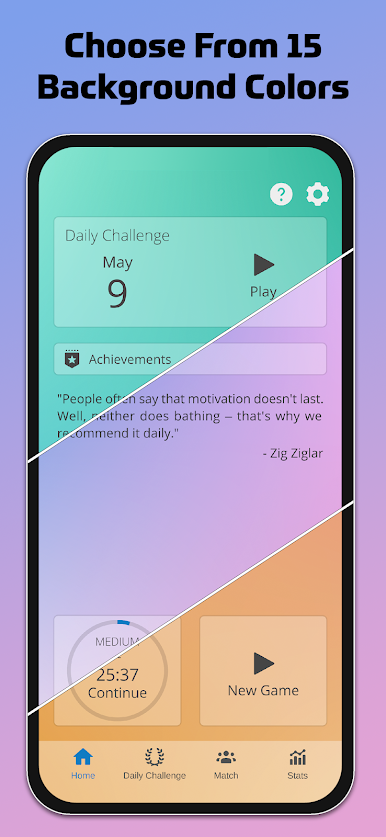
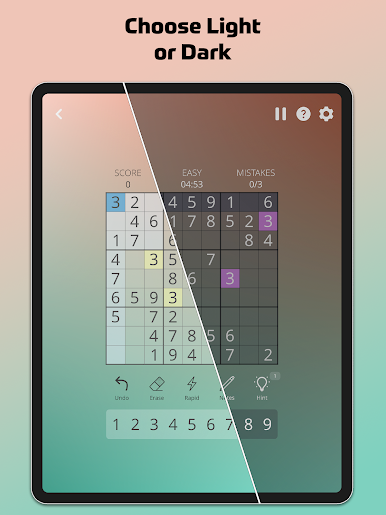
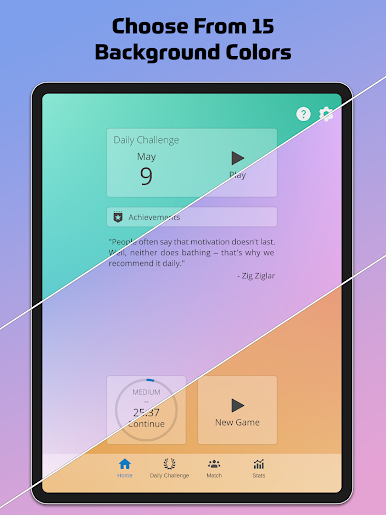
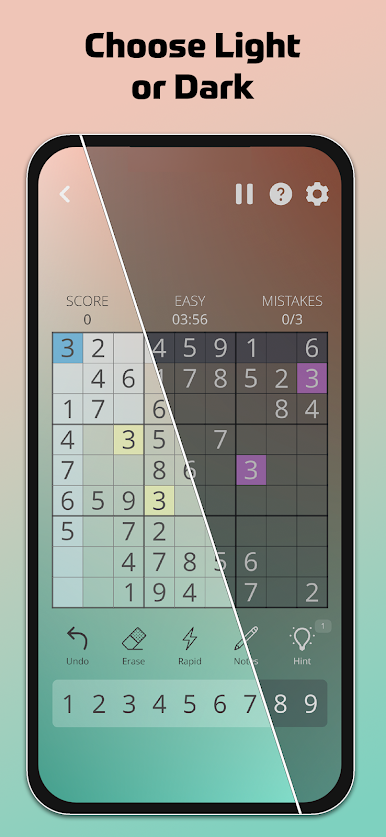
On PC with BlueStacks, it feels snappy. Mouse clicks land cleanly, typing 1-9 is quick, and the bigger screen makes notes easier to read. Dark mode and the color themes help for long sessions, so eyes do not get fried after a few rounds.
Get ready for a buttery smooth, high-performance gaming action only on BlueStacks.
Jogue SudokuTournament.com no PC. É fácil começar.
-
Baixe e instale o BlueStacks no seu PC
-
Conclua o login do Google para acessar a Play Store ou faça isso mais tarde
-
Procure por SudokuTournament.com na barra de pesquisa no canto superior direito
-
Clique para instalar SudokuTournament.com a partir dos resultados da pesquisa
-
Conclua o login do Google (caso você pulou a etapa 2) para instalar o SudokuTournament.com
-
Clique no ícone do SudokuTournament.com na tela inicial para começar a jogar

