


FlashLight BD
Spiele auf dem PC mit BlueStacks - der Android-Gaming-Plattform, der über 500 Millionen Spieler vertrauen.

Seite geändert am: 15.04.2019
Play FlashLight BD on PC
✔️️One tap ON one tap OFF: You can switch on/off the flashlight and screen light from your lock screen in notification bar (flash notification) while device is unlocked, just tap. Simple, fast and perfect!
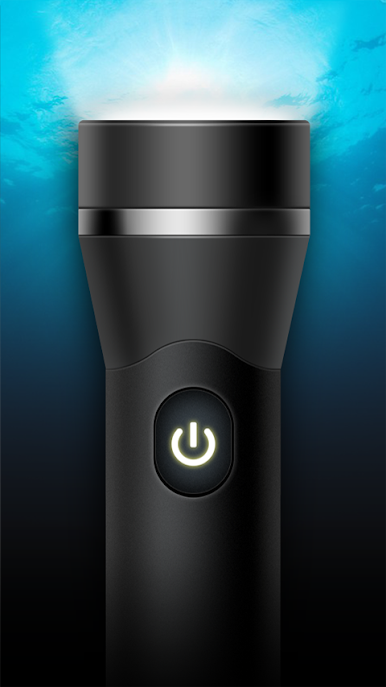
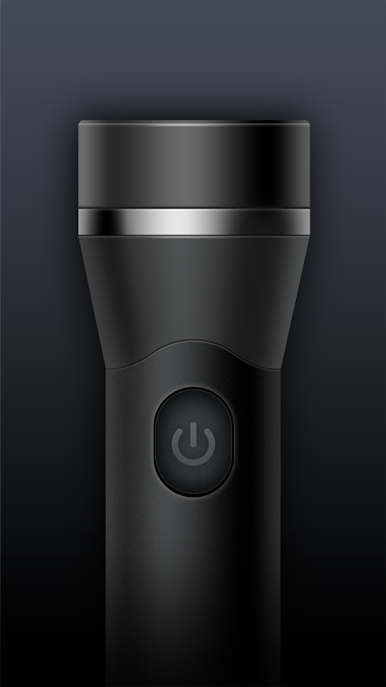
✔️️Cool Interface: Stunning graphics with beautiful interface and clean layout make the operation simple, smooth and fast!
✔️️Colorful environment: Simulate a disco ball and another light effects, select your style, switch color mode and host your own personal ambient.
✔️️Optimized: Battery friendly, super bright flashlight and music integration.
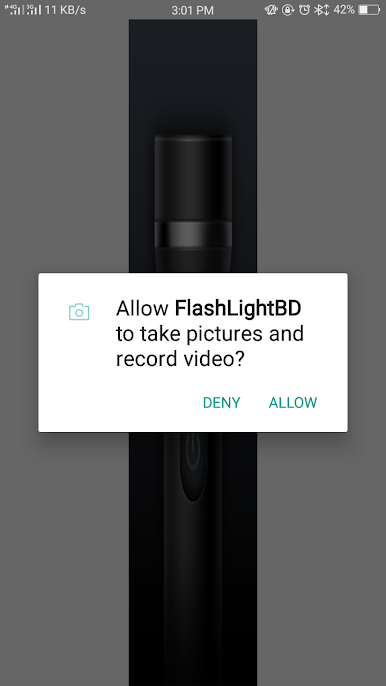
✔️️No unnecessary permission, no data collections: Just camera to control the flashlight and microphone to beat to the rythm of the music. We respect
Spiele FlashLight BD auf dem PC. Der Einstieg ist einfach.
-
Lade BlueStacks herunter und installiere es auf deinem PC
-
Schließe die Google-Anmeldung ab, um auf den Play Store zuzugreifen, oder mache es später
-
Suche in der Suchleiste oben rechts nach FlashLight BD
-
Klicke hier, um FlashLight BD aus den Suchergebnissen zu installieren
-
Schließe die Google-Anmeldung ab (wenn du Schritt 2 übersprungen hast), um FlashLight BD zu installieren.
-
Klicke auf dem Startbildschirm auf das FlashLight BD Symbol, um mit dem Spielen zu beginnen

