

App für die Kleinsten - Kinder
Spiele auf dem PC mit BlueStacks - der Android-Gaming-Plattform, der über 500 Millionen Spieler vertrauen.

Seite geändert am: Feb 6, 2023
Run Peekaboo Kids - Free Kids Game on PC or Mac
Get freedom from your phone’s obvious limitations. Use Peekaboo Kids – Free Kids Game, made by Tappy Happy kids apps & games for kids, a Education app on your PC or Mac with BlueStacks, and level up your experience.
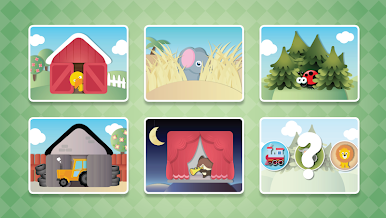
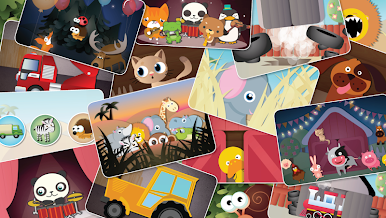
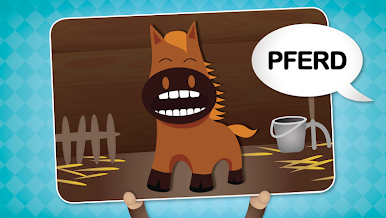
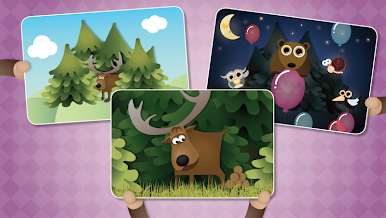
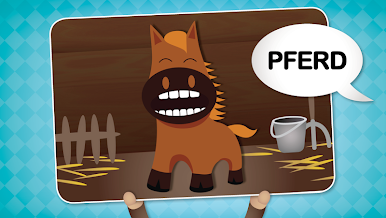
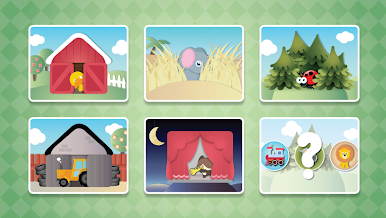
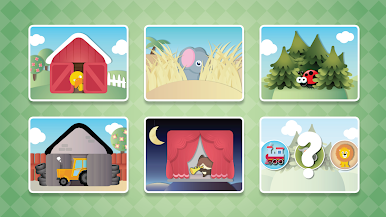
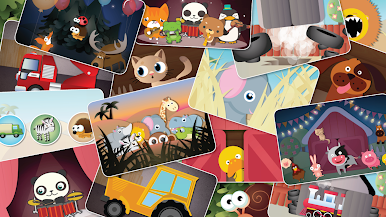
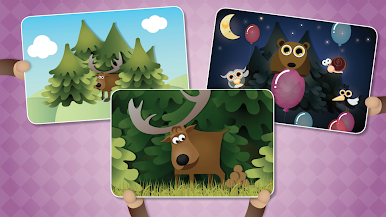
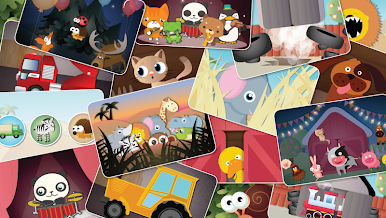
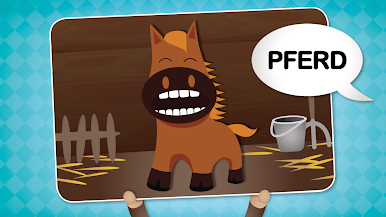
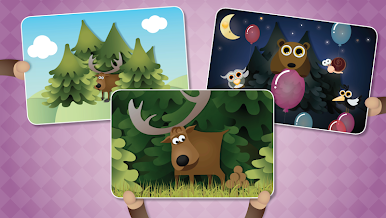
Peekaboo Kids is made for really little ones, so it’s super simple and colorful — everything’s big, clear, and easy to press, even for kids who aren’t great with touchscreens yet. It’s all about animals, vehicles, and music instruments, and there are a bunch of categories, like farm animals, animals you’d see in the wild, a garage with vehicles, and even a section just for music. Whenever something gets tapped, it pops to life with a cute animation and you get the fun sound — like a cow actually mooing or a car making engine noises. Plus, there’s always an English voice saying the name of whatever pops up, so it’s easy for kids to connect the sound, the animal, and the word.
There are loads of these animations and sounds packed in, so kids don’t end up cycling through the same few things over and over. And for families that aren’t only speaking English, you can swap languages to things like French, Spanish, German, and more right from the settings, which is a really nice touch. The game’s been tested with little kids, so stuff like menus and categories are pretty much foolproof. Playing it on PC using BlueStacks gives everything an even bigger and brighter look, so toddlers can really see what’s happening, and it’s also nice if parents want to join in from the couch. There’s no complicated stuff or tricky rules — kids tap, stuff happens, and they get happy noises and words. Just one of those low-stress, totally safe games that keeps little kids busy and learning, with a lot of the parent worries taken out of the picture.
Switch to BlueStacks and make the most of your apps on your PC or Mac.
Spiele App für die Kleinsten - Kinder auf dem PC. Der Einstieg ist einfach.
-
Lade BlueStacks herunter und installiere es auf deinem PC
-
Schließe die Google-Anmeldung ab, um auf den Play Store zuzugreifen, oder mache es später
-
Suche in der Suchleiste oben rechts nach App für die Kleinsten - Kinder
-
Klicke hier, um App für die Kleinsten - Kinder aus den Suchergebnissen zu installieren
-
Schließe die Google-Anmeldung ab (wenn du Schritt 2 übersprungen hast), um App für die Kleinsten - Kinder zu installieren.
-
Klicke auf dem Startbildschirm auf das App für die Kleinsten - Kinder Symbol, um mit dem Spielen zu beginnen

