


こどもパズル – 教育用の楽しい子供向けゲーム
BlueStacksを使ってPCでプレイ - 5憶以上のユーザーが愛用している高機能Androidゲーミングプラットフォーム

Run Puzzle For Toddlers - Kids Game 1, 2, 3 years old on PC or Mac
Upgrade your experience. Try Puzzle For Toddlers – Kids Game 1, 2, 3 years old, the fantastic Education app from Tappy Happy kids apps & games for kids, from the comfort of your laptop, PC, or Mac, only on BlueStacks.
About the App
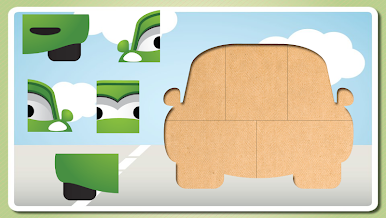
Puzzle For Toddlers – Kids Game 1, 2, 3 years old is a cheerful, hands-on way for little ones to play and learn. It’s built for tiny fingers and short attention spans, mixing colorful pictures, easy controls, and quick wins that keep kids smiling. Expect gentle challenges that build early problem‑solving skills without stress. Want a bigger screen for shared playtime? It also works smoothly on BlueStacks.
App Features
- Designed for little hands: Simple, clean screens with big elements make it easy for ages 1–4 to explore without help.
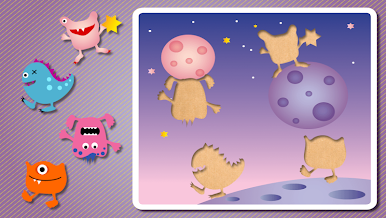
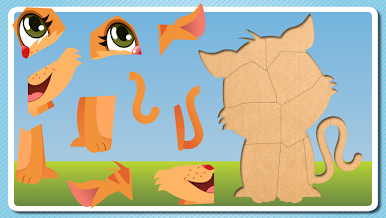
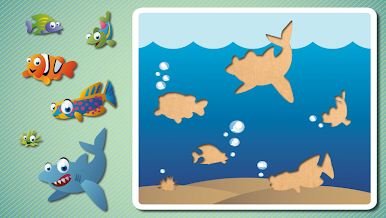
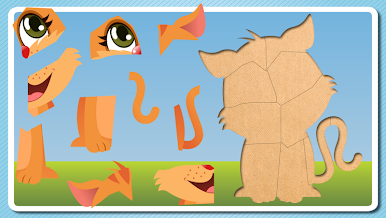
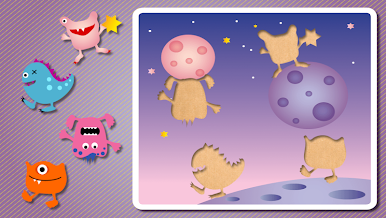
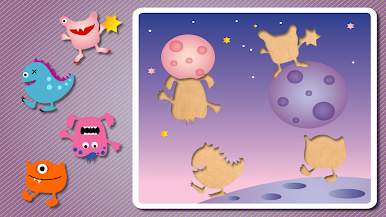
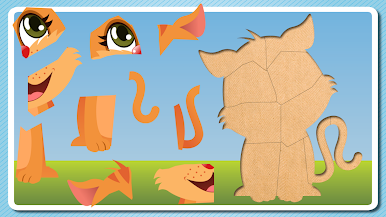
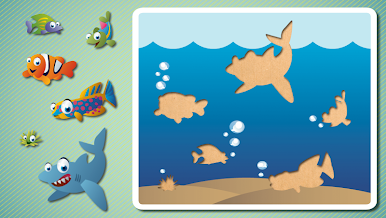
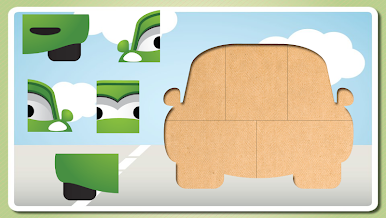
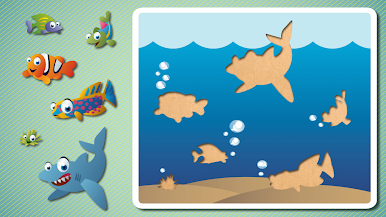
- Lots to discover: 36+ charming puzzles featuring 80+ favorites—animals, cars, friendly robots, and musical instruments.
- Drag, drop, done: Kids move pieces with a finger; pieces snap into place so success feels natural.
- Fun rewards: Finishing a puzzle triggers a cute animation and cheerful sounds that celebrate the moment.
- Grows with your child: Puzzles vary in difficulty, so beginners and more confident toddlers both find a good fit.
- Early learning built in: Encourages logical thinking, hand‑eye coordination, and helps kids pick up words and animal sounds.
- Kid‑safe and ad‑free: No banners or interruptions—just calm, focused play.
- Tested by real toddlers: Created and refined with feedback from children 1, 2, and 3 years old by Tappy Happy kids apps & games for kids.
- Great on phones and tablets: Works well at home or on the go—perfect for car rides and quick play sessions.
- English throughout: Clear visuals and audio suited to young learners in this Education favorite.
- Free to download: Start playing right away, with content crafted especially for toddlers.
BlueStacks brings your apps to life on a bigger screen—seamless and straightforward.
こどもパズル – 教育用の楽しい子供向けゲームをPCでプレイ
-
BlueStacksをダウンロードしてPCにインストールします。
-
GoogleにサインインしてGoogle Play ストアにアクセスします。(こちらの操作は後で行っても問題ありません)
-
右上の検索バーにこどもパズル – 教育用の楽しい子供向けゲームを入力して検索します。
-
クリックして検索結果からこどもパズル – 教育用の楽しい子供向けゲームをインストールします。
-
Googleサインインを完了してこどもパズル – 教育用の楽しい子供向けゲームをインストールします。※手順2を飛ばしていた場合
-
ホーム画面にてこどもパズル – 教育用の楽しい子供向けゲームのアイコンをクリックしてアプリを起動します。

