


TeamGantt Companion
เล่นบน PC ผ่าน BlueStacks - Android Gaming Platform ที่ได้รับความไว้วางใจจากเกมเมอร์ 500 ล้านคนทั่วโลก

Page Modified on: Dec 1, 2025
Play TeamGantt Companion on PC
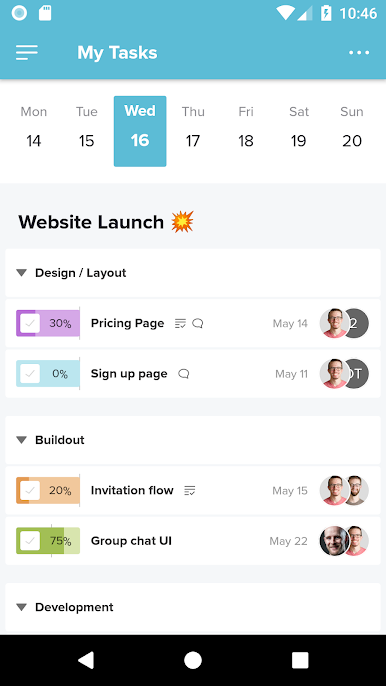
This app uses mobile-optimized list views in place of project timelines so you can:
• Create and update tasks
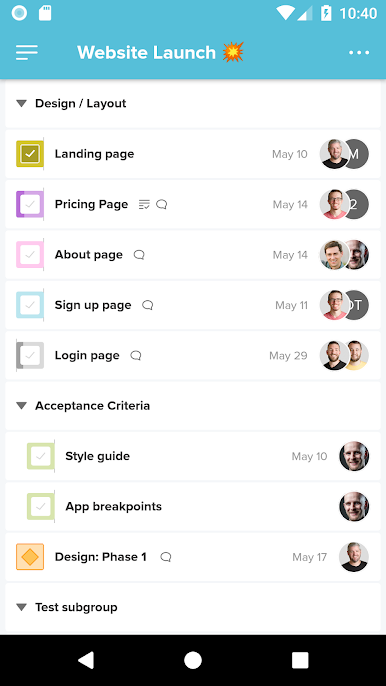
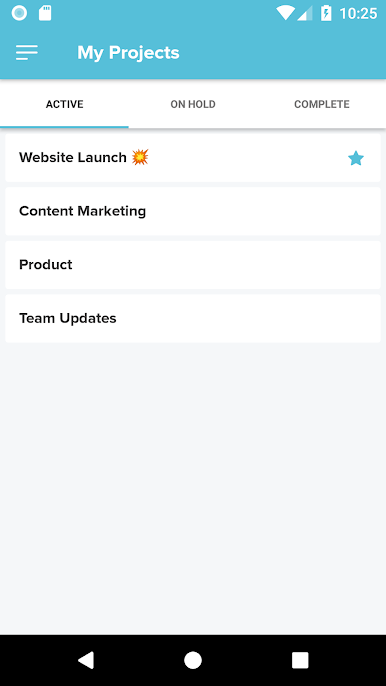
• View and organize task lists
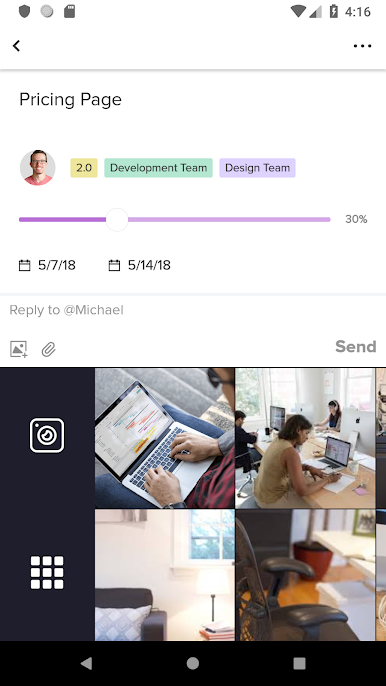
• Create and edit checklist items
• Assign work to other team members
• Add due dates
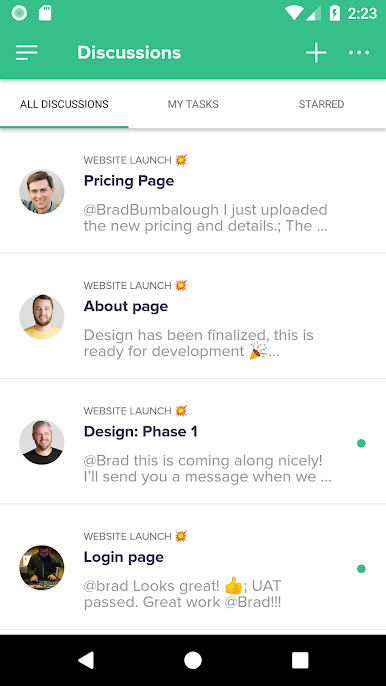
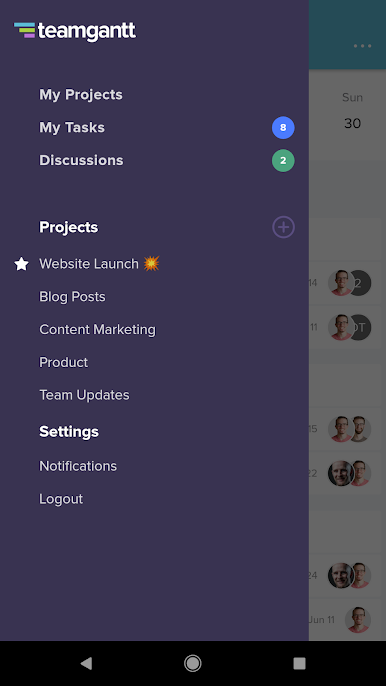
• View and start discussions
• Upload and access project files and documents
• Track and modify time spent on tasks
To view your timeline and access full TeamGantt functionality, log into our website.
To use this app, you must create a TeamGantt account, which you can do for free. TeamGantt is the easiest way for project managers to save time, hit deadlines, and deliver within budget.
Use of this app is subject to the TeamGantt Terms of Service, which can be found at https://www.teamgantt.com/terms.
เล่น TeamGantt Companion บน PC ได้ง่ายกว่า
-
ดาวน์โหลดและติดตั้ง BlueStacks บน PC ของคุณ
-
ลงชื่อเข้าใช้แอคเคาท์ Google เพื่อเข้าสู่ Play Store หรือทำในภายหลัง
-
ค้นหา TeamGantt Companion ในช่องค้นหาด้านขวาบนของโปรแกรม
-
คลิกเพื่อติดตั้ง TeamGantt Companion จากผลการค้นหา
-
ลงชื่อเข้าใช้บัญชี Google Account (หากยังไม่ได้ทำในขั้นที่ 2) เพื่อติดตั้ง TeamGantt Companion
-
คลิกที่ไอคอน TeamGantt Companion ในหน้าจอเพื่อเริ่มเล่น

