


Tembak Tembakan FPS Permainan
Mainkan di PC dengan BlueStacks – platform Game-Game Android, dipercaya oleh lebih dari 500 juta gamer.

Play Army Warzone Action 3D Games on PC
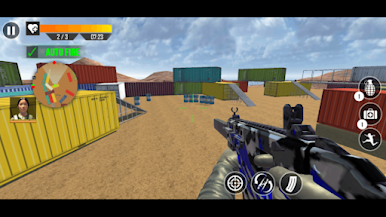
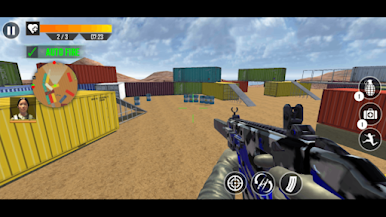
You will play as a master soldier in this action game. There are games on the play store but we proudly present a shooting game on the play store especially for the army games and fps games lovers. Challenging & action pack fps shooting missions of this shooting game make this action game stand among action games.
First-person shooters
Offline gun and sniper games with unlimited fun. In this fps shooting game explore the offline shooting game levels for real shooting fun.
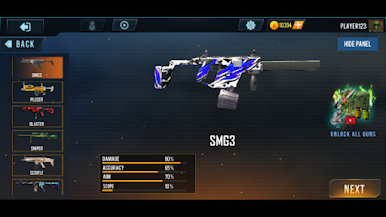
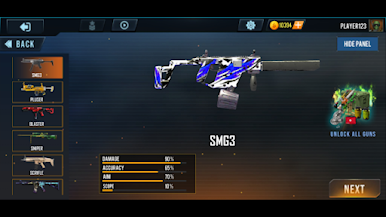
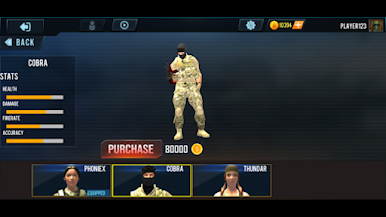
You are a well-trained army squad and you are equipped with the latest guns like rifles, grenades, machine guns, snipers,s and many heavy guns in this game and your mission is to eliminate the enemies and save your country by completing critical army operations.
Features:
- Fps shooting 3d game.
- Multiple terrorists to shoot.
- Sniper gun shooter missions.
- Super surgical strike like an adventure.
- Realistic assassin missions.
- Sensor guns for effective shooting.
- Endless shooting capacities.
- A huge range of assault rifles.
- Smooth and super easy game controls.
If you have no wifi, you can also play this offline action army commando game.
Try to be tactical and don't simply run in all guns blazing - this is a game of strategy, not just pure guns and glory. Think about your movements and when you attack the enemies. Become a real fighter against terrorist army soldiers today!
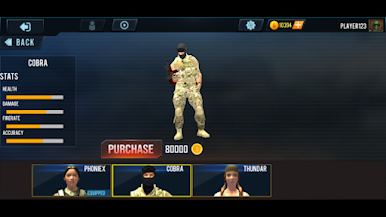
Mainkan Tembak Tembakan FPS Permainan di PC Mudah saja memulainya.
-
Unduh dan pasang BlueStacks di PC kamu
-
Selesaikan proses masuk Google untuk mengakses Playstore atau lakukan nanti
-
Cari Tembak Tembakan FPS Permainan di bilah pencarian di pojok kanan atas
-
Klik untuk menginstal Tembak Tembakan FPS Permainan dari hasil pencarian
-
Selesaikan proses masuk Google (jika kamu melewati langkah 2) untuk menginstal Tembak Tembakan FPS Permainan
-
Klik ikon Tembak Tembakan FPS Permainan di layar home untuk membuka gamenya

