


The Pop Directory
Graj na PC z BlueStacks – Platforma gamingowa Android, która uzyskała zaufanie ponad 500 milionów graczy!

Strona zmodyfikowana w dniu: Oct 3, 2025
Play The Pop Directory on PC
What can you do?
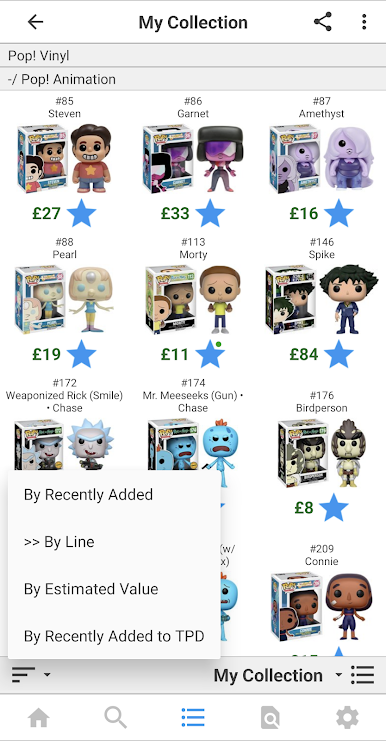
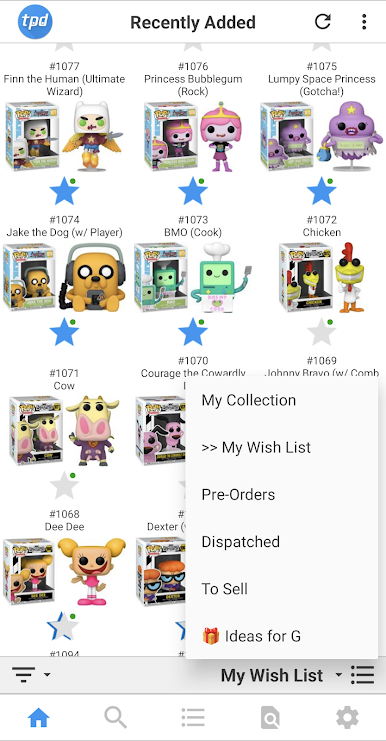
- View newly announced and released items.
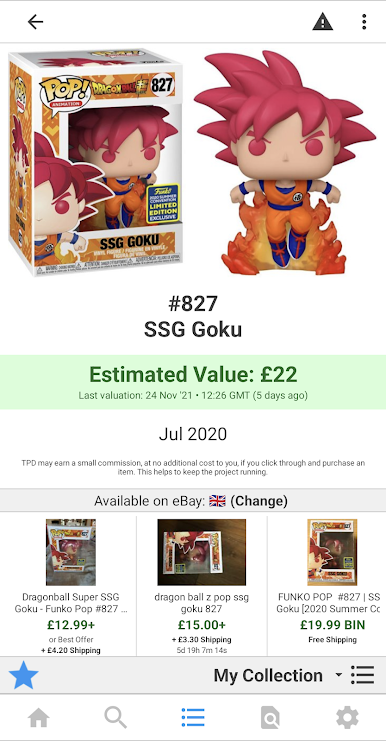
- View detailed item information.
- View what is available on eBay.
- View what is available across various online stores.
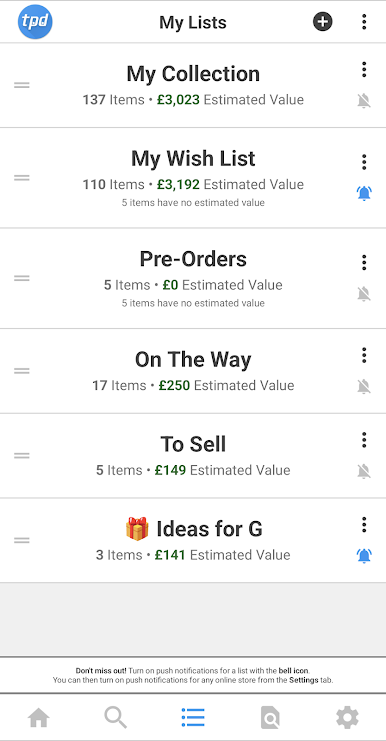
- Get push notifications from online stores about items on your lists.
- Create as many lists as you need to efficiently organise your Funko life.
- Share your lists with others via the website.
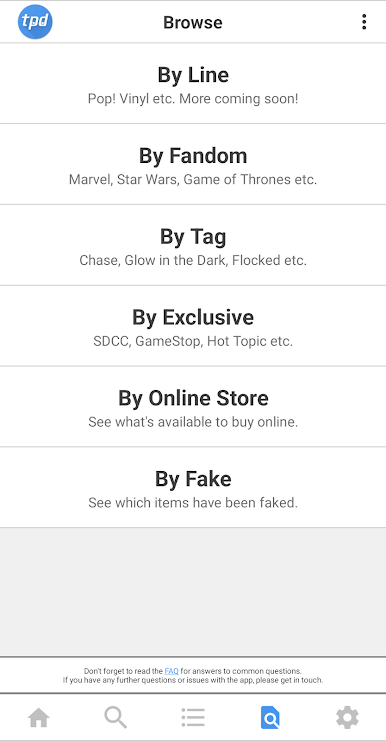
- Browse and search the entire database. By line, fandom, tag, exclusive, or online store.
The Pop Directory is not officially associated with Funko, LLC. We're just huge fans of the products, and are collectors ourselves!
Zagraj w The Pop Directory na PC. To takie proste.
-
Pobierz i zainstaluj BlueStacks na PC
-
Zakończ pomyślnie ustawienie Google, aby otrzymać dostęp do sklepu Play, albo zrób to później.
-
Wyszukaj The Pop Directory w pasku wyszukiwania w prawym górnym rogu.
-
Kliknij, aby zainstalować The Pop Directory z wyników wyszukiwania
-
Ukończ pomyślnie rejestrację Google (jeśli krok 2 został pominięty) aby zainstalować The Pop Directory
-
Klinij w ikonę The Pop Directory na ekranie startowym, aby zacząć grę

