

Quick Pronunciation
500M + oyuncunun güvendiği Android Oyun Platformu, BlueStacks ile PC'de oynayın.

Sayfa Değiştirilme tarihi: Dec 7, 2025
Run Quick Pronunciation on PC or Mac
Why limit yourself to your small screen on the phone? Run Quick Pronunciation, an app by Tiago English Tutor, best experienced on your PC or Mac with BlueStacks, the world’s #1 Android emulator.
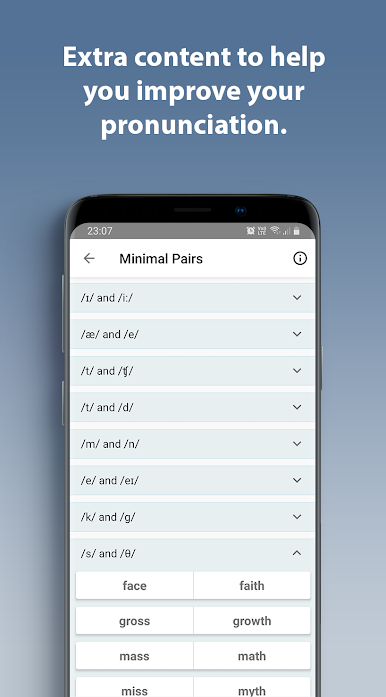
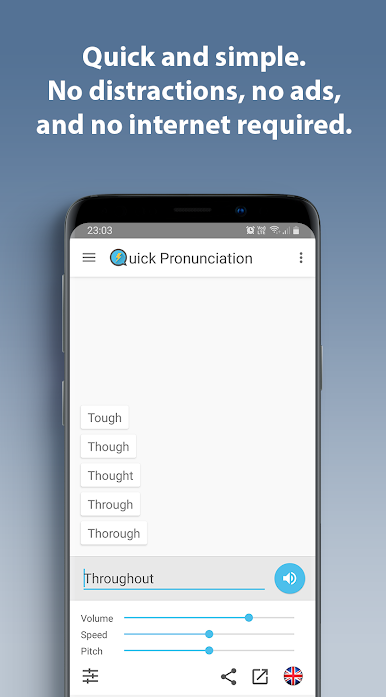
Quick Pronunciation feels like a tiny pronunciation remote on the desktop. Type a word, press the button, and it speaks it out loud almost immediately. No clutter, no sign ups, no rabbit holes to click through. On BlueStacks it sits nicely next to a document or a lesson, so copying long words with a keyboard and pasting them in is quick, and the little window can stay open while reading or prepping notes. The app keeps a short list of recent words, and bringing up the full history takes one tap, so going back to the tricky ones is painless.
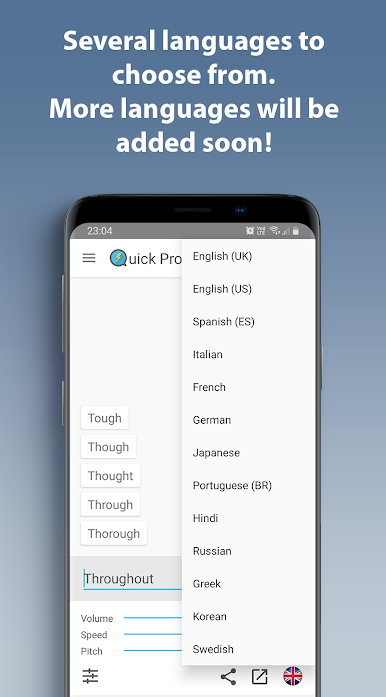
What stands out is how direct it is. It uses the device text to speech, so it works without internet and barely touches battery. There are no ads. Dark and light themes are there if eyes need a break at night. Switching languages is simple, long press the flag and pick one. English US or UK, Spanish, Italian, German, French, Japanese, Russian, Hindi, Portuguese, Korean, Greek, all in there. It even handles those scary medical terms, biblical names, plant species, and huge numbers without throwing a fit. It does not try to teach with lessons or phonetic breakdowns, it just speaks what is typed, which is perfect for a quick check before a meeting, a class, or a trip. The whole thing feels small, fast, and strangely satisfying.
BlueStacks brings your apps to life on a bigger screen—seamless and straightforward.

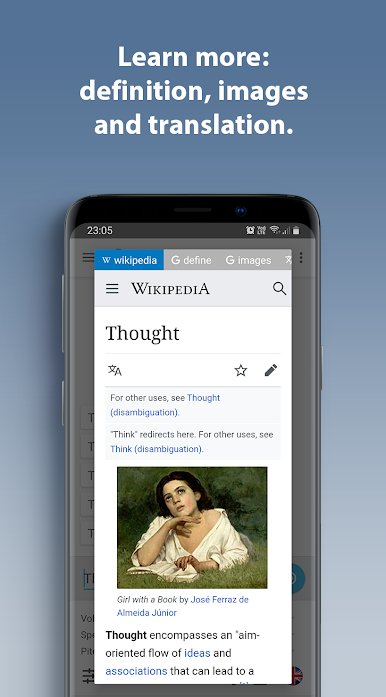
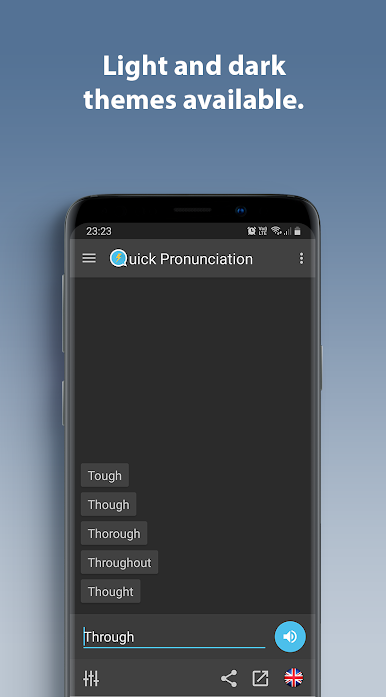
Quick Pronunciation oyununu PC'de oyna. Başlamak çok kolay.
-
BlueStacks'i PC'nize İndirin ve Yükleyin
-
Play Store'a erişmek için Google girişi yapın ya da daha sonraya bırakın.
-
Sağ üst köşeye Quick Pronunciation yazarak arayın.
-
Quick Pronunciation uygulamasını arama sonuçlarından indirmek için tıklayın.
-
(iEğer Adım 2'yi atladıysanız) Quick Pronunciation uygulamasını yüklemek için Google'a giriş yapın.
-
Oynatmaya başlatmak için ekrandaki Quick Pronunciation ikonuna tıklayın.

