


Easter Jigsaw Puzzles
العب على الكمبيوتر الشخصي مع BlueStacks - نظام أندرويد للألعاب ، موثوق به من قبل أكثر من 500 مليون لاعب.

Play Easter Jigsaw Puzzles on PC or Mac
Step into the World of Easter Jigsaw Puzzles, a thrilling Puzzle game from the house of Titan Inc. Play this Android game on BlueStacks App Player and experience immersive gaming on PC or Mac.
About the Game
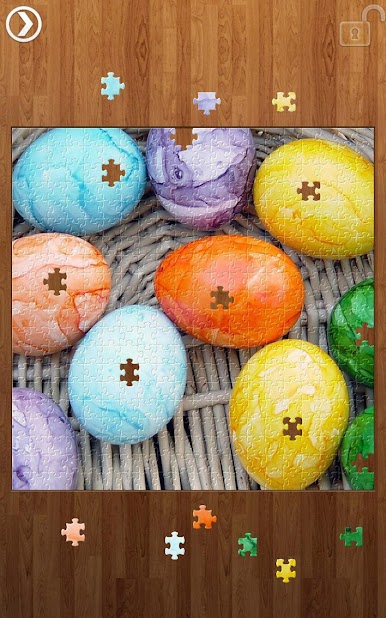
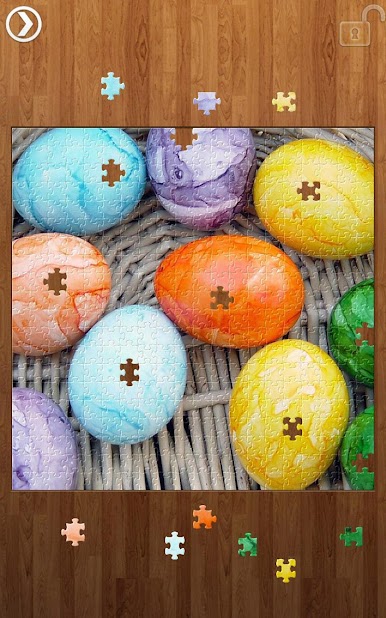
Ready to chill out with some Easter magic? Easter Jigsaw Puzzles by Titan Inc is your ticket to hours of relaxing puzzle-solving, all centered around beautiful, pastel-filled springtime scenes. Whether you’ve got a few minutes or a whole afternoon, there’s always a new challenge waiting for you in this Puzzle genre gem.
Game Features
-
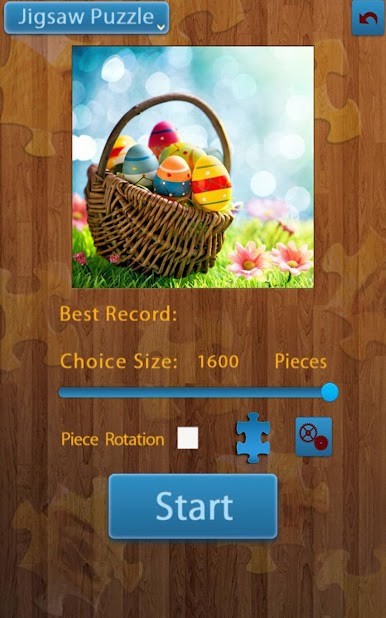
Lots of Puzzle Pieces
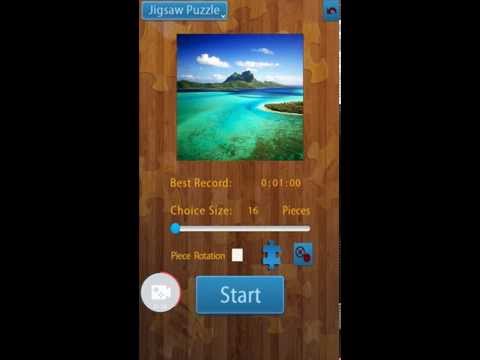
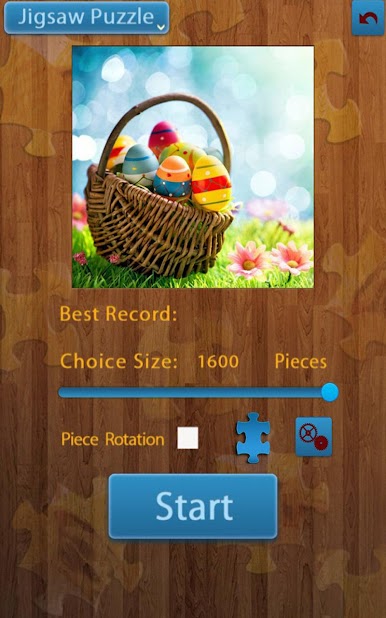
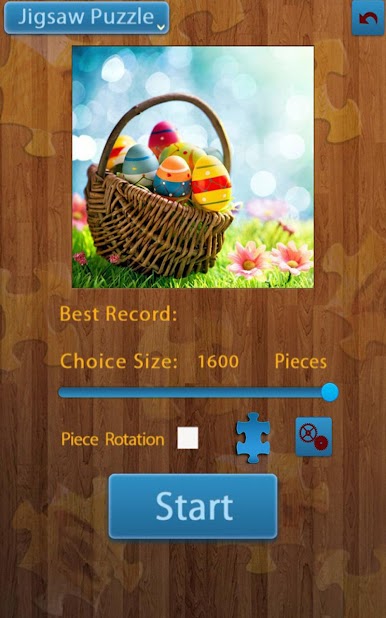
Tackle puzzles at your own pace, from simple nine-piece teasers to monster 1600-piece masterpieces—pick a size that fits your mood (or your patience). -
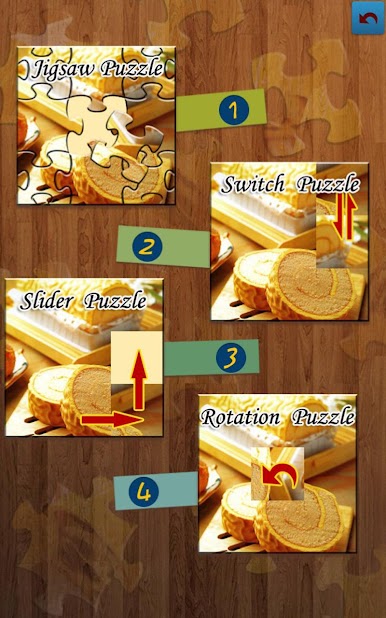
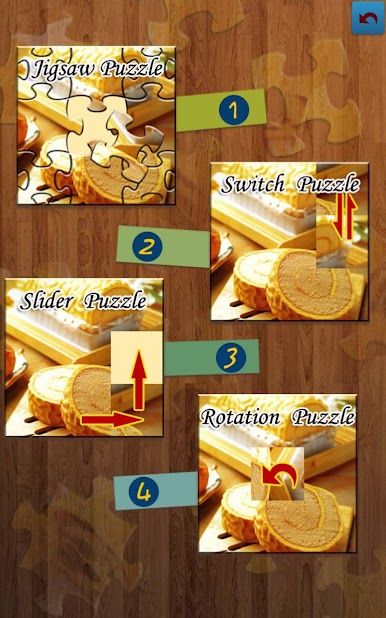
Four Ways to Play
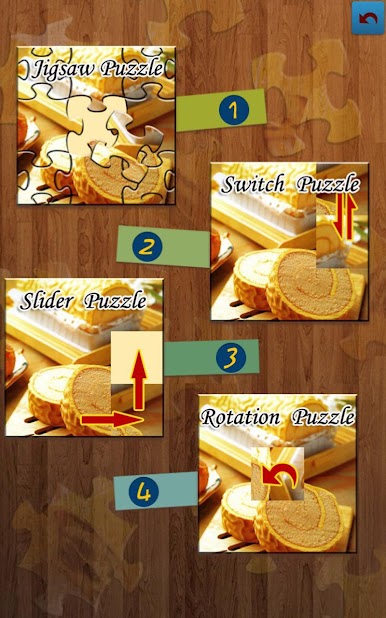
Switch things up with four different puzzle modes. Classic jigsaw, shuffle, switch, and even rotate modes give you a fresh spin on every picture. -
Personal Touches
Want some custom vibes? You can change backgrounds and even set your own music to play while you solve, making each session feel a little more “you.” -
Handy Controls
Pinch to zoom in for those tiny details, and use auto scroll to smoothly find those missing pieces across the board. -
Save Your Progress
Take a break whenever you want! Save your current puzzle straight to your gallery and keep your creation safe for later. -
Landscape View (Premium Only)
Opt for a wider perspective with the premium version’s landscape view—ideal for bigger puzzles. -
Smooth on BlueStacks
Enjoy all these features seamlessly on your PC with BlueStacks, letting you puzzle on a bigger screen with ease.
Get ready for a buttery smooth, high-performance gaming action only on BlueStacks.



العب Easter Jigsaw Puzzles على جهاز الكمبيوتر. من السهل البدء.
-
قم بتنزيل BlueStacks وتثبيته على جهاز الكمبيوتر الخاص بك
-
أكمل تسجيل الدخول إلى Google للوصول إلى متجر Play ، أو قم بذلك لاحقًا
-
ابحث عن Easter Jigsaw Puzzles في شريط البحث أعلى الزاوية اليمنى
-
انقر لتثبيت Easter Jigsaw Puzzles من نتائج البحث
-
أكمل تسجيل الدخول إلى Google (إذا تخطيت الخطوة 2) لتثبيت Easter Jigsaw Puzzles
-
انقر على أيقونة Easter Jigsaw Puzzles على الشاشة الرئيسية لبدء اللعب

