


Violin Lessons by tonestro
Play on PC with BlueStacks – the Android Gaming Platform, trusted by 500M+ gamers.

Page Modified on: Nov 11, 2025
Run Violin Lessons by tonestro on PC or Mac
Get freedom from your phone’s obvious limitations. Use Violin Lessons by tonestro, made by tonestro, a Education app on your PC or Mac with BlueStacks, and level up your experience.
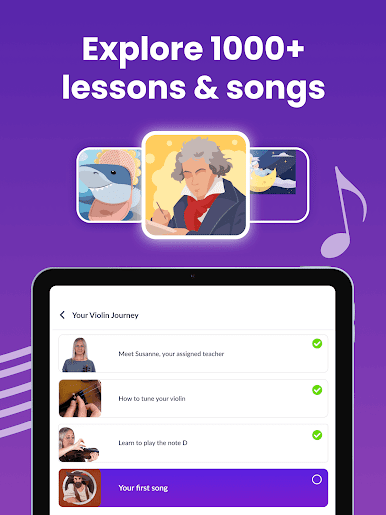
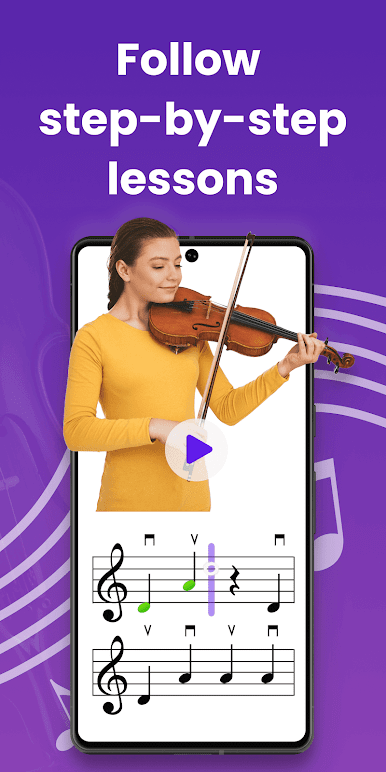
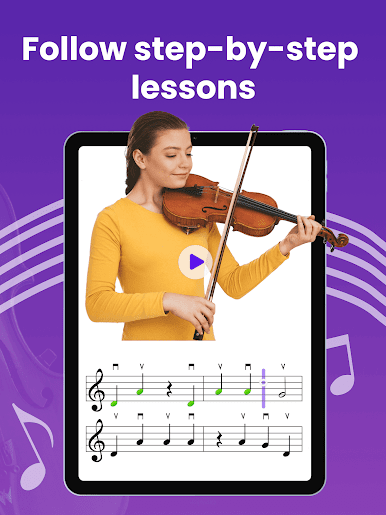
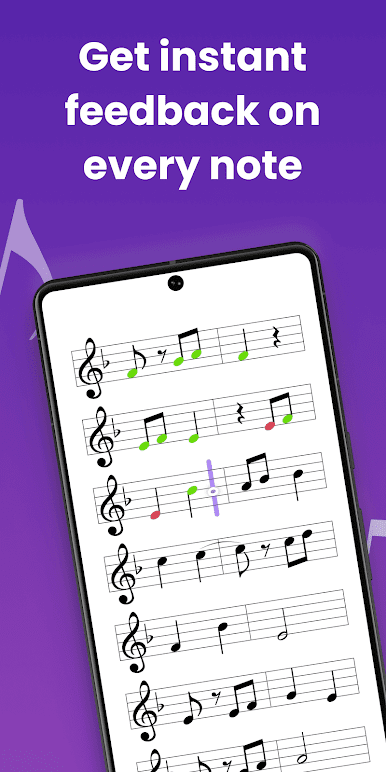
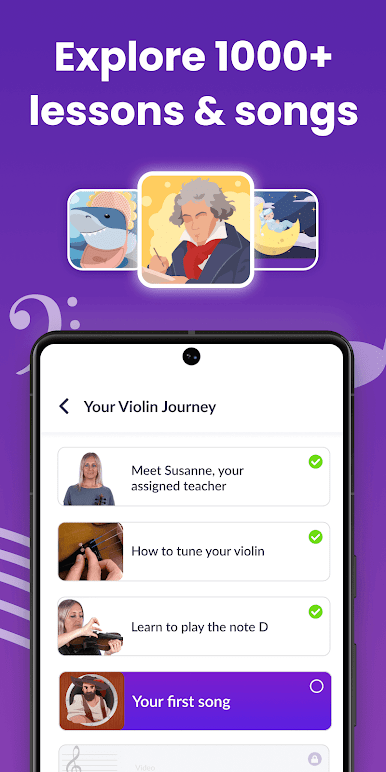
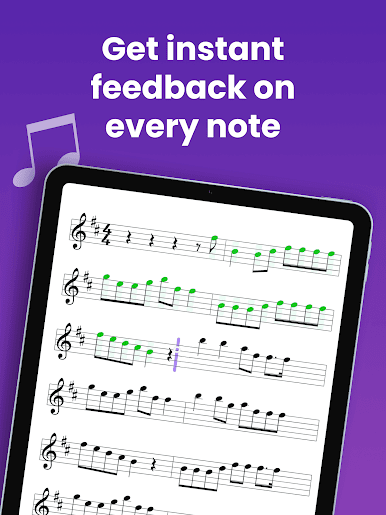
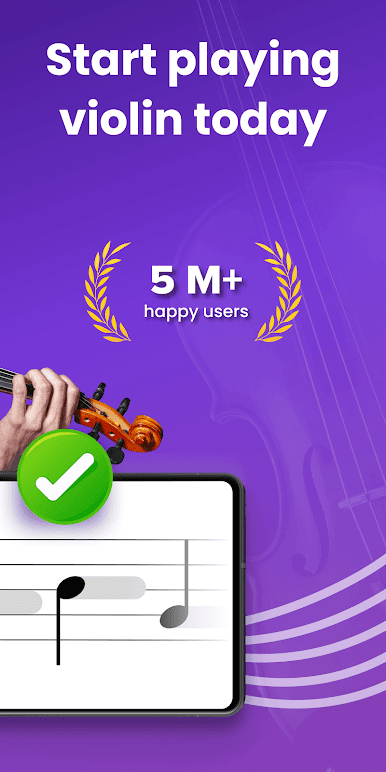
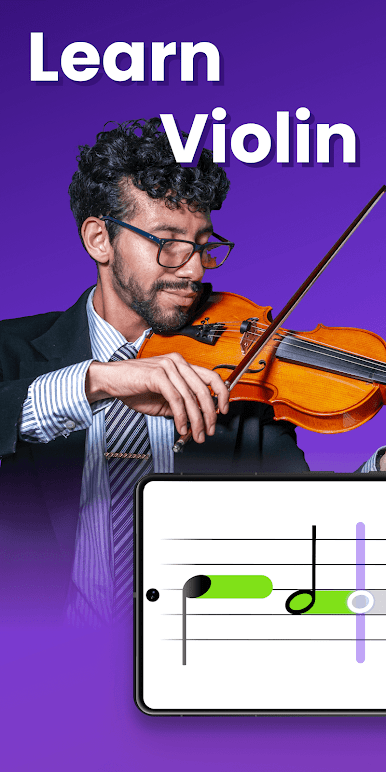
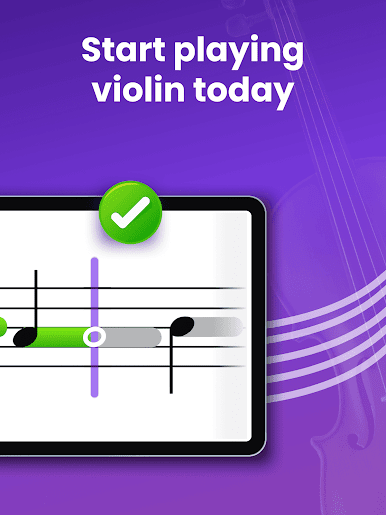
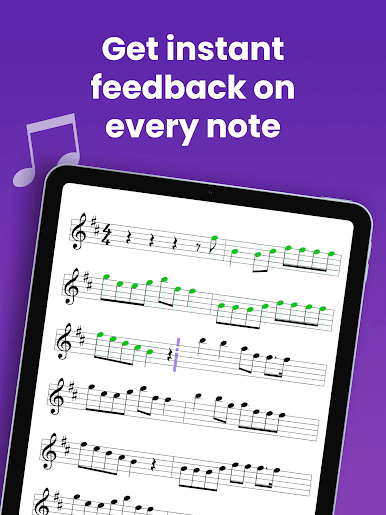
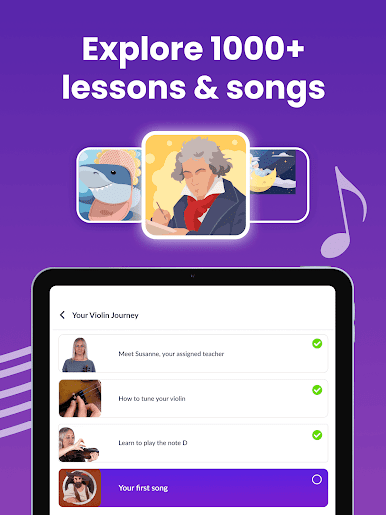
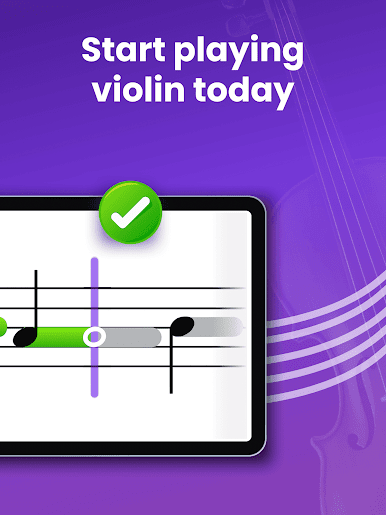
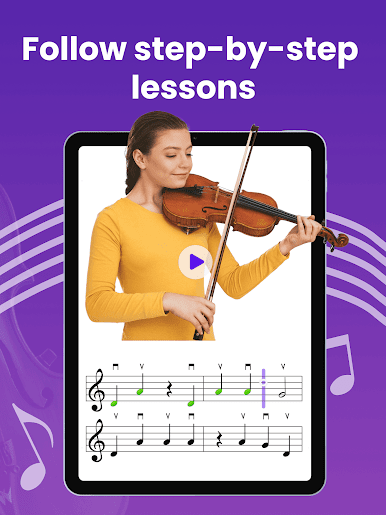
So this violin app, tonestro, actually makes learning feel way less intimidating than usual. The lessons don’t dump a bunch of info on you — they’re short and focused, so you can pick up the basics in little pieces. It covers all the things a real teacher would mention, like music notes, finger positions, and even music theory, but manages to keep it from feeling overwhelming. There are little exercises that check how well you’ve got the rhythm or pitch, and it does this with instant feedback, so if those notes sound off, you’ll know right away (and can fix it right there). It’s cool to see how much you improve just from session to session.
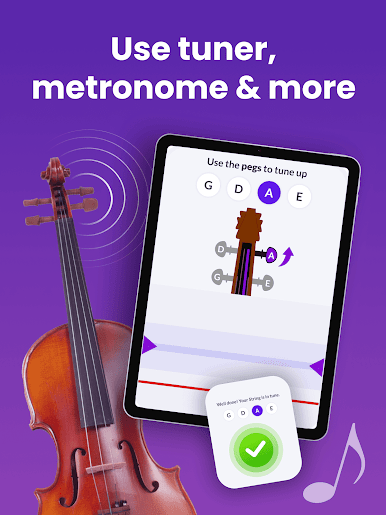
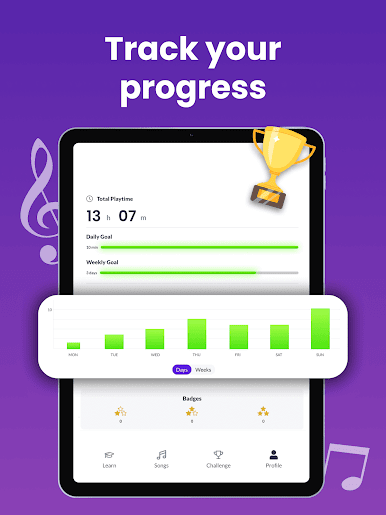
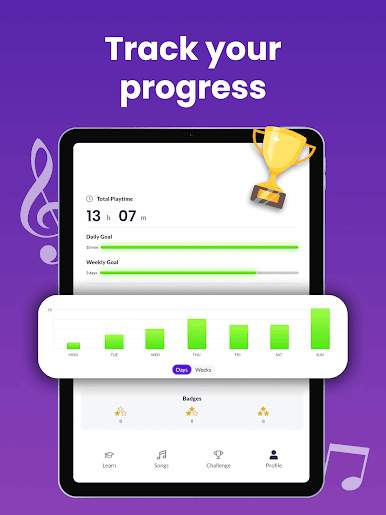
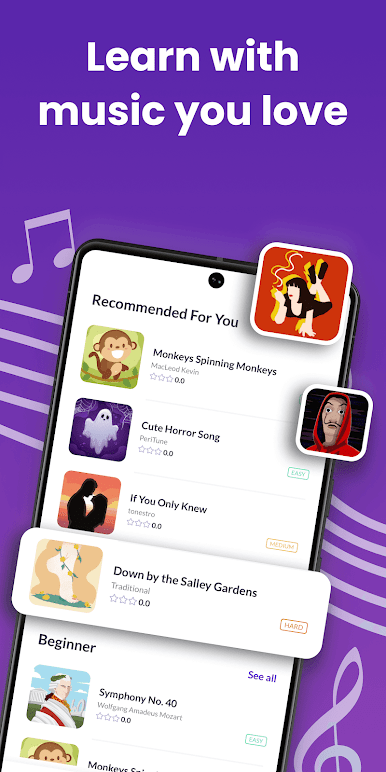
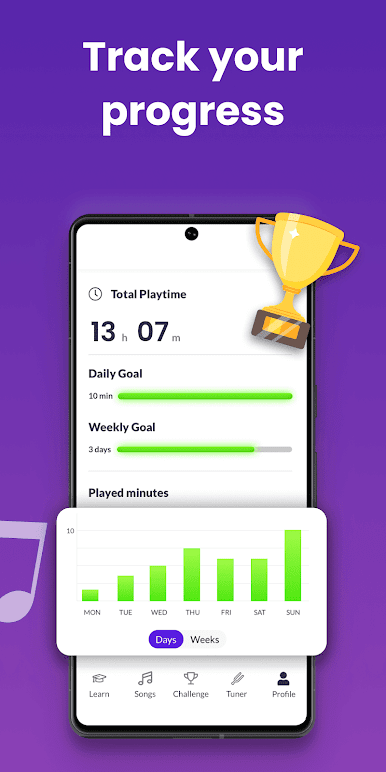
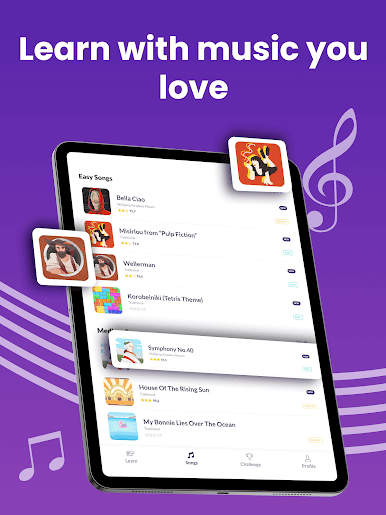
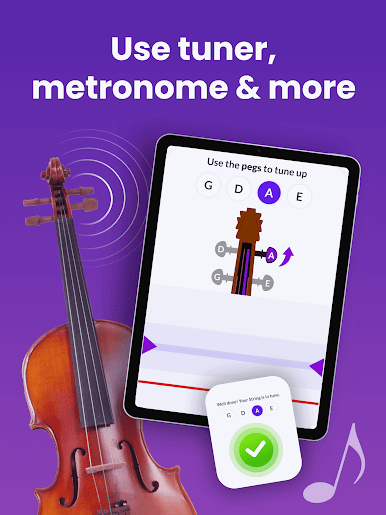
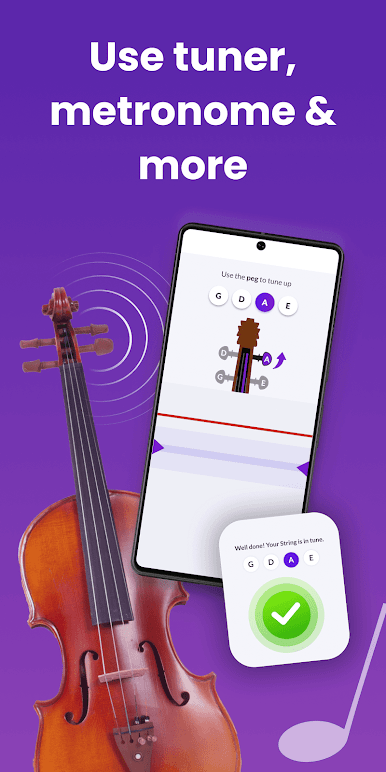
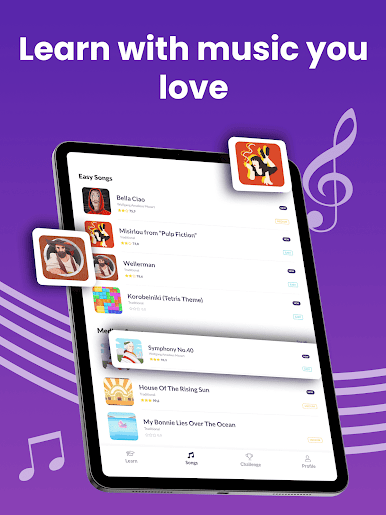
The game-like setup is pretty motivating too. You rack up points by playing and sticking with practice, and there are weekly challenges to keep things interesting. They give you real songs to play, not just random scales or drills, and the backing tracks actually sound good — way better than most apps. The library gets new stuff all the time, so it’s really unlikely you’ll run out of music you want to try. Plus, the built-in tuner is super handy, especially for beginners still figuring out how to get their violin to sound right. Everything works on PC with BlueStacks, which actually makes reading the sheet music way easier on a bigger display, and you still get that live feedback while you play. Doesn’t matter if someone’s just starting out or already knows their way around a violin — the app has enough for everyone to practice, learn, and play real music for fun.
Ready to experience Violin Lessons by tonestro on a bigger screen, in all its glory? Download BlueStacks now.


Play Violin Lessons by tonestro on PC. It’s easy to get started.
-
Download and install BlueStacks on your PC
-
Complete Google sign-in to access the Play Store, or do it later
-
Look for Violin Lessons by tonestro in the search bar at the top right corner
-
Click to install Violin Lessons by tonestro from the search results
-
Complete Google sign-in (if you skipped step 2) to install Violin Lessons by tonestro
-
Click the Violin Lessons by tonestro icon on the home screen to start playing

