


爾道自建
5억명 이상의 게이머가 신뢰하는 안드로이드 게임 플랫폼 BlueStacks으로 PC에서 플레이하세요.

Run 爾道自建 on PC or Mac
What’s better than using 爾道自建 by Alliance Bible Seminary? Well, try it on a big screen, on your PC or Mac, with BlueStacks to see the difference.
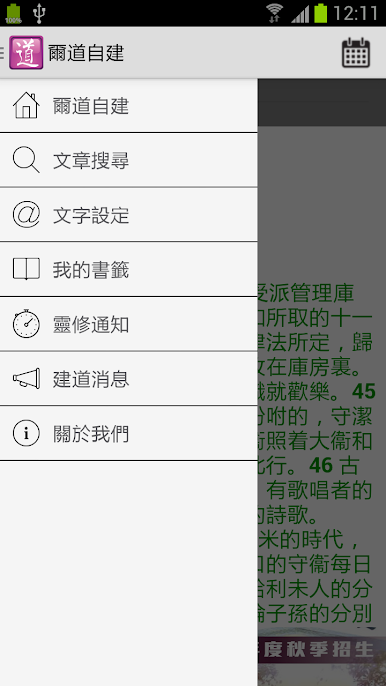
So, 爾道自建 is basically a daily devotional app that feels like it’s made for anyone wanting to dig a bit deeper into Bible study each day. It’s pretty straightforward to use — every day, there’s a new devotion, and you can read or listen to an audio version if you’re busy or just prefer that. What’s useful is how it’s easy to look up articles by theme, so if there’s something specific you or your group want to study, it’s right there. And if there’s a past article you liked, you can just pull it back up instantly.
People who get into the details will probably like how the articles aren’t just surface-level — they dig into things like the original languages of the Bible, a bit about the history, sometimes even the geography or archaeology behind what you’re reading. It helps a lot when a passage is confusing or gets misinterpreted, since the writers take time to explain some stuff that isn’t obvious. Plus, each article usually has questions for reflection, so it nudges you to actually think about your connection with God, not just read and forget.
You can set reminders for your devotional time, which is handy if your days end up hectic and you’re likely to forget. There’s a good sense that this is for people who want something thoughtful and consistent, not just a verse of the day. Lots of people have downloaded it already, so it seems like it’s helping a bunch of folks stick with their daily routines. Trying it out on a bigger screen with BlueStacks gives you a bit more space to read and organize stuff, which makes the longer articles easier to go through compared to a phone. If keeping up with daily devotionals and really understanding scripture matters to someone, this app actually puts in the effort to help with that.
BlueStacks brings your apps to life on a bigger screen—seamless and straightforward.



PC에서 爾道自建 플레이해보세요.
-
BlueStacks 다운로드하고 설치
-
Google Play 스토어에 로그인 하기(나중에 진행가능)
-
오른쪽 상단 코너에 爾道自建 검색
-
검색 결과 중 爾道自建 선택하여 설치
-
구글 로그인 진행(만약 2단계를 지나갔을 경우) 후 爾道自建 설치
-
메인 홈화면에서 爾道自建 선택하여 실행

