


Eventee
Jouez sur PC avec BlueStacks - la plate-forme de jeu Android, approuvée par + 500M de joueurs.

Page Modifiée le: Nov 11, 2025
Play Eventee - Your Event Buddy on PC
The recipe to the best attendee experience by Eventee:
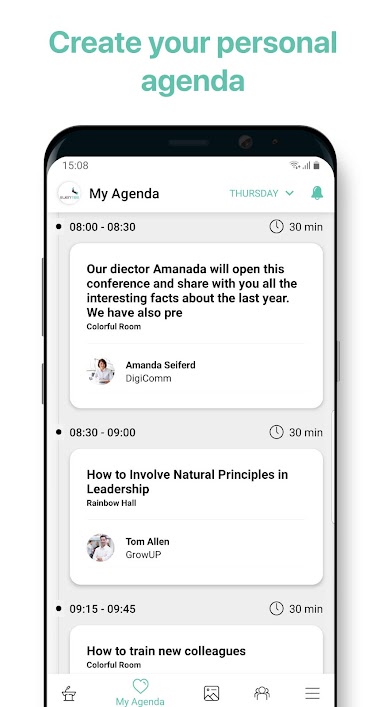
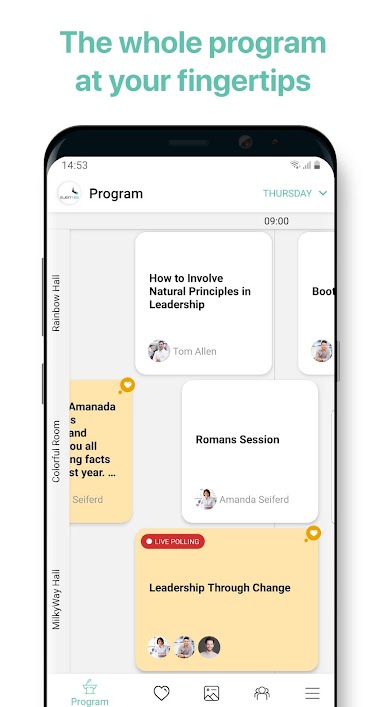
• Look through the event schedule at any time you want
• Be the boss of your own time - create your personal agenda
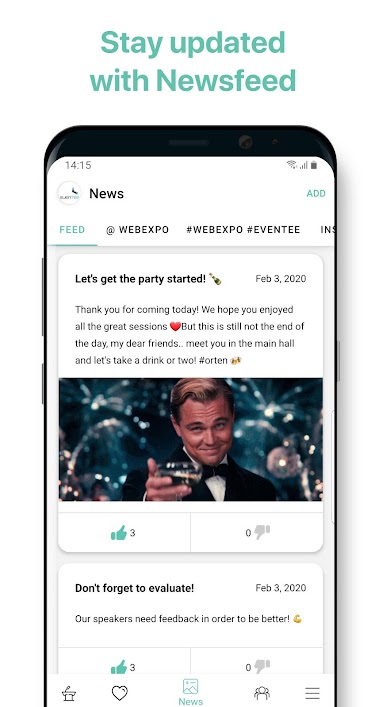
• Skip the feeling of missing out - stay updated through Newsfeed
• Book your seat on limited capacity workshops
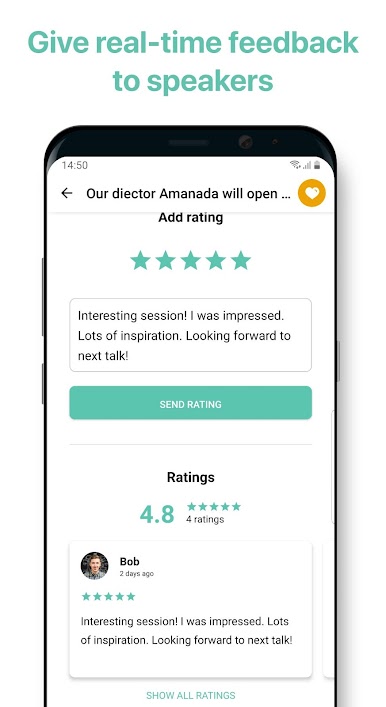
• Give real-time feedbacks to speakers
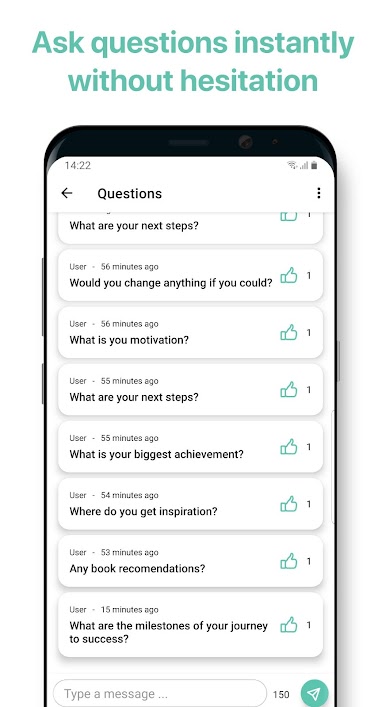
• Ask questions and give your opinion straight from the app
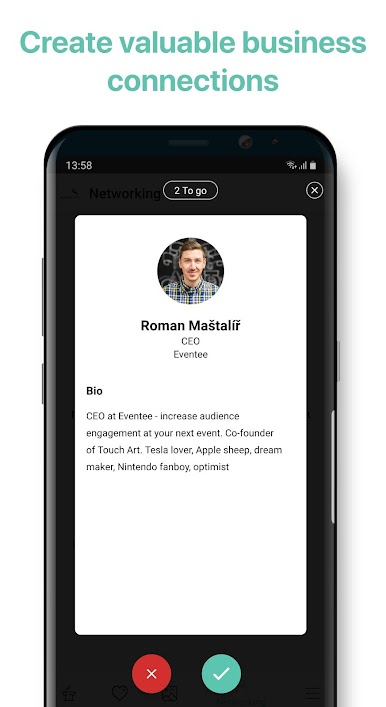
• Arrange your meetings through chat - networking has never been easier
• Contribute to saving our planet by reducing unnecessary printing
Sounds great so far, right?
Get the app right now and explore the adventurous world of Eventee!

Jouez à Eventee sur PC. C'est facile de commencer.
-
Téléchargez et installez BlueStacks sur votre PC
-
Connectez-vous à Google pour accéder au Play Store ou faites-le plus tard
-
Recherchez Eventee dans la barre de recherche dans le coin supérieur droit
-
Cliquez pour installer Eventee à partir des résultats de la recherche
-
Connectez-vous à Google (si vous avez ignoré l'étape 2) pour installer Eventee
-
Cliquez sur l'icône Eventee sur l'écran d'accueil pour commencer à jouer

