


tpPLC
Играйте на ПК с BlueStacks – игровой платформе для приложений на Android. Нас выбирают более 500 млн. игроков.

Страница изменена: Nov 16, 2025
Run tpPLC on PC or Mac
What’s better than using tpPLC by TP-LINK Technologies Co., Ltd.? Well, try it on a big screen, on your PC or Mac, with BlueStacks to see the difference.
About the App
Ever wish you could keep an eye on all your TP-Link powerline devices without scrambling through setups or tangled wires? With tpPLC, things just get way easier. This app gives you a clear, hands-on way to see and manage everything connected—right from your phone or tablet. Expect an experience that strips out the tech confusion and puts you in control, whether you’re at home or at your desk running BlueStacks.
App Features
-
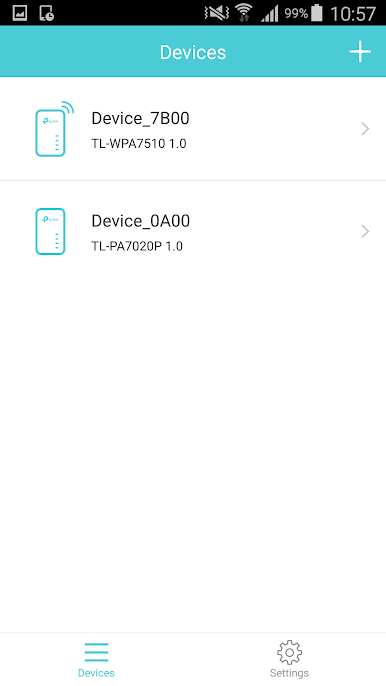
Snapshot of All Devices
See a complete list of your compatible TP-Link powerline adapters and extenders. No more guessing what’s live on your network—get the rundown in seconds. -
Easy Device Management
Rename any device, switch its LED lights on or off, check how fast it’s moving data, hit a quick reset to factory settings, or just remove it if it’s no longer needed. Powerline extenders have a few extra toggles, like jumping into their web management or adjusting Wi-Fi schedules. -
Network-Wide Tweaks
Instead of tackling each gadget one by one, tpPLC lets you manage your entire powerline setup at once. Add new devices, give your powerline network a fresh name, or turn all device LEDs off in one tap. -
Wi-Fi Adjustments for Extenders
Need to change the Wi-Fi schedule or update extender settings? It’s all right here, so you can do it from your couch, not crouched behind your router. -
Simple Setup
As long as your smart device is hooked into the Wi-Fi from a supported powerline extender, getting started is pretty much plug-and-play. -
Reliable with Supported Models
Works seamlessly with a wide range of TP-Link powerline extenders and adapters (you’ll just want to make sure your models match up with those listed).
BlueStacks gives you the much-needed freedom to experience your favorite apps on a bigger screen. Get it now.
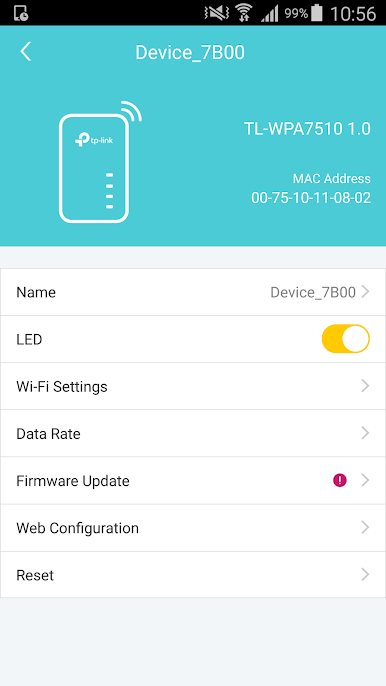
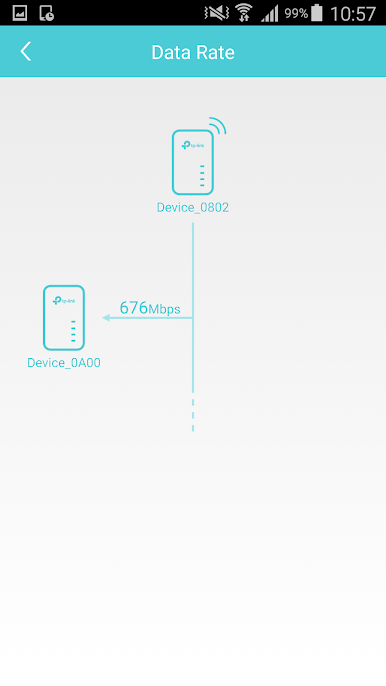
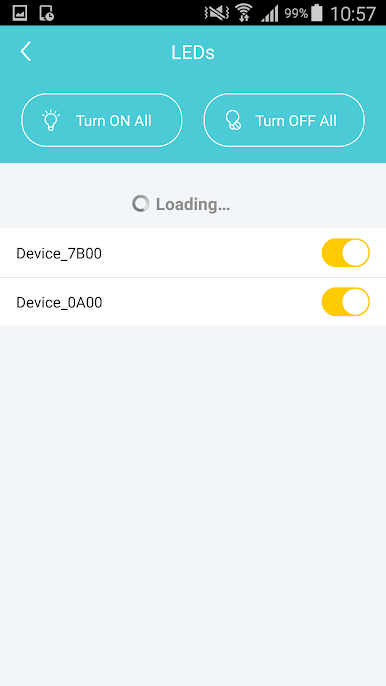
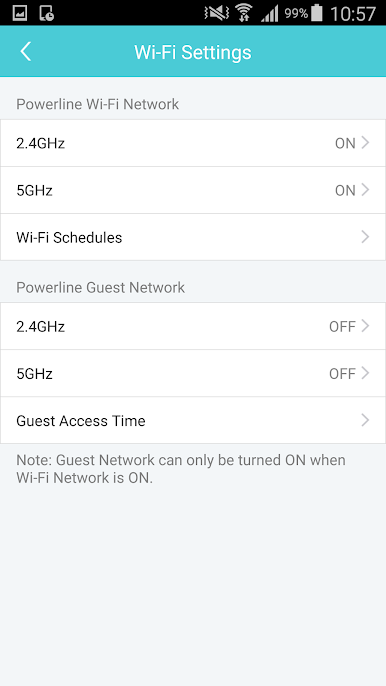
Играйте в игру tpPLC на ПК. Это легко и просто.
-
Скачайте и установите BlueStacks на ПК.
-
Войдите в аккаунт Google, чтобы получить доступ к Google Play, или сделайте это позже.
-
В поле поиска, которое находится в правой части экрана, введите название игры – tpPLC.
-
Среди результатов поиска найдите игру tpPLC и нажмите на кнопку "Установить".
-
Завершите авторизацию в Google (если вы пропустили этот шаг в начале) и установите игру tpPLC.
-
Нажмите на ярлык игры tpPLC на главном экране, чтобы начать играть.

