


Transkripsikan Pidato ke Teks
Mainkan di PC dengan BlueStacks – platform Game-Game Android, dipercaya oleh lebih dari 500 juta gamer.

Run Transcribe Speech to Text on PC or Mac
Upgrade your experience. Try Transcribe Speech to Text, the fantastic Productivity app from Transkriptor, from the comfort of your laptop, PC, or Mac, only on BlueStacks.
About the App
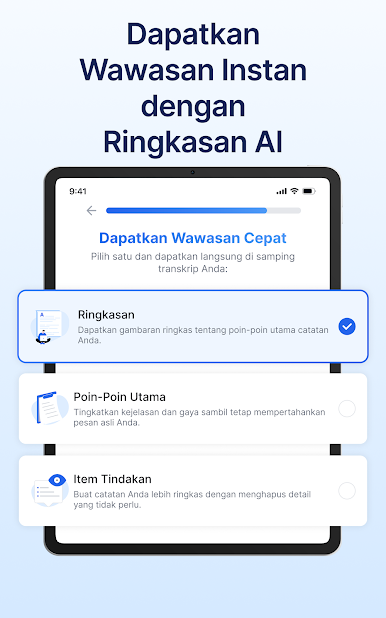
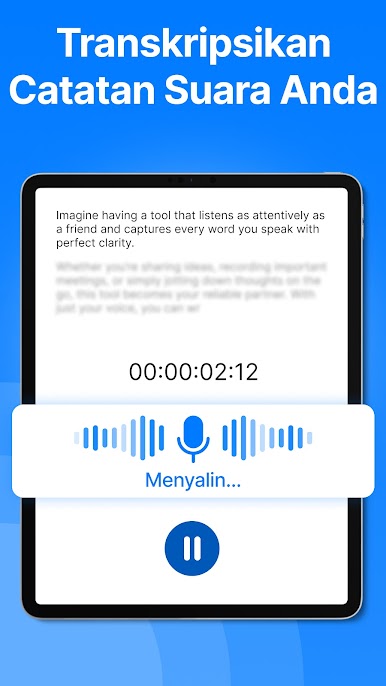
Need a way to turn your conversations, meetings, or even random voice notes into text without any hassle? Transcribe Speech to Text by Transkriptor makes it super easy to capture what’s said—either spoken aloud or in recordings—and instantly get it all in writing. Whether you’re taking notes for class, trying to keep up with fast-paced meetings, or just want quick AI help sorting through your thoughts, this Productivity app is here to lighten the load. It feels intuitive, fast, and you don’t have to worry about missing out on key details—let the AI handle that.
App Features
-
AI Assistant
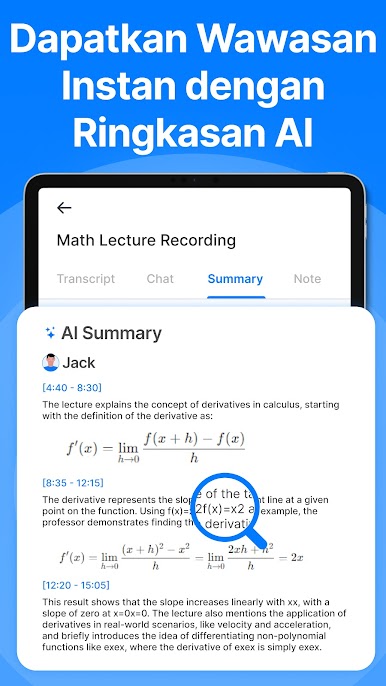
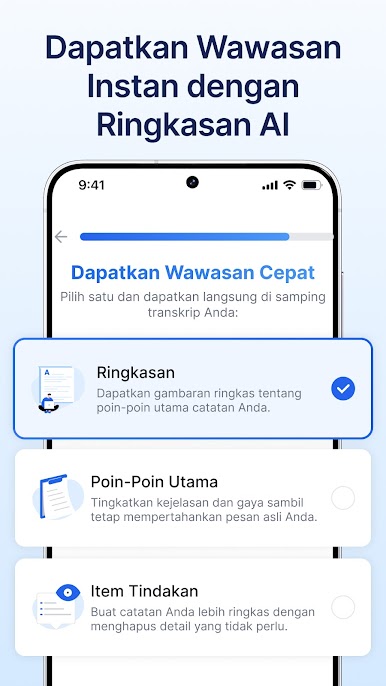
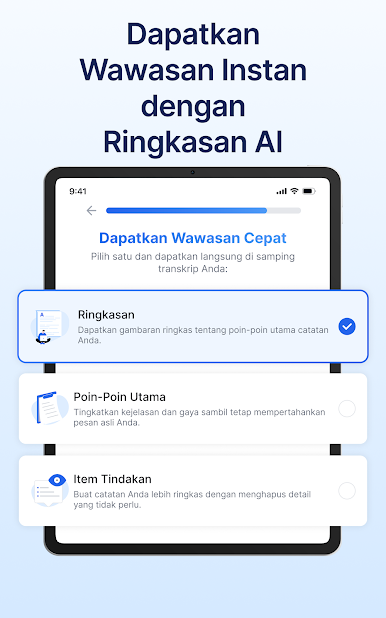
Get a digital helper that does more than just transcribe—summarize your notes, draft emails from audio, and turn conversations into neatly organized text. No more sifting through endless memos. -
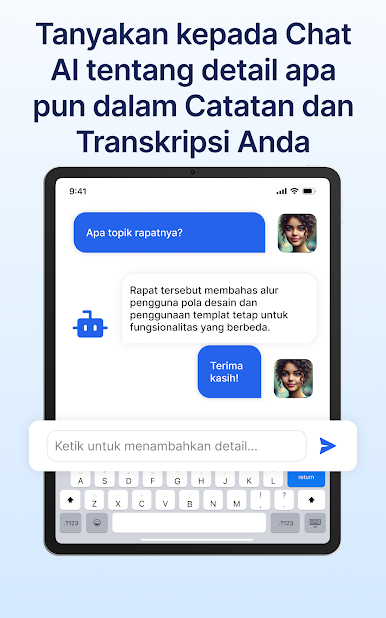
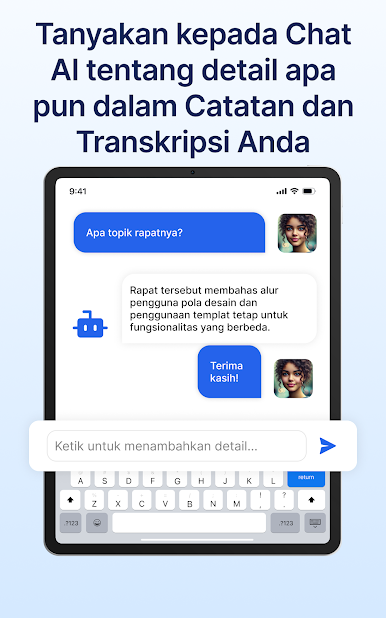
AI Chat
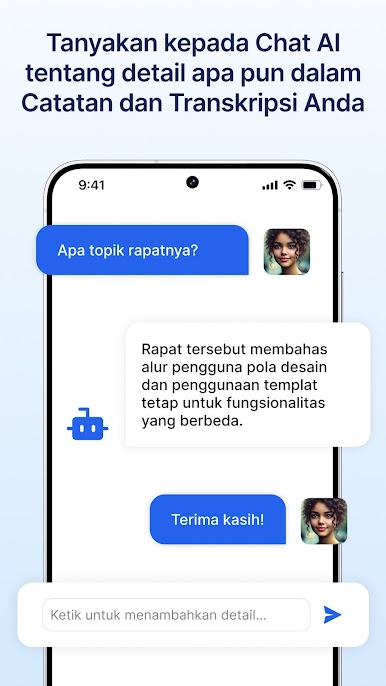
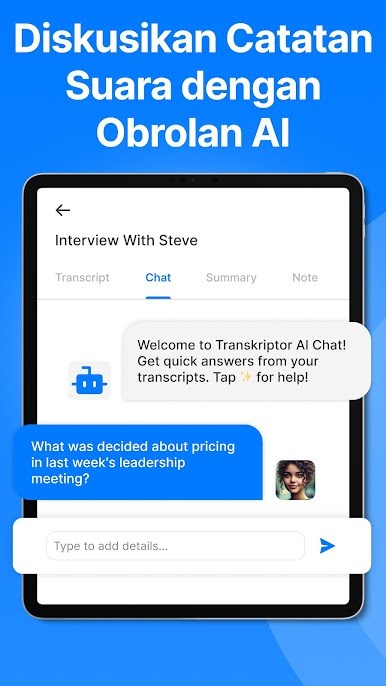
Ask questions straight to your transcripts in a friendly chat interface. Whether you need highlights or nitty-gritty details, you’ll get clear, direct answers without any digging. -
Effortless Voice Memo Conversion
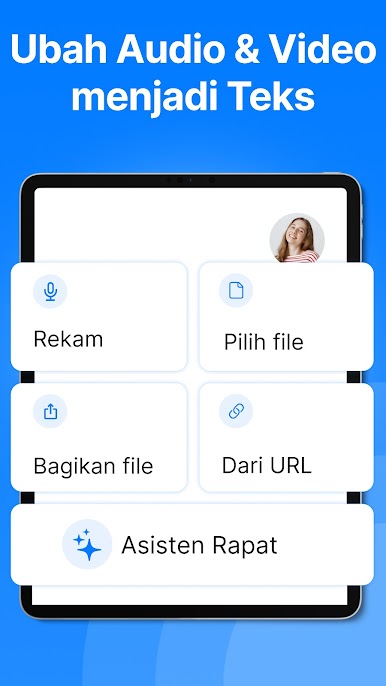
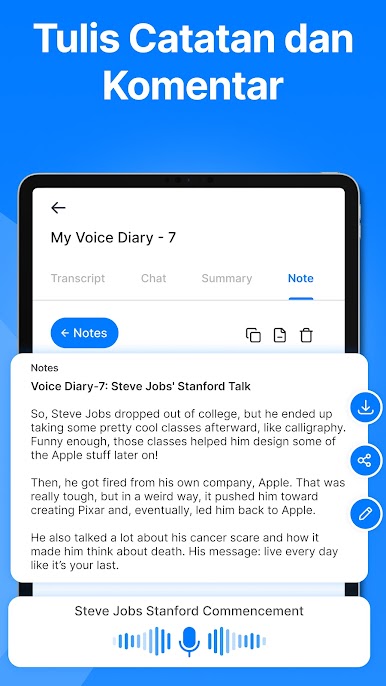
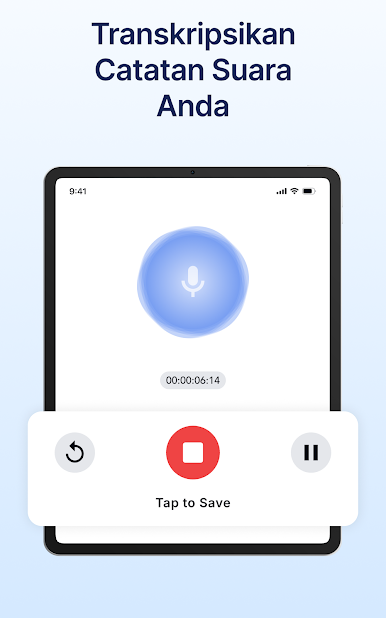
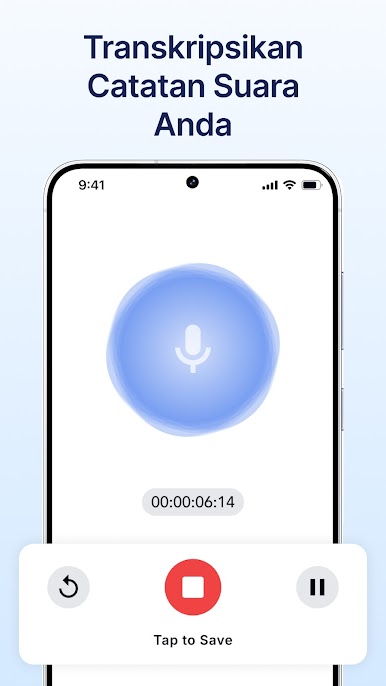
Record meetings, lectures, or quick thoughts and let Transcribe Speech to Text turn them into readable, searchable notes. Supports several audio formats, so you don’t have to fuss over file types. -
Video to Text
Transcribe the spoken content from webinars, interviews, or YouTube videos. Create captions or pull out notes—even from longer videos—without breaking a sweat. -
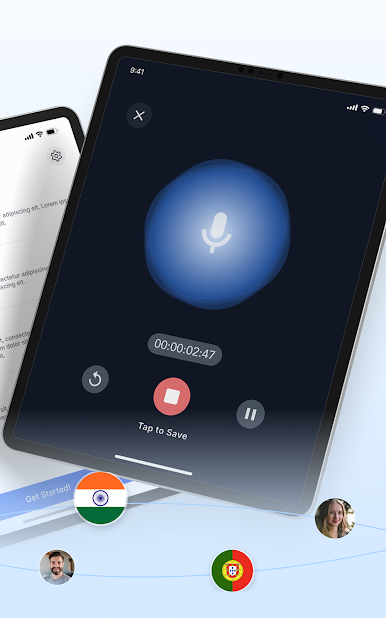
On-the-Fly Voice Notes
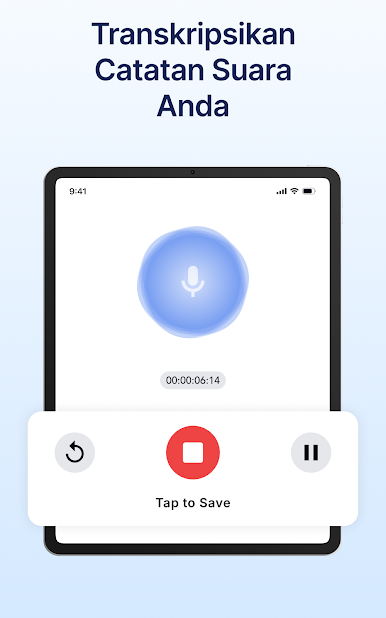
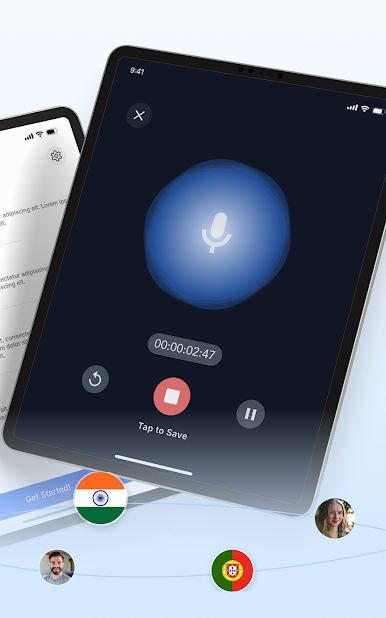
Use the in-app audio recorder for capturing lectures or spontaneous ideas. Every recording is instantly ready for AI-powered transcription and summarization. -
Multiple File Support
Upload and transcribe a range of audio and video files. Handy for students, professionals, or anyone with lots of content all over the place. -
Speaker Identification
Easily spot different speakers in your transcripts—great for group meetings or interviews with several voices. -
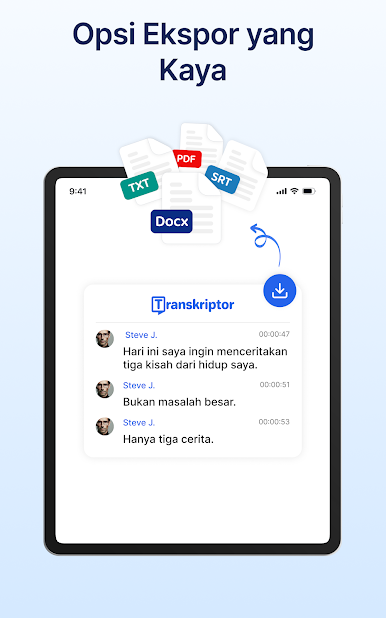
Export & Share Options
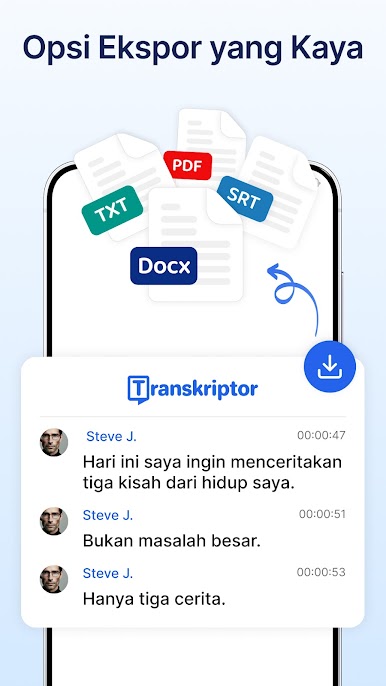
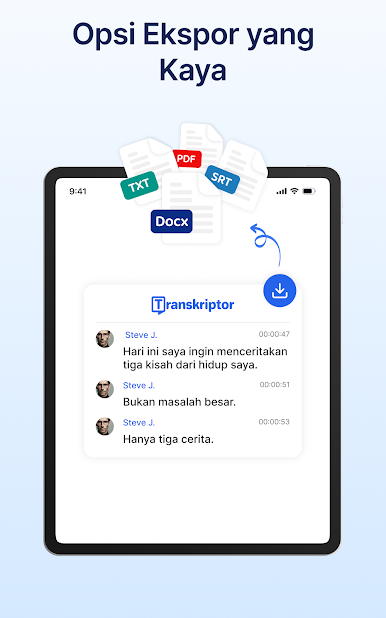
Save your transcripts in all sorts of formats like PDF, DOCX, TXT, or SRT. Share, store, or organize however you want. -
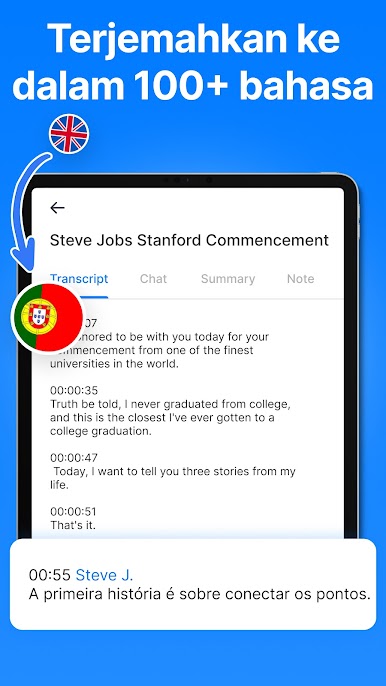
Language and Translation Support
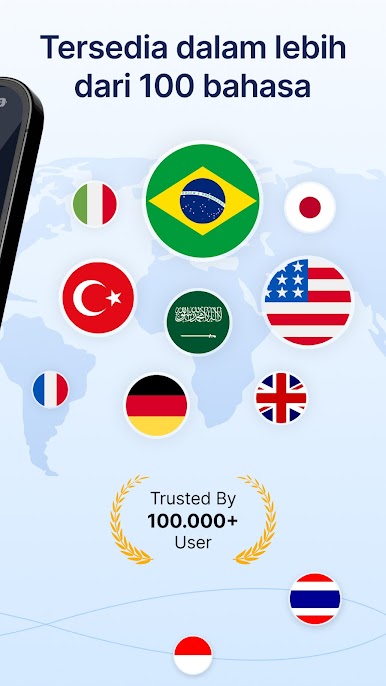
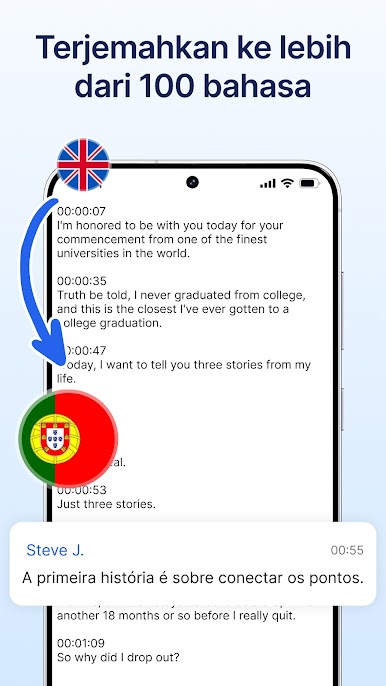
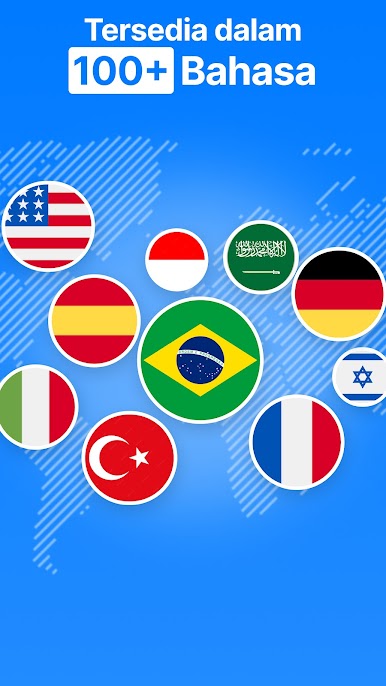
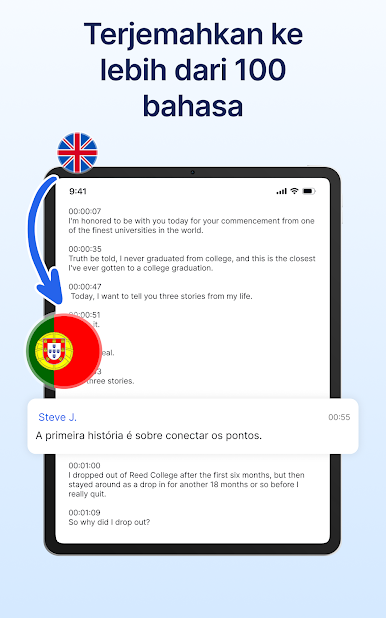
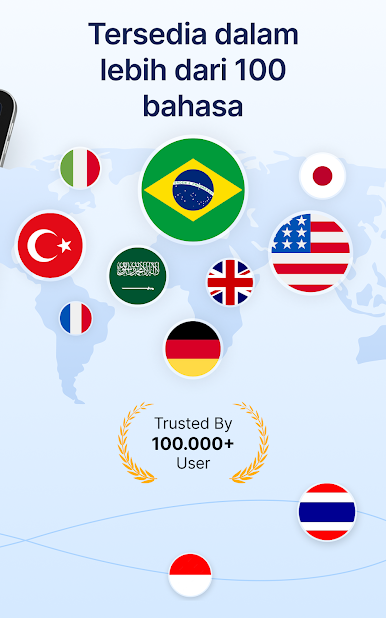
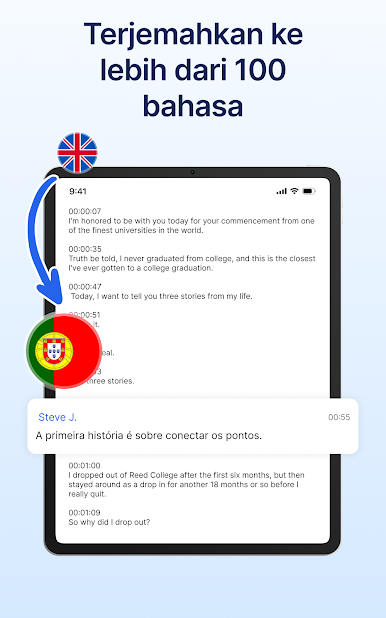
Transcribe Speech to Text plays nice with over 40 languages, so it works well even in multilingual teams or for global projects. -
Organizational Tools
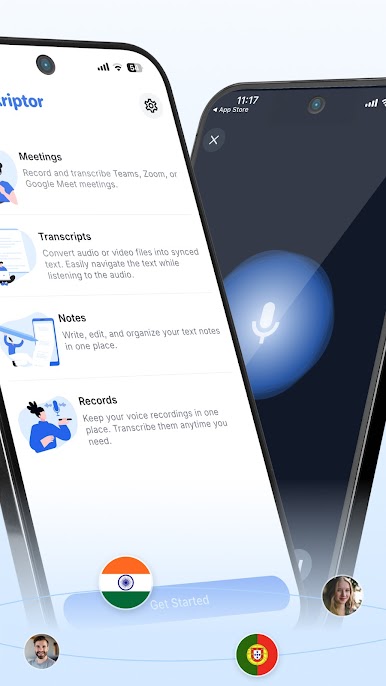
Find what you need fast with AI-powered folders, search, and tagging features. Keeping transcripts tidy and accessible is no longer a chore. -
Flexible Access
Check out a generous free plan to see what the app can do, no strings attached.
If you want the full experience on your computer, using BlueStacks makes it feel just as smooth as on your phone.
Big screen. Bigger performance. Use BlueStacks on your PC or Mac to run your favorite apps.

Mainkan Transkripsikan Pidato ke Teks di PC Mudah saja memulainya.
-
Unduh dan pasang BlueStacks di PC kamu
-
Selesaikan proses masuk Google untuk mengakses Playstore atau lakukan nanti
-
Cari Transkripsikan Pidato ke Teks di bilah pencarian di pojok kanan atas
-
Klik untuk menginstal Transkripsikan Pidato ke Teks dari hasil pencarian
-
Selesaikan proses masuk Google (jika kamu melewati langkah 2) untuk menginstal Transkripsikan Pidato ke Teks
-
Klik ikon Transkripsikan Pidato ke Teks di layar home untuk membuka gamenya

