


Basketball Scoring/Shot Charts
Jouez sur PC avec BlueStacks - la plate-forme de jeu Android, approuvée par + 500M de joueurs.

Page Modifiée le: Jul 10, 2025
Play Basketball Scoring/Shot Charts on PC
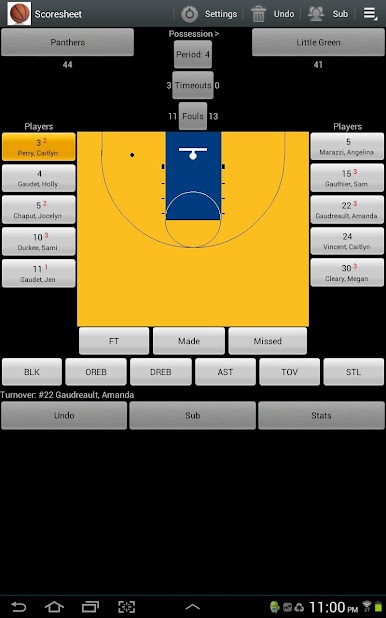
The application requires permission to write to your SD card to create files containing statistics in CSV, HTML, and MaxPreps TXT formats and shot charts in JPEG format that can be saved and later sent through email.
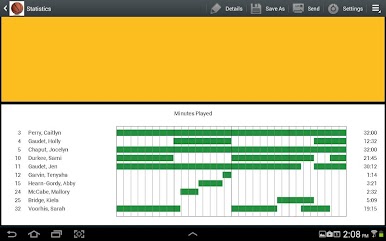
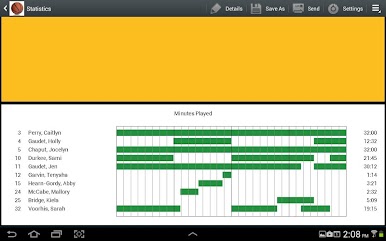
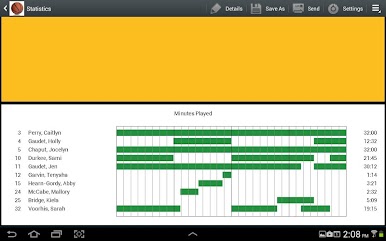
The application supports actual minutes played using check-in and check-out times.
The application is available in English, Spanish, Italian and Portuguese. Translations were done using Google Translate. Please send translation fixes to mailto:info@tricosoft.com.
If you have any issues with the application, please include the Android device type to better help us troubleshoot the issue. Emails can be sent to mailto:info@tricosoft.com.
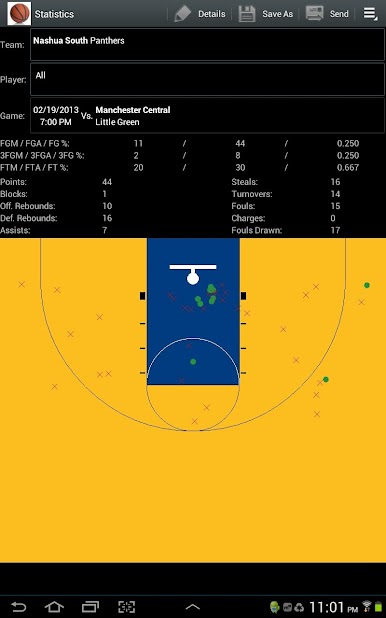
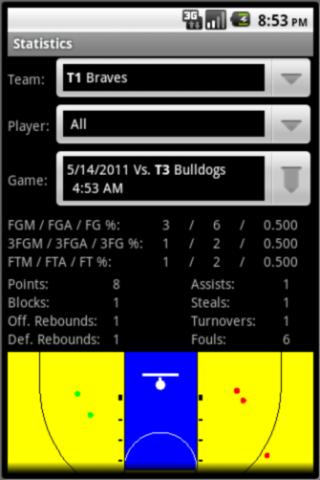
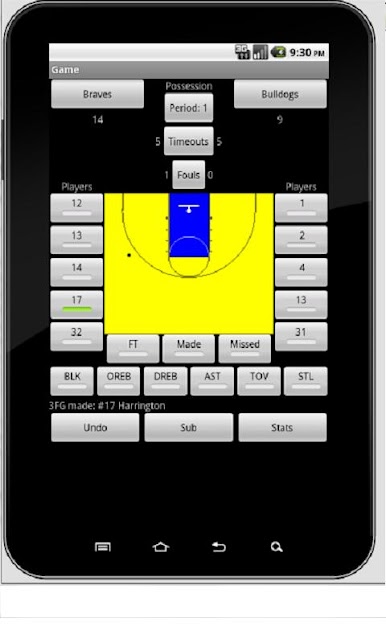
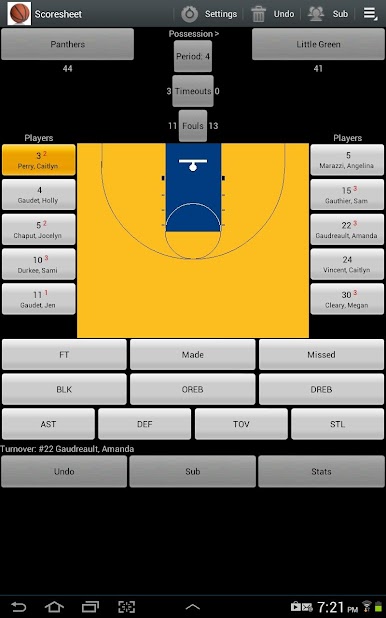

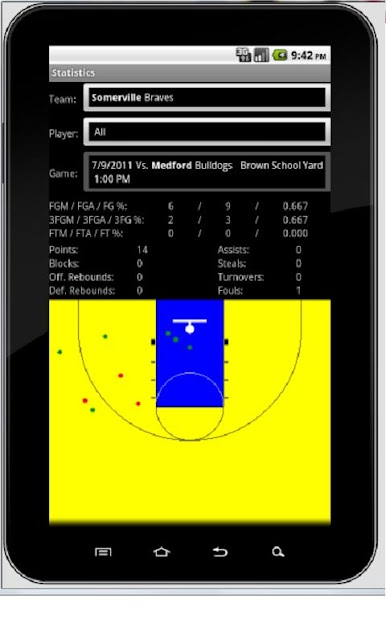

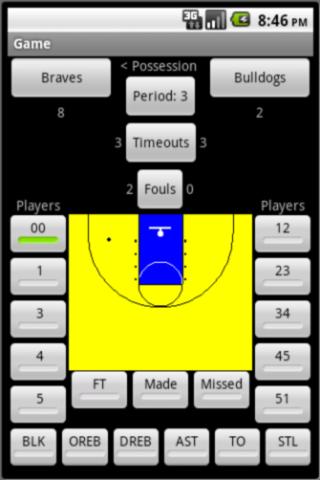
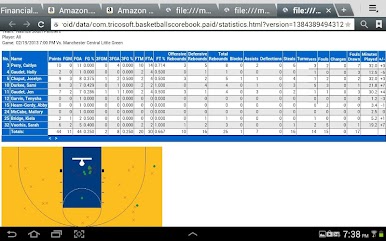
Jouez à Basketball Scoring/Shot Charts sur PC. C'est facile de commencer.
-
Téléchargez et installez BlueStacks sur votre PC
-
Connectez-vous à Google pour accéder au Play Store ou faites-le plus tard
-
Recherchez Basketball Scoring/Shot Charts dans la barre de recherche dans le coin supérieur droit
-
Cliquez pour installer Basketball Scoring/Shot Charts à partir des résultats de la recherche
-
Connectez-vous à Google (si vous avez ignoré l'étape 2) pour installer Basketball Scoring/Shot Charts
-
Cliquez sur l'icône Basketball Scoring/Shot Charts sur l'écran d'accueil pour commencer à jouer

