

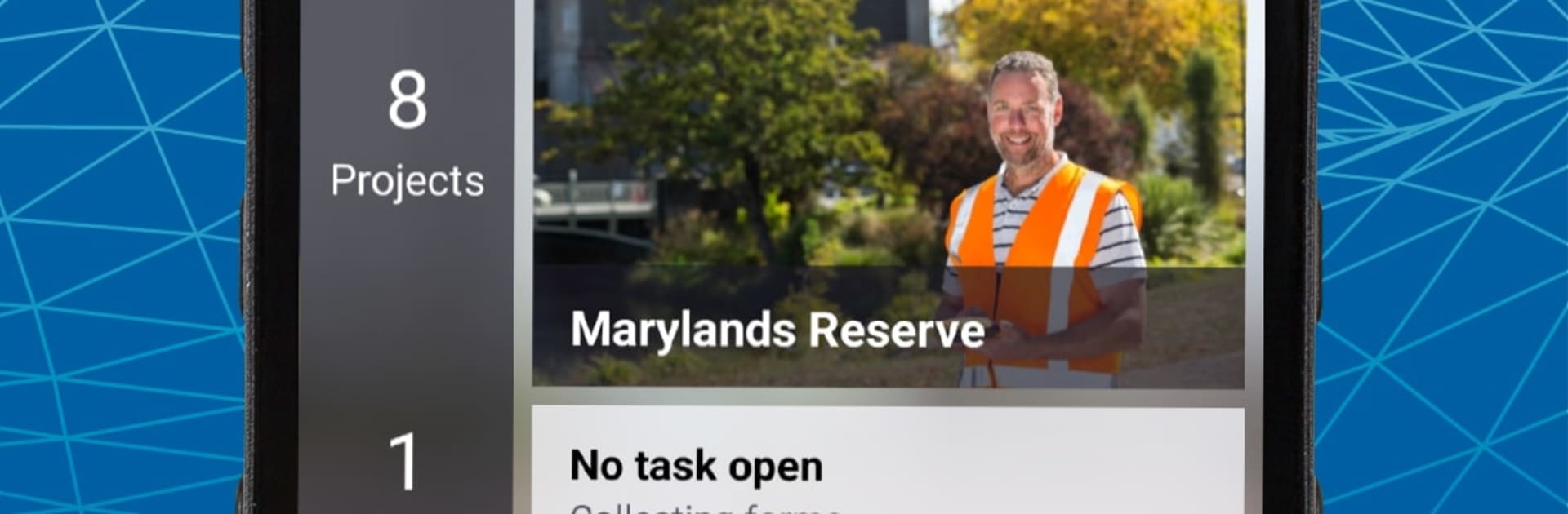
TerraFlex
BlueStacksを使ってPCでプレイ - 5憶以上のユーザーが愛用している高機能Androidゲーミングプラットフォーム

Run TerraFlex on PC or Mac
Let BlueStacks turn your PC, Mac, or laptop into the perfect home for TerraFlex, a fun Productivity app from Trimble Inc..
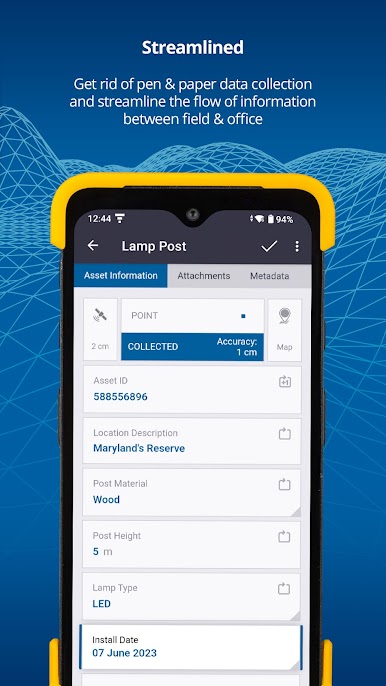
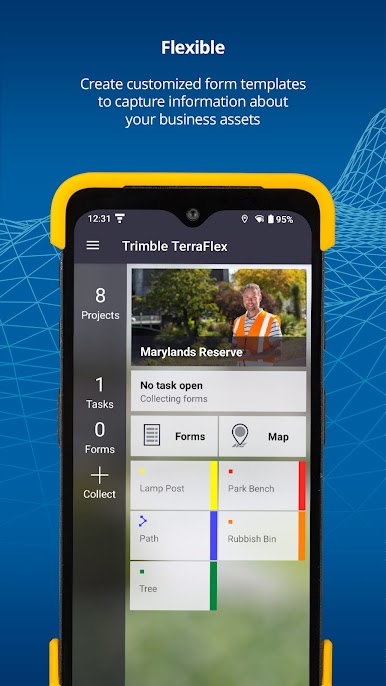
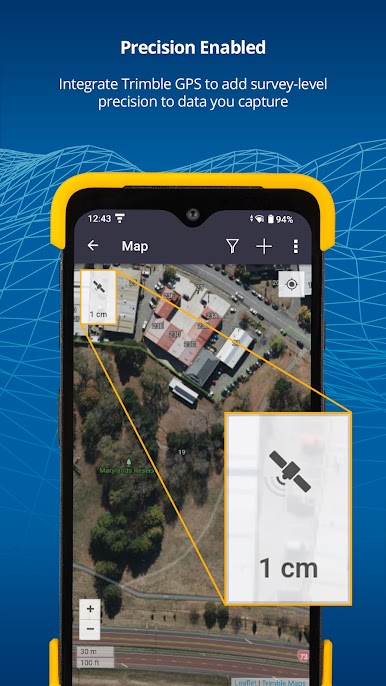
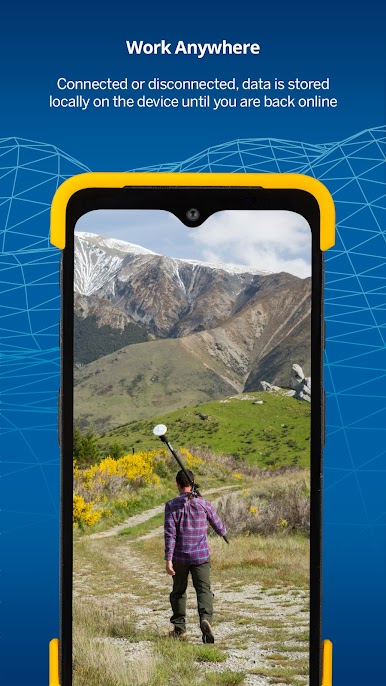
TerraFlex feels like a clean, no-nonsense toolkit for field data. It lets someone build simple forms, then head out and capture geotagged info without juggling a bunch of apps. Think inspections, GIS points, incident notes, emergency stuff, all the usual field tasks that need a location and a few tidy fields. The forms are straightforward, so crews tap through, snap a photo, add a status, and move on. Everything lands in one place so the team stays on the same page, and a coordinator can watch new entries show up almost as they are taken.
On a PC with BlueStacks, the bigger screen and keyboard make form building and data review way easier. Editing fields, checking records, and fixing typos is quicker, and updates to forms roll out through the cloud right away. Assignments can be grouped so projects do not turn into a mess, and the cloud handles the admin overhead most folks do not want to deal with. TerraFlex Standard adds stronger update workflows if a project needs more control over edits. Setup is not a headache either. Make an account, sign in to the cloud, download the app, and it is ready. It is built for Android phones, so if GPS runs in the background it can chew through battery, but that is expected. Overall it is steady, practical, and focused on getting field data in fast and keeping it consistent.
Big screen. Bigger performance. Use BlueStacks on your PC or Mac to run your favorite apps.
TerraFlexをPCでプレイ
-
BlueStacksをダウンロードしてPCにインストールします。
-
GoogleにサインインしてGoogle Play ストアにアクセスします。(こちらの操作は後で行っても問題ありません)
-
右上の検索バーにTerraFlexを入力して検索します。
-
クリックして検索結果からTerraFlexをインストールします。
-
Googleサインインを完了してTerraFlexをインストールします。※手順2を飛ばしていた場合
-
ホーム画面にてTerraFlexのアイコンをクリックしてアプリを起動します。

