


Tully
음악 및 오디오 | Vertical Craft
5억명 이상의 게이머가 신뢰하는 안드로이드 게임 플랫폼 BlueStacks으로 PC에서 플레이하세요.

Tully PC에서 즐겨보세요
Tully는 녹음 아티스트와 작곡가가 하나의 응용 프로그램 내에서 아이디어를 작성 및 녹음하고, 창의적인 콘텐츠를 저장 및 관리하고, 음악을 배포할 수 있도록 만들어졌습니다.
작곡, 보안 저장, 파일 공유, 음악 산업 관리 도구부터 음악 배포에 이르기까지 아티스트에게 필요한 모든 도구를 갖춘 유일한 앱입니다. 또한 유명 아티스트와 함께 인생을 바꿀 수 있는 기회도 누릴 수 있습니다.
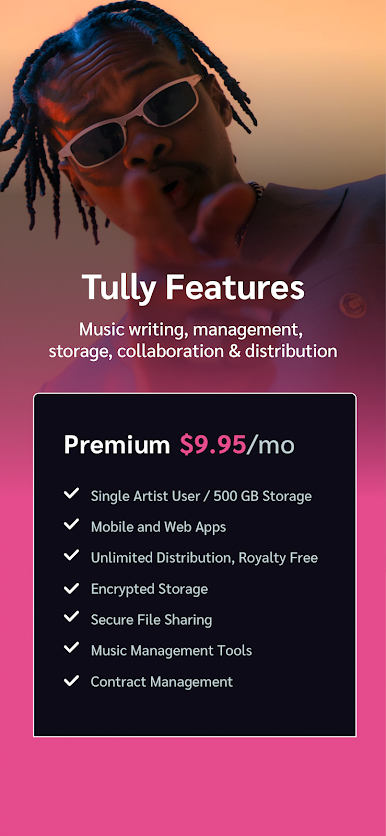
한 달에 $9.95부터 Tully를 사용하면 다음을 수행할 수 있습니다.
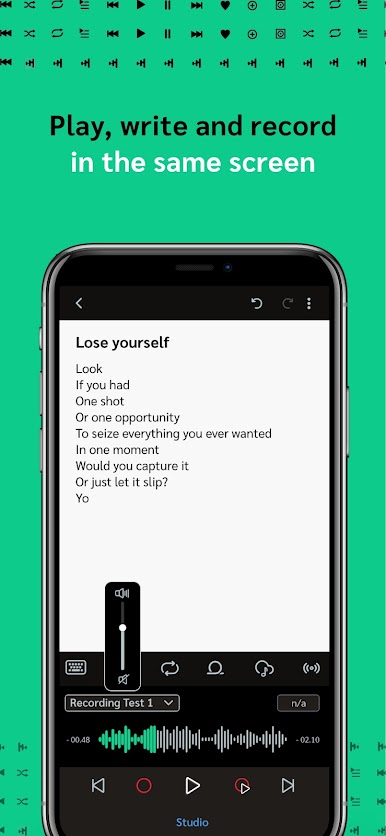
- 오디오를 들으면서 가사 쓰기
- 당신의 작곡 프로젝트에서 우리에게 무료 프리미엄 비트를 받으세요
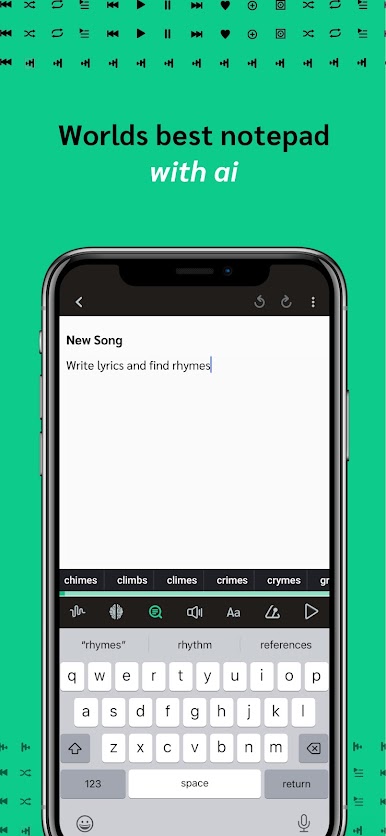
- 가사를 쓰는 동안 운율 제안 찾기
- 노래에 대한 아이디어를 녹음하고 믹스를 만듭니다.
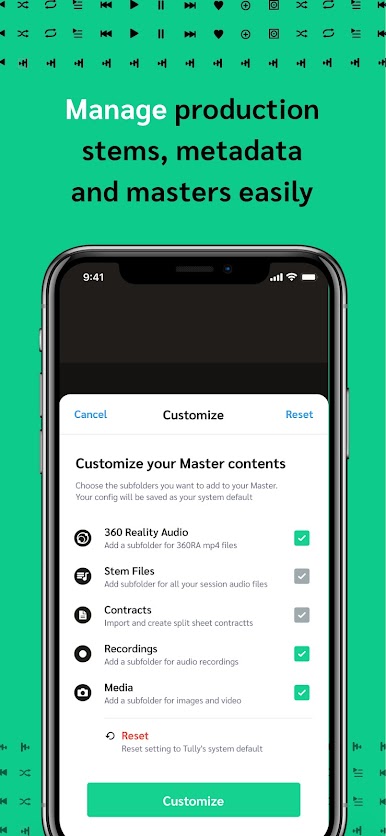
- 마스터와 음악을 안전한 클라우드 서버에 저장하세요
- 다른 사람들과 공유하고 협업하세요
- 오디오 및 미디어 파일을 추적하고 보호하세요.
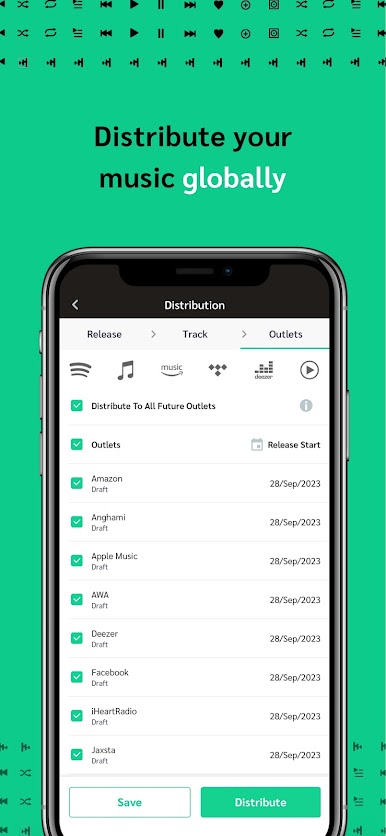
- 모든 주요 스트리밍 플랫폼에 음악 배포
- 계약서 및 분할 시트 계약서 작성
- 오디오 파일의 메타데이터를 관리하세요
- 인생을 변화시킬 수 있는 기회에 접근하세요
만들다. 관리하다. 분배하다.
하나의 앱에서 모두!
작곡, 보안 저장, 파일 공유, 음악 산업 관리 도구부터 음악 배포에 이르기까지 아티스트에게 필요한 모든 도구를 갖춘 유일한 앱입니다. 또한 유명 아티스트와 함께 인생을 바꿀 수 있는 기회도 누릴 수 있습니다.
한 달에 $9.95부터 Tully를 사용하면 다음을 수행할 수 있습니다.
- 오디오를 들으면서 가사 쓰기
- 당신의 작곡 프로젝트에서 우리에게 무료 프리미엄 비트를 받으세요
- 가사를 쓰는 동안 운율 제안 찾기
- 노래에 대한 아이디어를 녹음하고 믹스를 만듭니다.
- 마스터와 음악을 안전한 클라우드 서버에 저장하세요
- 다른 사람들과 공유하고 협업하세요
- 오디오 및 미디어 파일을 추적하고 보호하세요.
- 모든 주요 스트리밍 플랫폼에 음악 배포
- 계약서 및 분할 시트 계약서 작성
- 오디오 파일의 메타데이터를 관리하세요
- 인생을 변화시킬 수 있는 기회에 접근하세요
만들다. 관리하다. 분배하다.
하나의 앱에서 모두!

PC에서 Tully 플레이해보세요.
-
BlueStacks 다운로드하고 설치
-
Google Play 스토어에 로그인 하기(나중에 진행가능)
-
오른쪽 상단 코너에 Tully 검색
-
검색 결과 중 Tully 선택하여 설치
-
구글 로그인 진행(만약 2단계를 지나갔을 경우) 후 Tully 설치
-
메인 홈화면에서 Tully 선택하여 실행

