


Crea musica e ritmi: Jam Pad
Gioca su PC con BlueStacks: la piattaforma di gioco Android, considerata affidabile da oltre 500 milioni di giocatori.

Pagina modificata il: Nov 16, 2025
Run Music & Beat Maker: Jam Pad on PC or Mac
Multitask effortlessly on your PC or Mac as you try out Music & Beat Maker: Jam Pad, a Music & Audio app by Uminate on BlueStacks.
About the App
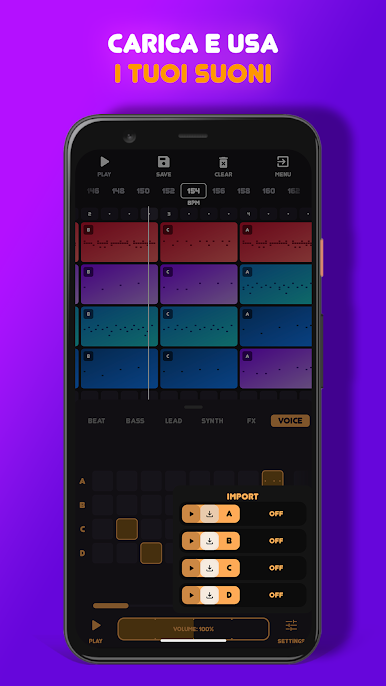
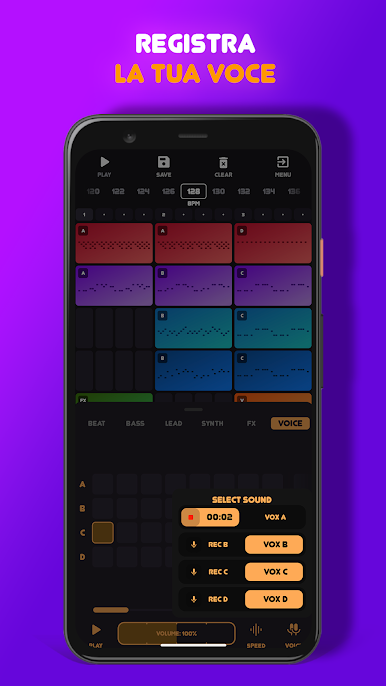
Ever wanted to play around with music and beats, even if you’re just chilling at home or on the move? Music & Beat Maker: Jam Pad by Uminate makes that totally possible. Whether you’re a pro music producer who knows their way around a studio or just curious to mess around with different sounds, this app is packed with creative tools and a really approachable vibe. Try it out on your phone, or even on your computer using BlueStacks for a bigger sound playground.
App Features
-
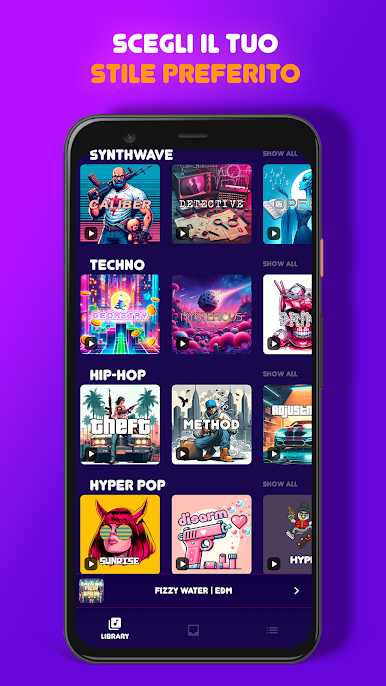
Huge Sound Library
Dig through a collection of fresh, high-quality sound packs. Whether you’re itching to make Hip Hop, EDM, Trap, or even something in SynthWave, you’ll find all the trendy sounds waiting for you. -
Custom Compositions
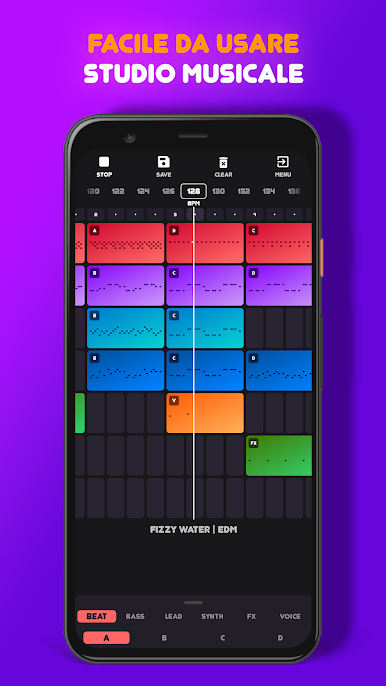
Craft your own tracks from scratch. Layer beats, experiment with weird rhythms, and surprise yourself—there’s plenty of room for your personal style. -
Step Sequencer Mode
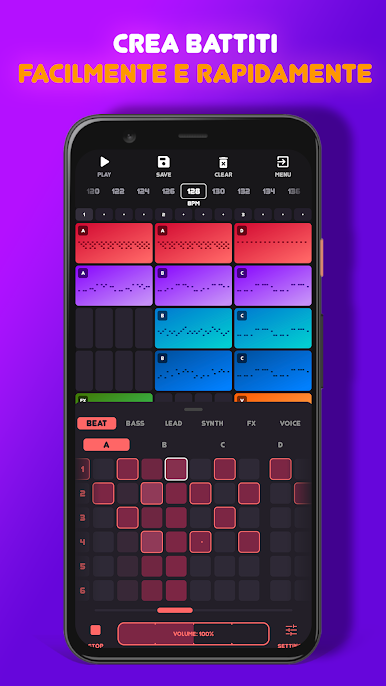
Want real-time control? Use the step sequencer to lay down patterns and build out full songs. You can tweak as you go and mix up your arrangements on the fly. -
Drum Pad Magic
Feel like tapping out some beats? Jump into Drum Pad mode, play with different drum sounds, and create loops that you can actually save. -
Live Sound Effects
Tweak your sounds in real time with easy sound effect controls. Add a filter here, a twist there—it’s hands-on and simple to use. -
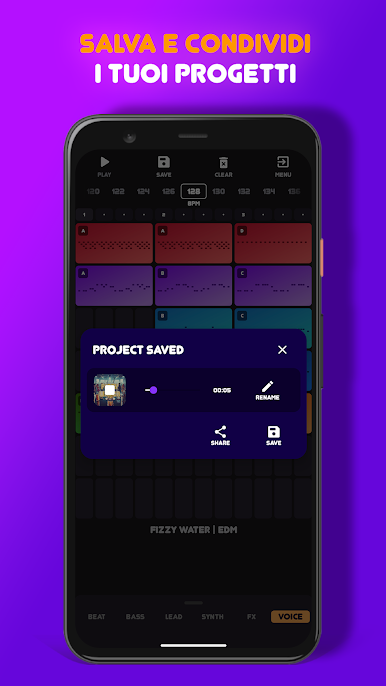
Save & Share
When you’re happy with your jam, save it straight to your device—or, if you’re feeling social, share your creations with friends on your favorite networks. -
Intuitive Design
You don’t need to be a tech wizard—the interface is clear and straightforward, so you can stay focused on making music, not figuring out menus. -
Tools & Tips for All Levels
Helpful guidance and learning features make it easy to get started without feeling overwhelmed, but there’s enough depth to keep more advanced users interested too. -
BPM Control
Need to speed things up or slow them down? Adjust the BPM anytime for the perfect vibe, no matter what you’re working on.
BlueStacks gives you the much-needed freedom to experience your favorite apps on a bigger screen. Get it now.
Gioca Crea musica e ritmi: Jam Pad su PC. È facile iniziare.
-
Scarica e installa BlueStacks sul tuo PC
-
Completa l'accesso a Google per accedere al Play Store o eseguilo in un secondo momento
-
Cerca Crea musica e ritmi: Jam Pad nella barra di ricerca nell'angolo in alto a destra
-
Fai clic per installare Crea musica e ritmi: Jam Pad dai risultati della ricerca
-
Completa l'accesso a Google (se hai saltato il passaggio 2) per installare Crea musica e ritmi: Jam Pad
-
Fai clic sull'icona Crea musica e ritmi: Jam Pad nella schermata principale per iniziare a giocare

