


File Explorer Cleaner Gestor
Jogue no PC com BlueStacks - A Plataforma de Jogos Android, confiada por mais de 500 milhões de jogadores.

Página modificada em: 21 de jul. de 2018
Play File Manager Analyser Cleaner App on PC
Key Features:
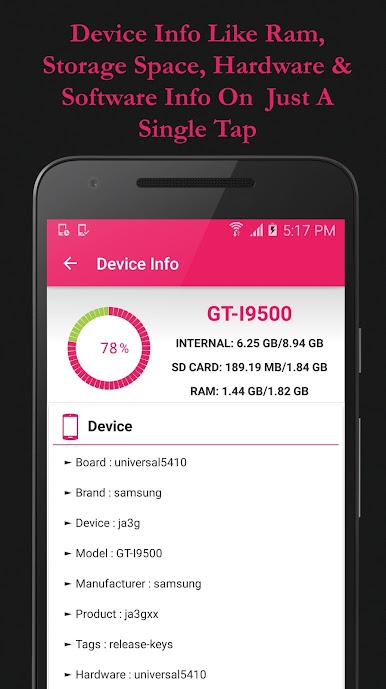
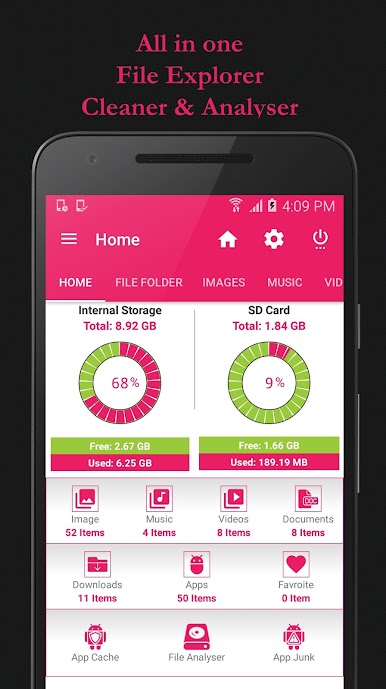
1. File Manager and Analyser.
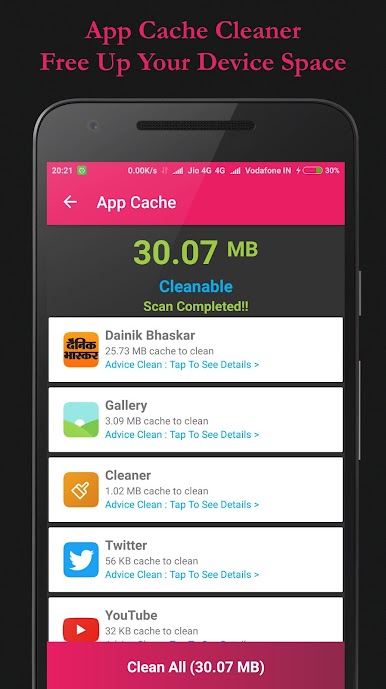
2. App Cache Cleaner
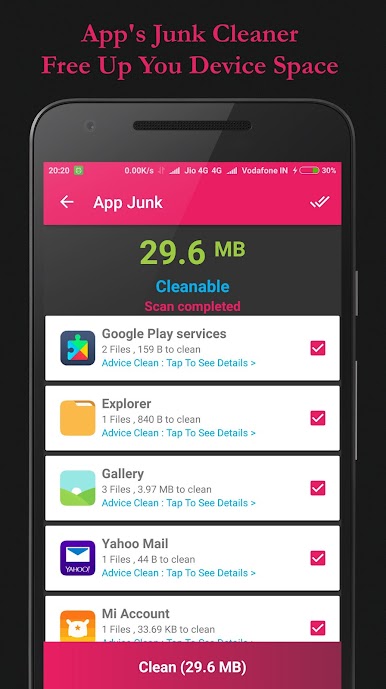
3. App Junk Cleaner.
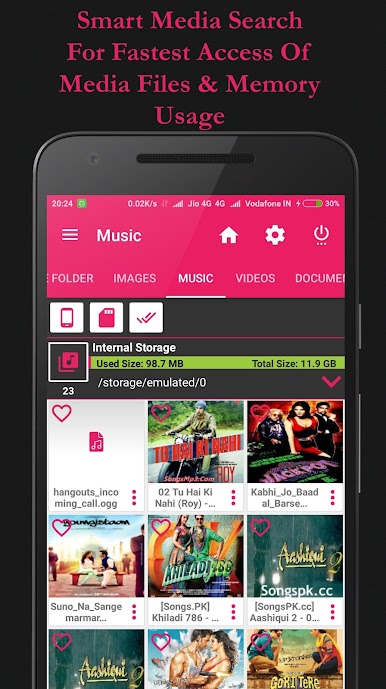
4. Smartest Media Search & Files on one tap.
5. Easy Files Access & Shortcut's.
6. Favourite Files.
Utility File Explorer Application Details:
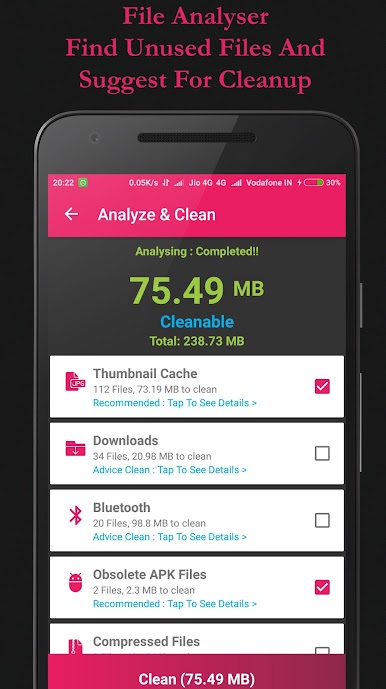
• Analyser & Cleaner :
1. Analyser unused or temp files and gives you suggestion for cleaning.
2. Do not clean cache of other app which leads to unwanted behavior of app and data loss.
3. Light operation is performing by app to save space on device.
4. No Battery Draining background operation in application.
• App Cache & Junk Cleaner :
1. Analyser unused or temp files for installed app and remove them for get the free memory.
3. Light operation is performing by app to save space on device.
4. No Battery Draining background operation in application.
• File And Folder Management :
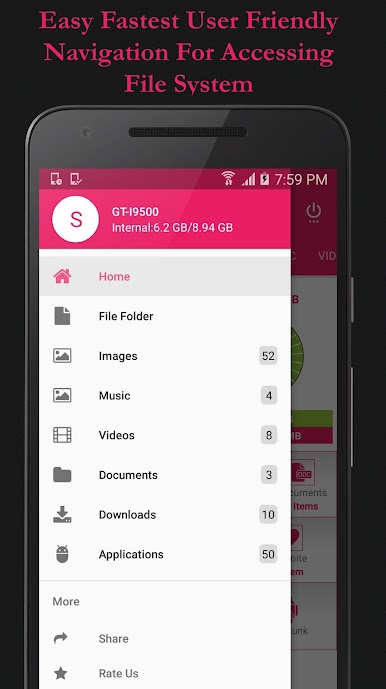
1. Easy Navigation in storage directory with shortcut option.
2. Multiple file or folder selection option available for various operations.
3. Manage your files with cut, copy, paste, rename, and compress operations
4. Search file on folder in storage directory and navigate to that directory.
5. You can see hidden files and folder.
6. Create shortcut folder on home screen to direct navigate on one tap.
7. Create new folder/directory on storage.
• Images :
1. Easy to access images from your storage directory on one tap.
2. Do operation on file and also share to other user.
• Music
1. Easy to access music available on your storage directory.
2. Do operation on file and also share to other user.
3. Easy to delete with multiple selection operation
• Videos
1. Easy to access video available on your storage directory.
2. Do operation on file and also share to other user.
3. Easy to delete with multiple selection operation
• Documents
1. Easy to access documents available on your storage directory.
2. Do operation on file and also share to other user.
3. Easy to delete with multiple selection operation
• Downloads
1. Easy to access downloaded file available on your storage directory.
2. Do operation on file and also share to other user.
3. Easy to delete with multiple selection operation
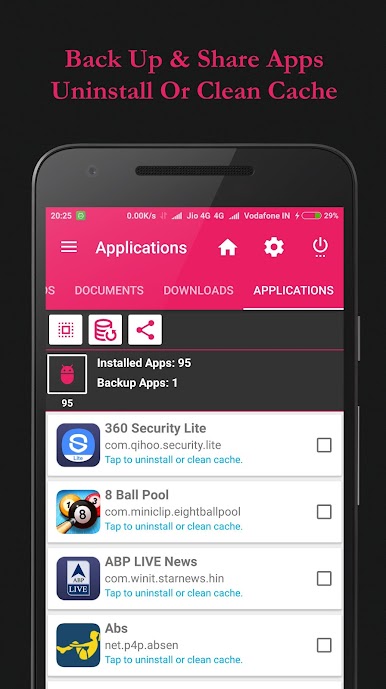
• Application
1. Easy access of installed application on your device
2. You can back up application and share them on tap.
2. You can uninstall application and clean app cache on single tap.
• Favourite
1. You can add file to your favourite list to easy access from home screen.
2. No need to search favourite file just tap favourite to get access.
Jogue File Explorer Cleaner Gestor no PC. É fácil começar.
-
Baixe e instale o BlueStacks no seu PC
-
Conclua o login do Google para acessar a Play Store ou faça isso mais tarde
-
Procure por File Explorer Cleaner Gestor na barra de pesquisa no canto superior direito
-
Clique para instalar File Explorer Cleaner Gestor a partir dos resultados da pesquisa
-
Conclua o login do Google (caso você pulou a etapa 2) para instalar o File Explorer Cleaner Gestor
-
Clique no ícone do File Explorer Cleaner Gestor na tela inicial para começar a jogar

