


Intermediate Geometry Practice
Play on PC with BlueStacks – the Android Gaming Platform, trusted by 500M+ gamers.

Page Modified on: Mar 9, 2024
Play Intermediate Geometry Practice on PC
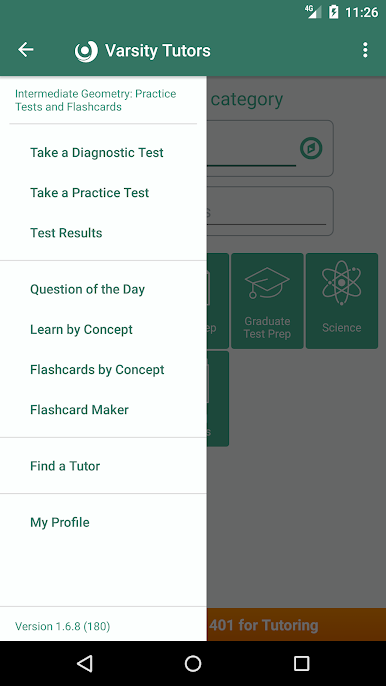
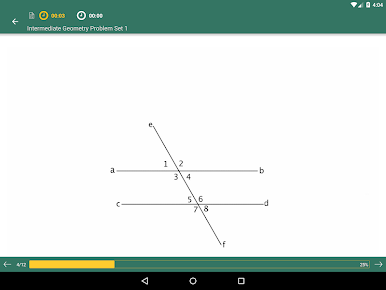
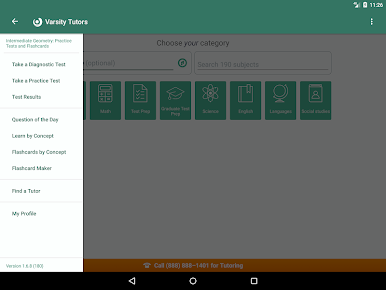
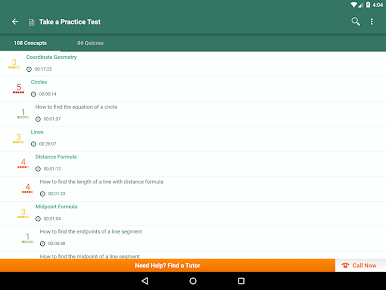
Varsity Tutors' Intermediate Geometry Android app offers powerful free tools for Intermediate Geometry including full-length diagnostic tests, flashcards, questions of the day, and more that can significantly aid you in your studying.
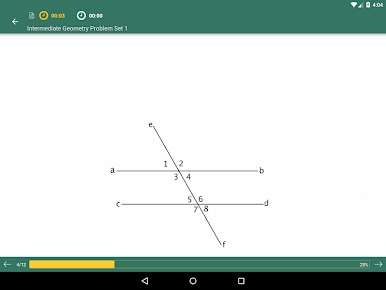
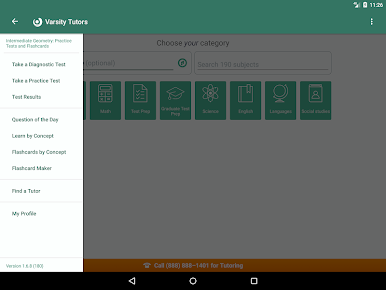
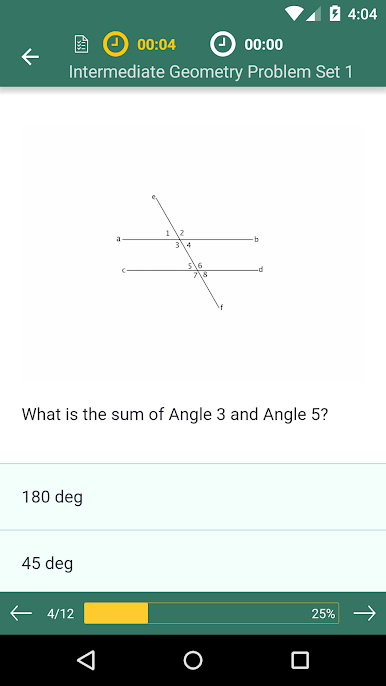
- Choose a subject and start taking quizzes or full-length diagnostic tests.
- Create your own flashcards to study.
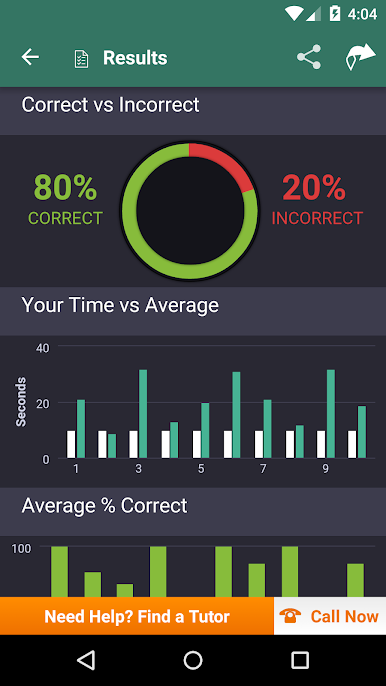
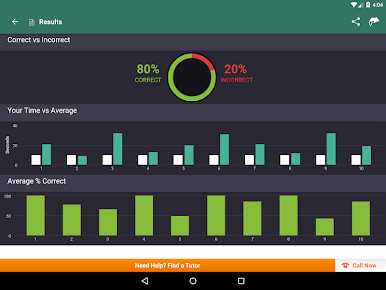
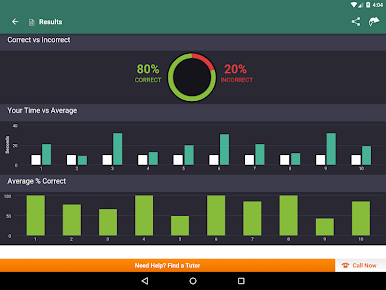
- See detailed results and analysis in an easy-to-understand format and share your scores with friends or instructors.
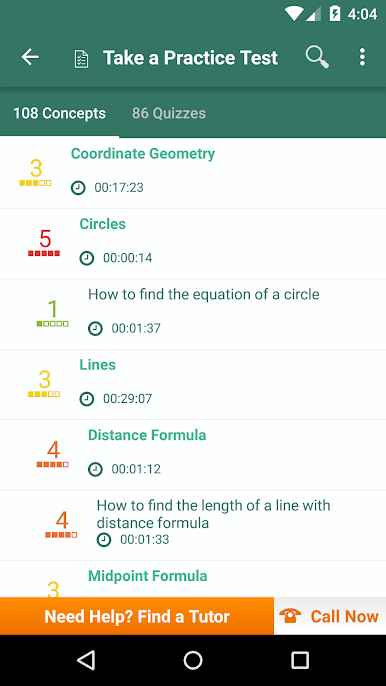
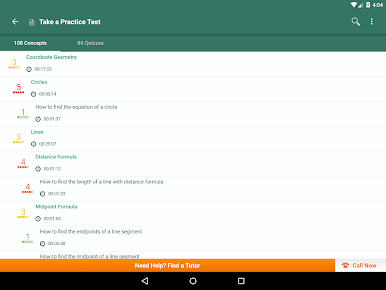
- Explore and learn by individual concept using our well-organized practice problems.
- Browse through curated flashcards organized by subject and learn at your own pace.
- Find the best private tutor for your specifics needs out of thousands of the top tutors.
Play Intermediate Geometry Practice on PC. It’s easy to get started.
-
Download and install BlueStacks on your PC
-
Complete Google sign-in to access the Play Store, or do it later
-
Look for Intermediate Geometry Practice in the search bar at the top right corner
-
Click to install Intermediate Geometry Practice from the search results
-
Complete Google sign-in (if you skipped step 2) to install Intermediate Geometry Practice
-
Click the Intermediate Geometry Practice icon on the home screen to start playing

