


galeri
500M + oyuncunun güvendiği Android Oyun Platformu, BlueStacks ile PC'de oynayın.

Sayfa Değiştirilme tarihi: Nov 21, 2025
Play Gallery Vault on PC
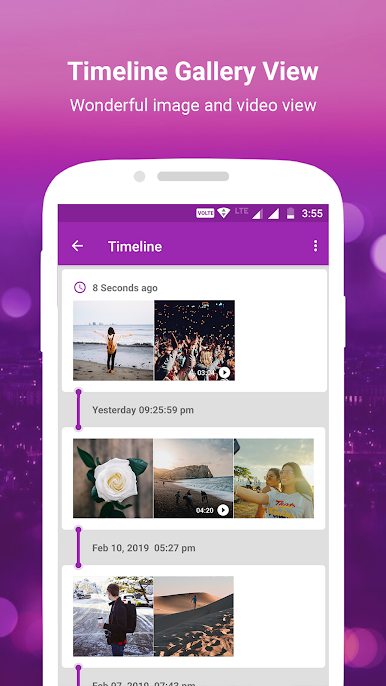
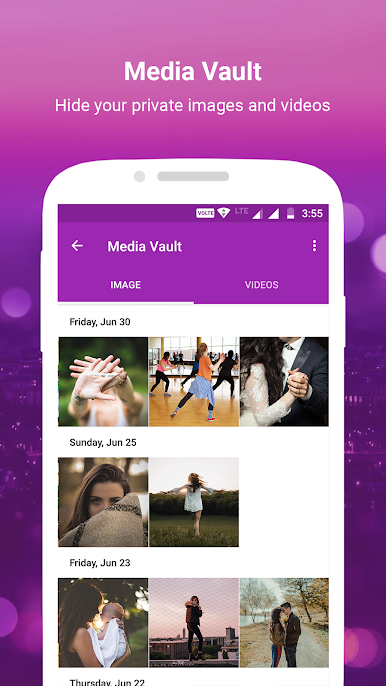
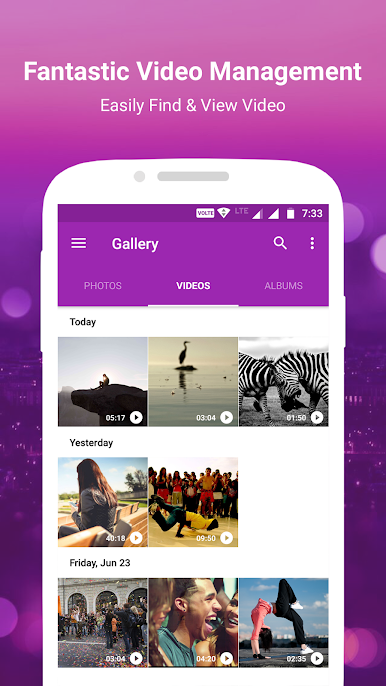
📷 My Photos : You can search your favorite photo and video by name. also hide your media using media vault best gallery photo viewer.
👓 Features 👓
=================
Gallery New
👉 It is galleria with some awesome feature like image name and media color search, you can filter media by name, photos, videos and albums.
Gallery Lock
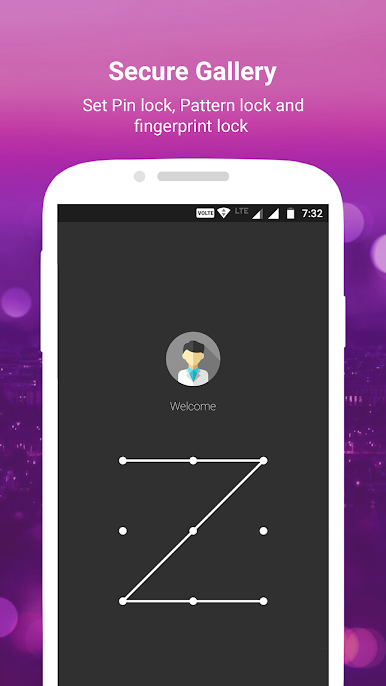
👉 You can set pin, pattern and fingerprint gallery lock. so no anyone view your personal media. protection of personal privacy.
Gallery Vault
👉 Easily hide and un-hide there selected photos and videos into media vault
Hidden Folder
👉 Some apps store photos and videos in hidden folder. so collection gallery find hidden folder for you 🔍.
Recycle Bin
👉 Yes, Deleted Photo Recovery. but if photo deleted using our gallery app and selected move to recycle bin options. Recover deleted photos using restore image 🗑️.
Gallery Features :
🔸Gallery Search : Gallery will help you to get search results from various images and videos.
🔸Status Downloader for helps you download WA photo images, video download.
🔸Multiple Language : 10 language supported in this galery. so you can set your own language on galleries.
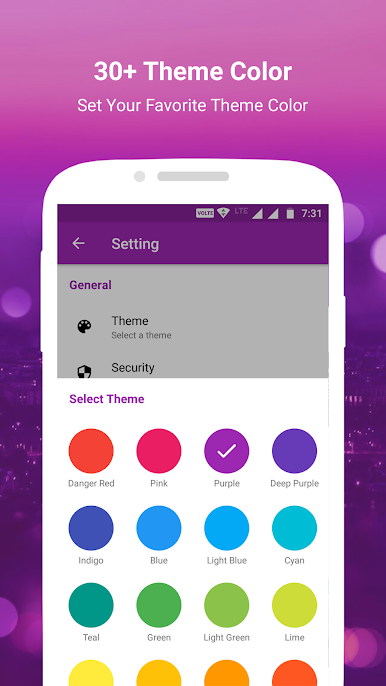
🔸Gallery Theme : You can set your favorite theme color on photo gallary app.
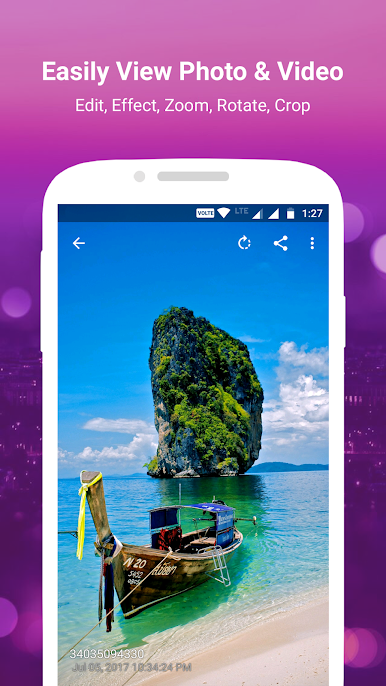
🔸Photo Editor : Apply filter, text on photo, crop and many other awesome edit option.

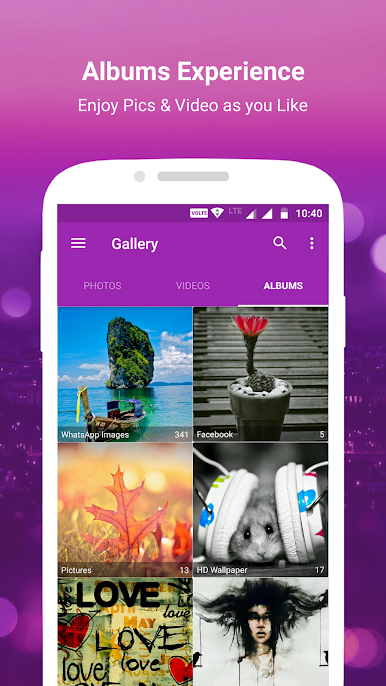
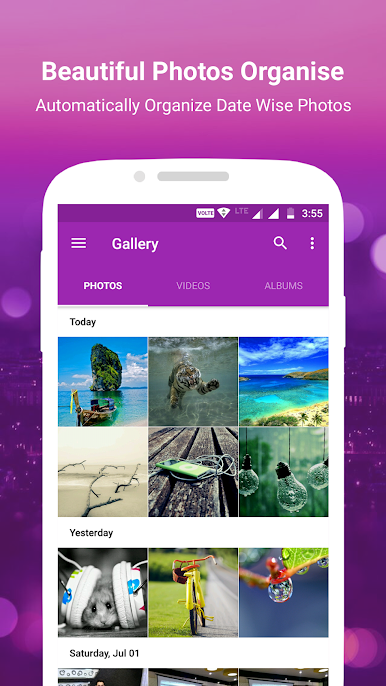
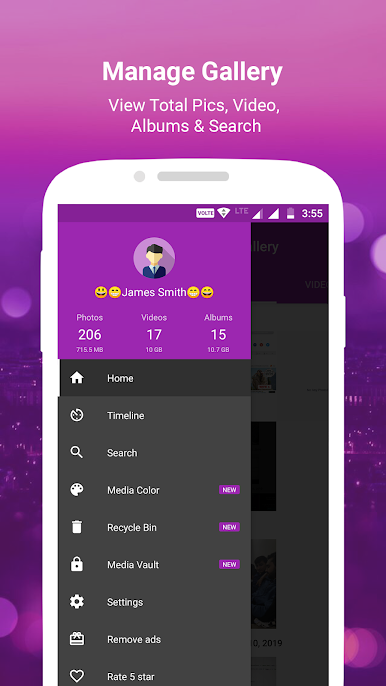
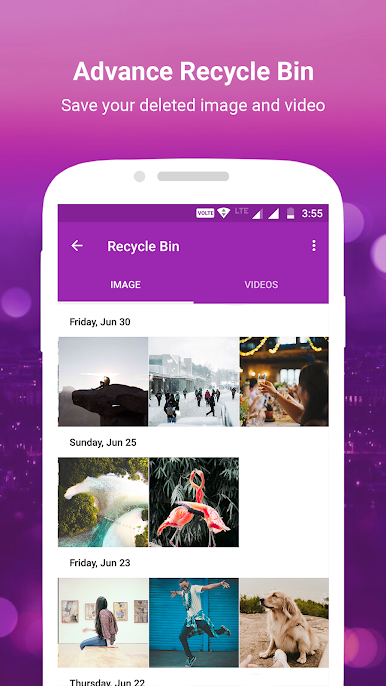
galeri oyununu PC'de oyna. Başlamak çok kolay.
-
BlueStacks'i PC'nize İndirin ve Yükleyin
-
Play Store'a erişmek için Google girişi yapın ya da daha sonraya bırakın.
-
Sağ üst köşeye galeri yazarak arayın.
-
galeri uygulamasını arama sonuçlarından indirmek için tıklayın.
-
(iEğer Adım 2'yi atladıysanız) galeri uygulamasını yüklemek için Google'a giriş yapın.
-
Oynatmaya başlatmak için ekrandaki galeri ikonuna tıklayın.

