


Vita Word - Big Word Game
Chơi trên PC với BlueStacks - Nền tảng chơi game Android, được hơn 500 triệu game thủ tin tưởng.

Trang đã được sửa đổi vào: 25 thg 7, 2023
Play Vita Word - Big Word Game on PC or Mac
Vita Word – Big Word Game brings the Word genre to life, and throws up exciting challenges for gamers. Developed by Vita Studio., this Android game is best experienced on BlueStacks, the World’s #1 app player for PC and Mac users.
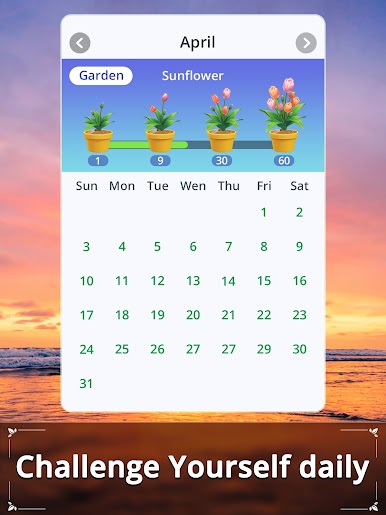
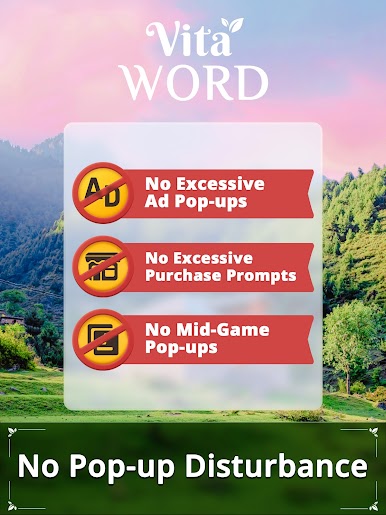
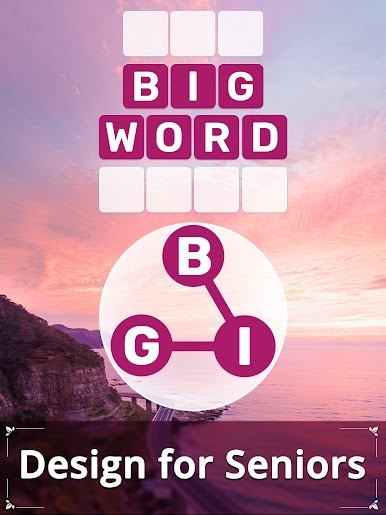
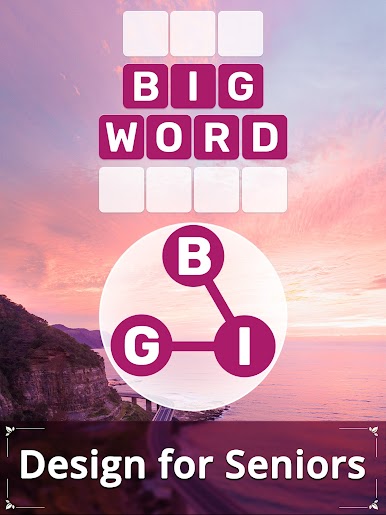
Vita Word feels like one of those low-key word puzzle games that just lets you chill while still giving your brain a bit of a workout. The whole thing is clearly made with easy reading in mind — big letters, larger grids, nothing busy or distracting. It’s got this straightforward layout, so finding your way around is simple right from the start. They keep the controls uncomplicated, which really makes a difference, especially for anyone who doesn’t mess with tech that much. But it’s not bland or dull either; the visuals and backgrounds have a calm vibe, so it’s comfortable for longer sessions.
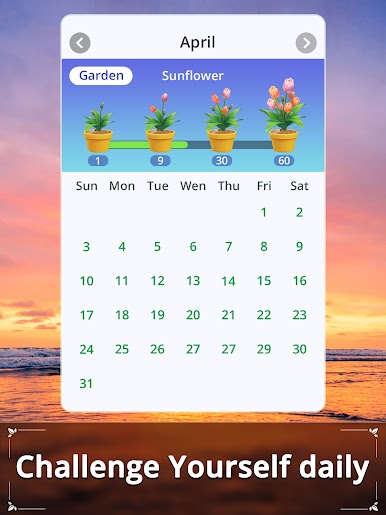
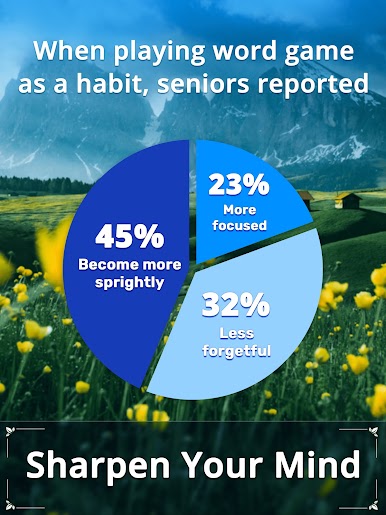
The game leans toward more relaxed puzzles, nothing too stressful or fast. It’s a nice change from a lot of word games that ramp up difficulty way too quickly. Even though it’s designed to be more accessible, there’s still enough puzzle variety and challenge for someone who’s been at these games for a while. Regular updates bring in new words and puzzles, so it doesn’t get old too fast. When playing on PC with BlueStacks, everything translates over cleanly — same big tiles, same easy-on-the-eyes visuals, just with the bonus of a bigger screen. For anyone looking for something to keep their mind engaged without any pressure or rush, Vita Word fits the bill.
Make your gaming sessions memorable with precise controls that give you an edge in close combats and visuals that pop up, bringing every character to life.
















Chơi Vita Word - Big Word Game trên PC. Rất dễ để bắt đầu
-
Tải và cài đặt BlueStacks trên máy của bạn
-
Hoàn tất đăng nhập vào Google để đến PlayStore, hoặc thực hiện sau
-
Tìm Vita Word - Big Word Game trên thanh tìm kiếm ở góc phải màn hình
-
Nhấn vào để cài đặt Vita Word - Big Word Game trong danh sách kết quả tìm kiếm
-
Hoàn tất đăng nhập Google (nếu bạn chưa làm bước 2) để cài đặt Vita Word - Big Word Game
-
Nhấn vào icon Vita Word - Big Word Game tại màn hình chính để bắt đầu chơi

