


Hydrogen Atom Orbitals
교육 | Voladd
5억명 이상의 게이머가 신뢰하는 안드로이드 게임 플랫폼 BlueStacks으로 PC에서 플레이하세요.

Hydrogen Atom Orbitals PC에서 즐겨보세요
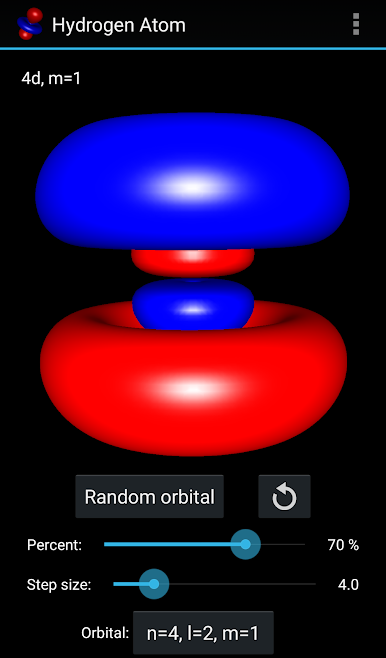
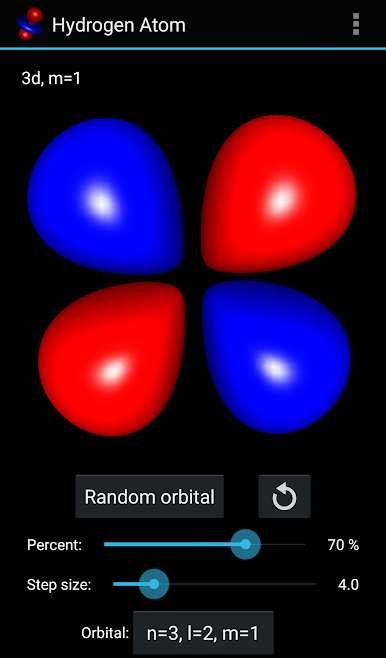
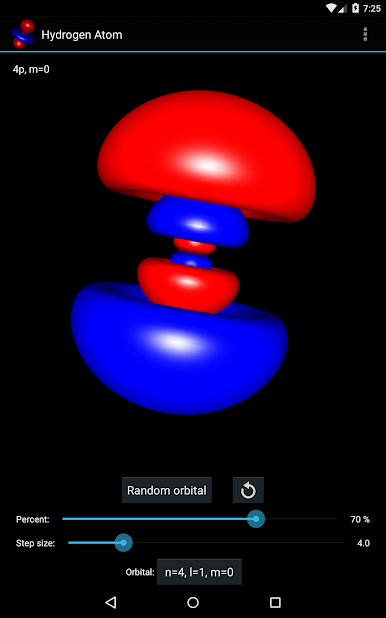
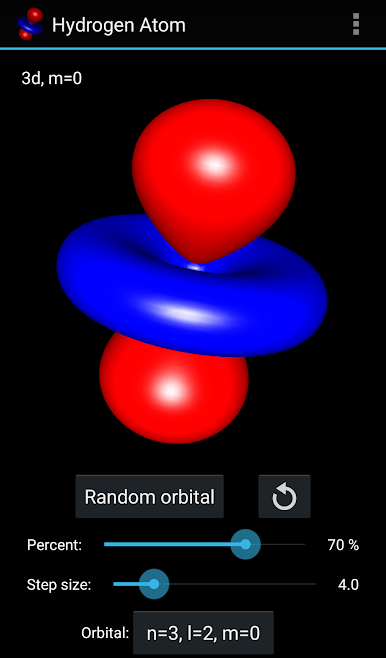
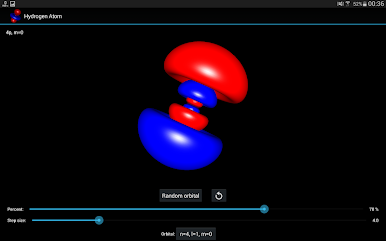
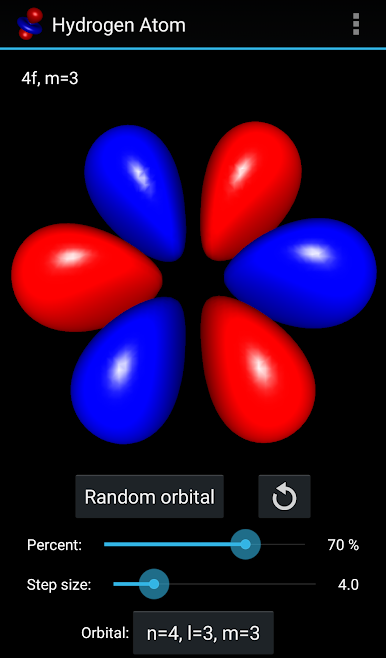
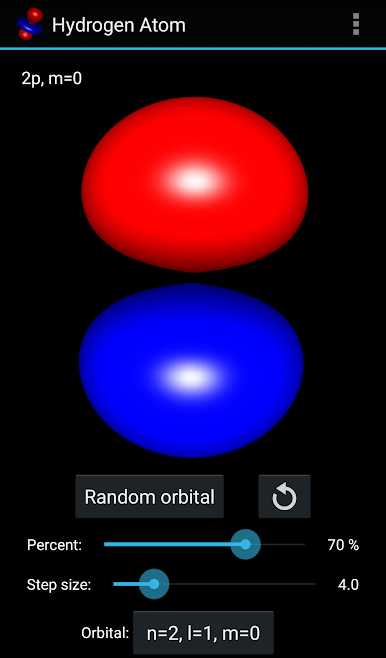
수소 원자의 전자 궤도는 원자의 전자의 웨이브 형상의 동작을 설명하고 특정 공간 영역을 발견 할 확률을 결정한다. 수학적 오비탈은 에너지 고유 상태의 수소 원자의 파동 함수 그 자체가 양자 역학 Schroedinger 방정식의 해결책으로서 결정하는 파동 함수에 의해 결정된다.
이 응용 프로그램의 OpenGL에서 전자 확률 밀도의 단면 표면을 드로잉하고 마칭 큐브 알고리즘을 사용하여 3 차원의 수소 원자의 전자 궤도를 시각화.
풍모:
- 양자 수 n, L 및 m을 지정하여 시각화 전자 궤도를 선택하거나 임의의 하나를 선택.
- 이산화 단계의 크기를 변경합니다.
- 그려진 궤도면 내부 전자를 찾기 위해 총 확률을 선택합니다.
- 줌과는 손가락으로 궤도를 돌립니다.
응용 프로그램의 소스 코드는 https://github.com/vlvovch/hydrogen-atom-orbitals에서 MIT 라이센스하에 있습니다
이 응용 프로그램의 OpenGL에서 전자 확률 밀도의 단면 표면을 드로잉하고 마칭 큐브 알고리즘을 사용하여 3 차원의 수소 원자의 전자 궤도를 시각화.
풍모:
- 양자 수 n, L 및 m을 지정하여 시각화 전자 궤도를 선택하거나 임의의 하나를 선택.
- 이산화 단계의 크기를 변경합니다.
- 그려진 궤도면 내부 전자를 찾기 위해 총 확률을 선택합니다.
- 줌과는 손가락으로 궤도를 돌립니다.
응용 프로그램의 소스 코드는 https://github.com/vlvovch/hydrogen-atom-orbitals에서 MIT 라이센스하에 있습니다
PC에서 Hydrogen Atom Orbitals 플레이해보세요.
-
BlueStacks 다운로드하고 설치
-
Google Play 스토어에 로그인 하기(나중에 진행가능)
-
오른쪽 상단 코너에 Hydrogen Atom Orbitals 검색
-
검색 결과 중 Hydrogen Atom Orbitals 선택하여 설치
-
구글 로그인 진행(만약 2단계를 지나갔을 경우) 후 Hydrogen Atom Orbitals 설치
-
메인 홈화면에서 Hydrogen Atom Orbitals 선택하여 실행

