

Equalizer Peningkat Volume
Mainkan di PC dengan BlueStacks – platform Game-Game Android, dipercaya oleh lebih dari 500 juta gamer.

Run Volume Booster Equalizer : Sound Booster PRO Plus on PC or Mac
Let BlueStacks turn your PC, Mac, or laptop into the perfect home for Volume Booster Equalizer : Sound Booster PRO Plus, a fun Tools app from California Cyber Developers.
About the App
Ever wish your music or videos sounded just a bit more powerful? Volume Booster Equalizer : Sound Booster PRO Plus makes cranking up the volume and tweaking audio a breeze—no complicated setup, no fuss. Whether you’re settling back with your favorite playlist, streaming videos, or gaming, this app delivers that extra kick in audio you’ve been missing. Built by California Cyber Developers, it’s designed to let the sound on your device go way beyond its usual limits, without making things confusing or overwhelming.
App Features
-
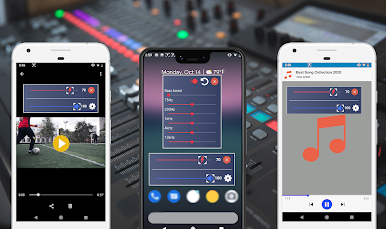
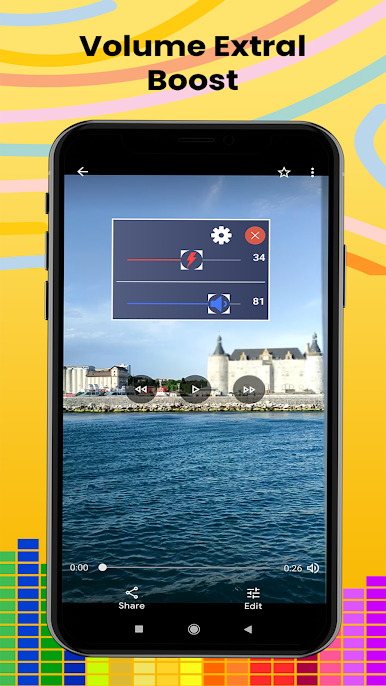
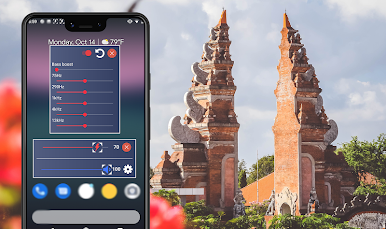
Floating Control Window
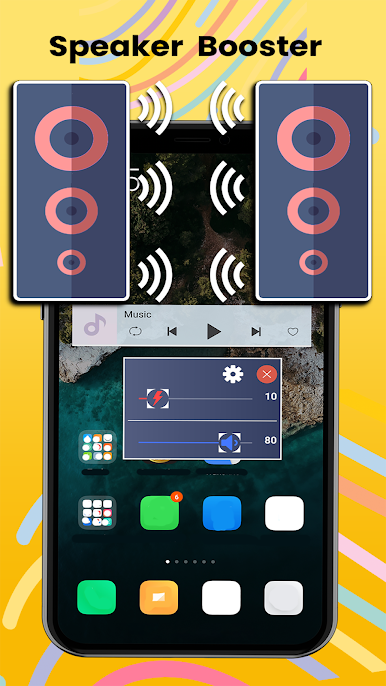
Need quick access? The floating control lets you adjust your audio on the fly—no need to bounce between apps or menus. -
Serious Volume Boost
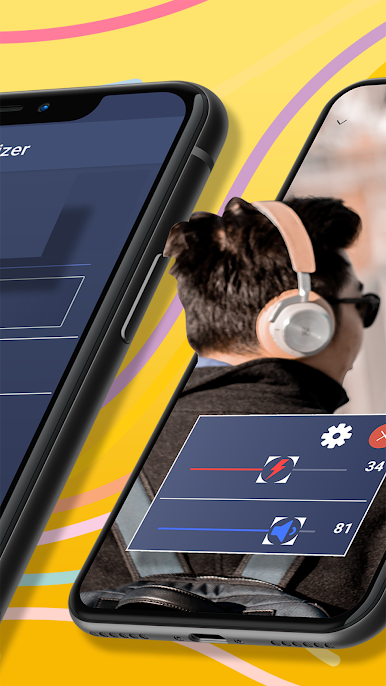
Pump up your device’s media, system, or notification sounds—even crank up Bluetooth speakers. This tool helps you go way past the regular volume cap. -
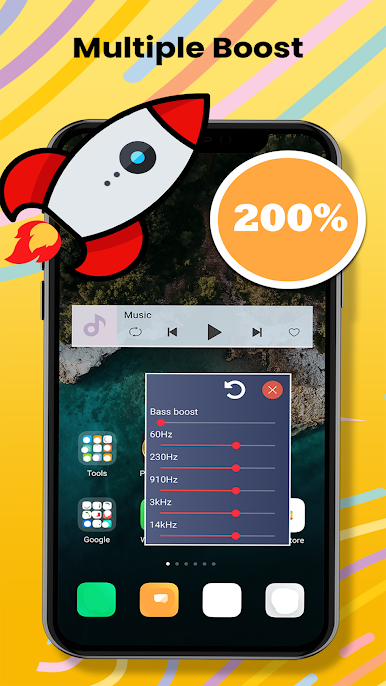
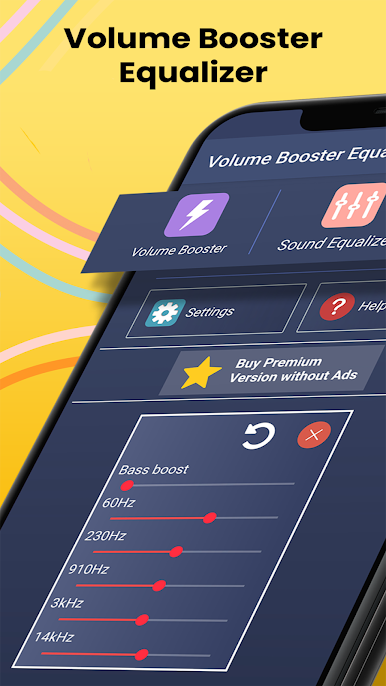
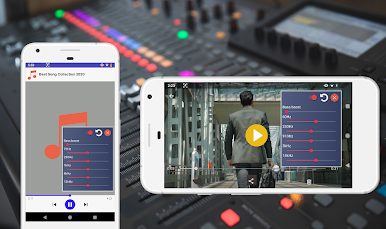
Custom Equalizer
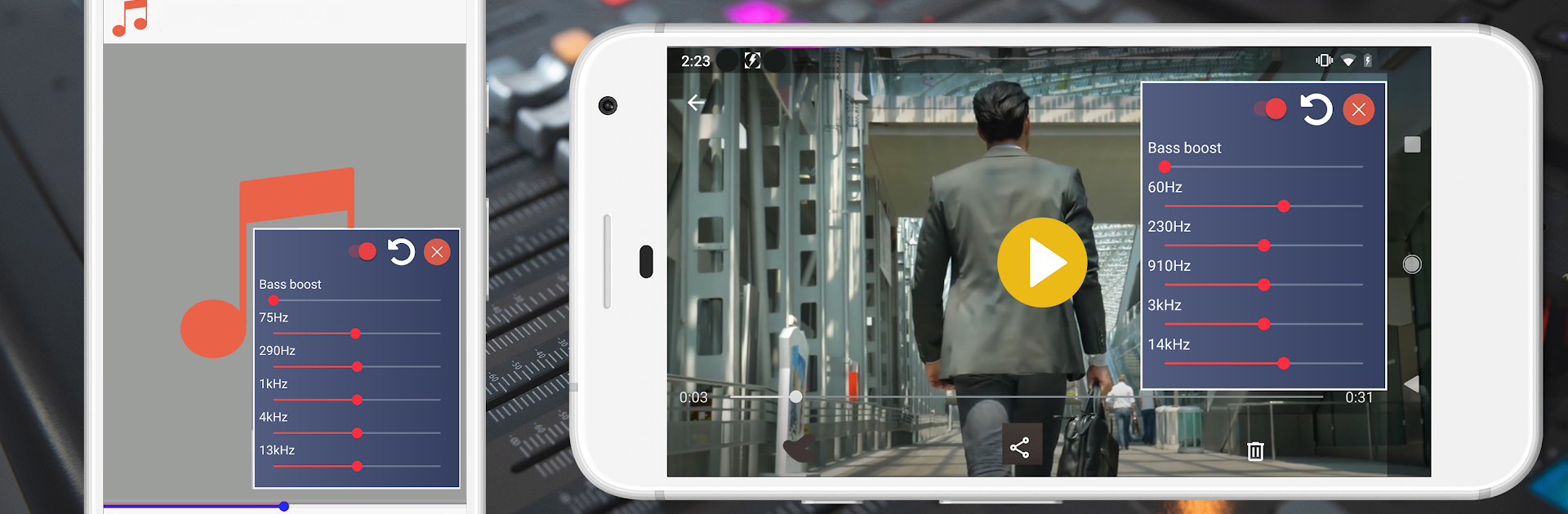
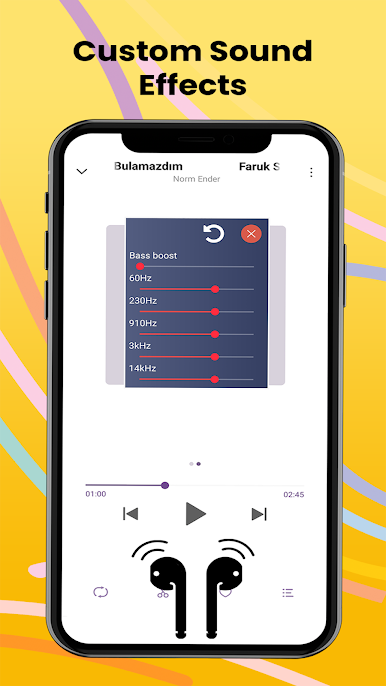
Fine-tune your listening with three, four, or five-band equalizer options (varies by device). Whether you’re after that extra bass or clearer highs, it’s all right here. -
Bass Booster
Want to actually feel your favorite tracks? Hit that bass boost and experience richer, deeper sound without distortion. -
Easy for Everyone
There’s zero fuss here—no accounts, no long tutorials. Just install and start adjusting your audio live. -
Supports Every Output
Listen through your phone’s speakers, headphones, or connect with Bluetooth and external speakers. Works well wherever you want to go louder. -
Seamless on BlueStacks
If you’re using BlueStacks, you’ll find navigating these features as smooth as on any smartphone or tablet.
Everything’s laid out with straightforward graphics, so you’re never guessing what to do next. Make your music, movies, and games sound way better—no hassle, just results.
Big screen. Bigger performance. Use BlueStacks on your PC or Mac to run your favorite apps.


Mainkan Equalizer Peningkat Volume di PC Mudah saja memulainya.
-
Unduh dan pasang BlueStacks di PC kamu
-
Selesaikan proses masuk Google untuk mengakses Playstore atau lakukan nanti
-
Cari Equalizer Peningkat Volume di bilah pencarian di pojok kanan atas
-
Klik untuk menginstal Equalizer Peningkat Volume dari hasil pencarian
-
Selesaikan proses masuk Google (jika kamu melewati langkah 2) untuk menginstal Equalizer Peningkat Volume
-
Klik ikon Equalizer Peningkat Volume di layar home untuk membuka gamenya

