


CarBuzz - Daily Car News
Gioca su PC con BlueStacks: la piattaforma di gioco Android, considerata affidabile da oltre 500 milioni di giocatori.

Pagina modificata il: Dec 24, 2023
Play CarBuzz - Daily Car News on PC
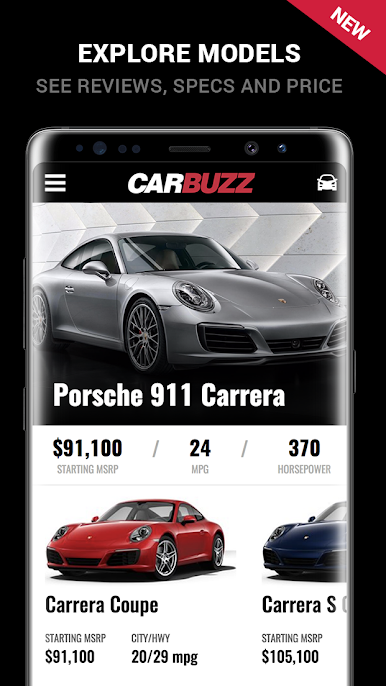
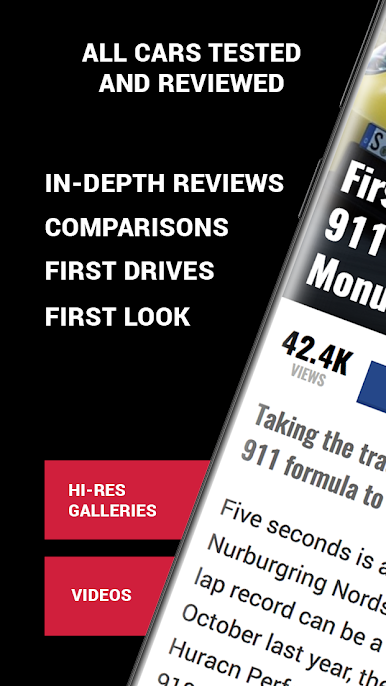
CarBuzz is a new and exciting application that provides car enthusiasts with all of the latest news and information from the automotive industry. Featuring reviews, rumors, updates and beautiful pictures of the latest automobiles, CarBuzz is the only application a car lover will ever need on his/her Android.
Why CarBuzz?
- News
- Rumors
- Previews
- Reviews
- Features
- Pictures
- Spy Shots
- Automobile technical specifications
- Social networking with other car lovers
And let's not forget all of the technical advantages:
- Works with all Android devices
- Multitasking compatible
- Fast Switch capabilities
- Lightening quick picture loading times
- HD Images
- Saving Pictures
How often do you update CarBuzz?
CarBuzz is updated every day, without exceptions. Our journalists and bloggers are hard at work, providing you with numerous and varied rumors, news and information on a daily basis.
Is CarBuzz integrated with social networking?
Yes! Leave comments for any text via your Facebook account. Argue the pros and cons of any car model with other CarBuzz readers and even send interesting articles to your friends. All of these great social features are available or will become available in the very near future.
Yes, but how many cars are covered in CarBuzz?
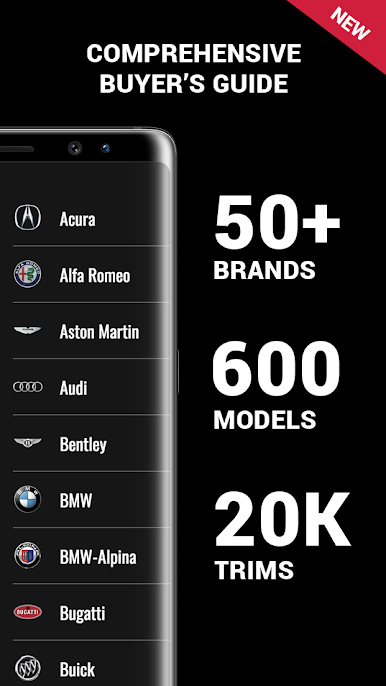
We cover just about every manufacturer and model on the market.
Oh, and did we mention it is free?
Your feedback is very much appreciated.
- CarBuzz Team
- feedback@carbuzz.com
Also visit carbuzz.com for more upcoming features.





Gioca CarBuzz - Daily Car News su PC. È facile iniziare.
-
Scarica e installa BlueStacks sul tuo PC
-
Completa l'accesso a Google per accedere al Play Store o eseguilo in un secondo momento
-
Cerca CarBuzz - Daily Car News nella barra di ricerca nell'angolo in alto a destra
-
Fai clic per installare CarBuzz - Daily Car News dai risultati della ricerca
-
Completa l'accesso a Google (se hai saltato il passaggio 2) per installare CarBuzz - Daily Car News
-
Fai clic sull'icona CarBuzz - Daily Car News nella schermata principale per iniziare a giocare

