


WASticker - Amor Stickers
Play on PC with BlueStacks – the Android Gaming Platform, trusted by 500M+ gamers.

Page Modified on: May 23, 2025
Play WASticker - Amor Stickers on PC
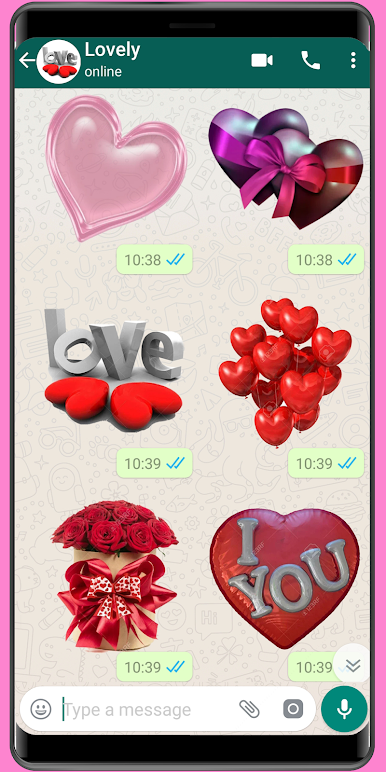
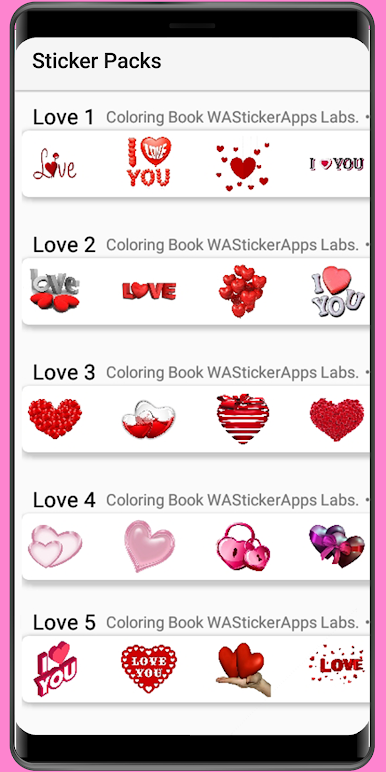
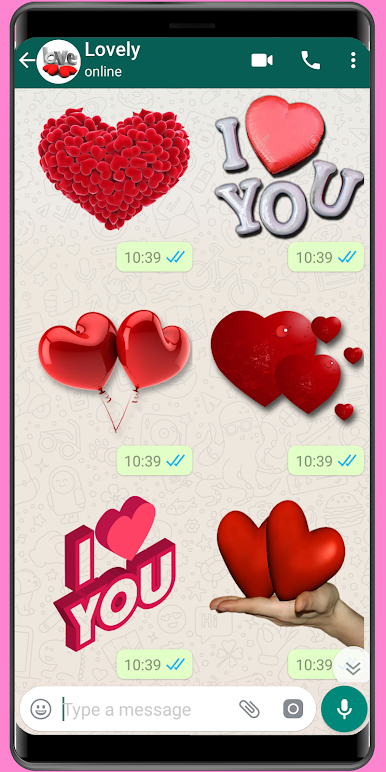
Download the best amor stickers app WASticker amor and WASticker love and send amor stickers to your lover every day or send romantic stickers and love stickers to say I love you to your love every day!
This app brings to you the best WASticker romantic stickers to add a romantic touch to your daily chat with pure romantic stickers.
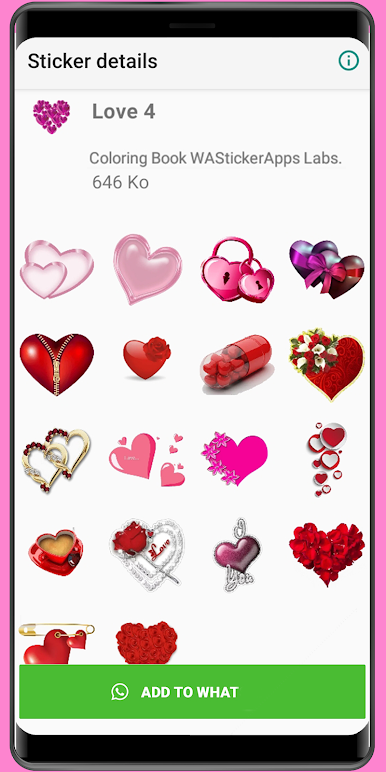
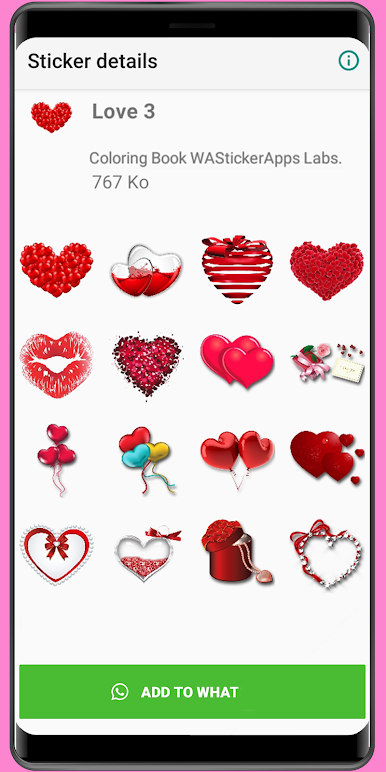
What else is more expressive than heart stickers. It’s why we offer to you large collection of WASticker heart stickers to choose from.
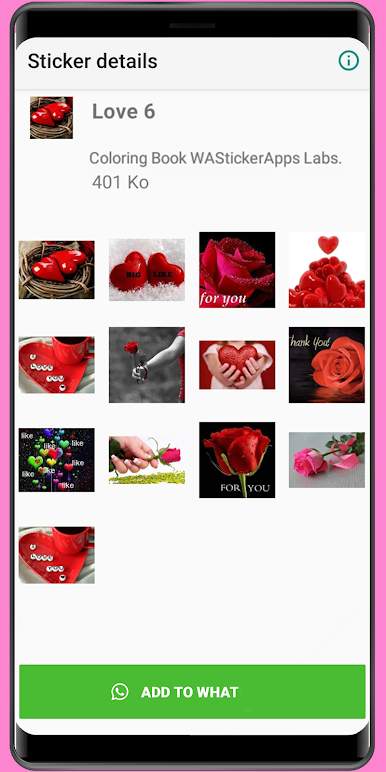
We didn’t forget the beautiful flowers stickers and roses stickers and we added the most beautiful WASticker flowers and WASticker roses to the app. Send now beautiful flowers bouquet, red roses to show your love or white roses to express pure love stickers!
You want to make your lover laugh and see his or her beautiful smile, then pick WASticker emoji stickers of love and send cute emoji stickers and also kiss stickers
Don’t forget to celebrate your love story with the selection of love and relationship stickers and the cute love couples stickers to revive your best love story!
Finally we are all pleased when we get lovely good morning stickers to start the day or a unique good night stickers to wish good night. So don’t hesitate to use these greetings stickers!
WASticker Amor and WASticker love will be updated with best and unique amor stickers to help you impress your lover.
How to use :
Download and open WASticker romantic stickers
Tap on 'ADD TO WASticker' on romantic sticker packs
Open Whatz and go to a chat
Tap on the Emoji icon
You will see a new sticker icon at the bottom and can now use this sticker pack and share your love !!
IMPORTANT:
This app is supported on the official version of Whatz, so please be sure to update your app to the latest version to use WAStickerApps love stickers.
Our users are always our main concern, so we make sure to offer the best app that you’ll enjoy using so you could have a better and unique user experience.
So please feel free to share your comments, suggestions or thank you word by email to us at contact.colorbook@gmail.com.


Play WASticker - Amor Stickers on PC. It’s easy to get started.
-
Download and install BlueStacks on your PC
-
Complete Google sign-in to access the Play Store, or do it later
-
Look for WASticker - Amor Stickers in the search bar at the top right corner
-
Click to install WASticker - Amor Stickers from the search results
-
Complete Google sign-in (if you skipped step 2) to install WASticker - Amor Stickers
-
Click the WASticker - Amor Stickers icon on the home screen to start playing

