


Ghost Hunting Tools App
Chơi trên PC với BlueStacks - Nền tảng chơi game Android, được hơn 500 triệu game thủ tin tưởng.

Trang đã được sửa đổi vào: Nov 10, 2025
Run Ghost Hunting Tools (Simulation) on PC or Mac
Upgrade your experience. Try Ghost Hunting Tools (Simulation), the fantastic Entertainment app from Weasel, from the comfort of your laptop, PC, or Mac, only on BlueStacks.
About the App
Curious about what might be lurking in the shadows? Ghost Hunting Tools (Simulation) puts some of that classic paranormal adventure right in your pocket. Whether you’re just in for a bit of spooky fun with friends or diving deeper into all things supernatural, this app by Weasel lets you play around with ghost hunting devices without ever leaving your living room. Everything’s designed to feel accessible, so even if you’ve never tried something like this before, it won’t leave you scratching your head.
App Features
-
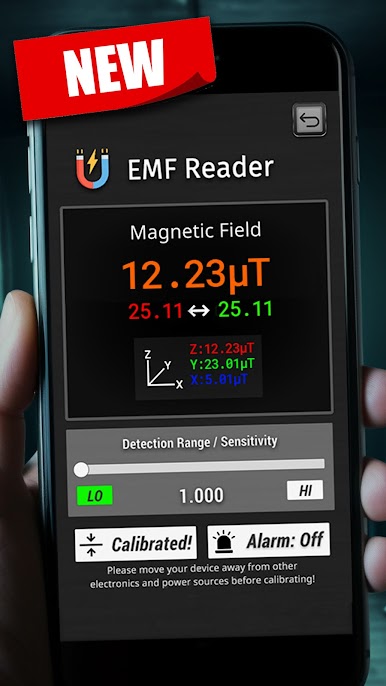
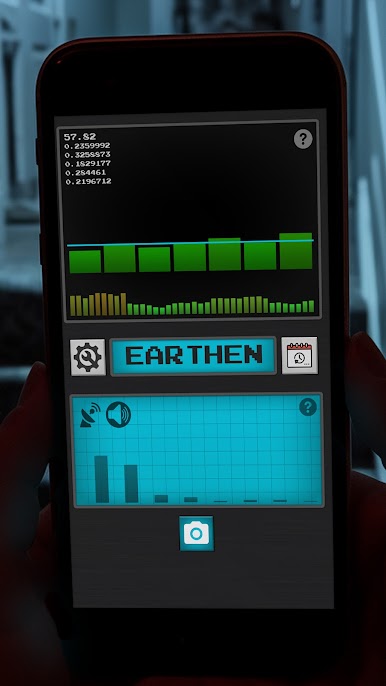
EMF Meter Readout:
Check out electromagnetic field spikes with a main display that’s straightforward and easy to read. Spot sudden changes or odd activity as you use your phone or tablet—no complicated settings involved. -
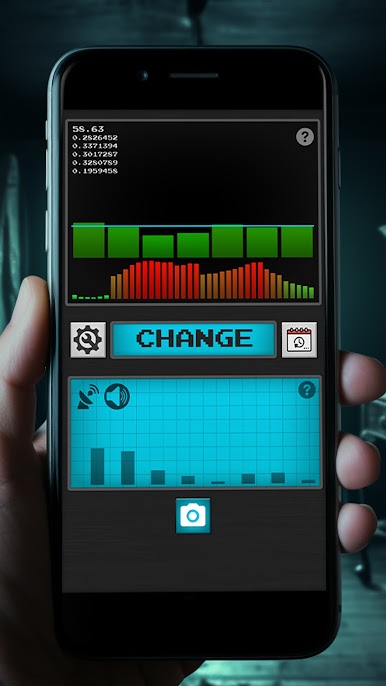
EVP Detection:
Ever wanted to listen for ghostly voices? The EVP (Electronic Voice Phenomena) tool tries to pick up unusual sounds or words hidden in the static. Imagine recording a session and playing it back, wondering if something’s trying to talk back. -
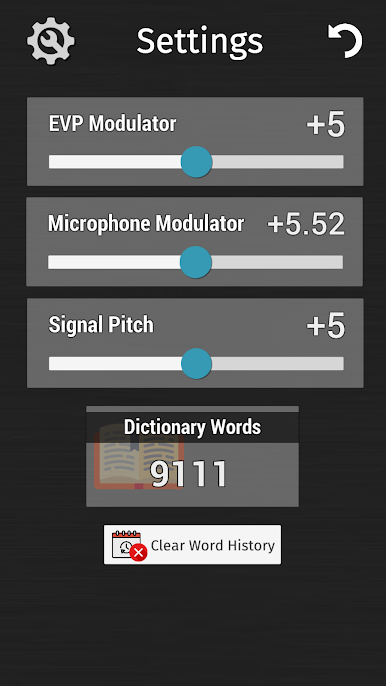
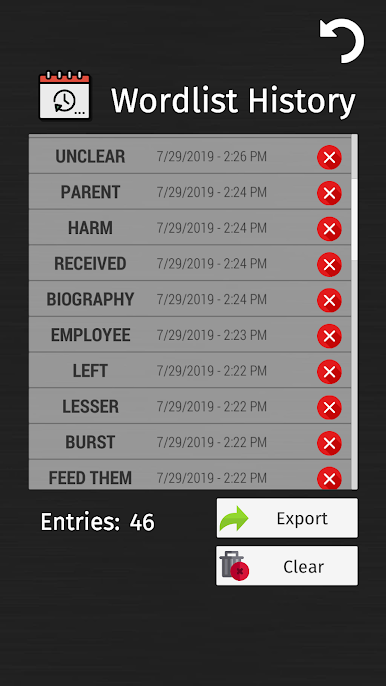
Word Analysis & Dictionary:
There’s a built-in, hefty dictionary that the app draws from as it “interprets” possible spirit messages. It randomly selects words based on the readings, making every hunt a little different. -
Easy-to-Follow History Graphs:
Track how the readings change over time with simple graphs shown right under the main numbers. It’s a handy way to see patterns and spot those odd moments when things suddenly spike. -
User-Friendly for Beginners & Pros:
The whole setup is no-fuss, letting newcomers get started right away, but still fun for those who already know their way around paranormal gadgets.
Ghost Hunting Tools (Simulation) works smoothly on Android phones and tablets—and, if you prefer a bigger screen, you can try it out using BlueStacks.
Big screen. Bigger performance. Use BlueStacks on your PC or Mac to run your favorite apps.

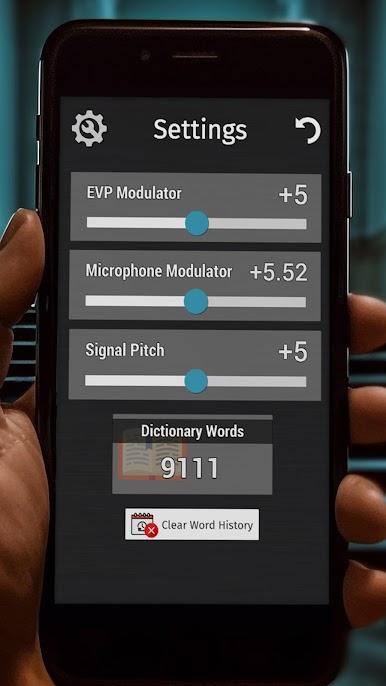
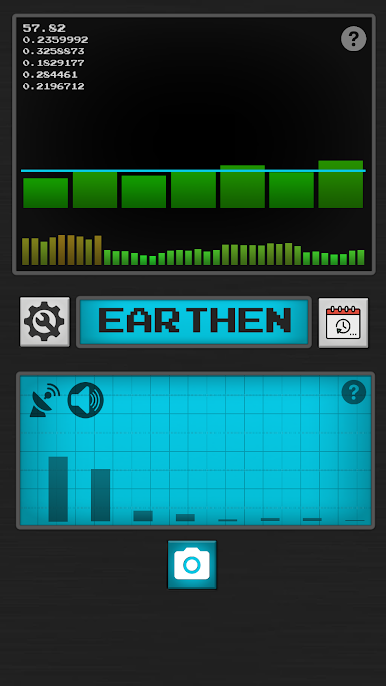
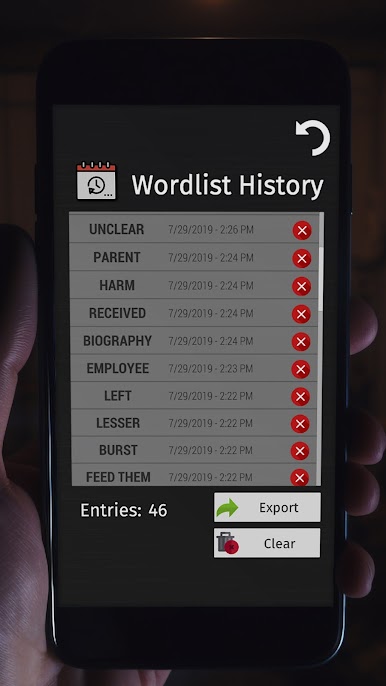
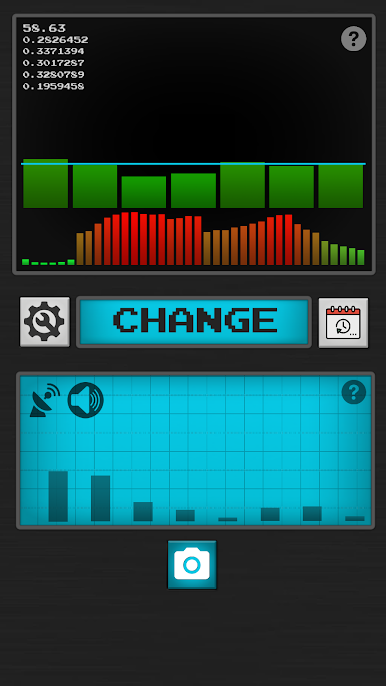
Chơi Ghost Hunting Tools App trên PC. Rất dễ để bắt đầu
-
Tải và cài đặt BlueStacks trên máy của bạn
-
Hoàn tất đăng nhập vào Google để đến PlayStore, hoặc thực hiện sau
-
Tìm Ghost Hunting Tools App trên thanh tìm kiếm ở góc phải màn hình
-
Nhấn vào để cài đặt Ghost Hunting Tools App trong danh sách kết quả tìm kiếm
-
Hoàn tất đăng nhập Google (nếu bạn chưa làm bước 2) để cài đặt Ghost Hunting Tools App
-
Nhấn vào icon Ghost Hunting Tools App tại màn hình chính để bắt đầu chơi

