


WeMod Pro Remote
Chơi trên PC với BlueStacks - Nền tảng chơi game Android, được hơn 500 triệu game thủ tin tưởng.

Trang đã được sửa đổi vào: Nov 12, 2025
Run WeMod Pro Remote on PC or Mac
What’s better than using WeMod Pro Remote by WeMod? Well, try it on a big screen, on your PC or Mac, with BlueStacks to see the difference.
About the App
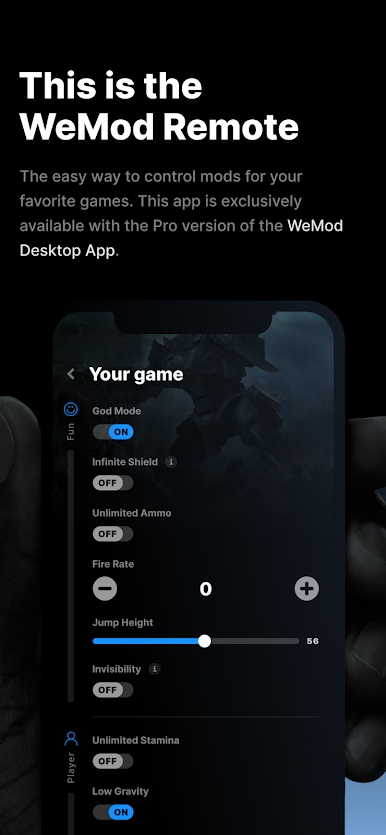
Ever wish you could tweak your PC game mods without getting up or trying to remember complicated keyboard shortcuts? WeMod Pro Remote, from WeMod, was built just for that. This handy tool gives you quick, smooth access to your favorite mods for PC games—all from your phone. It’s all about making your gaming setup feel way more effortless. So if you want a super simple way to stay in control of your mods while you play, you’re in the right spot.
App Features
-
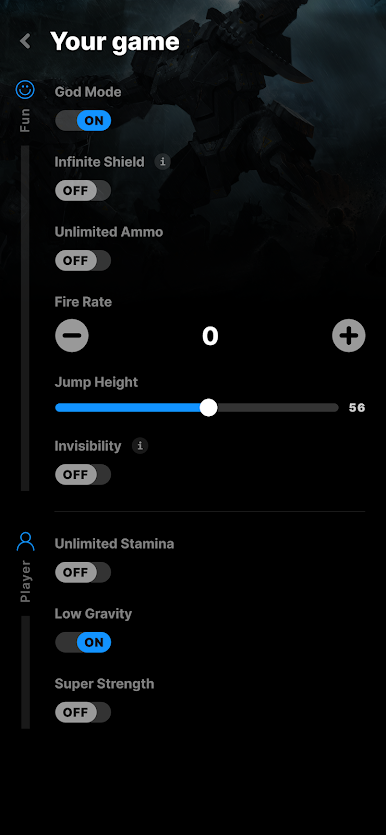
One-Tap Mod Control
No more fumbling with messy hotkeys. Just tap your phone screen to activate or deactivate mods for your games, whenever you want. -
Customizable Sliders and Buttons
Adjust everything on the fly. Play with sliders, toggles, and combo-boxes to fine-tune mods exactly the way you like—no need to memorize any codes. -
Seamless Desktop Connection
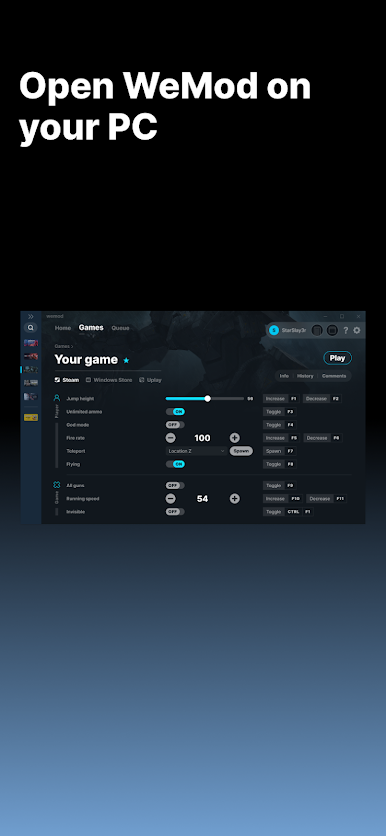
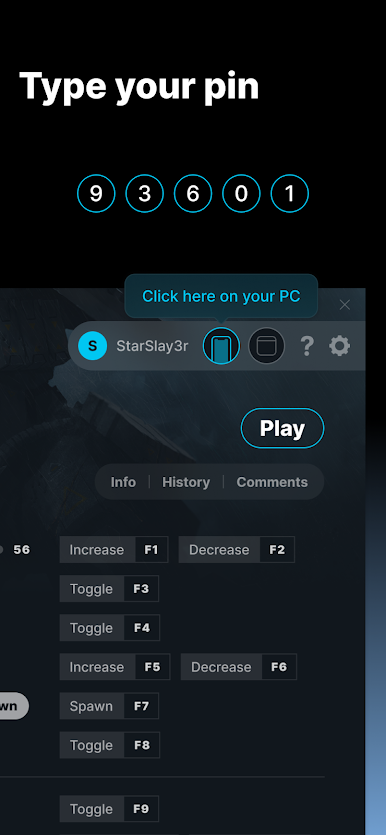
The app connects directly to your WeMod desktop app, so you can jump right in—no headaches, just easy syncing. Especially if you’re running things through BlueStacks, managing mods is a breeze. -
Designed for WeMod Pro Users
If you’re already a WeMod Pro subscriber, this app adds that perfect remote extension to your setup. Just sign in, link it, and you’re good to go. -
Stay Comfortable While Gaming
Make changes without pausing your game or leaving your chair. Keep your focus on the action, not on memorizing shortcuts or tabbing out.
BlueStacks gives you the much-needed freedom to experience your favorite apps on a bigger screen. Get it now.
Chơi WeMod Pro Remote trên PC. Rất dễ để bắt đầu
-
Tải và cài đặt BlueStacks trên máy của bạn
-
Hoàn tất đăng nhập vào Google để đến PlayStore, hoặc thực hiện sau
-
Tìm WeMod Pro Remote trên thanh tìm kiếm ở góc phải màn hình
-
Nhấn vào để cài đặt WeMod Pro Remote trong danh sách kết quả tìm kiếm
-
Hoàn tất đăng nhập Google (nếu bạn chưa làm bước 2) để cài đặt WeMod Pro Remote
-
Nhấn vào icon WeMod Pro Remote tại màn hình chính để bắt đầu chơi

