


Sensors Multitool
5억명 이상의 게이머가 신뢰하는 안드로이드 게임 플랫폼 BlueStacks으로 PC에서 플레이하세요.

Run Sensors Multitool on PC or Mac
Why limit yourself to your small screen on the phone? Run Sensors Multitool, an app by Wered Software, best experienced on your PC or Mac with BlueStacks, the world’s #1 Android emulator.
About the App
Sensors Multitool is your go-to toolkit for checking out everything that’s happening with your phone’s sensors in real time. Ever wondered what your phone’s sensors are picking up, how strong your WiFi really is, or where exactly you are via GPS? This app pulls all that info into one spot, shows you what’s going on under the hood, and makes it easy to follow—no techie degree required.
App Features
-
Sensor Dashboard
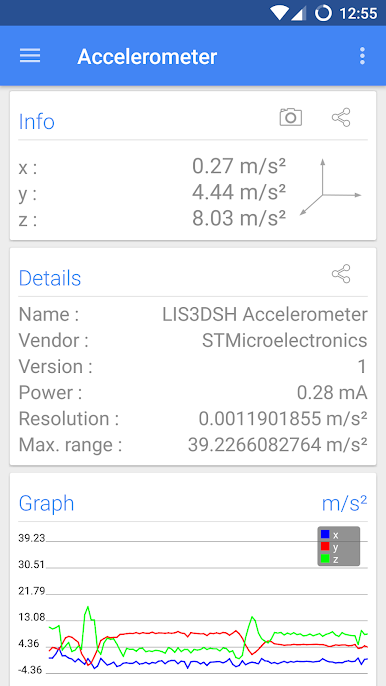
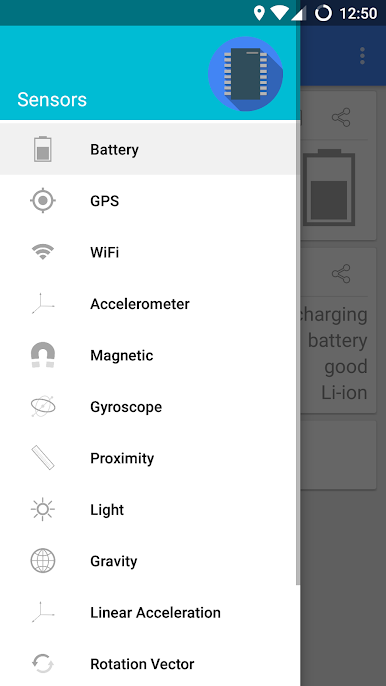
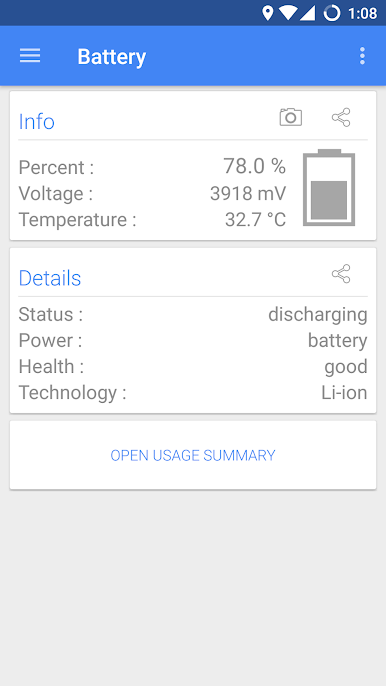
Tap in and get a snapshot of all the sensors your phone has. Whether it’s the accelerometer, gyroscope, light sensor, or more, Sensors Multitool lays it all out in a way that actually makes sense. -
Live Data with Real-Time Graphs
Boring numbers? Nope—watch the sensor data come to life with live graphs. You’ll see changes as they happen, which is surprisingly satisfying and a little addicting. -
WiFi Info at a Glance
Not sure what’s going on with your connection? Sensors Multitool digs up details about the WiFi you’re using—signal strength, network data, all that good stuff—so you know exactly what to blame next time your video lags. -
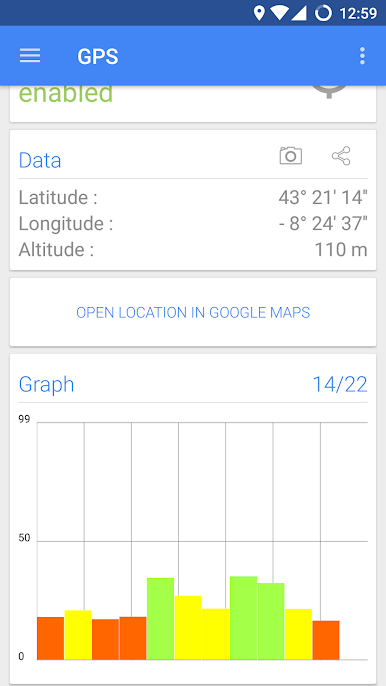
GPS Position and Altitude Tracking
Lost or just curious where you stand? Check out your location, altitude, and even what the satellites overhead are up to—all straight from the app. -
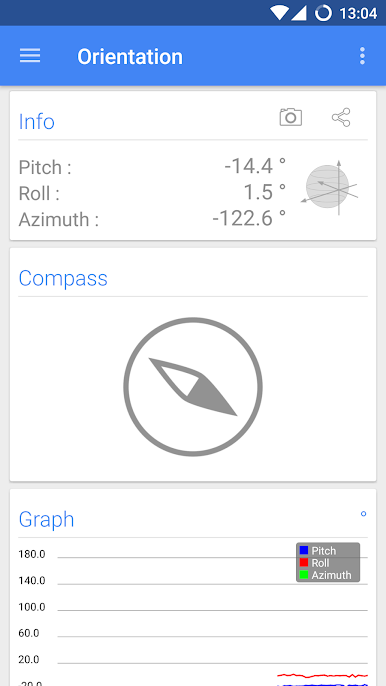
Extras Like Compass & Metal Detector
Need a quick compass or want to see if there’s something metallic nearby? There are tools for that, too. -
Easy Interface
No weird menus or clutter—just straightforward screens and intuitive visuals. Everything’s right where you expect, even if you’re poking around on BlueStacks.
Eager to take your app experience to the next level? Start right away by downloading BlueStacks on your PC or Mac.
PC에서 Sensors Multitool 플레이해보세요.
-
BlueStacks 다운로드하고 설치
-
Google Play 스토어에 로그인 하기(나중에 진행가능)
-
오른쪽 상단 코너에 Sensors Multitool 검색
-
검색 결과 중 Sensors Multitool 선택하여 설치
-
구글 로그인 진행(만약 2단계를 지나갔을 경우) 후 Sensors Multitool 설치
-
메인 홈화면에서 Sensors Multitool 선택하여 실행

