


Sensors Multitool
Chơi trên PC với BlueStacks - Nền tảng chơi game Android, được hơn 500 triệu game thủ tin tưởng.

Trang đã được sửa đổi vào: Jun 6, 2025
Run Sensors Multitool on PC or Mac
Why limit yourself to your small screen on the phone? Run Sensors Multitool, an app by Wered Software, best experienced on your PC or Mac with BlueStacks, the world’s #1 Android emulator.
About the App
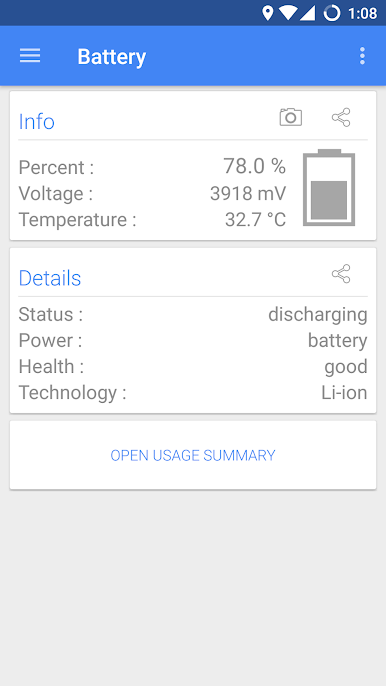
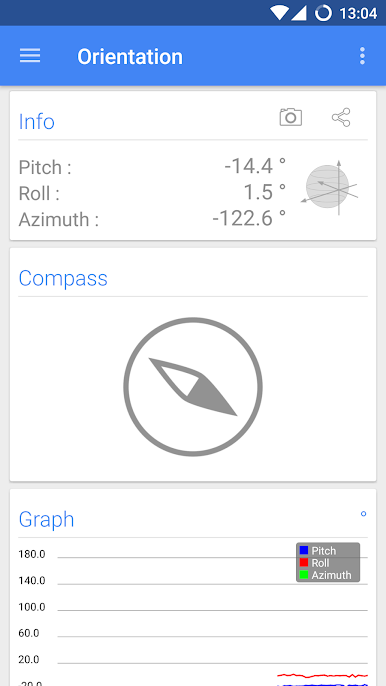
Sensors Multitool is your go-to toolkit for checking out everything that’s happening with your phone’s sensors in real time. Ever wondered what your phone’s sensors are picking up, how strong your WiFi really is, or where exactly you are via GPS? This app pulls all that info into one spot, shows you what’s going on under the hood, and makes it easy to follow—no techie degree required.
App Features
-
Sensor Dashboard
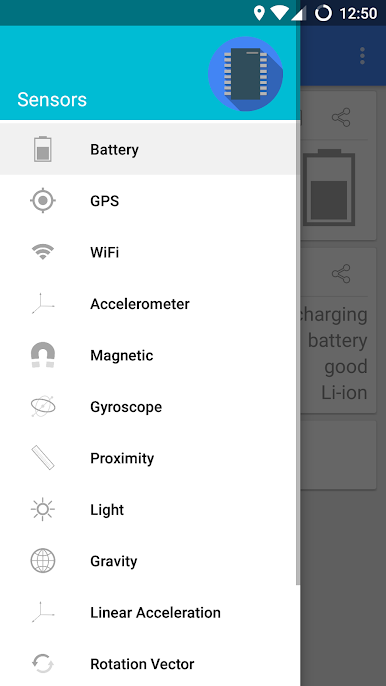
Tap in and get a snapshot of all the sensors your phone has. Whether it’s the accelerometer, gyroscope, light sensor, or more, Sensors Multitool lays it all out in a way that actually makes sense. -
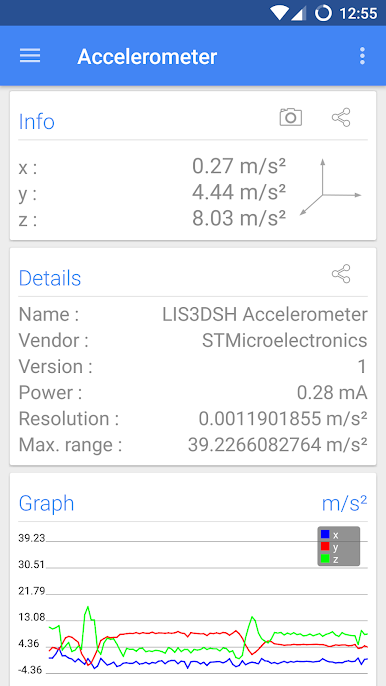
Live Data with Real-Time Graphs
Boring numbers? Nope—watch the sensor data come to life with live graphs. You’ll see changes as they happen, which is surprisingly satisfying and a little addicting. -
WiFi Info at a Glance
Not sure what’s going on with your connection? Sensors Multitool digs up details about the WiFi you’re using—signal strength, network data, all that good stuff—so you know exactly what to blame next time your video lags. -
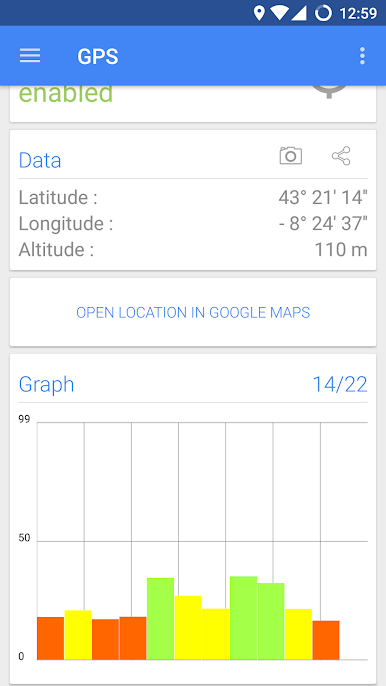
GPS Position and Altitude Tracking
Lost or just curious where you stand? Check out your location, altitude, and even what the satellites overhead are up to—all straight from the app. -
Extras Like Compass & Metal Detector
Need a quick compass or want to see if there’s something metallic nearby? There are tools for that, too. -
Easy Interface
No weird menus or clutter—just straightforward screens and intuitive visuals. Everything’s right where you expect, even if you’re poking around on BlueStacks.
Eager to take your app experience to the next level? Start right away by downloading BlueStacks on your PC or Mac.
Chơi Sensors Multitool trên PC. Rất dễ để bắt đầu
-
Tải và cài đặt BlueStacks trên máy của bạn
-
Hoàn tất đăng nhập vào Google để đến PlayStore, hoặc thực hiện sau
-
Tìm Sensors Multitool trên thanh tìm kiếm ở góc phải màn hình
-
Nhấn vào để cài đặt Sensors Multitool trong danh sách kết quả tìm kiếm
-
Hoàn tất đăng nhập Google (nếu bạn chưa làm bước 2) để cài đặt Sensors Multitool
-
Nhấn vào icon Sensors Multitool tại màn hình chính để bắt đầu chơi

